Arcade Management App helps arcade owners and floor staff keep machines organized, track issues, and stay on top of day-to-day upkeep across the game room. Use it to browse a machine list, open a machine detail view, and log incidents with a simple Report Issue action so problems don’t get missed during busy hours. It’s a practical fit for family entertainment centers, mall arcades, barcades, and pop-up game zones that need a clear way to monitor machines, reduce downtime, and keep the customer experience consistent.
With Jotform, you can turn this idea into a branded, mobile-friendly experience using App Templates and a no-code app builder. Customize pages with a drag-and-drop interface, connect the app to forms for data collection, and keep incident records organized for follow-up and reporting. Share the app by link or QR code so staff can flag problems on the spot, and adjust the workflow as your arcade adds new machines, zones, or maintenance routines.
Related templates
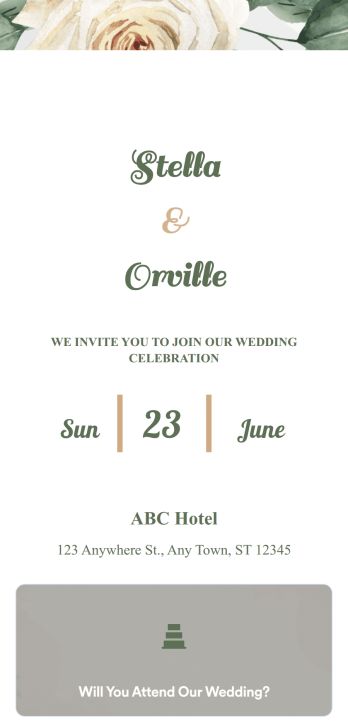
Wedding Invitation App
A wedding invitation app is used by event planners or people getting married to collect RSVPs for a wedding. If you’re looking for a quick and easy way to find out who will be attending your wedding, if they have dietary restrictions or other important information, this downloadable Wedding Invitation App is the way to go. Just share it to start collecting responses instantly on any device!Need to update the app design? Drag and drop to get the look you want — you can add more forms, change the app icon or background, or select new fonts or colors. And if you need to send RSVPs to your other accounts, do it automatically with 250+ free integrations you can connect right to your custom Wedding Invitation App.
Go to Category:Entertainment Apps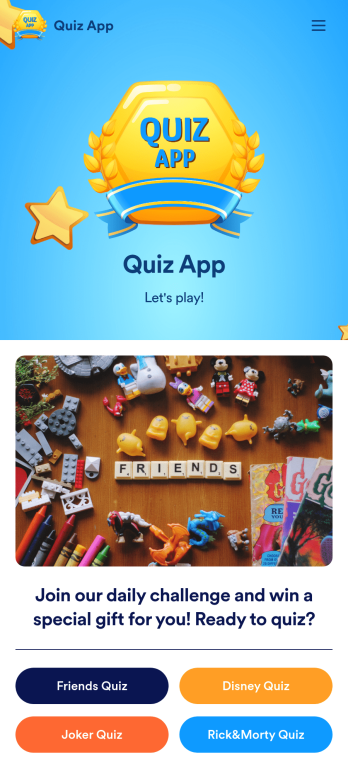
Quiz App
A quiz app lets you take quizzes and submit answers from any device. Whether you need a place to share quizzes for your classroom, office party, or friend group, get started with Jotform’s free Quiz App! This ready-to-use template includes four premade quizzes that you can fill out using any device and share with others. Using our drag-and-drop builder, you can create and add your own quizzes. All responses will be instantly synced to your secure and easily-accessible Jotform account for quick and easy scoring.Make this Quiz App your own in just a few clicks. All you need to do is drag and drop to build and add quizzes, upload tables to see results, embed links and documents, create new pages and buttons, upload photos and videos, and much more. When your app is ready to use, download it onto your favorite device and share it with others via the app link or by sending email invites. Take your online quizzes to the next level with a fully custom and engaging Quiz App that works anywhere.
Go to Category:Education Apps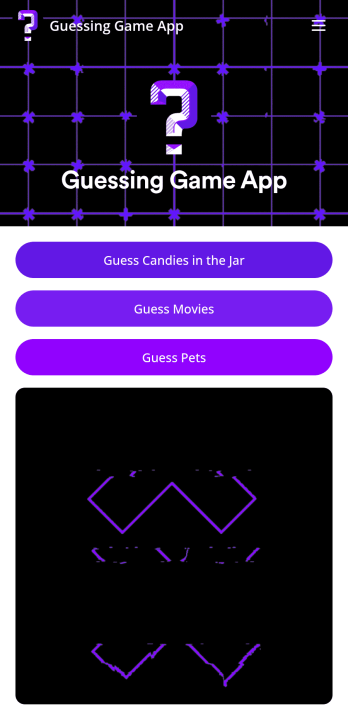
Customizable Guessing Game App
A guessing game app lets you run guessing games — such as movie guessing games, pet guessing games, or guessing how many candies are in a jar — from any mobile device. With Jotform’s free Guessing Game App, you can use built-in guessing games or customize them to make them your own. Then share your app with a link for others to download onto their own devices and play instantly!Make changes to this app template by adding more guessing games, personalizing existing ones, or adding images, links, documents, forms, and more. All changes with our drag-and-drop form builder require zero coding, so you can make your own app in minutes. Once your app is ready to go, share it for others to download onto their computer, tablet, or smartphone — including both iOS and Android devices.
Go to Category:Entertainment Apps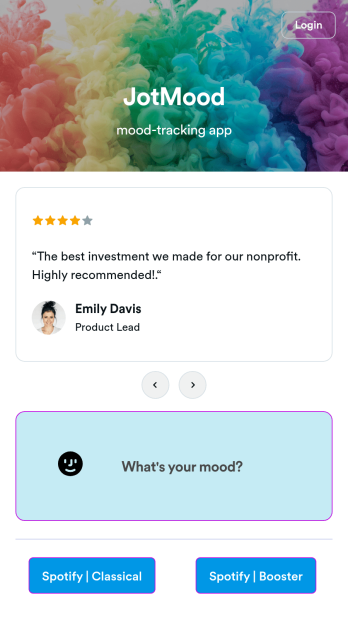
Mood Tracker App
Tracking your mood is a great way to learn how to manage your emotions and understand triggers. Start tracking your moods or help patients track theirs with our free Mood Tracker App you can customize in just a few clicks! This ready-to-use app provides a single place for users to add their moods through a form and view all their submissions at once in order to see any recurring patterns. You can use this app yourself, or share it with patients to help them monitor their progress in therapy.Want to customize your Mood Tracker App? With our drag-and-drop interface, you can create and add more forms to your app and even change its icon, name, splash screen, and background. Feel free to upload images, include links, update the text, and more. You’ll be able to access and download your app from any smartphone, tablet, or desktop. Make it easier to keep track of how you’re feeling with a custom Mood Tracker App you can easily use from any device.
Go to Category:Entertainment Apps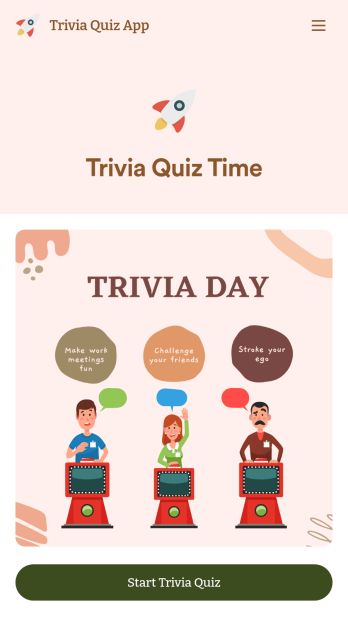
Trivia Quiz App
Create a fun trivia quiz app for your coworkers, students, or friends. Using this ready-made Trivia Quiz App, you can quickly add your quiz and share the app to be downloaded onto any iOS or Android device. Then the people who download your app can complete the quiz no matter where they are, sending you their results instantly upon completion.Customize this Trivia Quiz App with our drag-and-drop builder. Add or remove questions, upload images, add fun form widgets, change the app’s background image or icon, and make other changes in seconds with no coding knowledge needed. Enjoy a quick, easy way to create your own custom Trivia Quiz App with Jotform.
Go to Category:Entertainment Apps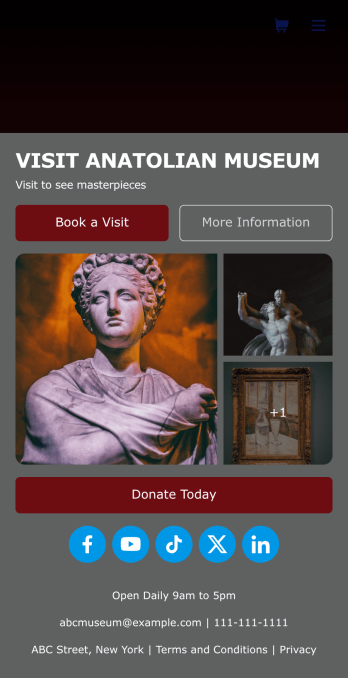
Museum App
A museum app makes it easier for visitors or members to book visits, submit donations, and more. Whether you manage a natural history museum, science center, or art gallery, make a mobile app for your museum with Jotform’s free Museum App. This customizable app template includes a homepage with a booking form and donation form, as well as menu pages containing exhibit details and FAQs. Visitors can easily download the app onto their computer or mobile device, so they can schedule their visits, pay for tickets, give donations, and submit feedback no matter where they are.Customize this Museum App for your museum or gallery in just a few clicks. With Jotform’s drag-and-drop builder, you won’t need to do any coding to add or remove forms, update text and images, upload logos, and include other app elements such as links, documents, or tables. Once your app is ready to use, share it on your museum website or social media accounts for visitors to save onto their own devices. With a fully-custom Museum App, you’ll make it easier for visitors to plan their next visit, helping to increase museum attendance!
Go to Category:Booking Apps