
The Controlled Substance Inventory App is a ready-to-use app template for healthcare facilities, pharmacies, veterinary practices, research sites, and other authorized teams that need a centralized view of sensitive inventory. Staff can add inventory records, log quantity changes, and report discrepancies between expected and observed stock. Each substance record can display the quantity on hand, storage location, and expiration date, giving designated personnel a clearer picture of current supplies. Transaction references and observation dates also help teams investigate variances, prepare for internal reviews, reduce manual recordkeeping, and maintain consistent inventory procedures across locations or shifts.
Jotform makes this app template easy to adapt with a no-code app builder and an intuitive drag-and-drop interface. Organizations can tailor pages, wording, navigation, and branding, then connect forms, tables, notifications, approvals, and other workflow steps as their processes evolve. The app can be shared by direct link or QR code for convenient mobile access, helping approved team members enter data and find inventory information from one organized destination. Start with one of Jotform’s App Templates, customize the experience around your operation, and publish a practical self-service resource without writing code.
Related templates
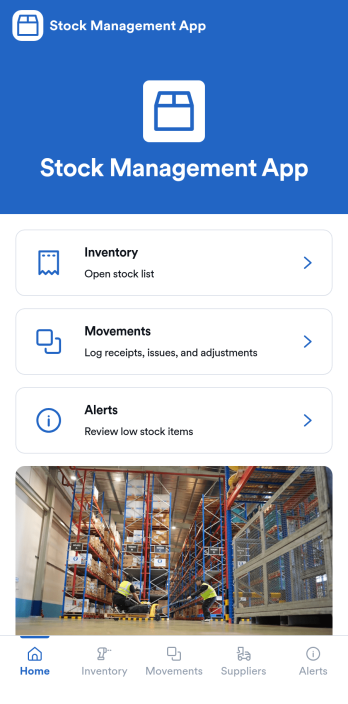
Stock Management App
Stock Management App helps teams track inventory levels, record stock movements, and follow up on low-stock alerts without juggling spreadsheets. It’s a practical fit for retailers, warehouses, small manufacturers, clinics with supply rooms, and field service businesses that need quick visibility into what’s on hand and what’s running out. With dedicated areas for inventory, movements, and alerts, staff can log updates as items are received, used, returned, or adjusted, so everyone works from the same source of truth.Built with Jotform, this app template pairs a mobile-friendly interface with organized navigation and connected data collection. You can add new items, record movements through linked forms, and keep supplier information alongside your inventory records, then share the app as a self-service tool for your team. Using Jotform’s no-code app builder and drag-and-drop interface, it’s easy to adapt the layout, fields, and workflow to match your stock process across one location or multiple sites.
Go to Category:Inventory Apps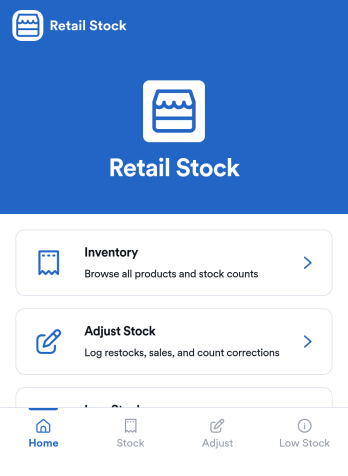
Retail Stock App
Retail Stock App helps stores track inventory levels, record stock coming in, and stay on top of low-quantity items before they become lost sales. It’s a practical fit for shop owners, floor managers, and back-office teams handling multiple SKUs, seasonal products, or fast-moving items who need a simple place to review what’s on hand and what needs attention. With dedicated areas for inventory browsing, stock-in logging, and low-stock review, the app supports day-to-day stock control without relying on scattered notes or disconnected spreadsheets.Jotform makes it easy to build and publish App Templates like this one with a no-code app builder and a drag-and-drop interface that adapts to your workflow. Connect the app to forms and tables to support ongoing data collection, keep a clear record of stock movements, and create a self-service experience for staff who need quick access on the sales floor or in the stockroom. As your operation grows, you can adjust pages, add new steps, and route updates to the right people, all in one Jotform workflow.
Go to Category:Inventory Apps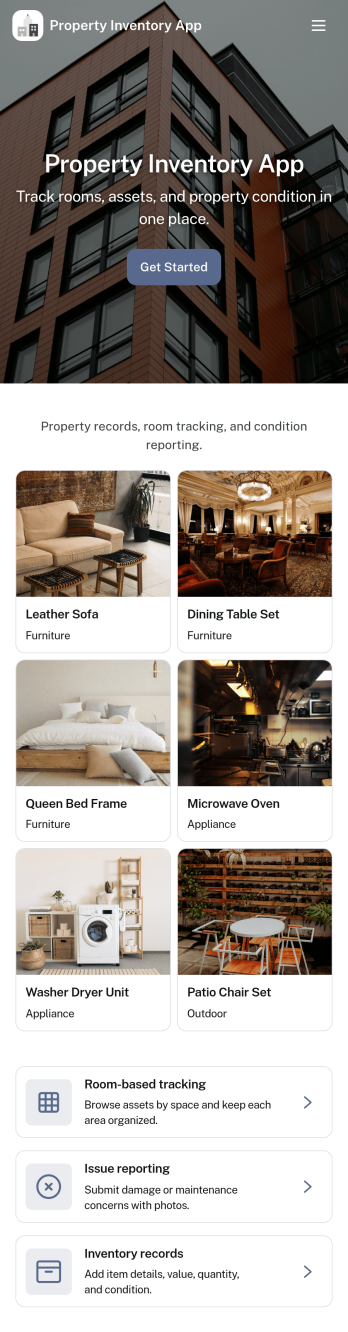
Property Inventory App
Property Inventory App helps you keep a clear, room-by-room record of what’s inside a home, unit, or managed property. Use it to add inventory items with key details, browse rooms to see tracked items at a glance, and flag issues when something is damaged, missing, or needs attention. It’s a practical fit for landlords, property managers, short-term rental hosts, housing providers, and inspection teams who want consistent documentation for turnovers, maintenance follow-ups, and ongoing asset tracking.With Jotform App Templates, you can launch a mobile-friendly inventory experience and tailor it to how your properties operate. Use Jotform’s no-code app builder and drag-and-drop interface to adjust pages, refine data collection fields, and connect the app to your existing workflow, so updates stay organized and easy to share with staff or stakeholders when needed.
Go to Category:Inventory Apps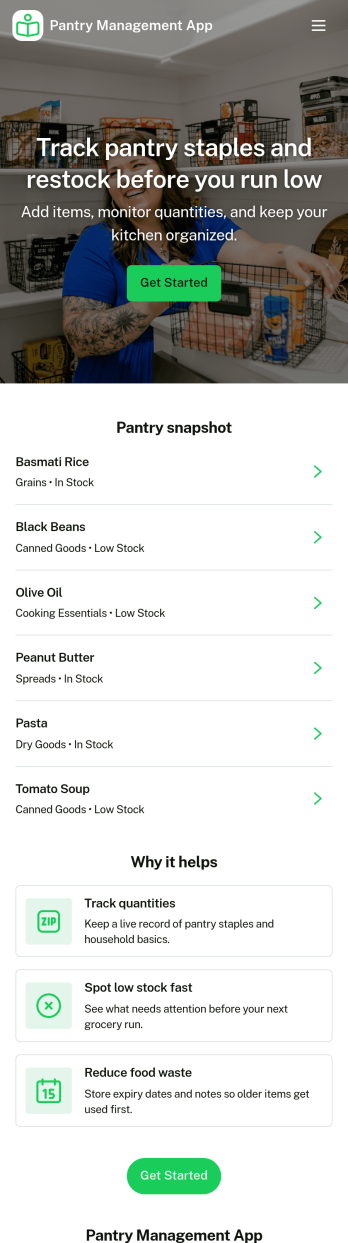
Pantry Management App
Pantry Management App helps households, shared kitchens, and small teams keep track of what’s on hand so restocking is timely and waste is reduced. Use it to review pantry stock at a glance, add new items as they come in, and open a simple review area to double-check what needs attention before the next grocery run. It’s a practical fit for families, roommates, meal-prep enthusiasts, and community kitchens that want one place to browse items and maintain consistency.With Jotform, you can publish this app template and tailor it to your routine using a no-code app builder and a drag-and-drop interface. Connect the app to a form for reliable data collection, keep records organized for quick self-service browsing, and adjust pages and navigation so everyone knows where to view stock, add items, and review updates. Share the app with a link or QR code to make pantry upkeep easier for everyone involved.
Go to Category:Inventory Apps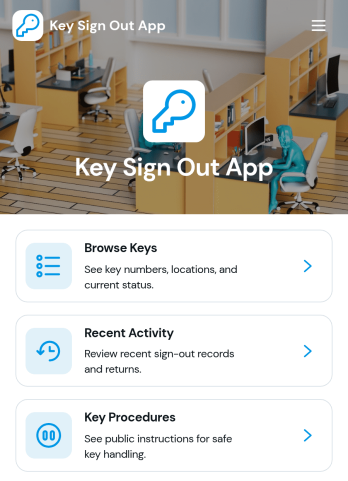
Key Sign Out App
The Key Sign Out App is an app template for recording who has borrowed a key, when it was checked out, and when it was returned. It gives facilities teams, office administrators, property managers, schools, hospitality businesses, warehouses, and service departments a central place to oversee shared keys. Users can browse available keys and review their locations and current status before signing one out. They can also record returns and check recent activity, helping teams maintain clear custody records, resolve questions about missing keys, and replace paper logs or scattered messages. Built-in procedure access can reinforce consistent handoff practices for employees, contractors, and other authorized borrowers.Jotform makes this Key Sign Out App easy to adapt without writing code. Use the no-code app builder and drag-and-drop interface to adjust pages, navigation, colors, fonts, and branding for your organization. You can connect forms and tables to support data collection, organize key records, and create a workflow that fits daily operations. As one of Jotform’s customizable App Templates, it can be shared through a direct link or QR code for convenient mobile access. Teams can publish a polished self-service experience that keeps sign-outs, returns, status checks, procedures, and activity records accessible from one location.
Go to Category:Logbook Apps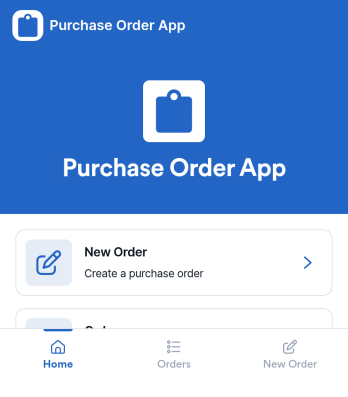
Purchase Order App
Purchase Order App gives teams a simple place to create new purchase orders, review recent orders, and route requests for approval without juggling spreadsheets or scattered email threads. It works well for office managers, operations teams, procurement coordinators, and department leads who need consistent purchasing records and a clear handoff between requesters and approvers. With dedicated areas for starting a new order, browsing recent activity, and checking approvals, the app supports day-to-day purchasing for supplies, services, and internal needs across one or multiple locations.Jotform helps you turn this workflow into a shareable, self-service experience using App Templates and a no-code app builder. Customize the pages with a drag-and-drop interface, connect the app to the included form for data collection, and keep order information organized for quick viewing. You can publish the Purchase Order App as a link for your team, update content as your process evolves, and build a smoother workflow from request to approval using Jotform.
Go to Category:Finance & Accounting Portal Apps