
The Degree Progress Tracking App is an app template for students, academic advisors, faculty members, and education teams that need a clear view of progress toward graduation. Users can browse degree requirements, review course progress, record updates, and consult completion insights from one organized experience. It helps students understand completed credits and remaining requirements while giving advisors a practical reference for planning conversations. Colleges, universities, training programs, and advising offices can use it to support semester planning, identify missing coursework, and reduce uncertainty around academic milestones.
Jotform makes this template easy to adapt with a no-code app builder and an intuitive drag-and-drop interface. Education teams can customize pages, branding, navigation, and connected forms without programming, then organize data collection and workflow steps around their advising process. The app can be shared through a direct link or QR code for convenient mobile access, helping students review information and submit progress updates wherever they are. With flexible App Templates from Jotform, institutions can create a more consistent self-service resource while keeping degree planning information accessible in one place.
Related templates
Study Tracker App
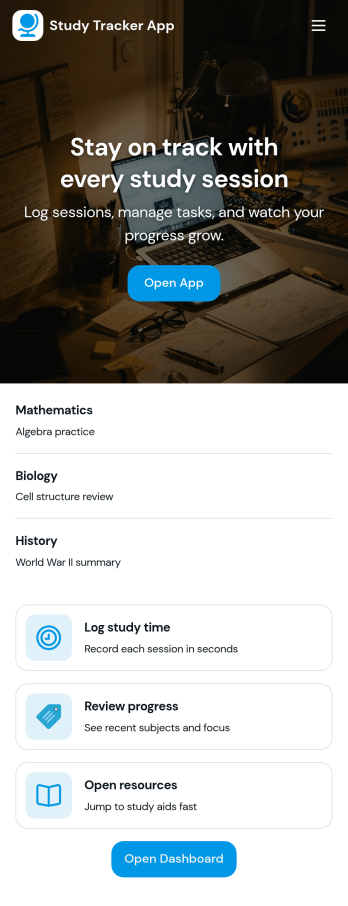
Study Tracker App helps students and lifelong learners build consistent study habits by logging study time, organizing sessions by subject, and keeping a clear view of progress over time. Use it to record each session with quick add buttons, revisit your top focus areas, and review what you covered across different topics. It’s a practical fit for high school and college students, exam takers, tutors, and study groups who want a simple way to track effort, spot patterns, and stay accountable without juggling multiple tools.Jotform makes it easy to turn this Study Tracker App into a personalized self-service experience using its no-code app builder and drag-and-drop interface. Connect your session logging form to your data collection workflow, present entries in clean lists and cards, and share the app with a link so it’s always available on any device. You can also tailor pages for progress review and study resources, helping you keep tracking and reference materials in one place with Jotform App Templates.
Go to Category:Education Apps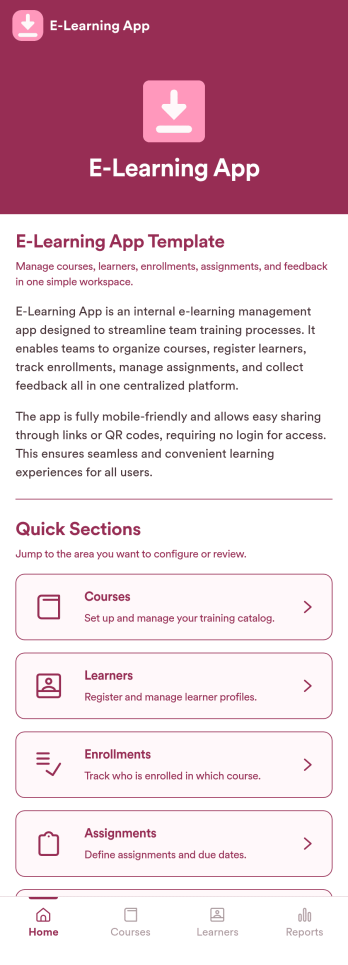
E-Learning App
E-Learning App is an app template designed to foster the creation and management of online learning experiences, specifically tailored for educators, training providers, schools, and organizations. It provides a structured platform for the seamless delivery of educational content and training programs, creating a centralized hub for learning materials, assignments, quizzes, and discussions. The integrated data collection feature ensures the capture of vital learner data, such as enrollment details, progress tracking, and feedback, making it a comprehensive solution for educational and training workflows. It is commonly used for distance learning, corporate training, and continual professional development programs, and is best suited for those needing a ready-to-use, robust platform for delivering a streamlined e-learning experience.Jotform’s intuitive, no-code app builder makes customizing your E-Learning App a breeze. Personalize the app to align with your organizational branding: swap out forms, choose fonts and colors, and upload your logo without a single line of code. Its cross-platform compatibility allows your learners to access the app on any smartphone, tablet, or desktop, ensuring a consistent learning experience across different devices. With the added convenience of electronic signature collection, authentication of important documents such as consent forms and agreements becomes effortless. Take advantage of Jotform's seamless integration with Sheets for easy management and visualization of collected data, and generate comprehensive reports to track learner progress and course effectiveness. With Jotform, managing your online learning program becomes an easy, efficient, and rewarding process.
Go to Category:Activity Tracking Apps
Camp Registration App
Camp Registration App is a ready to use app template designed to provide a systematic and efficient solution for camp organizers, youth program directors, schools, and community organizations seeking to streamline their camp registration process. The app takes the heavy lifting out of data collection, allowing administrators to effortlessly capture essential details such as participant information, schedule preferences, and electronic signatures. With this app, you can ensure a complete, coherent and organized tracking of participants, schedules, and related administrative processes - a clear upgrade from traditional, ad-hoc methods, which can often be inconsistent and time-consuming. The Camp Registration App is best suited for those who handle large amounts of participant registrations, particularly camp organizers and youth program directors who value clarity and consistency in their administrative workflows.Jotform's Camp Registration App emphasizes ease of use and customization, allowing you to tailor the app to your specific needs without requiring any coding skills. The intuitive drag-and-drop interface makes it simple to modify forms, add new sections or adjust the layout to perfectly fit your operational workflow. Furthermore, the app can effortlessly gather e-signatures, making it an invaluable asset in collecting consent and other necessary documents. The app also provides a centralized location to store all participant data, schedules, and reports, offering an efficient way to manage and organize your camp operations. With Jotform's Camp Registration App, you can effortlessly streamline your camp registration process, saving valuable time and resources.
Go to Category:Appointment & Booking Apps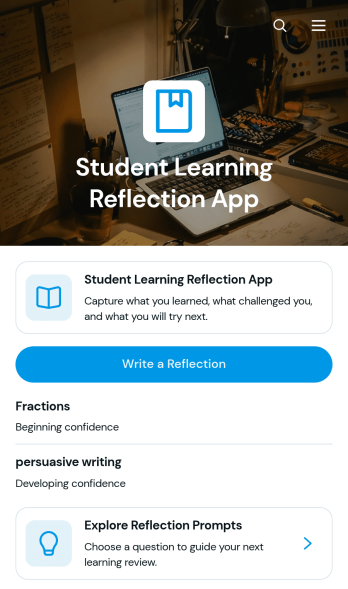
Student Learning Reflection App
The Student Learning Reflection App helps learners document what they studied, consider what challenged them, and identify a practical next step after a lesson or activity. It is useful for students, teachers, tutors, training providers, and educational programs that want to make reflection a consistent part of learning. Students can write reflections, explore prompts, and review entries organized by learning topic. Key details such as confidence and study format provide added context without making the process burdensome. The app works well for classroom lessons, independent study, tutoring sessions, project reviews, course checkpoints, and skill-development programs.Jotform makes this app template easy to adapt with a no-code app builder and an intuitive drag-and-drop interface. Educators can adjust pages, prompts, visual elements, and navigation to match a subject, grade level, or teaching approach. Connected forms and tables support data collection and keep reflection records organized within a practical workflow. Once customized, the app can be shared by direct link or QR code for convenient mobile access. Jotform App Templates also help schools and learning teams create branded self-service experiences that bring reflection activities and useful resources together in one accessible place.
Go to Category:Education Apps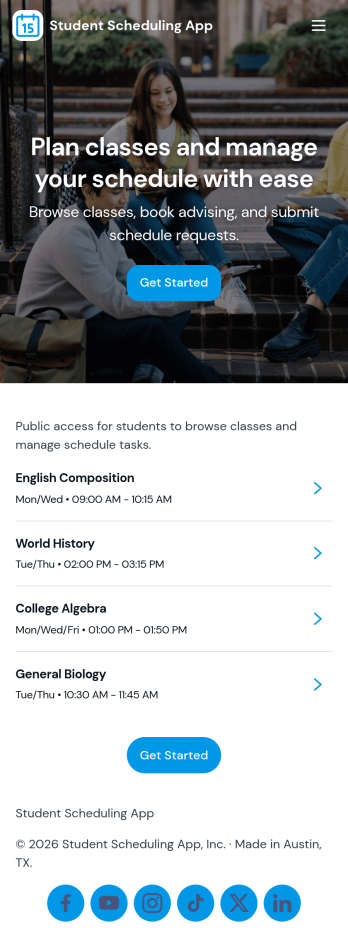
Student Scheduling App
A student scheduling app gives students and staff one place to request, book, and review academic support sessions without confusion about timing or availability. This template fits tutoring centers, advising offices, student success teams, and instructors who need a simple way to route session requests and keep daily plans visible. With quick access to book a session, view today’s schedule, and check my requests, it supports self-service scheduling while keeping requests organized for follow-up.Jotform makes it easy to publish this experience as a shareable app using a no-code app builder and a drag-and-drop interface. Connect the app to your Jotform form and linked data so students can send requests, staff can track updates in real time, and everyone can navigate schedules from any device. As your workflow changes, you can adjust pages, buttons, and lists in minutes, then share the updated app instantly with a link or QR code.
Go to Category:Scheduling Apps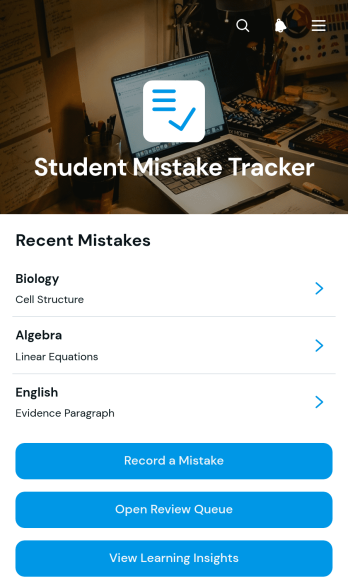
Student Mistake Tracker App
The Student Mistake Tracker App is an app template that helps students record academic errors, review corrections, and recognize learning patterns over time. It gives learners quick access to mistake recording, a review queue, and learning insights while keeping details organized by subject. Students can use it after homework, quizzes, practice tests, tutoring sessions, or independent study to turn incorrect answers into useful study material. Teachers, tutors, academic coaches, and families can also use the app to support reflection, plan targeted practice, and monitor whether previously identified concepts have been reviewed.With Jotform Apps, you can adapt this Student Mistake Tracker App without writing code. The no-code app builder and drag-and-drop interface make it easy to adjust pages, navigation, colors, typography, and content for a class, tutoring program, or personal study routine. Connect forms and tables to support data collection, organize each review workflow, and keep resources available through a mobile-friendly self-service experience. Jotform App Templates can be published and shared by direct link or QR code, helping learners maintain a consistent review habit wherever they study.
Go to Category:Student Planner Apps