
The Driver Roster App is a central workspace for dispatchers, fleet coordinators, transportation companies, delivery teams, and other organizations that manage active drivers. It brings driver records, availability updates, assignment planning, and operational reports into one accessible experience. Coordinators can maintain driver details such as contact information, license records, home base, and roster status while reviewing shift availability before creating route assignments. This reduces scheduling conflicts, makes staffing gaps easier to identify, and gives operations teams a clearer view of who is ready for each route, date, or service area.
Jotform makes this app template easy to adapt without writing code. Use the drag-and-drop app builder to adjust pages, navigation, buttons, colors, and branding, then connect forms and tables to support data collection and daily workflows. Teams can organize roster activity in a mobile-friendly format, receive updates through connected processes, and offer drivers convenient self-service access for recording availability. Like other Jotform App Templates, the Driver Roster App can be published through a direct link or QR code, helping office and field teams work from the same current information.
Related templates
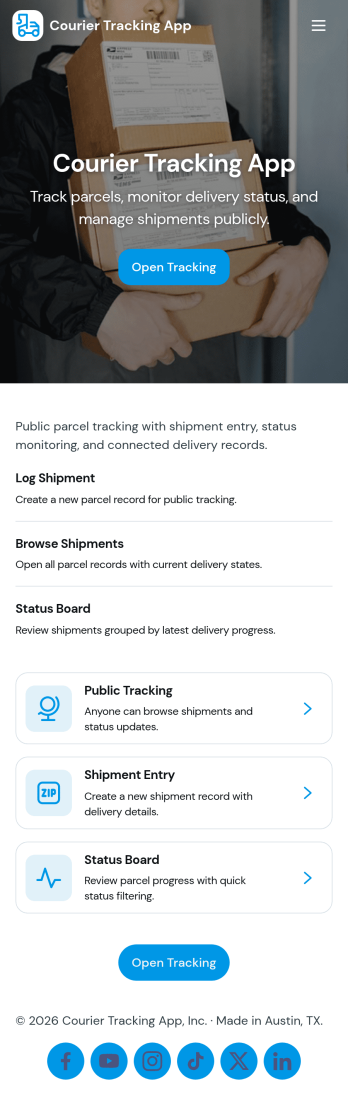
Courier Tracking App
Courier Tracking App helps delivery teams and customer support keep shipments visible from pickup to drop-off. Give customers a simple place to track a shipment by tracking number, browse existing shipments, and view key details in a shipment page without hunting through messages. It also supports day-to-day operations by letting couriers or dispatchers submit status updates in one consistent flow, so everyone stays aligned when routes change, packages are delayed, or proof-of-progress needs to be recorded.Jotform makes it easy to turn this courier tracking app template into a branded self-service experience using a no-code app builder and a drag-and-drop interface. Connect pages to your data collection workflows, organize shipment records in one place, and share the app through a link or QR code for quick access in the field. With Jotform, you can adjust what users see, standardize updates, and keep your delivery workflow moving without building a custom system from scratch.
Go to Category:Delivery Apps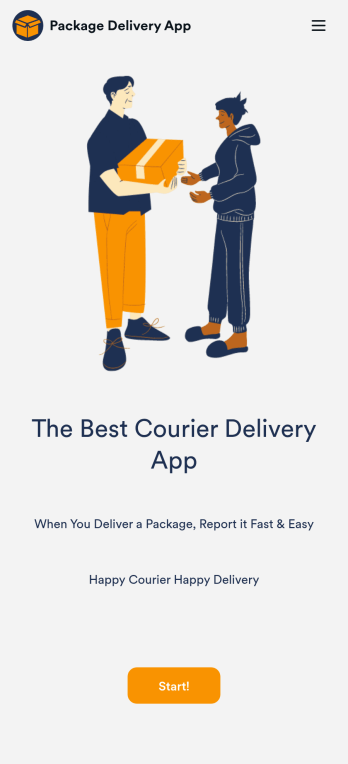
Courier Delivery App
A Courier Delivery App is used by delivery companies to record delivery statuses. With this Courier Delivery App, drivers can fill out the recipient name, reference number, delivery status, and item details, and include any additional notes. Drivers can sign off on deliveries at the bottom using a digital signature box. Delivery reports are stored securely in your account and can be accessed from any device. There is also a separate form for new driver applications, which you can view and manage through our Driver Application Tracking Sheet.It’s easy to customize this Courier Delivery App with our drag-and-drop interface. With just a couple of clicks, you can add or change forms, choose fonts and colors, upload your delivery company’s logo, update the app name, text, and splash page, and more — no coding required. Your app can be shared internally with a link and then downloaded by your drivers on any smartphone, tablet, or desktop. Never lose track of a package again with this Courier Delivery App!
Go to Category:Retail Apps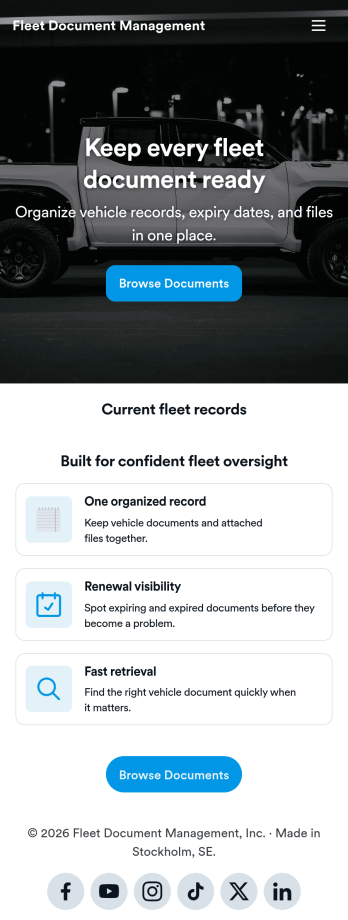
Fleet Document Management App
Fleet Document Management App helps teams organize, find, and share essential fleet paperwork in one place so drivers and operations staff can stay ready for day-to-day work. Use it to keep vehicle documents, policy references, and internal resources accessible when teams are on the road, at a yard, or handling a service stop. It fits transportation companies, delivery fleets, field service teams, and any organization that manages multiple vehicles and needs a simple way to keep documentation consistent.With Jotform, you can turn this app template into a branded, mobile-friendly document hub using a no-code app builder and a drag-and-drop interface. Publish updates quickly, control how information is presented, and support self-service access for employees or partners. As your workflow evolves, you can expand the app beyond a single page by connecting it to data collection and other processes inside Jotform.
Go to Category:Fleet Tracker Apps
Custom Logistics Management App
A logistics management app is used by logistic companies to log important company information. With this Logistics Management App from Jotform, managers can keep track of vehicles, drivers, and driver availability information. Drivers can download this app on their mobile devices to record trip information such as truck number, departure date, and total mileage using a Drivers Log Sheet. You can also manage driver job applicants from an easy-to-understand Driver Application Tracking Log.Making changes to this Logistics Management App is easy with Jotform’s no-code app builder. Simply drag and drop to add or change form elements, edit text fields and checklist items, choose fonts and colors, upload your company’s branding, and much more. Share your custom app with management and other drivers by sending email invites or the app link, where they can then download it on any device. Ditch the paperwork and use this Logistics Management App to keep digital records of all your vehicle and driver information.
Go to Category:Automotive Apps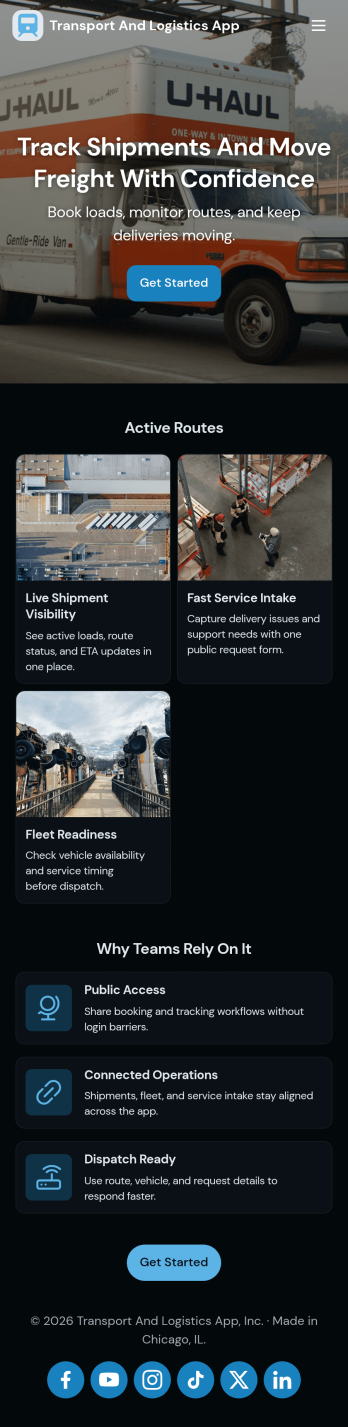
Transport and Logistics App
Transport and Logistics App brings shipment intake and dispatch coordination into one place for teams that move freight day to day. Use it to create new shipments, send requests into a shared workflow, and keep a simple dispatch view that helps operations stay on top of what needs to go out next. It fits trucking companies, delivery operators, freight brokers, and in-house logistics teams that manage multiple loads, drivers, and vehicles while trying to reduce missed details and scattered updates.Built with Jotform App Templates, this app template can be tailored in a no-code app builder with a drag-and-drop interface, so you can match the experience to how your team works. Connect the app to a shipment form for fast data collection, organize incoming records, and share a self-service link with staff who need to submit requests or review assigned work. As your workflow evolves, you can adjust pages, navigation, and connected processes without rebuilding from scratch.
Go to Category:Delivery Apps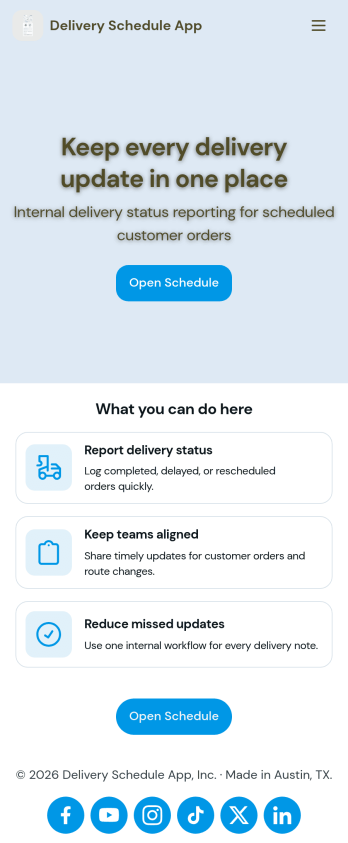
Delivery Schedule App
Keep track of customer delivery orders with your own custom Delivery Schedule App — made seamlessly with Jotform. Include helpful tools in your app like payment forms, calendar integrations, contact information, and more depending on your delivery service’s needs. Your company’s delivery drivers and carriers can easily report delivery status and keep everyone on the same page.Want your Delivery Schedule App to match your company branding? No problem! Simply use our drag-and-drop app builder to make changes like choosing fonts and colors you like, uploading branding logos and assets, changing your app’s icon and backsplash, and more! Ensure the completion of all your deliveries with this handy app from Jotform.
Go to Category:Delivery Apps