
Electrical Field Operations App gives electrical contractors, field technicians, supervisors, and facilities teams a central place to manage work performed at customer and project sites. Users can submit service requests, review site and urgency details, record inspections, complete safety checks, and document finished work with technician and completion information. It supports maintenance calls, installation follow-ups, fault investigations, routine inspections, and other field service scenarios where accurate records and clear handoffs matter. By keeping requests and work records accessible in one mobile-friendly experience, teams can improve visibility, reduce missing information, and maintain a reliable history of on-site activity.
Jotform Apps helps organizations turn processes like this into interactive experiences without writing code. Start with the Electrical Field Operations App template, then use the no-code app builder and drag-and-drop interface to adjust pages, navigation, branding, and connected forms. Jotform App Templates can link data collection with tables, notifications, approvals, and other workflow steps, helping office and field teams stay coordinated. Publish the app through a direct link, personalized URL, embedded experience, or QR code so technicians can access tasks and self-service resources from phones, tablets, or computers.
Related templates
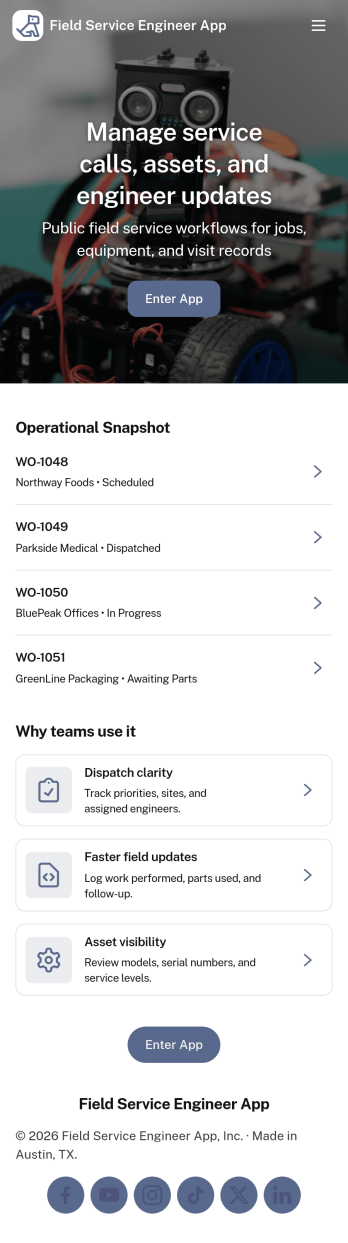
Field Service Engineer App
Field Service Engineer App helps field engineers manage daily site work by organizing today’s jobs, keeping work orders easy to browse, and providing a clear path to close out completed jobs. It’s a practical fit for service and maintenance teams, engineering contractors, and operations groups that need a simple way for technicians to check what’s next, open a job to review details, and finish work in the field without digging through messages or paperwork.With Jotform, you can turn this app template into a branded, self-service experience for your team using a no-code app builder and a drag-and-drop interface. Connect job closeout to a form for consistent data collection, keep work order records organized, and refine the workflow as your processes evolve, then share the app with a link or QR code so engineers can access it on any device.
Go to Category:Engineering Apps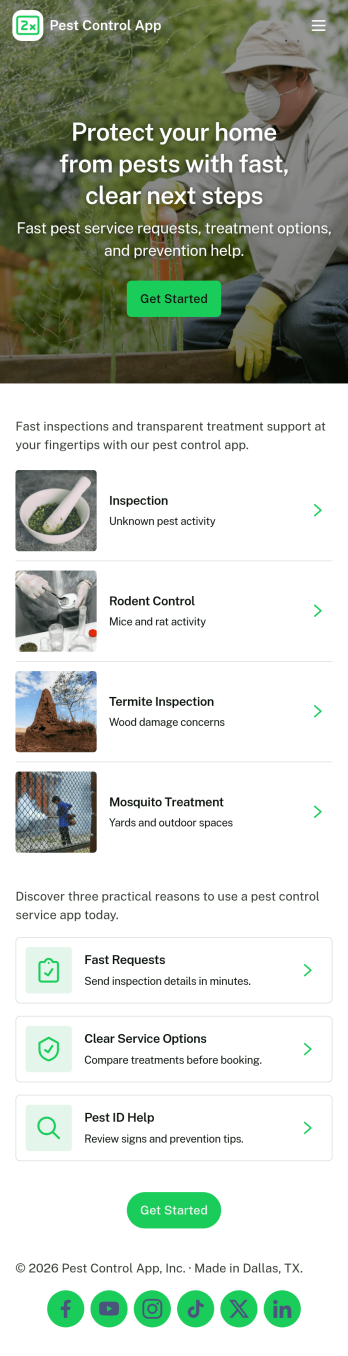
Pest Control App
Pest Control App helps pest control businesses and home service teams offer a simple, customer-friendly way to request treatment, explore common pests, and understand pricing before booking. Visitors can submit a service request, browse pest information to identify what they’re dealing with, and quickly reach your team using built-in contact options like phone, email, and a website link. It’s a practical fit for local exterminators, property managers, and facilities teams who want to reduce missed calls, standardize intake details, and guide customers to the right service faster.With Jotform, you can customize this app template using a no-code app builder and a drag-and-drop interface, then connect it to your forms for consistent data collection. Update service offerings, adjust pricing details, and route requests to the right workflow without rebuilding your process. Share the app through a link or QR code so customers can self-service from any device while your team stays organized with a central place for requests and updates.
Go to Category:Customer Portal Apps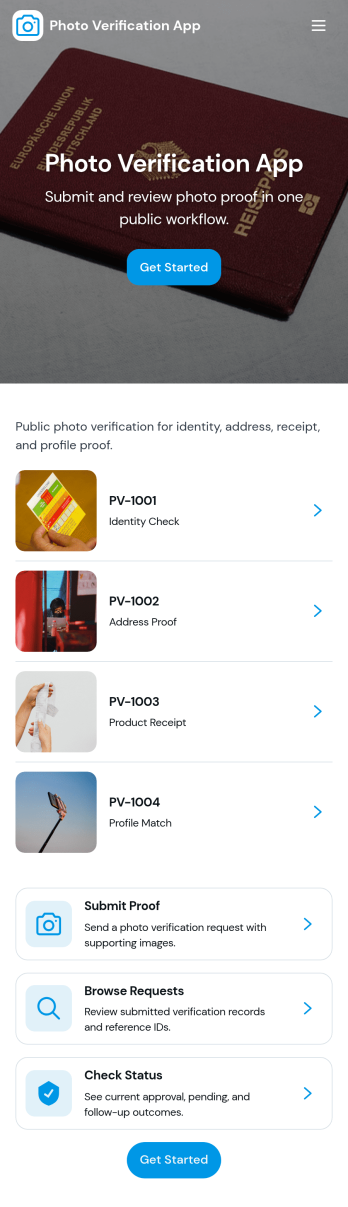
Photo Verification App
Photo Verification App helps teams collect photo-based proof and review it in one organized flow, making it easier to confirm identity, condition, or completion before moving work forward. It fits field service companies validating completed jobs, property managers confirming move-in or move-out conditions, event teams checking credential photos, and operations groups that need quick visual confirmation without relying on scattered messages. With a clear start verification entry point and a dedicated review queue, reviewers can sort what needs attention, open individual records, and keep photo checks consistent across staff.Jotform makes it simple to publish this app template and adapt it to your process using a no-code app builder and a drag-and-drop interface. Connect your verification form to a central list for tracking, route entries to the right reviewers, and keep data collection structured as volume grows. Share the app through a link or QR code so submitters can send photos from mobile, while your team stays focused on approvals, follow-ups, and keeping the workflow moving.
Go to Category:Inspection Apps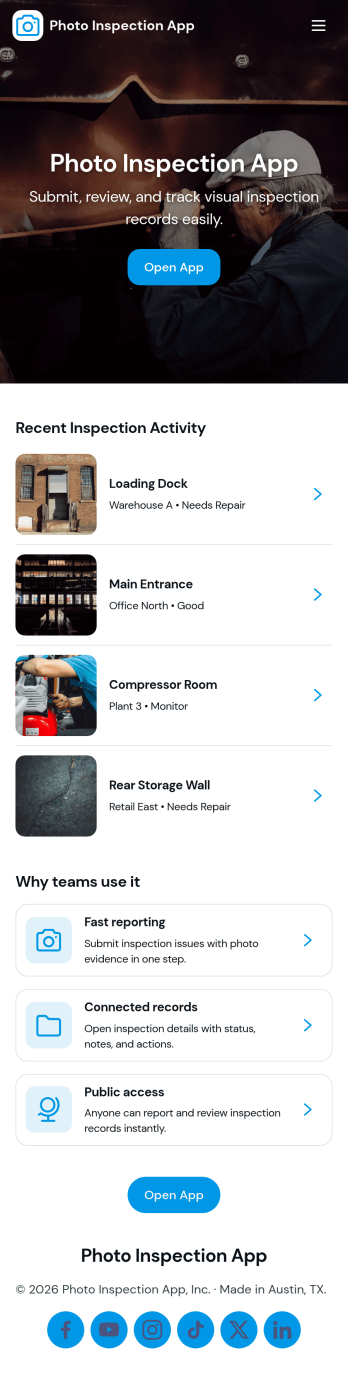
Photo Inspection App
Photo Inspection App helps teams collect visual proof, review requests, and keep a searchable history of inspections in one place. It’s a practical fit for field services, property managers, construction crews, and operations teams who need consistent photo-based documentation for sites, equipment, rooms, or deliveries. With simple navigation and dedicated detail views, staff can quickly open a request, verify images, and record outcomes without digging through emails or scattered folders.Built with Jotform App Templates, this app template can be tailored in a no-code app builder and published fast for internal or customer-facing self-service. Use Jotform’s drag-and-drop interface to adjust pages, connect your existing forms for data collection, and keep your workflow organized from intake to review to archived records. Share by link or QR code so the right people can submit and check inspection details from anywhere.
Go to Category:Inspection Apps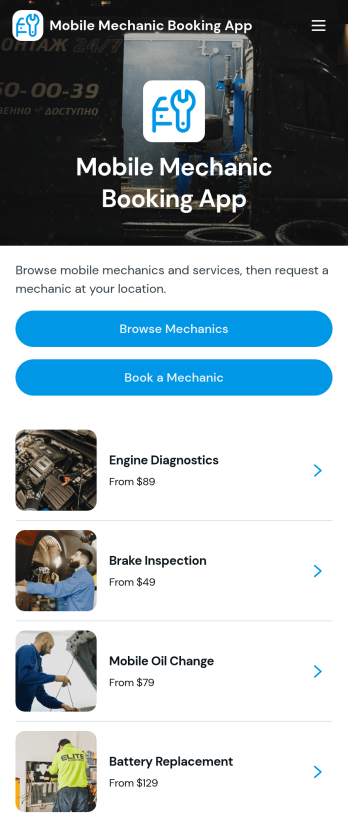
Mobile Mechanic Booking App
The Mobile Mechanic Booking App helps independent mechanics, roadside service providers, automotive repair businesses, and field service teams connect drivers with vehicle repair services at a convenient location. Customers can browse mechanic profiles, review service areas and availability, explore repair options, and submit a booking request from one mobile-friendly destination. This app template reduces the effort involved in finding a suitable professional while giving businesses a clear way to present experience, service details, typical duration, and starting prices. It is useful for scheduled maintenance, minor repairs, diagnostics, emergency assistance, and other services performed at homes, workplaces, or roadside locations.Jotform makes it easy to adapt the Mobile Mechanic Booking App to your brand and operating process without writing code. Use the no-code app builder and drag-and-drop interface to update pages, reorganize navigation, add mechanic information, and connect booking forms to your workflow. Requests and data collection can be managed through connected Jotform tools, helping teams coordinate appointments and provide customer self-service. Like other Jotform App Templates, this ready-made app template can be shared through a direct link or QR code, giving customers convenient access from phones, tablets, and computers.
Go to Category:Appointment & Booking Apps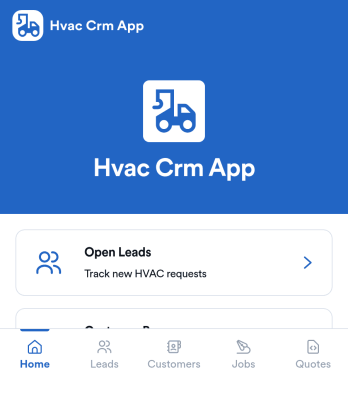
Hvac Crm App
HVAC Crm App helps heating and cooling businesses manage sales and customer relationships in one place, from capturing new inquiries to tracking active jobs and keeping customer histories organized. Use it to review open leads, browse your customer base, create jobs from qualified opportunities, and add customer notes so your team always has the latest context before a call, site visit, or follow-up.Built with Jotform App Templates, this app template can be tailored in a no-code app builder with a drag-and-drop interface, so you can match your workflow without technical overhead. Connect the app to forms and tables for consistent data collection, route updates to the right people, and share a self-service experience with your office staff or field team using a simple link or QR code.
Go to Category:CRM Apps