Expense Claim App helps teams collect and manage reimbursement requests in one place. Employees can submit a claim, browse their past claims, and review claim rules before sending anything for review. This setup works well for finance teams handling recurring expense reports, managers overseeing team budgets, and organizations that want a clearer, more consistent way to capture receipts and claim details without chasing information across email threads.
With Jotform App Templates, you can publish a guided self-service experience that connects directly to your data collection process. Use Jotform’s no-code app builder and drag-and-drop interface to tailor pages, add helpful instructions, and link your app to the connected form and table-backed records so everyone can access the right claim information quickly. Share the app with a link or QR code and keep your expense workflow organized as volumes grow.
Related templates
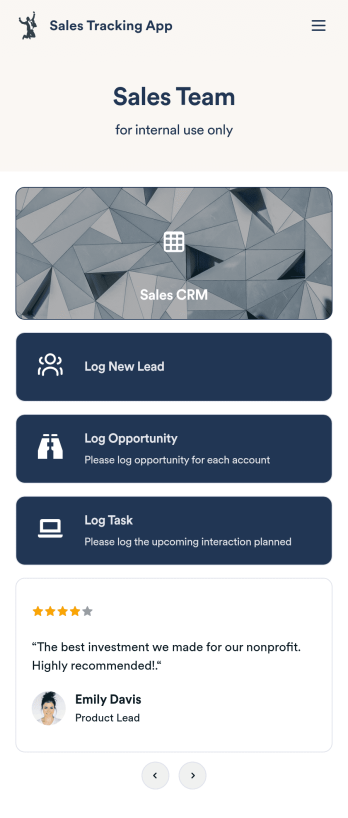
Customizable Sales Tracking App
A sales tracking app enables you to track your sales from any device. Get started with our free Sales Tracking App for businesses of all sizes. This ready-to-use app bundles multiple forms that you can sync to your CRM, so you can create a seamless workflow for generating leads and logging tasks. To get started, customize the template for your company using our drag-and-drop app builder. When you’re satisfied with the look and feel of your app, download it on your smartphone, tablet, or desktop computer, or share it with other members of your sales team to save onto their own devices.Customizing this Sales Tracking App for your sales team won’t require any coding. In just a few clicks, you can create new forms, integrate them with your CRM, embed links, add images and buttons, and change app settings such as name, icon, and splash screen for a fully-custom experience. To share it, just copy and paste the app link in emails or messages to your sales team members. Your Sales Tracking App will be easy to pull up on any device, so you can track and grow sales no matter where you are — even on the go.
Go to Category:Company Portal Apps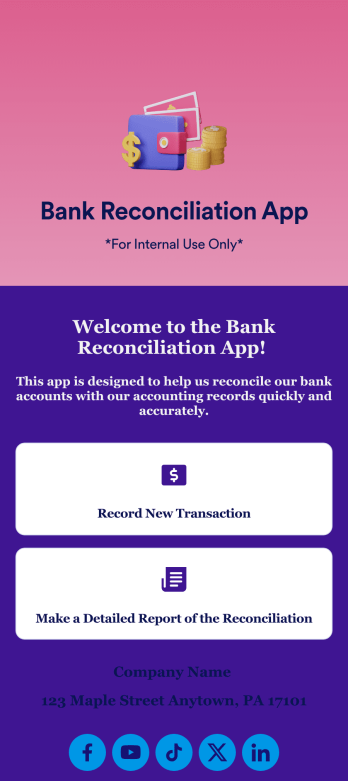
Bank Reconciliation App
Bank reconciliation is the process in which a bank account’s balance is reconciled to the amount reported by a financial institution according to the account’s most recent statement. To carry out this process in the easiest way possible, consider using Jotform to create a Bank Reconciliation App for internal use. Add forms to record new transactions, make detailed reports, and more! To share this app with others, simply link to it directly, share via QR code, or embed it in your online workspace.Need to make changes to how your Bank Reconciliation App looks? Just use our drag-and-drop app builder to do so. Upload personal branding assets, change fonts and colors, integrate with helpful payment or scheduling tools, edit letter text, and more depending on your needs. Make bank reconciliation easier for all parties with Jotform.
Go to Category:Finance Apps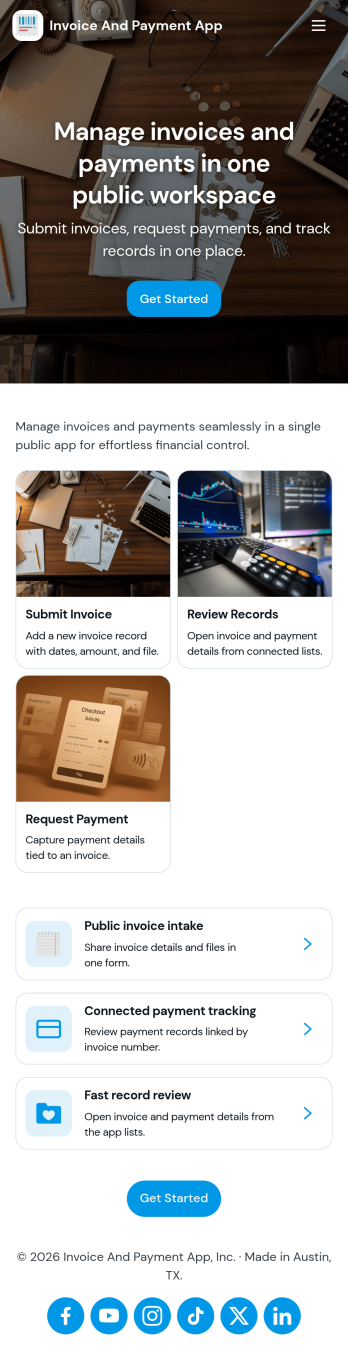
Invoice and Payment App
Invoice and Payment App helps small businesses and teams create invoices, record payments, and keep a clear view of what’s been billed versus what’s been paid. It’s a practical fit for freelancers, agencies, consultants, contractors, and service providers who need a consistent way to issue invoices and log incoming payments without digging through spreadsheets or scattered emails. With quick navigation for creating a new invoice and recording a payment, you can keep billing tasks moving and reduce missed follow-ups when multiple people handle finance admin.Built with Jotform App Templates, this app template can be customized in minutes using Jotform’s no-code app builder and drag-and-drop interface. Connect it to your existing Jotform forms to support reliable data collection, then publish a self-service experience your team can access from anywhere to manage invoicing and payment workflows. As your process grows, you can adjust pages, add steps, and keep all records organized in one place while staying aligned with how your business actually bills clients.
Go to Category:Finance & Accounting Portal Apps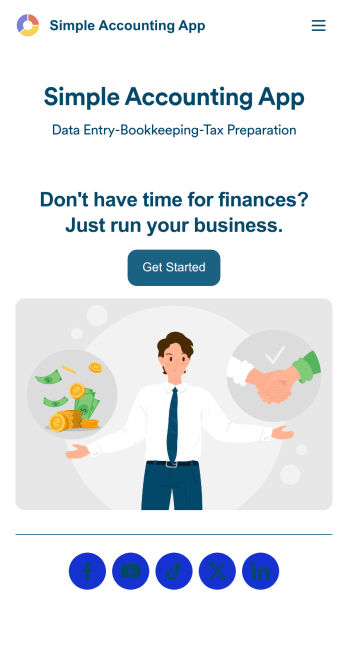
Simple Accounting App
Looking for an easy and convenient way to manage your accounting clients? With Jotform’s Simple Accounting App, you can create a bookkeeping app that works seamlessly for both you and your clients. Build your app from scratch or pick one of our ready-made app templates to spark your creativity. Add pricing information, contact forms, showcase past client reviews, and more.Customize your Simple Account App with Jotform’s easy-to-use app builder. Use our drag-and-drop app builder to change up the look and feel of your app, add powerful app elements, install helpful app widgets, and integrate with one of our 30+ payment processors, including Stripe and Square to collect fees and payments. Share your customized app via email or embed it directly into your own website. Help your clients reach their finance goals with your very own Simple Accounting App.
Go to Category:Company Portal Apps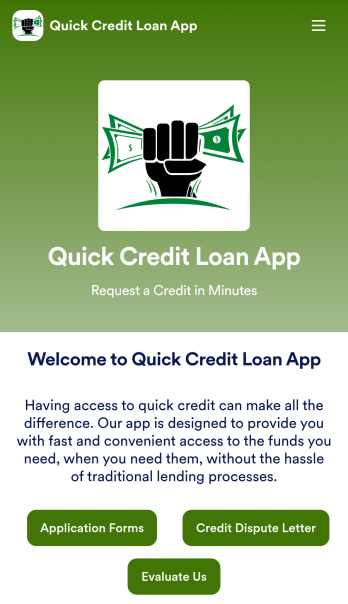
Customizable Quick Credit Loan App
Need a quick credit loan app for your business? If your financial institution needs a quick and easy way for customers to apply for a loan to improve their credit, this free Quick Credit Loan App is a great place to start. You can use the app as-is or easily customize it to fit your needs — with no coding required.Add your logo and branding, update the loan application form, include your contact information, and make other design changes in seconds. You can even connect your app with other platforms — like Salesforce, HubSpot, or Zoho — to send new leads to your CRM platform automatically. Get loan applications fast with a Quick Credit Loan App from Jotform.
Go to Category:Finance Apps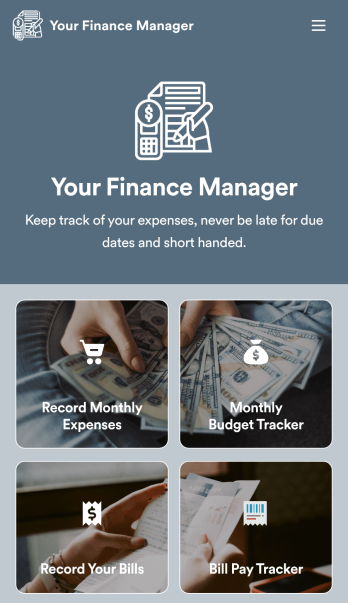
Personal Finance Management App
Manage your personal finances with Jotform’s free Personal Finance Management App. This fully customizable mobile app includes a monthly expense form, budget tracker, bill record form, and bill payment log to help you stay on track when it comes to your finances. Once you’ve downloaded the app to your favorite, you can fill out your forms and view your logs at any time. All entries will be synced instantly and automatically, so you can keep all your important finance info in one easily accessible place.Customize your Personal Finance Management App without any coding. Jotform’s drag-and-drop interface makes it easy to add forms, tables, links, documents, and other elements to your app. Then you can save your app onto any computer, tablet, or smartphone for easy access. Take control of your spending with a custom Personal Finance Management App!
Go to Category:Finance & Accounting Portal Apps