Fleet Fueling App helps dispatchers, fleet managers, and drivers coordinate fuel needs across vehicles without losing track of requests. Use it to capture new fuel requests in one place, review open requests, and check fueling history when questions come up about timing, routes, or notes. It’s a practical fit for delivery fleets, field service teams, construction operations, and any organization that needs a simple way to keep vehicles ready while reducing missed fueling tasks and unclear handoffs.
Built with Jotform, this app template turns everyday fueling coordination into a mobile-friendly self-service experience. Customize pages and cards with a drag-and-drop interface, connect your fuel request form for consistent data collection, and route updates through a workflow that matches how your team operates. Share the app by link or QR code so drivers and coordinators can submit requests, review history, and stay aligned from anywhere.
Related templates
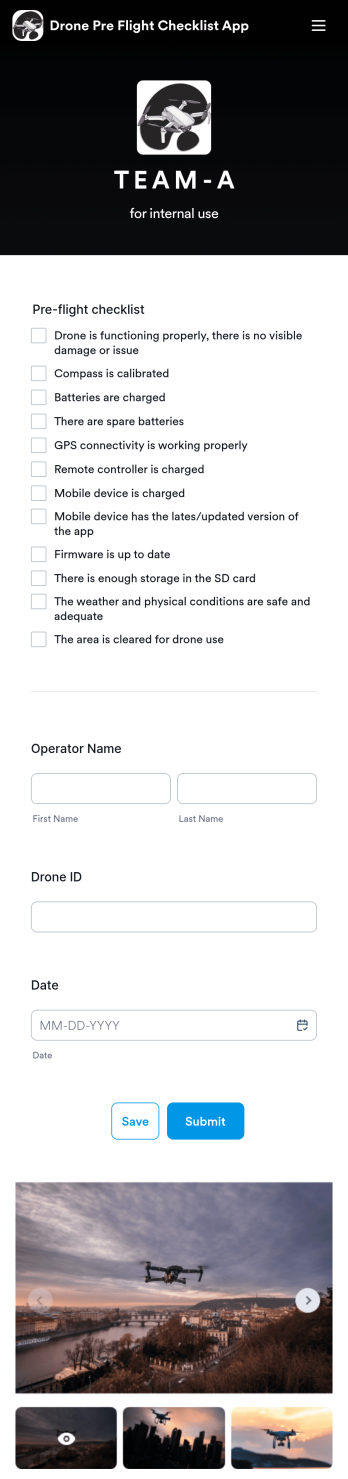
Drone Pre Flight Checklist App
A drone pre-flight checklist app ensures that drone pilots properly follow the right steps to ensure a safe and controlled flight. If you’re a drone inspector or pilot, prepare for your next flight with Jotforms’ free Drone Pre-Flight Checklist App. This prebuilt app includes a comprehensive checklist form that also requires operator name, drone ID, and flight date. You can download the app to fill out the form from any smartphone, tablet, laptop or computer before your drone takes flight. Submissions are securely stored in your Jotfrom account for your records.This Drone Pre-Flight Checklist App is ready to be used as is — but if you’re looking for even more, customize the template in just a few clicks with Jotform’s drag-and-drop builder. You can add more items to the checklist, include new forms and tables, change the fonts and colors, and even update the app name, icon, and splash screen for a more personalized design. When you’re happy with the way it looks and feels, download the app onto your preferred device to open at any time. Check weather conditions, record flight details, and prevent damage to your drone with an easily-accessible Drone Pre-Flight Checklist App on hand.
Go to Category:Checklist Apps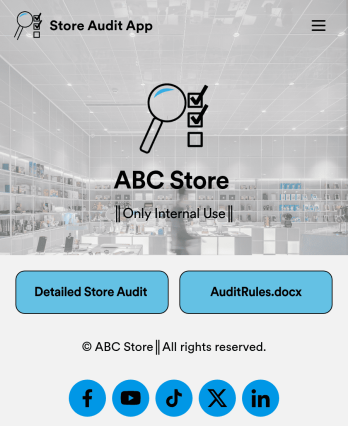
Store Audit App
A store audit app is used by store owners and managers for recording store audits. Jotform’s Store Audit App allows employees to create daily and monthly inspection audits by filling out a form detailing store standards, presentation, and security. Audits are automatically synced to an archive in your secure Jotform account, which you can access from any device for ease of use.Make this app template your own with our intuitive app builder. Drag and drop to add or change form elements, choose color schemes, upload images, and more — no coding required. You can also modify audit headers and textboxes to fit the needs of your store. Once you’re finished, simply download your app onto your store’s tablet or desktop, or share it with employees using a link. Ditch the paperwork and keep all your store audits in one place with this Store Audit App from Jotform.
Go to Category:Checklist Apps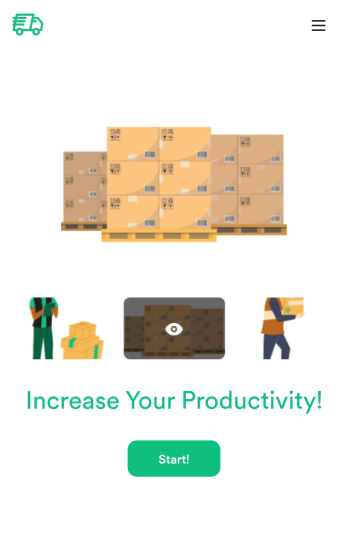
Custom Logistics Management App
A logistics management app is used by logistic companies to log important company information. With this Logistics Management App from Jotform, managers can keep track of vehicles, drivers, and driver availability information. Drivers can download this app on their mobile devices to record trip information such as truck number, departure date, and total mileage using a Drivers Log Sheet. You can also manage driver job applicants from an easy-to-understand Driver Application Tracking Log.Making changes to this Logistics Management App is easy with Jotform’s no-code app builder. Simply drag and drop to add or change form elements, edit text fields and checklist items, choose fonts and colors, upload your company’s branding, and much more. Share your custom app with management and other drivers by sending email invites or the app link, where they can then download it on any device. Ditch the paperwork and use this Logistics Management App to keep digital records of all your vehicle and driver information.
Go to Category:Automotive Apps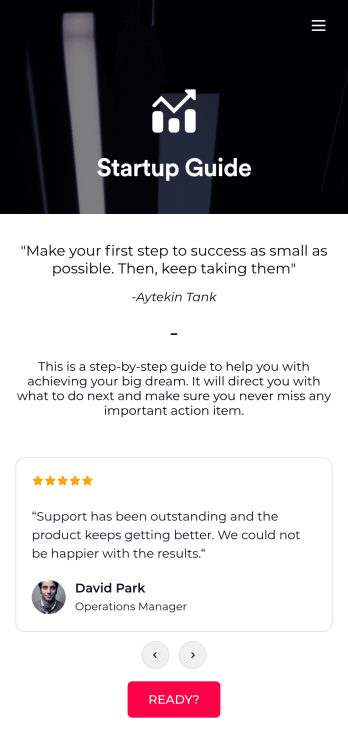
Startup Guide App
Ready to launch your very own startup? Get started with Jotform’s free Startup Guide App designed to help you turn your business vision from idea to reality. This ready-to-use mobile app template includes a link to our bootstrapping guide, inspirational quotes from business leaders, and multiple checklist forms to help guide you through the process of testing your concept and building your business plan. Responses will be synced to your secure Jotform account, which lets you view your data in whatever way works best for you — be it an inbox, spreadsheet, or as easy-to-read cards.This Startup Guide App is ready for you to use as is — but if you’d like even more from it, feel free to customize it using our drag-and-drop builder. With just a drag and drop, you can add or remove forms, include tables and documents, embed links to other websites, upload photos or videos, create new pages and buttons, update fonts and colors to match your branding, and change the app icon and name to better represent your business. When you’re happy with how the app looks, download it onto your favorite device for easy access. You can even share it with other aspiring entrepreneurs via the app link or email invites. Get your business ideas off the ground with a comprehensive and easily-accessible Startup Guide App powered by Jotform.
Go to Category:Checklist Apps
Parts Inventory App
A parts inventory app is used by businesses or individuals who need to record and manage product inventory. Jotform’s Parts Inventory App bundles several forms together, allowing you to record inventory information, vendors, and order history from one convenient app. Track your submissions directly from your app with an easy-to-understand Inventory Tracker spreadsheet, which you can sort, filter, and search from your secure Jotform account.Need to make changes to this app template? Jotform’s drag and drop app builder makes it easy to customize this Parts Inventory App in seconds. You can add form elements, choose fonts and colors, upload your own branding, install widgets and integrations with a single click, and much more — all without any coding. Share your app internally by sending email invites or the app link, and employees can then fill out forms from any device. Start keeping digital records of your company’s inventory, vendor, and order history with this readymade Parts Inventory App.
Go to Category:Inventory Apps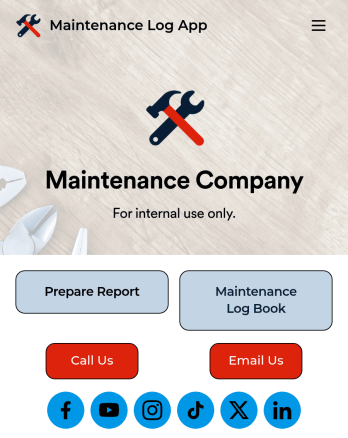
Maintenance Log App
A maintenance log app is used by companies to record and keep track of maintenance records. With our free Maintenance Log App, you can use a Maintenance Report Form to track general personnel information, equipment and building issues, and any repairs performed. There is a digital signature box at the bottom of the form to be signed upon completion. Reports are instantly compiled and stored in an Equipment Maintenance Log, which is accessible from your Jotform account.You can easily customize this app to suit your needs by adding or changing forms, uploading your logo, choosing fonts and colors, and more — no coding required. Share your app with a link or embed it in an internal website, and maintenance staff can begin using it right away on any device. Say goodbye to paperwork and start keeping all your maintenance records online with this free Maintenance Log App.
Go to Category:Engineering Apps