Freelance Invoice & Payment App is an app template designed to simplify the billing process for freelancers, independent contractors, and small service-based businesses. It is an ideal solution for remote workers and digital professionals looking for an easy-to-use, professional, and flexible billing system. This robust application allows these professionals to generate, send, and manage invoices smoothly while accepting payments online. It is an efficient platform that streamlines billing operations, tracks income, and automates reminders to receive payments promptly. This app provides a unified interface for capturing client details, project specifics, payment terms, and transaction history, offering a comprehensive view of your financial health. It's best suited for those seeking to professionalize their billing process, increase payment speed, and improve cash flow.
With Jotform's robust no-code app builder, the Freelance Invoice & Payment App can be easily tailored to reflect your brand, industry, and specific billing requirements. The intuitive drag-and-drop interface enables you to effortlessly modify forms, choose suitable fonts and colors, and upload your logo, offering a personalized touch to your billing system. Jotform's cross-platform compatibility ensures that your custom app functions seamlessly on any device, be it a smartphone, tablet, or desktop. You can share your app with clients via a direct link, email, or social media, facilitating quick access to your invoicing and payment portal. With this app template from Jotform, you can manage your invoicing and payment process efficiently, saving time and focusing more on your core business activities.
Related templates
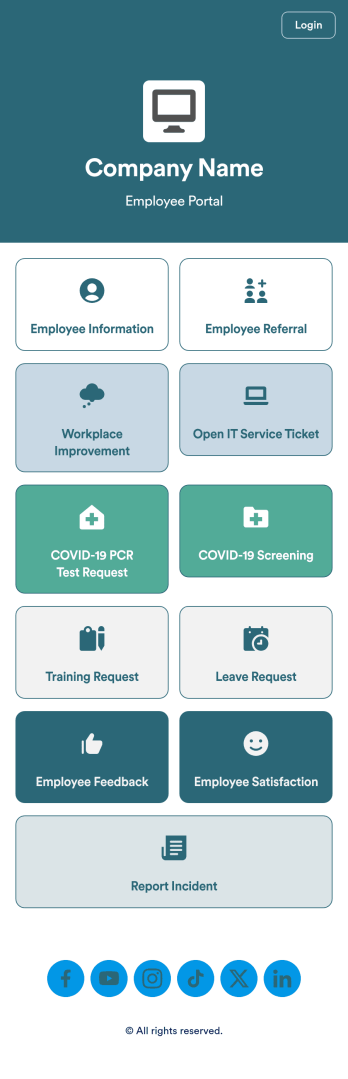
Intranet App
An Intranet App is used for consolidating company forms and documents in one convenient location. This Intranet App bundles nearly a dozen forms for employees to record general contact information, request training or time off, open IT service tickets, and fill out COVID-19 screening checklists. There are also several surveys for employees to submit workplace improvement suggestions and report incidents. Employee data and submissions are stored securely in your Jotform account, which managerial staff can access from any smartphone, tablet, or computer.Make this app template your own with Jotform’s no-code app builder. Just drag and drop to add or change forms, upload documents, create buttons, add external links, and more. You can also customize your splash screen to include your own branding and make company-wide announcements. When you’re finished, you can share your app with a link and employees can then access and download it on any device. Create a one-stop-shop for your company’s forms and documents with this free Intranet App from Jotform.
Go to Category:Company Portal Apps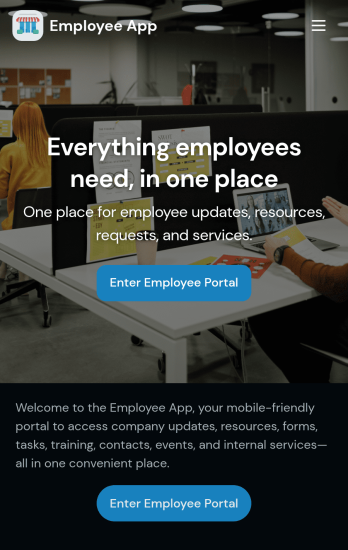
Custom Employee App
An employee app allows employees to access important company information and submit their own data from any device. Create an employee portal for your company with Jotform’s free Employee App. This ready-to-use template includes multiple forms such as employee referral forms, leave request forms, meeting reservation forms, COVID-19 screening forms, expense reimbursement forms, and more. Thanks to the role-based visibility condition, only selected admin users can see certain forms, such as department rotation. Using the app, employees can access and fill out any of the included forms from any smartphone, tablet, laptop, or desktop.Customize your Employee App to match your company in just a few clicks. With our drag-and-drop builder, you can easily add as many forms, links, documents, buttons, pages, and other app elements as you need. Plus, you can update fonts and colors, upload logos, and change the app icon and name to better represent your company. With Jotform’s Role-based feature, you can control access so tutors, admins, and other users see only the parts of the app relevant to them. Share your app with employees to download onto their own devices by sending email invites or the app link. Keep important company forms all in one secure, easily accessible Employee App!
Go to Category:Company Portal Apps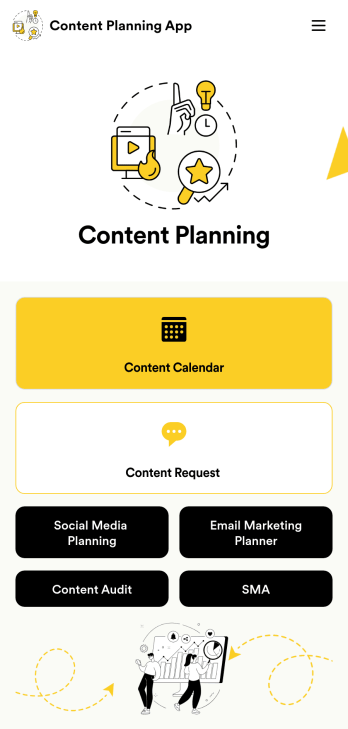
Content Planning App
A content planning app is commonly used by marketing teams to manage content calendars. With Jotform Apps, you can build your own Content Planning App for free. Add a content calendar, brainstorm notes, content audits, and so much more. You can even integrate your app with 250+ platforms to send data straight to your other marketing accounts — all with no coding required.Customizing your Content Planning App is easy and intuitive with Jotform’s drag-and-drop builder. Add or remove forms, switch up fonts and colors, choose a unique app icon, upload branding assets and images, and so much more. Once you’re happy with your app, all you need to do is share it with your team. Embed it in your online workspace or send it via link so your team members can download it to their mobile, tablet, or desktop device.
Go to Category:Company Portal Apps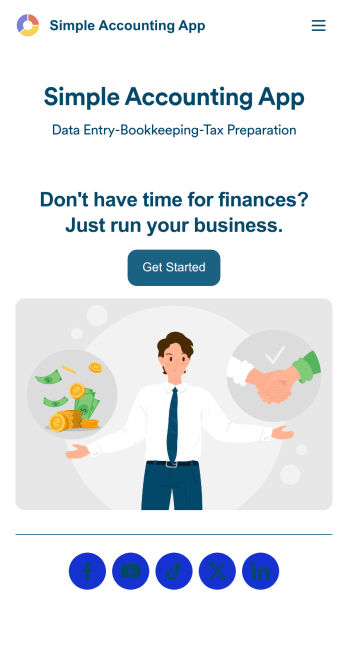
Simple Accounting App
Looking for an easy and convenient way to manage your accounting clients? With Jotform’s Simple Accounting App, you can create a bookkeeping app that works seamlessly for both you and your clients. Build your app from scratch or pick one of our ready-made app templates to spark your creativity. Add pricing information, contact forms, showcase past client reviews, and more.Customize your Simple Account App with Jotform’s easy-to-use app builder. Use our drag-and-drop app builder to change up the look and feel of your app, add powerful app elements, install helpful app widgets, and integrate with one of our 30+ payment processors, including Stripe and Square to collect fees and payments. Share your customized app via email or embed it directly into your own website. Help your clients reach their finance goals with your very own Simple Accounting App.
Go to Category:Company Portal Apps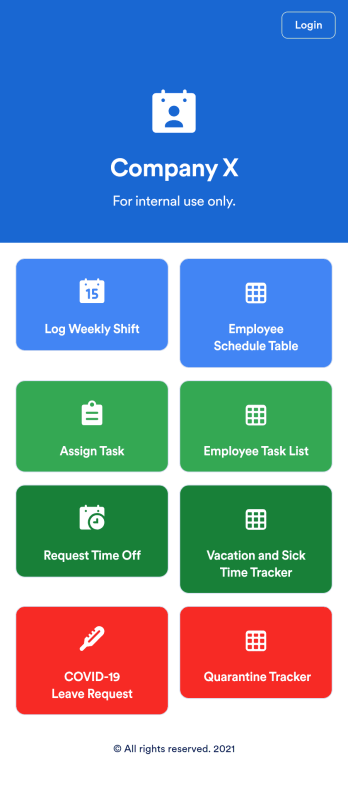
Employee Scheduling App
An employee scheduling app is used by company HR, department managers, and employees for keeping track of employee data. This Employee Scheduling App from Jotform comes bundled with four useful forms, allowing employees to log weekly shifts, view assigned tasks, manage leave requests easily with Leave Request Form, and take time off to quarantine from COVID-19 exposures. Each form includes a companion spreadsheet where employee data is stored — allowing managers to easily sort, filter, and search through entries from any smartphone, tablet, or desktop.Make this app template your own with Jotform’s intuitive app builder. Just drag and drop to add or change form elements, edit the content of individual forms, upload your company’s logo, and more — all without any coding. You can also use your app’s splash screen for things like company-wide announcements or listing HR contact information. Once you’re finished, share your app with employees by attaching a link to an onboarding email or embedding it in an employee portal. Streamline scheduling and time-off requests with this fully-customizable Employee Scheduling app that can be downloaded on any device.
Go to Category:Human Resources Apps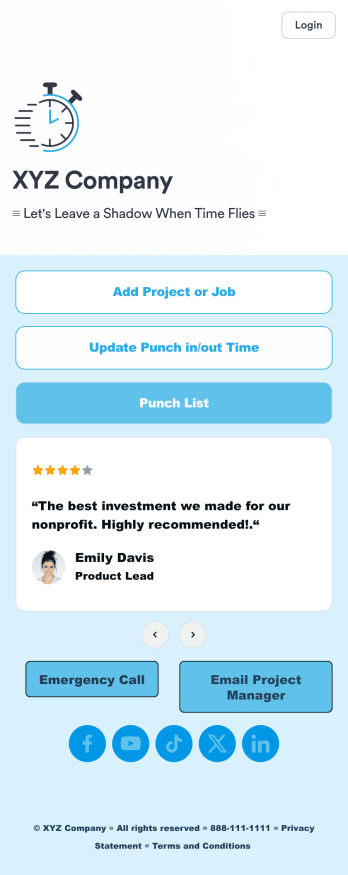
Customizable Punch In Out Timesheet App
Ditch paper timesheets with our free Punch In/Out Timesheet App! Employees can clock in or out for their shifts using the app on a company tablet or computer. As account owner, you’ll receive instant notifications for each new form submission, so you’ll know if any employee is late or leaving before their scheduled time. You can see all entries in spreadsheet, calendar, or card view using the attached Punch List Template for Jotform Tables.Customize your Punch In/Out Timesheet App in just a few minutes. Without any coding, you can use our drag-and-drop interface to add new forms, include a link to your timesheet, update the app text and design, embed links, and more. When your app is ready to use, keep it open on a company device for employees to use as they start their shift. Make employee management a breeze with a Punch In/Out Timesheet App for your company.
Go to Category:Company Portal Apps