
The Incoming Goods Receiving App helps warehouse teams, inventory coordinators, receiving clerks, and operations managers document deliveries as goods arrive. It provides a central place to create receiving records, review delivery details, and record item quantities, packaging condition, receiving status, and relevant notes. Warehouses, distribution centers, retailers, manufacturers, and procurement teams can use this app template to replace scattered paperwork, improve handoffs, investigate delivery discrepancies, and maintain an accessible history of received goods.
Jotform App Templates make it easy to adapt this workflow without writing code. Using Jotform’s no-code app builder and drag-and-drop interface, teams can update pages, reorganize navigation, apply their branding, and connect forms with tables, approvals, notifications, and other operational processes. The app can be shared by link or QR code for mobile-friendly access, giving authorized staff a convenient way to enter data and find receiving information from the warehouse floor. Customize the Incoming Goods Receiving App to support internal self-service, clearer data collection, and more consistent receiving procedures.
Related templates
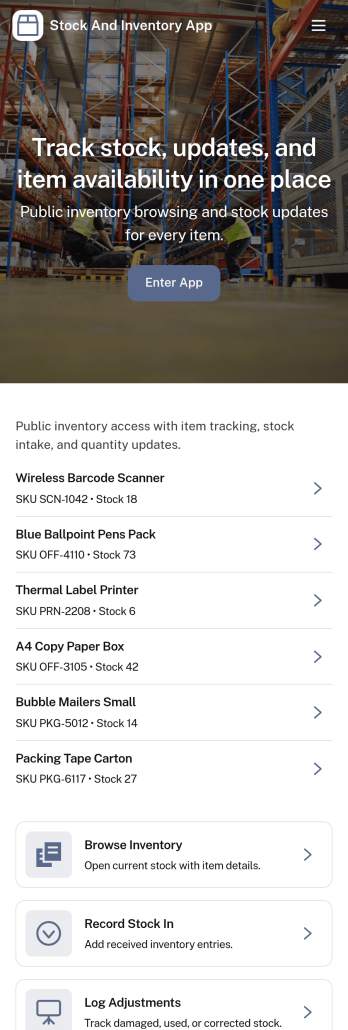
Stock and Inventory App
Stock and Inventory App helps teams track items, monitor stock levels, and document inventory movement in one place. Use it to browse item lists, open item details, add new items, and keep a clear history of stock changes over time. It’s a practical fit for retail shops, warehouses, field operations, studios, and small manufacturers that need a shared source of truth for what’s on hand, what’s running low, and what has recently moved.Built with Jotform App Templates, this app template can be tailored to match your workflow without code. With Jotform’s no-code app builder and drag-and-drop interface, you can connect forms and tables to support data collection, create a self-service experience for staff, and keep inventory workflows organized across pages. Share the app with a link so teammates can review items, record stock in, and check movement history from desktop or mobile.
Go to Category:Inventory Apps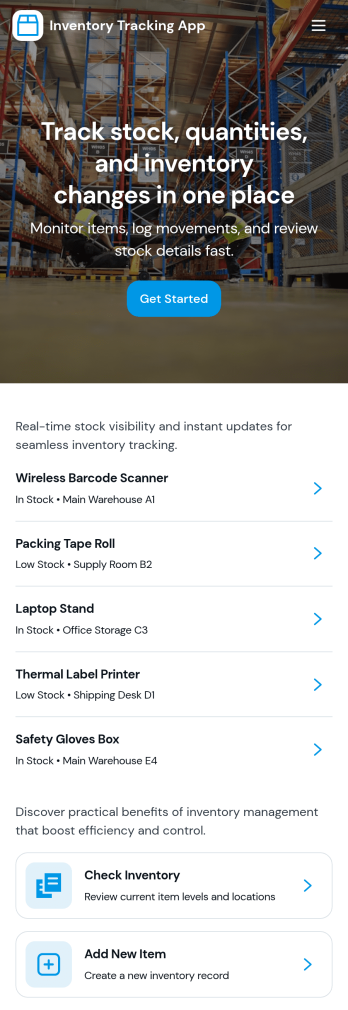
Inventory Tracking App
Inventory Tracking App helps teams keep a clear, up-to-date view of what’s in stock, what’s running low, and what needs to be added next. It works well for retail counters, small warehouses, offices managing supplies, nonprofits tracking donated goods, and field teams who need quick access to item details. With simple navigation to browse current inventory, view item-level information, and add new items as they arrive, this app supports day-to-day stock control without relying on scattered spreadsheets or manual check-ins. It’s especially useful when multiple people handle receiving, storage, and restocking and everyone needs to follow the same process.Jotform makes it easy to turn this app template into a branded inventory experience using a no-code app builder and a drag-and-drop interface. Connect the app to your existing data collection workflow by linking forms and updating records over time, so the inventory list stays current as your team adds items. Share the app through a link or QR code for fast self-service access, and tailor pages, buttons, and layout to match how your organization tracks stock across locations, categories, or storage areas.
Go to Category:Inventory Apps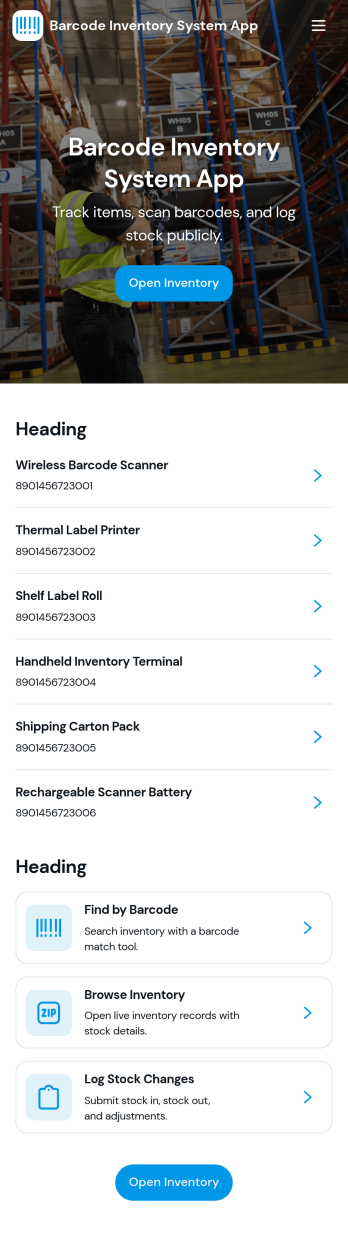
Barcode Inventory System App
Barcode Inventory System App helps teams track stock movement with a simple, scan-first flow that keeps inventory records current without spreadsheets. It’s built for retail shops, warehouses, back offices, and growing operations that need a consistent way to log incoming goods, review on-hand items, and document changes. Staff can scan and record stock receipts, browse inventory lists for quick lookups, and add adjustments when counts change due to damage, transfers, or corrections, making it easier to stay aligned across shifts and locations.Jotform makes it easy to turn this barcode inventory workflow into a shareable self-service experience using its no-code app builder and drag-and-drop interface. Connect buttons and pages to forms and tables to support data collection, keep a running receipt log, and centralize adjustment history in one place. Customize the layout, add your branding, and publish the app as a link or QR code so your team can update inventory from the floor, the loading dock, or the stockroom.
Go to Category:Inventory Apps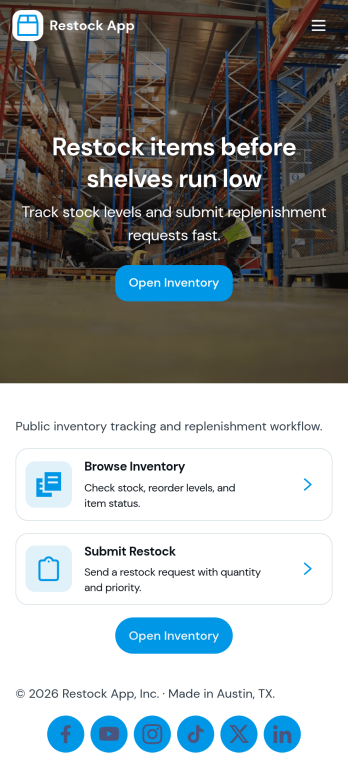
Restock App
Restock App helps teams keep shelves, storerooms, and supply closets replenished by centralizing item visibility, supplier contacts, and restock requests in one place. Use it to browse stock items, submit a new request when quantities run low, and review all requests so nothing gets missed during busy shifts. It fits retail back rooms, restaurants, warehouses, offices, and field teams managing consumables, parts, or packaging, especially when multiple people need a consistent process for asking, tracking, and following up.With Jotform, you can turn this restocking workflow into a shareable self-service experience using a no-code app builder and a drag-and-drop interface. Connect the app to your existing data collection and workflow needs by linking requests to tables, updating records as inventory changes, and keeping supplier details handy for faster outreach. Customize pages, buttons, and navigation to match how your team works, then share the app by link or QR code so staff can create requests and check status from anywhere.
Go to Category:Inventory Apps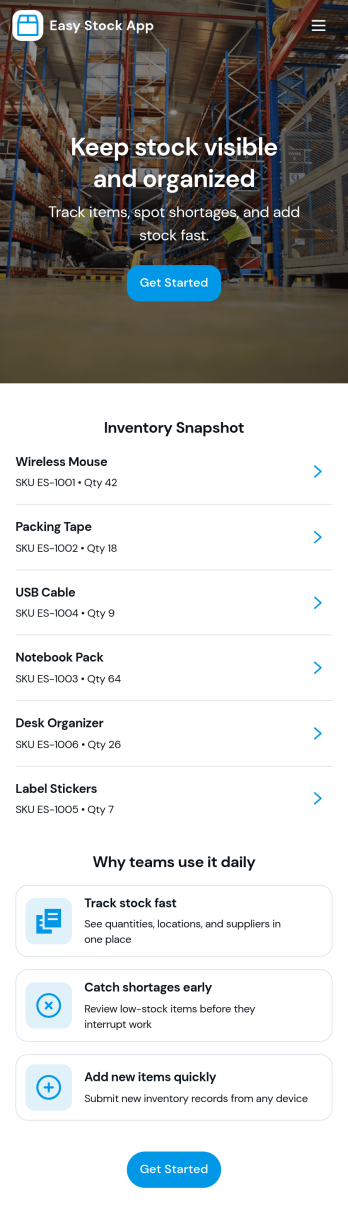
Easy Stock App
Easy Stock App helps teams keep a clear, up-to-date view of stock in one place without complicated systems. Use it to browse inventory records, add new items as they arrive, and give staff a simple way to review what’s on hand from a central hub. It’s a practical fit for retail shops, storerooms, small warehouses, pop-up sellers, school departments, and nonprofits managing supplies where quick updates matter and missing items create delays.With Jotform’s app templates, you can publish a mobile-friendly inventory experience powered by a no-code app builder and a drag-and-drop interface. Connect the app to your inventory form and table to support consistent data collection, keep records organized, and reduce manual follow-ups. Share the app as a self-service link for your team, then adjust pages, buttons, and branding as your workflow evolves.
Go to Category:Inventory Apps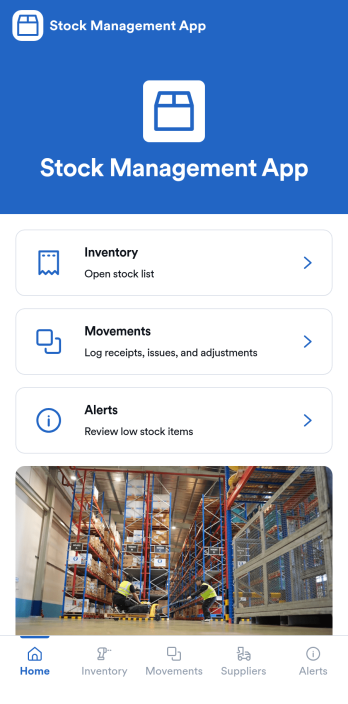
Stock Management App
Stock Management App helps teams track inventory levels, record stock movements, and follow up on low-stock alerts without juggling spreadsheets. It’s a practical fit for retailers, warehouses, small manufacturers, clinics with supply rooms, and field service businesses that need quick visibility into what’s on hand and what’s running out. With dedicated areas for inventory, movements, and alerts, staff can log updates as items are received, used, returned, or adjusted, so everyone works from the same source of truth.Built with Jotform, this app template pairs a mobile-friendly interface with organized navigation and connected data collection. You can add new items, record movements through linked forms, and keep supplier information alongside your inventory records, then share the app as a self-service tool for your team. Using Jotform’s no-code app builder and drag-and-drop interface, it’s easy to adapt the layout, fields, and workflow to match your stock process across one location or multiple sites.
Go to Category:Inventory Apps