
Inventory Request Approval App gives employees, department leads, warehouse teams, and purchasing managers one place to submit, review, and manage internal inventory requests. Staff can request an item, specify the quantity and required date, and provide requester and department information. Reviewers can browse all requests, focus on pending entries, open detailed request records, and contact requesters when clarification is needed. This app template is well suited to offices, warehouses, retailers, schools, hospitality businesses, and growing organizations that want clearer oversight of supply demand. It reduces scattered emails, improves visibility across departments, and helps teams make purchasing and allocation decisions using consistent information.
Jotform App Templates make it easy to adapt this experience to an organization’s inventory workflow without coding. Using Jotform’s no-code app builder and drag-and-drop interface, teams can update pages, buttons, branding, and navigation while connecting forms, tables, notifications, and approval steps. The finished app can support employee self-service and organized data collection from any device. Share it through a direct link or QR code so requesters and reviewers can access the right actions wherever work happens.
Related templates
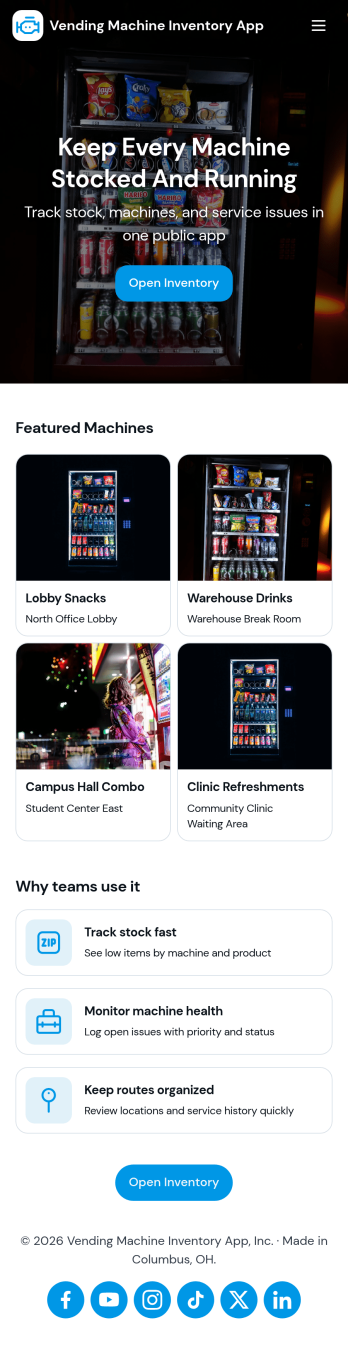
Vending Machine Inventory App
Vending Machine Inventory App helps vending operators and route drivers keep product levels organized across machines and locations while making day-to-day restocking easier to manage. Use the Inventory area to review what’s on hand per machine, then jump into Restock to log restock entries as you refill slots and track what was added on each visit. The Inspect section supports routine checks so teams can record machine condition and keep service notes consistent across the route.Jotform makes it simple to turn this kind of workflow into a shareable, mobile-friendly experience using App Templates and a no-code app builder. With a drag-and-drop interface, you can adjust pages, buttons, and navigation to match your routes, machine IDs, and products, then connect forms and tables to keep data collection and workflow steps in one place. Share the app with your team through a link or QR code so updates happen right at the machine, not back at the office.
Go to Category:Inventory Apps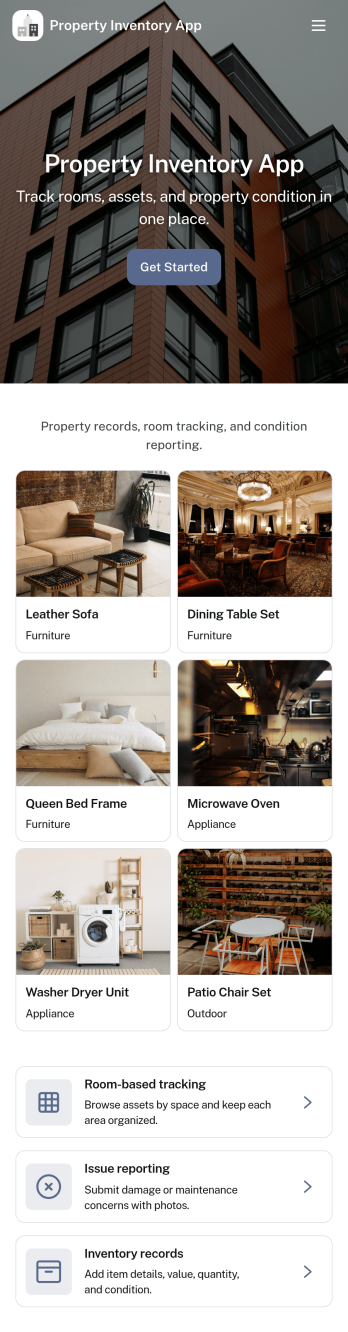
Property Inventory App
Property Inventory App helps you keep a clear, room-by-room record of what’s inside a home, unit, or managed property. Use it to add inventory items with key details, browse rooms to see tracked items at a glance, and flag issues when something is damaged, missing, or needs attention. It’s a practical fit for landlords, property managers, short-term rental hosts, housing providers, and inspection teams who want consistent documentation for turnovers, maintenance follow-ups, and ongoing asset tracking.With Jotform App Templates, you can launch a mobile-friendly inventory experience and tailor it to how your properties operate. Use Jotform’s no-code app builder and drag-and-drop interface to adjust pages, refine data collection fields, and connect the app to your existing workflow, so updates stay organized and easy to share with staff or stakeholders when needed.
Go to Category:Inventory Apps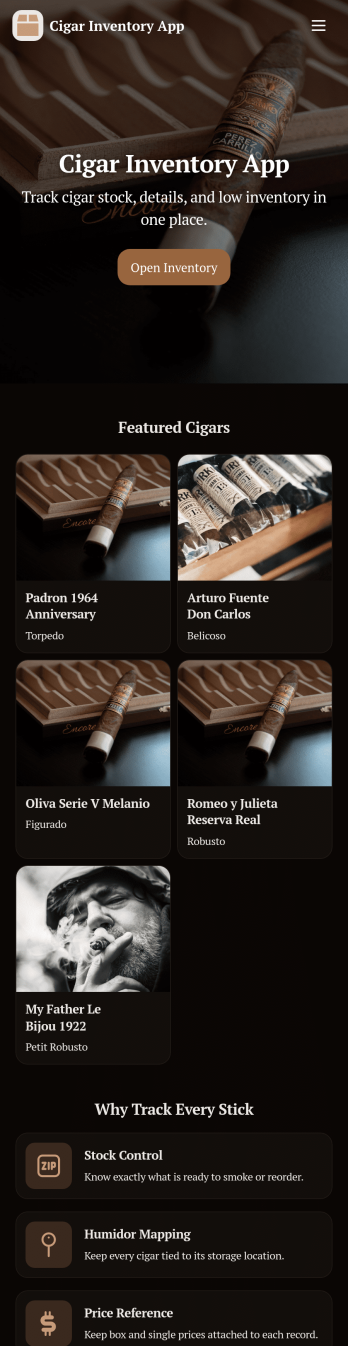
Cigar Inventory App
Cigar Inventory App keeps your humidor or retail stock organized by giving you a simple place to browse what’s on hand, log incoming boxes, and document adjustments when counts change. It’s a practical fit for cigar shops, lounges, distributors, and serious collectors who want clearer visibility across brands and lines without relying on scattered notes or spreadsheets. With an Inventory view for quick lookups, a Receive Stock area for adding new product, and an Adjustments section for corrections, teams can keep day-to-day stock records consistent and easier to trust.Jotform makes it easy to publish and manage app templates like this with a no-code app builder and a drag-and-drop interface. Connect buttons in your app to forms and tables for fast data collection, keep inventory workflows moving with shared access for staff, and make self-service navigation simple on any device. When you’re ready, you can customize pages, branding, and the way inventory information is displayed so the app matches how you track cigars in real life.
Go to Category:Food & Beverage Apps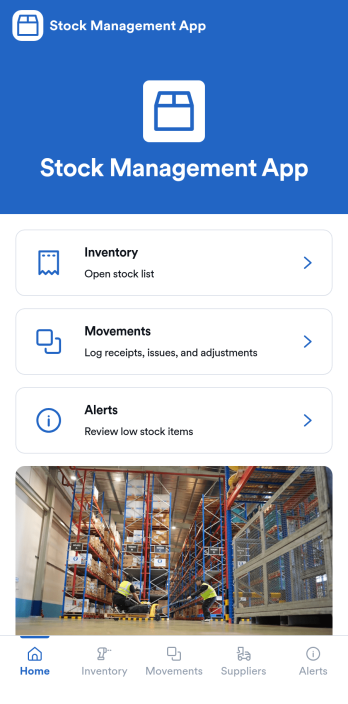
Stock Management App
Stock Management App helps teams track inventory levels, record stock movements, and follow up on low-stock alerts without juggling spreadsheets. It’s a practical fit for retailers, warehouses, small manufacturers, clinics with supply rooms, and field service businesses that need quick visibility into what’s on hand and what’s running out. With dedicated areas for inventory, movements, and alerts, staff can log updates as items are received, used, returned, or adjusted, so everyone works from the same source of truth.Built with Jotform, this app template pairs a mobile-friendly interface with organized navigation and connected data collection. You can add new items, record movements through linked forms, and keep supplier information alongside your inventory records, then share the app as a self-service tool for your team. Using Jotform’s no-code app builder and drag-and-drop interface, it’s easy to adapt the layout, fields, and workflow to match your stock process across one location or multiple sites.
Go to Category:Inventory Apps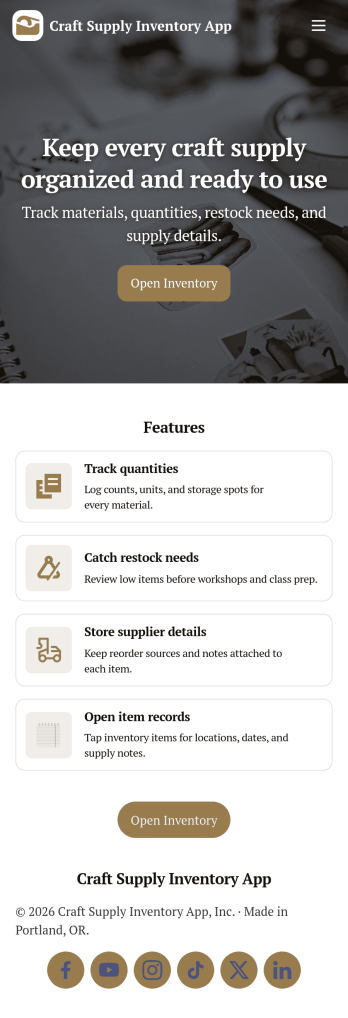
Craft Supply Inventory App
A craft supply inventory app gives you a practical way to organize and monitor the materials that keep your projects moving, from paper, vinyl, and paint to beads, fabric, and tools. This template is useful for small craft businesses, Etsy-style sellers, art classrooms, community studios, and hobby groups that need a clear view of what’s on hand, what’s running low, and what needs to be reordered. With an inventory KPI dashboard and an easy form button to add new supply items, your team can keep records current without digging through spreadsheets or scattered notes.Built with Jotform App Templates, this craft supply inventory app can be tailored with a no-code app builder and a drag-and-drop interface so it fits your workflow. Connect the inventory list to item detail pages for quick lookup, and use restock request forms to collect reorder needs in one place for simple self-service. Jotform helps you centralize data collection, keep inventory and requests organized, and share the app through a link so collaborators can log items and submit restock requests from anywhere.
Go to Category:Inventory Apps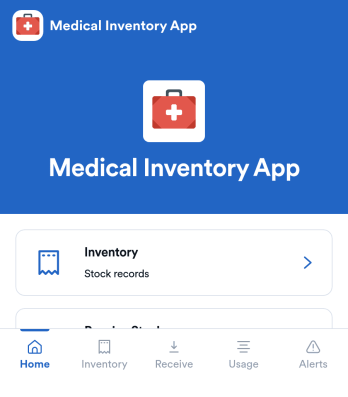
Medical Inventory App
Medical Inventory App helps clinics, private practices, labs, and school health offices keep essential supplies organized so staff can find what they need quickly and record movement as items are received and used. Use it to browse current inventory, capture receiving details when new stock arrives, and maintain a usage log for day-to-day consumption across rooms, carts, or departments. With dedicated areas for low-stock visibility and item-level navigation, teams can reduce guesswork, avoid running out of critical items, and keep purchasing and restocking conversations grounded in up-to-date records.Jotform makes it easy to turn this workflow into a shareable, mobile-friendly experience using App Templates and a no-code app builder. Customize pages with a drag-and-drop interface, connect forms for data collection like stock receiving and usage logging, and keep information organized for simple self-service access. As needs change, you can adjust fields, add steps to your workflow, and publish updates without relying on developers.
Go to Category:Healthcare Apps