An invoice approval app helps teams submit invoices for review, route them to the right approvers, and keep a clear record of what was approved and when. This template supports day-to-day accounts payable work with a simple flow for invoice submission, an approval area for reviewers, and a personal records section so requesters can revisit their own invoice history. It’s a strong fit for finance teams, operations managers, department heads, and small businesses that need more control than email-based approvals, especially when multiple people submit invoices and approvals must be tracked consistently.
Jotform makes it easy to launch and adapt invoice workflows with App Templates that you can tailor to your process. Using Jotform’s no-code app builder and drag-and-drop interface, you can connect forms and tables to centralize data collection, reduce manual follow-ups, and keep approvals moving through a clear workflow. Share the app with your organization, collect invoices from any device, and manage approvals and records in one place.
Related templates
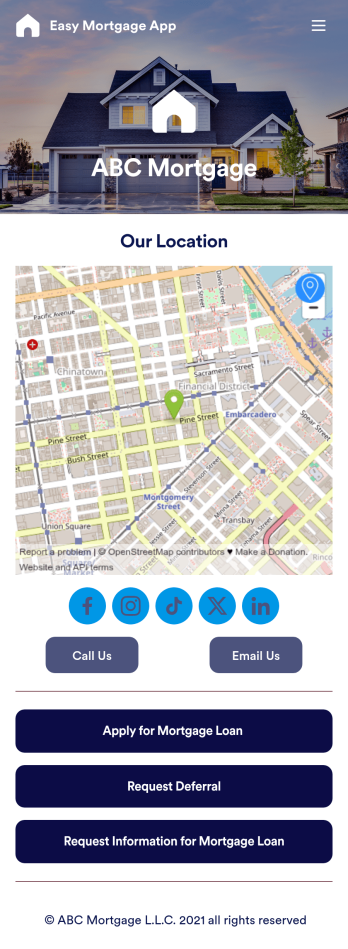
Easy Mortgage App
With Jotform’s Easy Mortgage App, members of your mortgage loan company can collect client information in the field from their smartphone or tablet — no messy paperwork required! Once the app is downloaded onto each employee’s device, they can submit mortgage loan requests for new clients, help clients request deferrals, or accept formal mortgage loan applications online.Customizing this Easy Mortgage App is, well, easy. Just drag and drop to rearrange the design, add or remove forms, include your logo for a professional touch, and make other design changes with no coding. Share the app with a link to be saved to any device instantly, and your team will be ready to start collecting information through the Easy Mortgage App and storing it in your secure Jotform account.
Go to Category:Finance & Accounting Portal Apps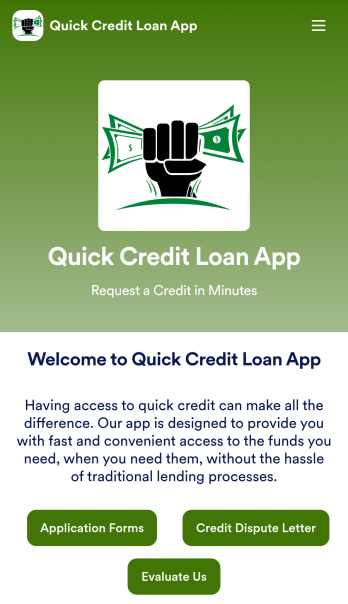
Customizable Quick Credit Loan App
Need a quick credit loan app for your business? If your financial institution needs a quick and easy way for customers to apply for a loan to improve their credit, this free Quick Credit Loan App is a great place to start. You can use the app as-is or easily customize it to fit your needs — with no coding required.Add your logo and branding, update the loan application form, include your contact information, and make other design changes in seconds. You can even connect your app with other platforms — like Salesforce, HubSpot, or Zoho — to send new leads to your CRM platform automatically. Get loan applications fast with a Quick Credit Loan App from Jotform.
Go to Category:Finance Apps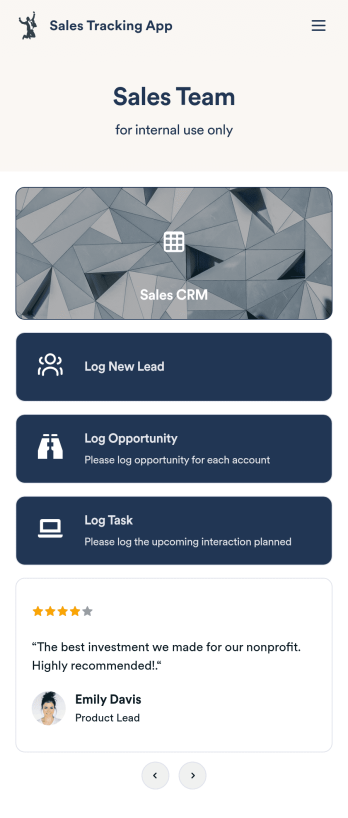
Customizable Sales Tracking App
A sales tracking app enables you to track your sales from any device. Get started with our free Sales Tracking App for businesses of all sizes. This ready-to-use app bundles multiple forms that you can sync to your CRM, so you can create a seamless workflow for generating leads and logging tasks. To get started, customize the template for your company using our drag-and-drop app builder. When you’re satisfied with the look and feel of your app, download it on your smartphone, tablet, or desktop computer, or share it with other members of your sales team to save onto their own devices.Customizing this Sales Tracking App for your sales team won’t require any coding. In just a few clicks, you can create new forms, integrate them with your CRM, embed links, add images and buttons, and change app settings such as name, icon, and splash screen for a fully-custom experience. To share it, just copy and paste the app link in emails or messages to your sales team members. Your Sales Tracking App will be easy to pull up on any device, so you can track and grow sales no matter where you are — even on the go.
Go to Category:Company Portal Apps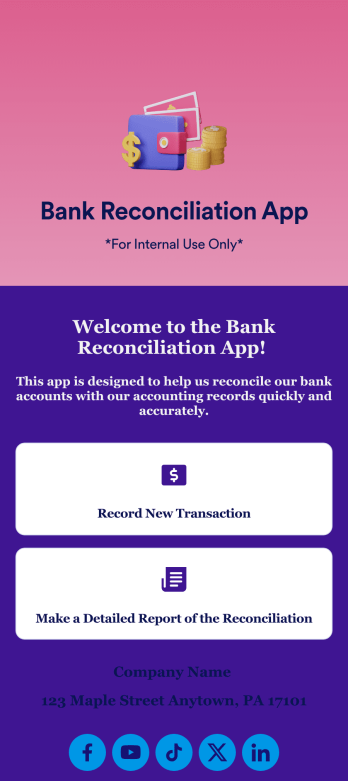
Bank Reconciliation App
Bank reconciliation is the process in which a bank account’s balance is reconciled to the amount reported by a financial institution according to the account’s most recent statement. To carry out this process in the easiest way possible, consider using Jotform to create a Bank Reconciliation App for internal use. Add forms to record new transactions, make detailed reports, and more! To share this app with others, simply link to it directly, share via QR code, or embed it in your online workspace.Need to make changes to how your Bank Reconciliation App looks? Just use our drag-and-drop app builder to do so. Upload personal branding assets, change fonts and colors, integrate with helpful payment or scheduling tools, edit letter text, and more depending on your needs. Make bank reconciliation easier for all parties with Jotform.
Go to Category:Finance Apps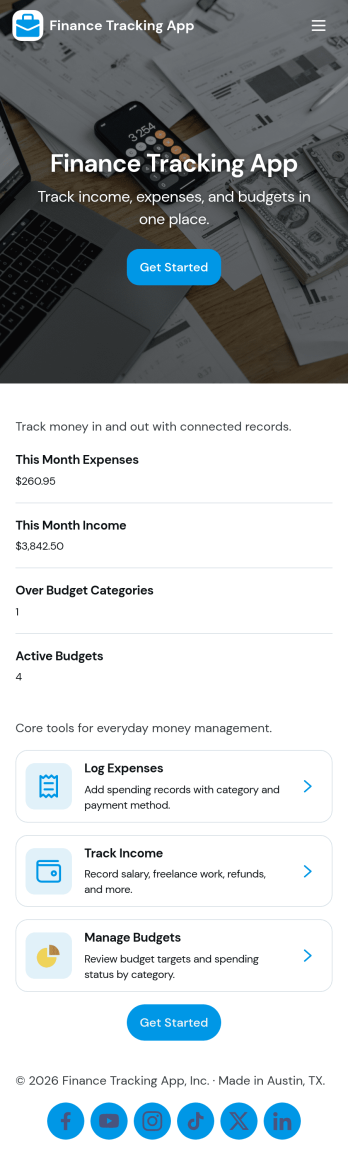
Finance Tracking App
Finance Tracking App brings your day-to-day money activity into one place so you can record transactions, review your balance, and spot patterns as they develop. It fits personal budgets, freelancers tracking business spending, and small teams that want a simple way to capture income and expenses without juggling spreadsheets. With quick actions like logging a transaction, adding an income or expense entry, and browsing transactions by merchant or category, it supports consistent habits and clearer visibility into where your money is going.Built with Jotform, this app template turns routine data collection into an easy self-service experience you can share with the right people. Use Jotform’s no-code app builder and drag-and-drop interface to tailor pages, adjust navigation, and connect entries to your data so updates stay organized. From everyday spend tracking to lightweight reporting for recurring reviews, Jotform helps you keep your workflow simple while keeping your records accessible across devices.
Go to Category:Finance Apps
Expense Report App
An expense report app is used by companies for keeping track of employee expenses. This free Expense Report App allows employees to log business expenses by filling out a form with general contact information, cost, description, date and time, and payment and expense type. There is also an upload form for employees to attach any relevant documents and receipts. Expense reports are immediately synced and stored securely in your account, and can be sorted, filtered, and exported from any device.Customize this app template in no time using Jotform’s drag-and-drop form builder. You can easily add or swap out form elements, change text, customize your app icon and splash page, and more — no coding necessary. Share a link to your app in an email or embed it in your website, and employees can access and download it on any smartphone, tablet, or computer for future use. Keep track of all your employees’ business expenses with this Expense Report App.
Go to Category:Company Portal Apps