
Job Shadowing Request App gives students, career explorers, employees, and program participants one place to discover and request workplace observation experiences. Schools, universities, workforce programs, HR teams, and community organizations can use this app template to present available opportunities with essential information such as location, schedule, industry, eligibility, and an overview. Users can browse relevant roles, review the details of an experience, submit a shadowing request, and contact the program team when they need assistance. This organized self-service experience reduces scattered inquiries, clarifies expectations, and helps coordinators manage interest in career exploration programs.
Jotform Apps makes it easy to adapt this Job Shadowing Request App without writing code. Using the no-code app builder and its drag-and-drop interface, teams can update pages, add branded content, connect request forms, and organize navigation around their workflow. Submitted information can support data collection and connect with Jotform Tables, approvals, notifications, and other processes for smoother follow-up. Like other Jotform App Templates, the app can be customized for a school, employer, nonprofit, or training provider and shared through a direct link or QR code for convenient mobile access.
Related templates
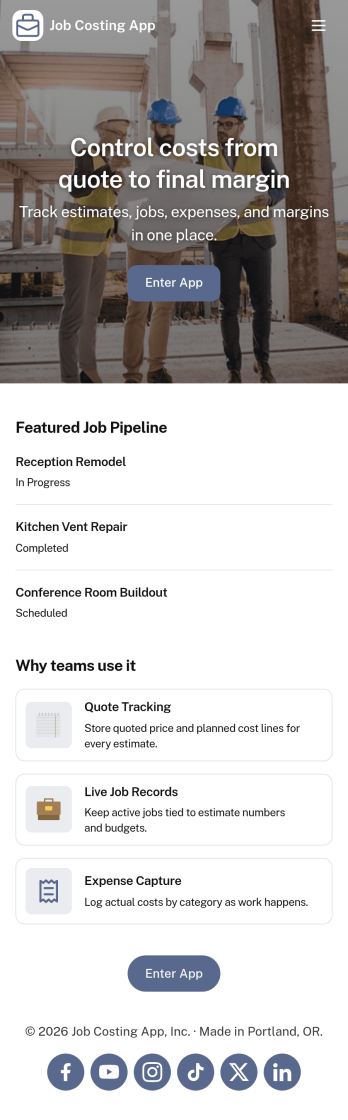
Job Costing App
Job Costing App brings job and cost tracking into one place so teams can see what each project is really costing as work moves forward. Use it to organize jobs, capture cost entries, review job details, and keep an eye on approved spend without hunting through spreadsheets or scattered messages. It fits construction crews, home service businesses, agencies, and internal operations teams that need clear visibility into labor, materials, and other expenses per job.With Jotform, you can turn this app template into a self-service workspace that’s easy to share and simple to maintain. Customize pages with a drag-and-drop interface, connect forms for data collection, and keep records organized for day-to-day workflow tracking. Whether you’re monitoring active jobs, logging new costs, or reviewing totals, Jotform makes it straightforward to publish a branded app experience and keep everyone aligned with up-to-date information.
Go to Category:Construction Apps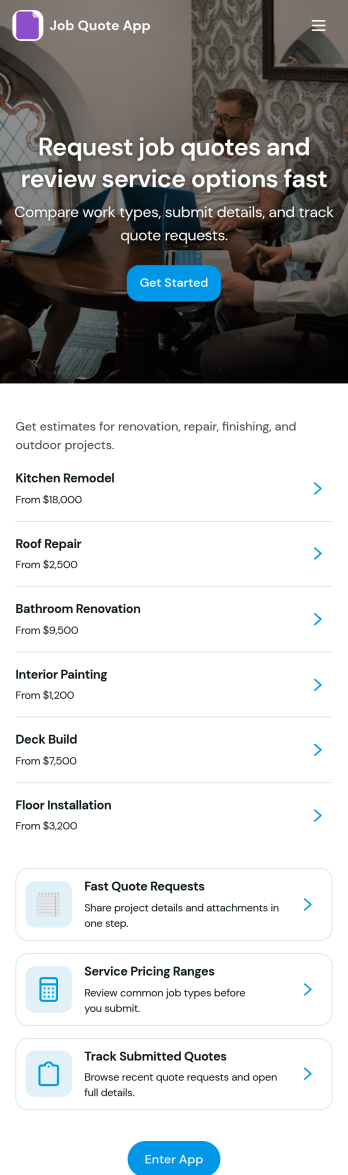
Job Quote App
Job Quote App helps service teams collect quote requests, review incoming details, and keep customers informed as estimates move forward. It fits home service providers, contractors, agencies, and small businesses that handle frequent pricing inquiries and need a simple place for clients or internal staff to submit requests and follow progress. With clear actions like requesting a quote, browsing past requests, and viewing a running request list, the app supports faster responses and fewer missed opportunities while keeping job details organized.Built with Jotform App Templates, this app template can be customized in a no-code app builder with a drag-and-drop interface, so you can match your process without technical work. Connect request forms and tables to centralize data collection, route updates through a connected workflow, and share the app as a self-service experience for customers or as an internal tool for your team. Jotform makes it easy to publish, iterate, and manage quote activity in one branded, mobile-friendly app.
Go to Category:Estimation Apps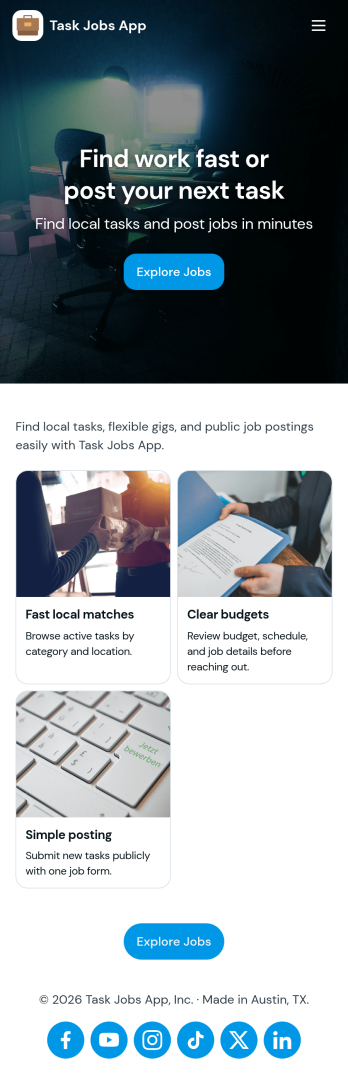
Task Jobs App
Task Jobs App helps teams capture new work requests and stay on top of active and completed jobs in one easy place. It fits field service crews, small contractors, operations teams, and any business that juggles multiple assignments and needs a clear view of what is open, what is in progress, and what is finished. With quick actions to add a new task and jump into open tasks, the app supports day-to-day coordination without scattering details across messages or spreadsheets.Built with Jotform, this app template combines a simple, mobile-friendly interface with connected forms and organized task lists so work updates stay consistent. Using Jotform’s no-code app builder and drag-and-drop interface, you can tailor pages, buttons, and task views to match how your team works, then share the app for self-service updates and smoother workflow tracking as jobs move from intake to completion.
Go to Category:Operations & Logistics Portal Apps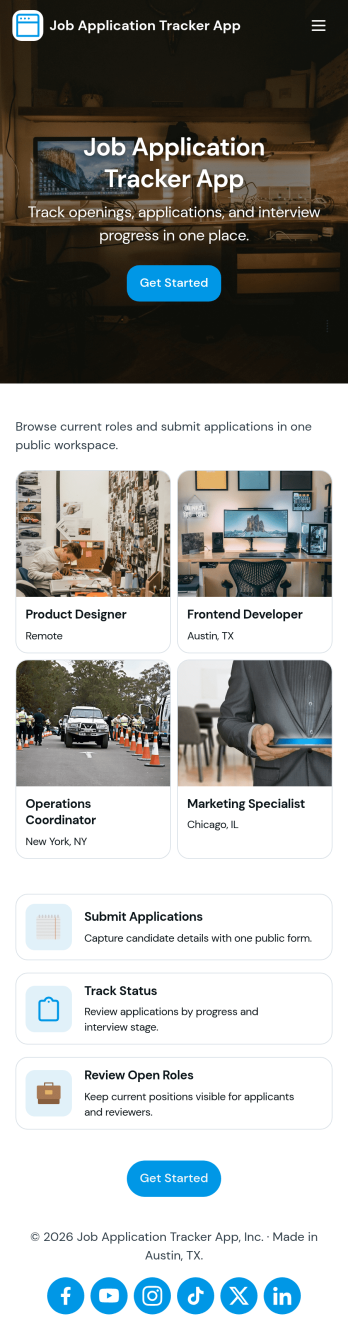
Job Application Tracker App
Job Application Tracker App helps job seekers stay organized while applying to multiple roles by keeping key details in one place and making it easy to add new applications as they happen. Use it to log where you applied, jump back into your list of applications when you need to follow up, and open an individual application record from a browsable list for quick review. It’s a practical fit for students, recent grads, career changers, and anyone managing a busy search who wants a clearer view of what’s in progress and what needs attention.Built with Jotform, this app template combines a friendly self-service experience with connected data collection so you can capture new application info through a form and keep everything organized in a central table-driven view. Customize pages with a drag-and-drop interface, adjust the navigation cards, and tailor the insights area to match your workflow. When you’re ready, share a single link so you can update your tracker from anywhere and keep your job search moving without digging through spreadsheets.
Go to Category:Human Resources Apps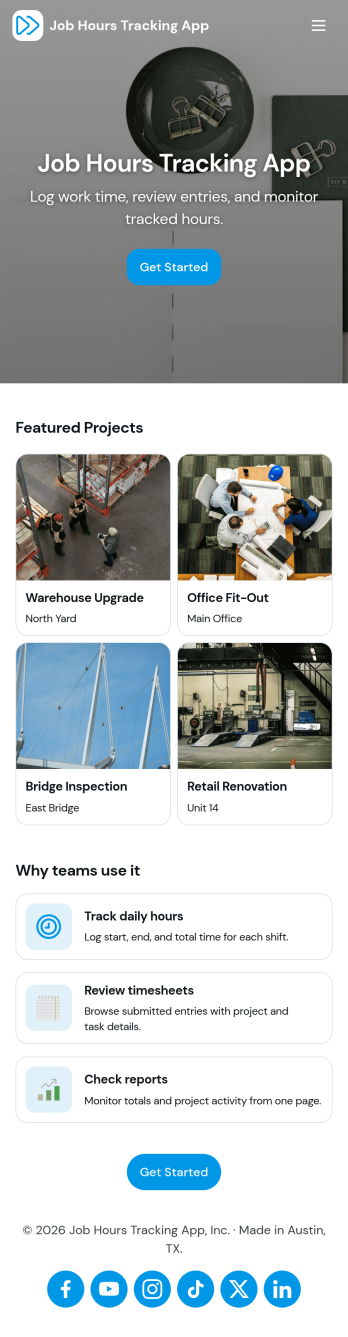
Job Hours Tracking App
Job Hours Tracking App helps teams record shift time in one place, so payroll prep and time reviews don’t depend on scattered notes or messages. Employees can quickly log a shift, add another shift when they’re done, and review My Entries to confirm what they’ve submitted. It’s a practical fit for small businesses, agencies, field service crews, and hourly teams that need a clear timesheet view by employee and a consistent way to capture work hours across roles.Jotform makes it easy to turn this app template into a polished, self-service experience without coding. With a drag-and-drop interface, you can adjust pages, buttons, and the connected form that collects shift details, then share the app as a simple link for your staff. As entries come in, you can keep your workflow organized for approvals, reporting, and ongoing operations while maintaining a single source of truth for job hours tracking.
Go to Category:Activity Tracking Apps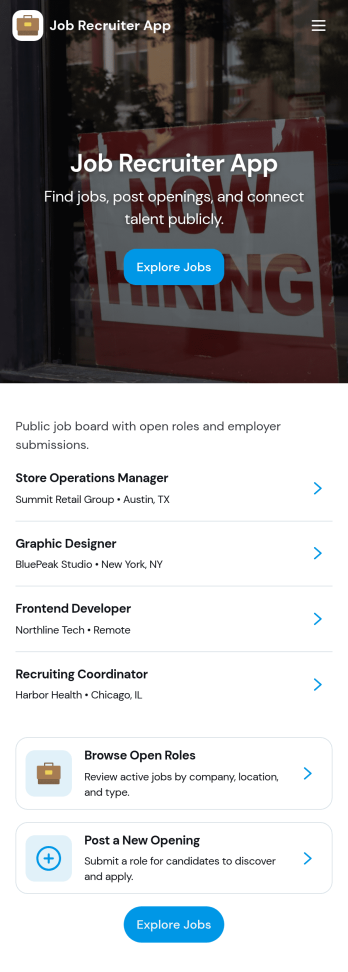
Job Recruiter App
Job Recruiter App brings key recruiting activities into one place so hiring teams can move faster from requisition to offer. Use it to browse open roles, keep candidate records organized, and monitor where applicants sit in the pipeline, all from a simple set of pages built for day-to-day recruiting. It’s a strong fit for internal recruiters, staffing coordinators, HR teams, and growing businesses that need a consistent way to track roles and candidates without juggling spreadsheets or scattered notes.With Jotform, you can turn this app template into a branded, self-service recruiting workspace using a no-code app builder and a drag-and-drop interface. Connect forms for data collection like adding candidates or managing requisitions, surface lists for quick browsing, and keep your workflow moving with navigation buttons and shareable access. Update the layout as your hiring process evolves and publish the experience so your team can manage recruiting work from anywhere.
Go to Category:HR Portal Apps