License Management App helps teams capture, organize, and review license records in one place so renewals don’t get missed. Use it to add new licenses through a simple intake flow, browse an up-to-date license list, open individual license details, and keep an eye on upcoming renewals. It’s a practical fit for HR and people ops teams tracking employee certifications, IT departments managing software and vendor licenses, facilities teams monitoring permits, and operations leaders who need a clear view of what’s active, expiring, or overdue.
With Jotform, you can turn this app template into a branded self-service experience using a no-code app builder and a drag-and-drop interface. Connect the app to your existing data collection processes, route updates through connected workflows, and keep information consistent across teams. Share the app by link for quick access, customize pages and navigation as your process evolves, and use built-in reporting views to spot renewal patterns and stay organized without extra manual tracking.
Related templates
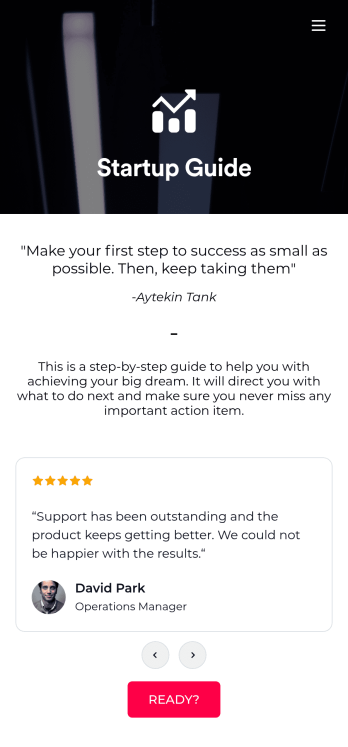
Startup Guide App
Ready to launch your very own startup? Get started with Jotform’s free Startup Guide App designed to help you turn your business vision from idea to reality. This ready-to-use mobile app template includes a link to our bootstrapping guide, inspirational quotes from business leaders, and multiple checklist forms to help guide you through the process of testing your concept and building your business plan. Responses will be synced to your secure Jotform account, which lets you view your data in whatever way works best for you — be it an inbox, spreadsheet, or as easy-to-read cards.This Startup Guide App is ready for you to use as is — but if you’d like even more from it, feel free to customize it using our drag-and-drop builder. With just a drag and drop, you can add or remove forms, include tables and documents, embed links to other websites, upload photos or videos, create new pages and buttons, update fonts and colors to match your branding, and change the app icon and name to better represent your business. When you’re happy with how the app looks, download it onto your favorite device for easy access. You can even share it with other aspiring entrepreneurs via the app link or email invites. Get your business ideas off the ground with a comprehensive and easily-accessible Startup Guide App powered by Jotform.
Go to Category:Checklist Apps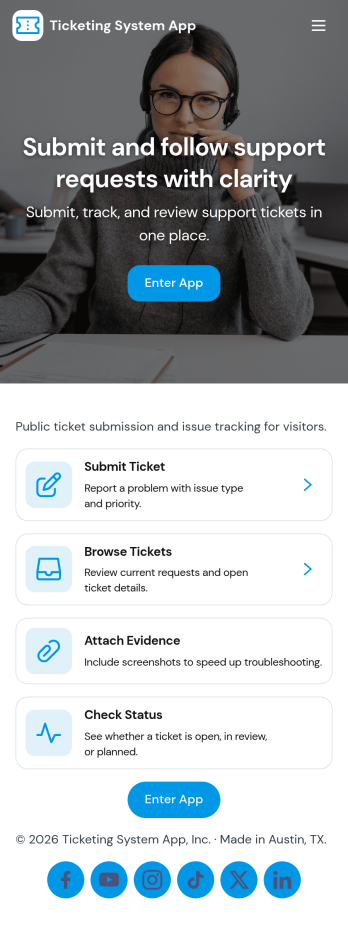
Ticketing System App
A ticketing system app gives teams a central place to capture requests, organize incoming issues, and guide people to the right next step. With this Ticketing System App, users can submit a new ticket, browse existing tickets, and review their own submissions without relying on scattered emails or chat threads. It’s a practical fit for IT help desks, internal ops teams, customer support groups, facilities, and any department that needs a clear way to intake problems, track progress, and keep request details consistent from start to finish.Jotform makes it easy to publish this experience as a branded, self-service app using a no-code app builder and a drag-and-drop interface. Connect your ticket form to the app so requests flow into a single workflow, then share the app link with employees or customers for faster data collection and better visibility. As needs change, you can update pages, navigation buttons, and the ticket list view in minutes, keeping your support process organized and accessible on any device.
Go to Category:Service & Support Portal Apps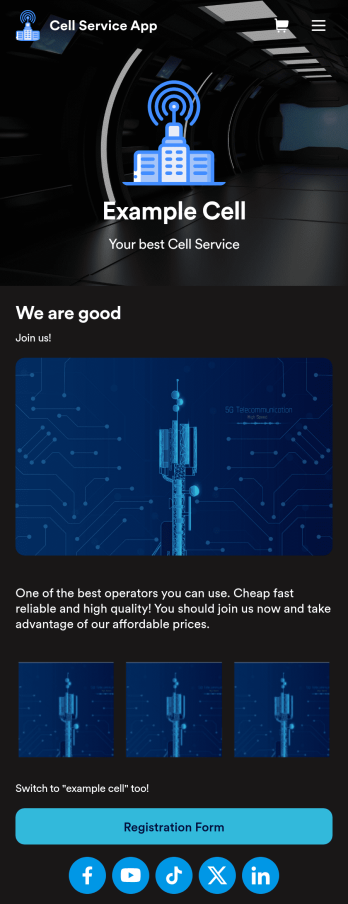
Cell Service App
If you sell cell phones or are a cell phone service provider, use this free Cell Service App to give customers an easy way to contact you and purchase your products or services! Start by customizing the app template to match your needs and branding — then share the app to be downloaded onto any iOS or Android tablet or smartphone. Customers can then submit orders, feedback, and other form responses on the go.Want to customize the design of this Cell Service App template? Drag and drop to get the look you want. Add your logo and products, update the app icon and background, split the app into multiple pages, and make other design changes in seconds with no coding required. All submissions through your custom Cell Service App are stored securely in your Jotform account, ready to view and respond to fast.
Go to Category:Customer Portal Apps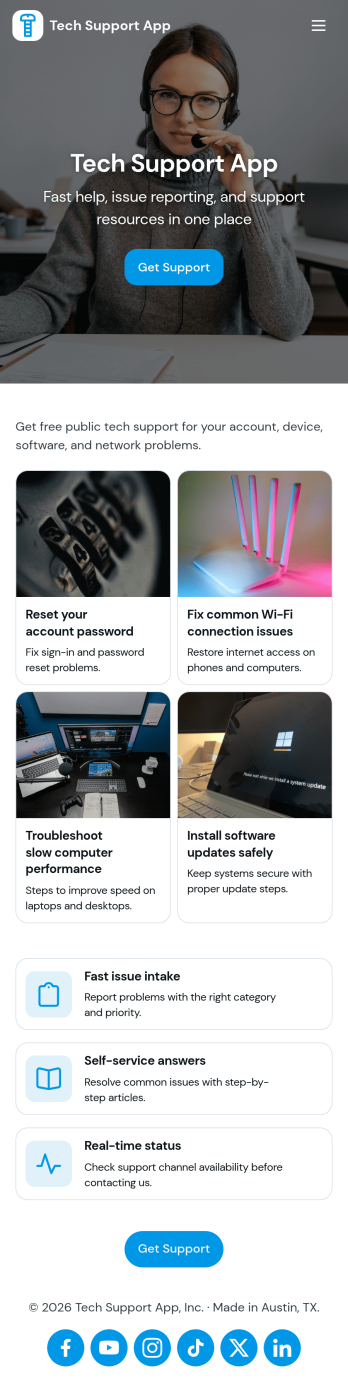
Tech Support App
Tech Support App helps teams centralize IT help requests so users can open a ticket, track progress, and find their place in the support queue without chasing updates. It’s a practical fit for internal IT departments, MSPs, SaaS support teams, and school or nonprofit tech offices that need a clear intake path and a simple way for requesters to check status. With quick actions like Submit Ticket and New Ticket plus a dedicated My Tickets area, the app supports fast reporting of issues, consistent triage, and fewer repeated emails about the same problem.Built with Jotform App Templates, this app template can be tailored in minutes using Jotform’s no-code app builder and drag-and-drop interface. Connect the ticket form to your existing workflow, organize requests in one place, and share the app through a link or QR code for easy self-service. As your volume grows, you can refine pages for different support needs, keep your process consistent across locations, and manage data collection in a way that works for both requesters and support staff.
Go to Category:Information Technology Apps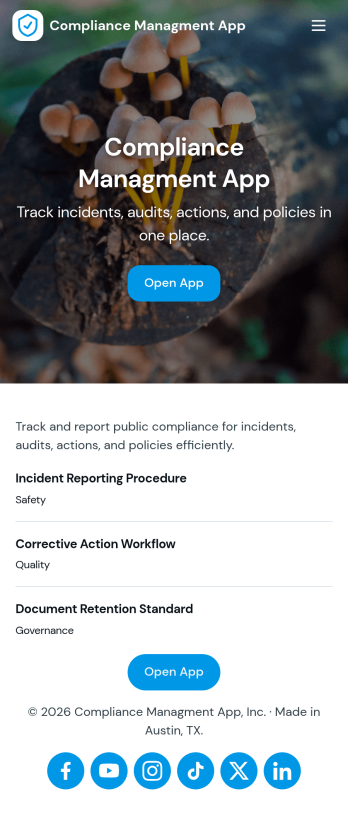
Compliance Managment App
Compliance Managment App brings your day-to-day compliance work into one place so teams can keep controls visible, document what happened, and stay ready for reviews. It’s built for operations leaders, IT and security teams, HR, and managers who need a practical way to organize controls, report incidents as they occur, log audits, and maintain supporting documents without hunting across folders or email threads.With Jotform you can turn this app template into a branded self-service workspace using a drag-and-drop interface and a no-code app builder. Connect the app to forms and tables to support ongoing data collection, route key steps through a workflow, and keep updates consistent across controls, incidents, audits, and documents. Share it with internal stakeholders through a link, tailor pages to your process, and keep information easy to access on any device.
Go to Category:Information Technology Apps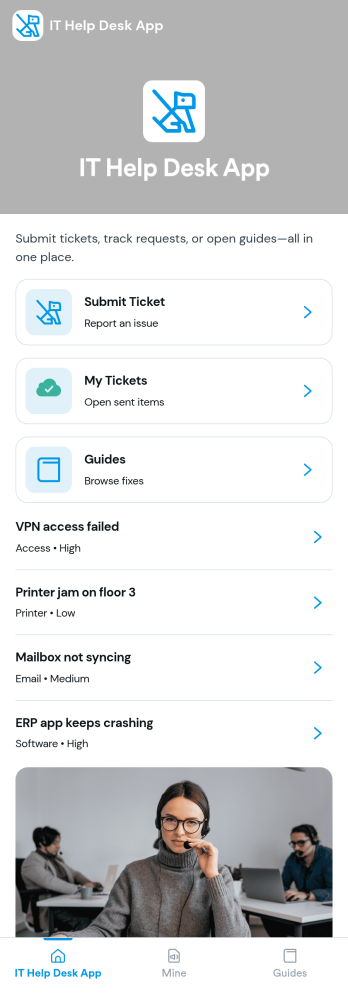
It Help Desk App
It Help Desk App gives teams a clear place to route internal tech issues and keep requests from getting lost in chat threads and inboxes. Employees can submit a ticket, check their open tickets, and review request details like priority and issue type in one simple experience. It works well for IT departments, managed service teams, and fast-growing companies that need a consistent way to capture problems, assign attention, and follow up without confusion.With Jotform App Templates, you can publish a self-service help desk that connects pages, buttons, and lists to the forms and tables behind your process. Build and update your workflow in a no-code app builder with a drag-and-drop interface, then share the app as a single link for quick access on any device. Jotform supports reliable data collection and organized request tracking, so your team can spend less time searching for context and more time resolving issues.
Go to Category:Information Technology Apps