Lifting Tracker App helps lifters record training sessions, keep an organized exercise list, and check progress over time without relying on scattered notes. It fits personal training clients, gym communities, and solo athletes who want a repeatable way to log each workout, review routines like push day and pull day, and stay consistent from week to week. With quick navigation to log a session, add a lift, and browse exercises, this app supports day-to-day strength training habits while keeping key details easy to find.
Jotform makes it simple to turn this experience into a polished self-service tool using App Templates and a no-code app builder. With a drag-and-drop interface, you can adjust pages, buttons, and cards to match your program, then connect the app to your forms and data collection workflows. Share it with a link so athletes can log sessions from anywhere, and keep everything organized as your tracking needs evolve.
Related templates
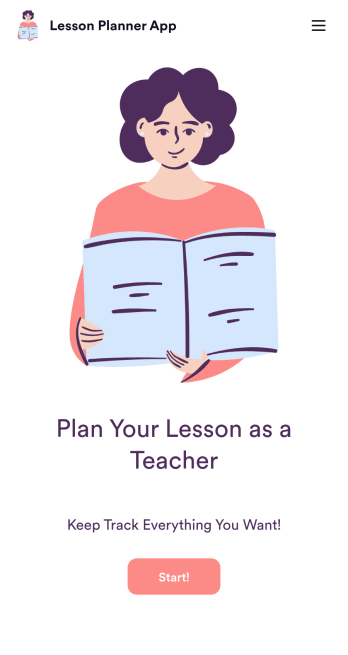
Lesson Planner App
Create and manage your classroom lesson plan with this free Lesson Planner app from Jotform. Download this app onto any device and start adding courses, start and end dates, lesson titles and objectives, tasks, resources, and more. There are also separate forms for entering student information and creating daily assignment checklists. Submissions are aggregated and stored in a color-coded and easy-to-understand spreadsheet using Jotform Tables.Want to make changes to this Lesson Planner App? No problem! With Jotform’s no-code app builder, you can build a custom app that meets your classroom’s needs in seconds. Simply drag and drop to add or change form elements, edit text fields and checklist items, install integrations and widgets, change fonts and colors, and more. When you’re done, you can access and download your app onto any smartphone, tablet, or desktop and start using it right away. Manage all your lesson plans and assignments from a single location with this mobile-friendly Lesson Planner App.
Go to Category:Daily Planner Apps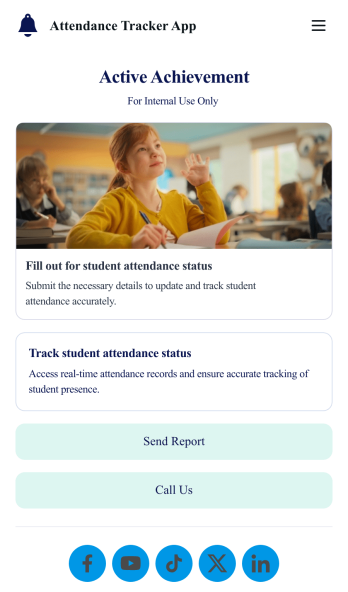
Custom Attendance Tracker App
An attendance tracker app is used by teachers or managers to track attendance for their classroom or company. With Jotform’s free Attendance Tracker App, you can download the app onto your computer, smartphone, or tablet to easily track attendance online. Just fill out the forms to log attendance details, and access your records in a spreadsheet or calendar using Jotform Tables.Need to change elements of this app template? Upload your logo, add or remove forms, include helpful links, and change the app background or icon to get the exact design you need — with no coding knowledge required. Once you’ve used our drag-and-drop builder to customize your app, share it with a link to be downloaded onto any device. Track attendance more efficiently with a free Attendance Tracker App!
Go to Category:Classroom Management Apps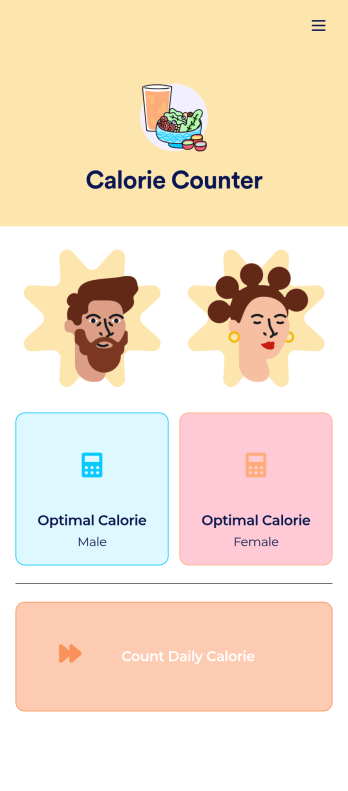
Customizable Calorie Counter App
A calorie counter app is used to track calorie intake from any device. No matter what your weight goals are, start tracking calories with Jotform’s free Calorie Counter App. This customizable app template comes with a calorie calculator and tracking form that you can fill out yourself or assign to clients if you’re a personal trainer or dietician. Submissions will be received instantly and synced to your secure Jotform account.Customize this Calorie Counter App to meet your needs in just a few clicks. Without coding, you can use our drag-and-drop builder to add or remove forms, create new app buttons or pages, embed links, upload images or videos, and include other app elements. When it’s ready to use, your app can be downloaded onto any device and shared via app link or email invite. Make calorie counting easy from anywhere with a custom calorie counter on your favorite device!
Go to Category:Self Care Apps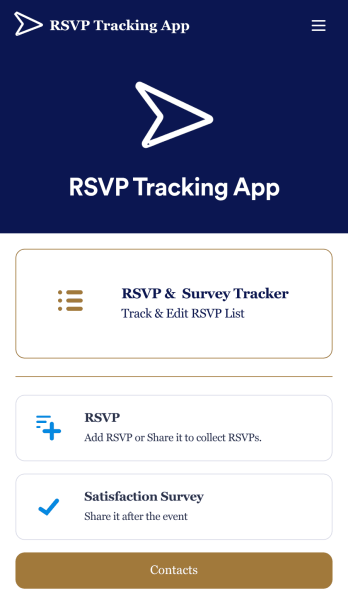
RSVP Tracking App
An RSVP tracking app is a type of mobile application used to track and manage RSVPs. This type of app is great for those planning events, parties, or other sorts of gatherings. Build your own with this free RSVP Tracking App from Jotform Apps. Add RSVP forms, post-event satisfaction surveys, and ticket payment forms to your app to manage all aspects of your event from one centralized app. Customize this RSVP Tracking App to match your needs with our no-code builder. Drag and drop to add or remove forms, upload images and videos, You can also opt to integrate the forms with 200+ platforms like Calendly, Square, and Google Drive for added convenience. Make your RSVP process seamless for everyone with this free RSVP Tracking App.
Go to Category:Event Planner Apps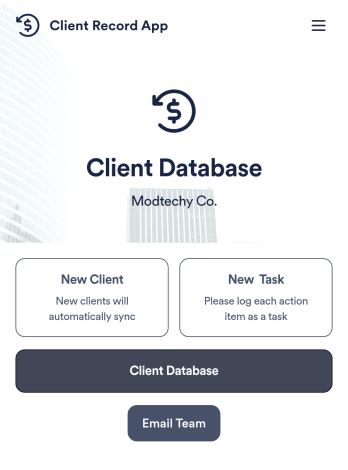
Client Record App
A client record app is used by companies to keep track of clients in a Jotform Tables database. With our Client Record App, you can add general contact information for new clients and view a list of existing clients. There is also a separate task form for employees to log projects. Submissions are stored securely in your online account and can be accessed directly through your app from any smartphone, tablet or computer.This Client Record App can be easily customized without any coding. Our drag-and-drop builder allows you to add and change forms, upload your logo, choose fonts and colors, create a custom app icon and splash screen, and more. When you’re finished, your team can access and download your app on any device with a share link. Keep all your business contacts in one convenient location with this Client Record App!
Go to Category:Freelancer Apps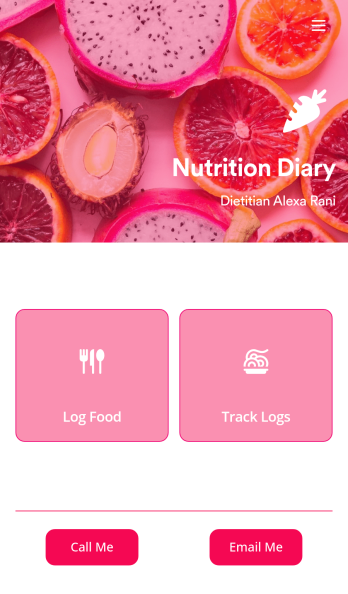
Track Nutrition App
A nutrition tracker app lets you track nutrition details from any device. Whether you need to track what you eat to meet your weight goals or for health reasons, get started with Jotform’s free Track Nutrition App. This readymade template comes with a log form and table as well as contact buttons, so you can use the app yourself or have your clients download it if you’re a dietician. Submissions will be automatically synced to your secure Jotform account.Customize this Track Nutrition App in just a few minutes with our intuitive app builder. Jotform’s drag-and-drop interface makes it easy to add forms, pages, links, buttons, and other app elements to the template. When it’s ready to use, share your app via link or email invite, or download it onto any smartphone, tablet, or computer for quick and easy access. Tracking what you eat has never been easier with a fully custom Track Nutrition App that works wherever you are!
Go to Category:Sports Apps