Personal Trainer Booking App brings your training schedule and client experience into one place, making it easy for clients to request sessions and for trainers to stay organized day to day. Use it to guide people from booking to follow-ups with clear navigation for booking a session, viewing availability, and checking a client’s progress overview. It works well for independent personal trainers, fitness studios, and coaches who juggle recurring sessions, new client requests, and ongoing progress check-ins.
Jotform makes it simple to build and publish polished App Templates like this with a no-code app builder and a drag-and-drop interface. Connect the app to your Jotform forms to support data collection for new bookings and training details, then keep your workflow moving with shareable links and an app experience that’s easy to use on any device. Update pages, buttons, and lists as your services change, and keep your booking journey consistent from the first tap to the next session.
Related templates
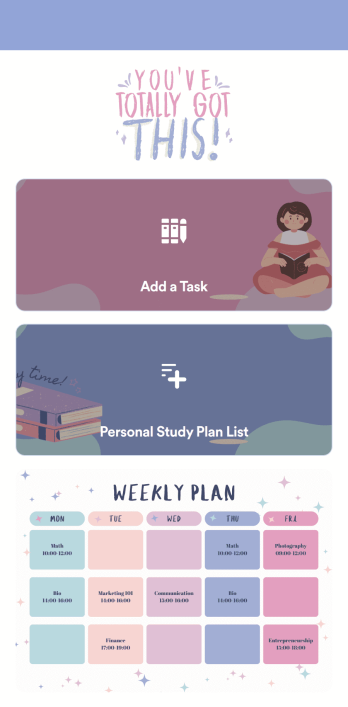
Customizable Study Planning App
A study planning app lets students create a student plan and track it on their mobile device. With this ready-made Study Planning App from Jotform, you can quickly and efficiently start tracking tasks, schedules, and study plans no matter where you are. Just customize the app to meet your study needs and download it for iOS, Android, or onto your computer for easy access.Need to make changes to this Study Planning App template? No problem — just drag and drop to get the design you want. Split your app into multiple pages, add more forms or tables, and make other changes in seconds with no coding knowledge required. You can even connect your app to 250+ other platforms like Trello, Asana, and more to monitor your study plans in your other accounts!
Go to Category:Organization Apps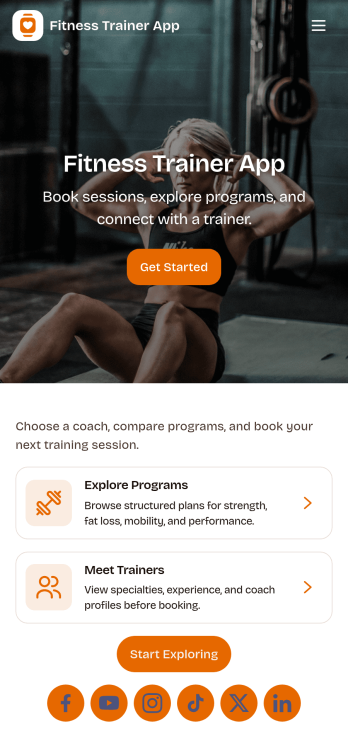
Fitness Trainer App
Fitness Trainer App helps personal trainers manage clients, plan workouts, and keep training on track from one simple hub. Use it to maintain a client list, jump into client profiles, and capture workout details in a consistent format, so you spend less time chasing notes and more time coaching. It fits independent trainers, boutique studios, and coaching teams that need a clear way to organize sessions, monitor progress, and keep programming aligned across multiple clients.Built with Jotform, this app template pairs a no-code app builder with a drag-and-drop interface, making it easy to tailor pages, navigation, and branding to your training business. Connect forms for data collection, route information into a workflow you control, and offer a self-service experience when you want clients to share updates or workout information. Publish and share the app in minutes, then keep everything current as your roster and training plans evolve.
Go to Category:Personal Training Apps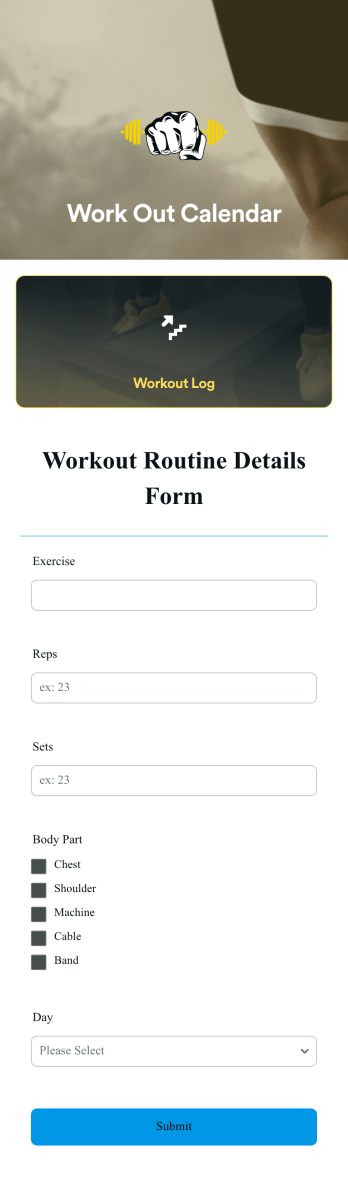
Workout Calendar App
A workout calendar app is a type of mobile application used by personal trainers and individuals looking to organize their workout schedule. With Jotform Apps, you can build your own Workout Calendar App for free. Add a workout log that collects information about the time of your workout, what exercises you did, how you felt before and after, and any other pertinent information you need to log.Personalizing your Workout Calendar App to fit your needs is simple with our drag-and-drop app builder. Add or remove forms, change fonts and colors, upload progress photos, pick an app logo, and so much more. You can even integrate your app with 250+ other platforms to connect your workout data to your other accounts. Meet your fitness goals with this free Workout Calendar App!
Go to Category:Sports Apps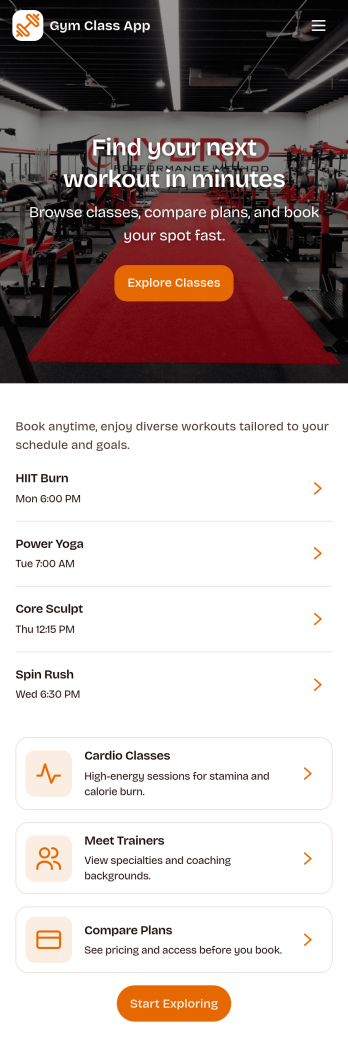
Gym Class App
Gym Class App gives gyms, studios, and fitness teams a simple way to publish classes and guide members from discovery to booking. Members can browse classes, open a class schedule view, and reserve a spot in just a few taps, making it easier to fill sessions without relying on phone calls or scattered messages. It also works well for multi-trainer facilities since visitors can view the trainer team, check availability, and book with the right coach for the experience they want.Built with Jotform App Templates, this app template is easy to tailor for your brand and daily operations using a no-code app builder and a drag-and-drop interface. Connect the app to your forms and data collection workflows to track reservations and check-in history, keep information up to date, and share a mobile-friendly self-service experience with members through a link or QR code.
Go to Category:Appointment & Booking Apps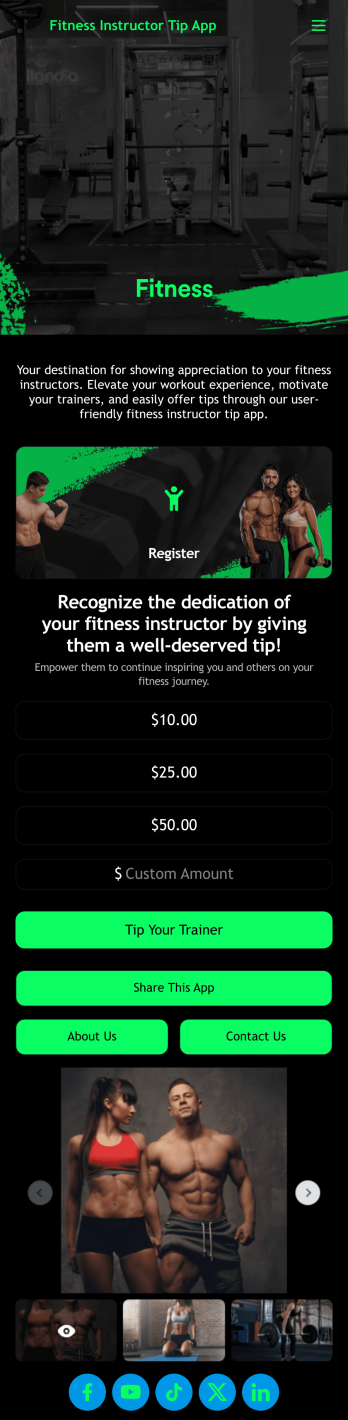
Fitness Instructor Tip App
A fitness instructor tip app is a mobile app that fitness instructors use to collect tips for their services. With a free Fitness Instructor Tip App template from Jotform, you can easily collect donations at the end of a fitness class or on a retreat. Choose one of our 30+ payment gateways, and all submissions will be stored securely in your Jotform account — ready to view, edit, or share on any device.Feel free to make changes to the Fitness Instructor Tip App template with our drag-and-drop app builder. You can share your story on a new app page, upload your logo, change fonts and colors, and much more. Once the app is ready to go, share it with your customers via link, email, or QR code for them to download onto any iOS or Android device. Collect tips while the energy is high with a free Fitness Instructor Tip App today!
Go to Category:Donation Apps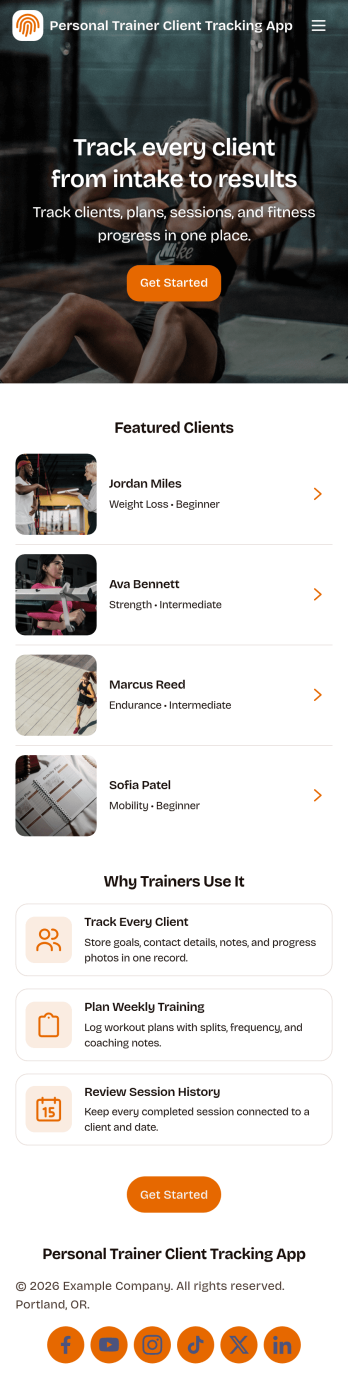
Personal Trainer Client Tracking App
Personal Trainer Client Tracking App helps fitness professionals keep client details and training progress organized across a simple, mobile-friendly experience. Use it to maintain a client list with quick access to key information, review progress records over time, and keep your coaching routine consistent when you’re handling multiple programs at once. It’s a practical fit for independent personal trainers, small studios, and coaches who want one place to monitor clients, follow up confidently, and stay prepared for each session.Built with Jotform, this app template pairs self-service navigation with structured data collection so you can capture updates without juggling spreadsheets. Customize pages using a no-code app builder and a drag-and-drop interface, then connect forms to support ongoing workflows like adding new clients, logging progress, and keeping records up to date. Share the app with your team or use it solo, and keep your client tracking system branded and easy to access wherever you work.
Go to Category:Personal Training Apps