Private Lesson Scheduling App helps instructors and tutoring businesses organize one-on-one sessions in a clear, client-friendly flow. Learners can browse lesson options, open a lesson page for details, and book a time without lengthy emails or phone calls. It’s a practical fit for music teachers, academic tutors, language coaches, art instructors, and personal skill trainers who want a single place to present offerings and capture bookings.
Built with Jotform App Templates, this app template can be tailored with a no-code app builder and a drag-and-drop interface so you can match your brand and scheduling style. Connect the booking button to a form for fast data collection, keep records centralized, and share the app with a link or QR code for easy self-service on any device. As your workflow grows, you can update lesson listings and booking steps without rebuilding from scratch.
Related templates
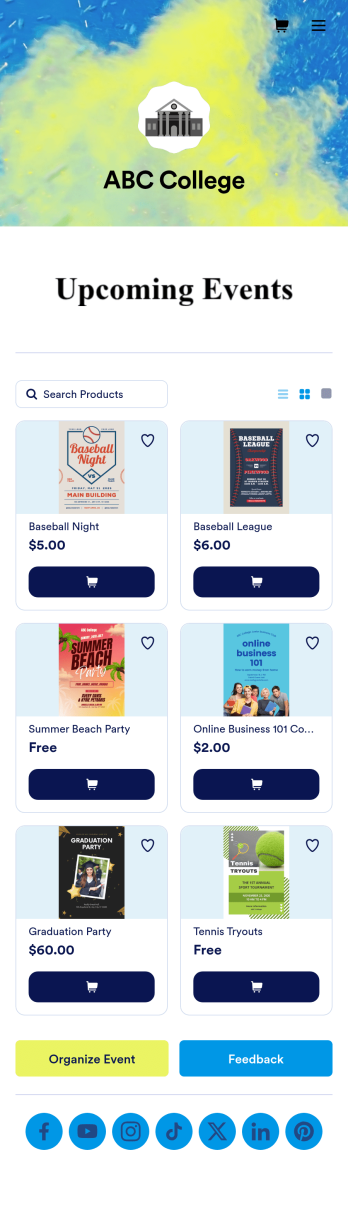
Custom College Events App
A college events app connects students to university events from any device. No matter what school you plan events for, let students know what’s coming soon with Jotform’s free College Events App. This customizable app template includes event posters, guest registration forms, and links to social media accounts that students can access from their smartphone, tablet, laptop, or computer. All submitted responses will be instantly synced to your secure Jotform account to be viewed or approved by you and other event staff.Make this College Events App stand out by using our drag-and-drop builder to customize it for your school. Without coding, you can add or remove forms, upload promotional images and videos, include tables and links, create buttons and pages, change the color scheme and fonts, and update the app name and icon to better represent your school. When it’s ready, your app can be shared on social media, your school website, or via the app link. Inform and excite students about upcoming events — and boost school pride — with a custom College Events App for your school!
Go to Category:Booking Apps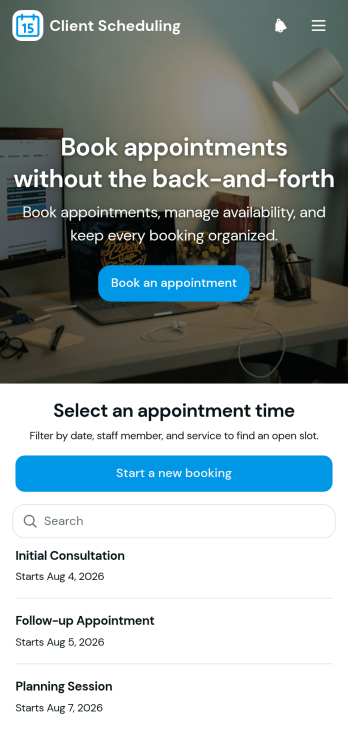
Scheduling App
You’re busy running a business — so why not make scheduling appointments as quick and convenient as possible? With Jotform’s free Scheduling App, customers can request an appointment by filling out their general contact information and choosing an appointment time from a list of available openings. There is also a separate contact form should a customer need to reach out to you directly. Appointments are stored securely in your online account, and can be accessed from any device.Want this Scheduling App to match your branding? No problem — our drag-and-drop form builder makes it easy to swap out forms, choose fonts and colors, upload your logo, and more with no coding. Jotform’s List Element feature lets you connect Tables and add actions to organize your app’s data, while the easily trainable AI Chatbot helps guide users and answer questions in real time. Your customers can then access and download your app onto any smartphone, tablet, or desktop via a shareable link. Start taking appointments from your own customizable app with this Scheduling App from Jotform!
Go to Category:Scheduling Apps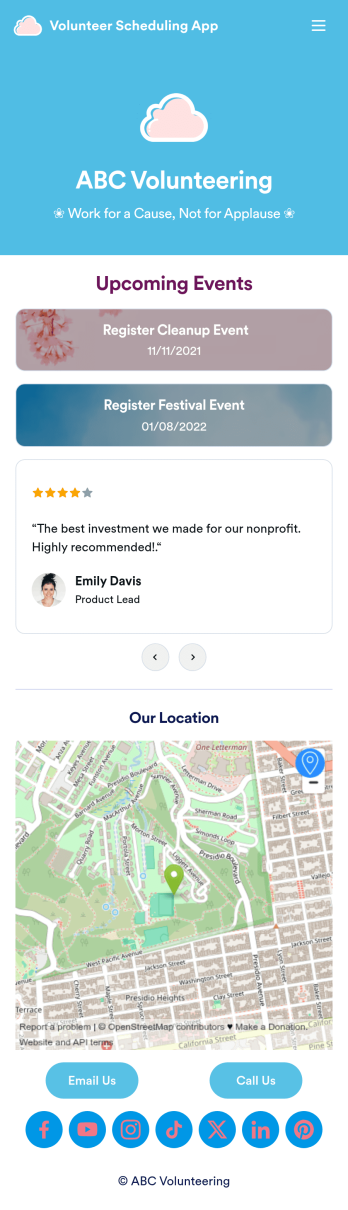
Custom Volunteer Scheduling App
A volunteer scheduling app is used by communities and organizations for recruiting volunteers. Our Volunteer Scheduling App allows individuals to volunteer for upcoming activities and events by filling out a form with their general contact information, availability, areas of interest, and any helpful talents they may have. This app template also includes an interactive event calendar and an event request form. Volunteer registrations are organized in an easy-to-read spreadsheet in your secure Jotform account, where you can sort and filter volunteers by name and availability.Jotform’s drag-and-drop app builder makes it easy to customize this app template to suit your needs. You can add and swap out form elements, choose fonts and colors, upload your organization’s logo, use your splash screen to include testimonials and photo slideshows of past events, and more — all without any coding. When you’re done, share your app by attaching it to an email newsletter, or include a link in your website or social media bio, and volunteers can download your app on any device. Start making real change in your community with this fully-customizable Volunteer Scheduling App.
Go to Category:Nonprofit Apps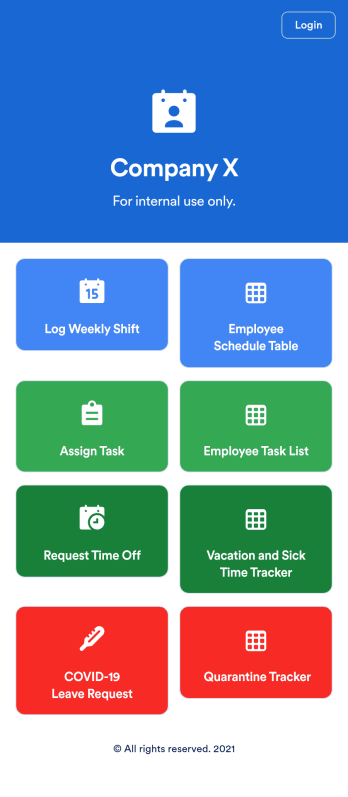
Employee Scheduling App
An employee scheduling app is used by company HR, department managers, and employees for keeping track of employee data. This Employee Scheduling App from Jotform comes bundled with four useful forms, allowing employees to log weekly shifts, view assigned tasks, manage leave requests easily with Leave Request Form, and take time off to quarantine from COVID-19 exposures. Each form includes a companion spreadsheet where employee data is stored — allowing managers to easily sort, filter, and search through entries from any smartphone, tablet, or desktop.Make this app template your own with Jotform’s intuitive app builder. Just drag and drop to add or change form elements, edit the content of individual forms, upload your company’s logo, and more — all without any coding. You can also use your app’s splash screen for things like company-wide announcements or listing HR contact information. Once you’re finished, share your app with employees by attaching a link to an onboarding email or embedding it in an employee portal. Streamline scheduling and time-off requests with this fully-customizable Employee Scheduling app that can be downloaded on any device.
Go to Category:Human Resources Apps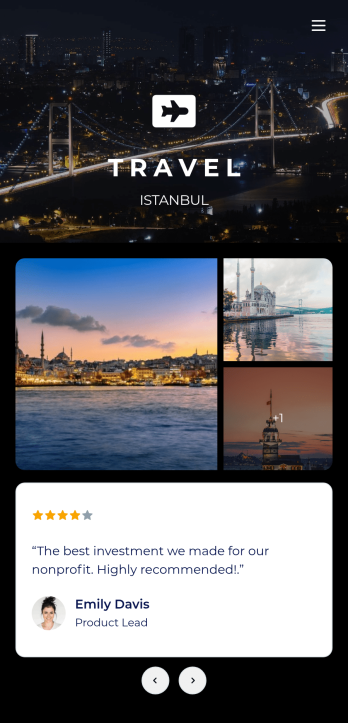
Tour Guide App
A tour guide app makes travelling easier for tourists no matter where they are or what device they use. Whether you manage a tourism agency or give guided local tours, create your own mobile app in just a few clicks with Jotform’s free Tour Guide App Template. Travellers can download your app onto their smartphone, tablet, or laptop and fill out your app’s forms with ease. Submissions will be synced to your secure Jotform account in an easy-to-view spreadsheet, calendar, or cards.Customize this Tour Guide App without any coding using our drag-and-drop interface. It’s easy to add forms, pages, links, documents, images, videos, buttons, and other elements to your app. Showcase must-see travel hot-spots on your app with pages for restaurants, culture, and entertainment, or create your own pages for other activities. When your app is ready to be published, post the app link on your website or social accounts. Make travelling a breeze with a fully customizable and easy-to-navigate Tour Guide App!
Go to Category:Booking Apps
Consultation App
A consultation app is used by clients to request consultation services from a consulting firm. With this free Consultation App from Jotform, your agency can create its own custom app in minutes! Just add photos and descriptions of your consultants, include links to your portfolio, and input location and contact details. Your clients can then download the app onto their mobile device to request a consultation fast.Want to make changes to this app template? Update the design by choosing a new background or app icon, including specific information about your services, splitting the app into different pages, and making other changes with our drag-and-drop app builder. No coding needed! You can then share the app with a link or send it to clients via email. All submissions through your custom Consultation App are ready to view instantly, so you can schedule consultations and respond to clients with ease.
Go to Category:Management Apps