Quality Control Checklist App helps teams run consistent inspections, document findings, and follow up on problems without hunting through paper checklists or scattered messages. It fits manufacturing lines, warehouses, construction sites, food production, and any operation where repeatable checks matter. Staff can start an inspection from a single home screen, log an issue the moment it’s spotted, and later review past inspections and reported issues to keep work moving and standards clear across shifts and locations.
With Jotform, you can turn this quality control app template into a mobile-friendly self-service experience using a no-code app builder and a drag-and-drop interface. Connect inspection and issue forms to your data collection workflow, keep records organized for faster reviews, and share the app by link or QR code so the right people can complete checks and report problems from the field, the floor, or the office.
Related templates
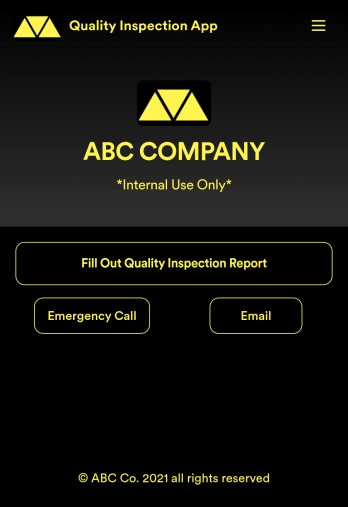
Quality Inspection App
A quality inspection app is used by inspectors to record the overall condition of construction site projects. With this free Quality Inspection App, safety inspectors can fill out a report detailing worker health and safety, material handling, and any activities observed. They can also take photos of problem areas directly from the app, and sign reports using a digital signature form upon completion of the inspection. Once submitted, reports are stored securely in your online account, which you can then view on any device.Want to add your company’s branding to this Quality Inspection App? With our drag-and-drop interface, you can add forms and text, choose fonts and colors, upload images, and more — all with no coding. After you’re done, safety inspectors can access and download your app on any smartphone, tablet, or desktop with a shareable link. Make inspecting construction sites quick and easy with this Quality Inspection App.
Go to Category:Inspection Apps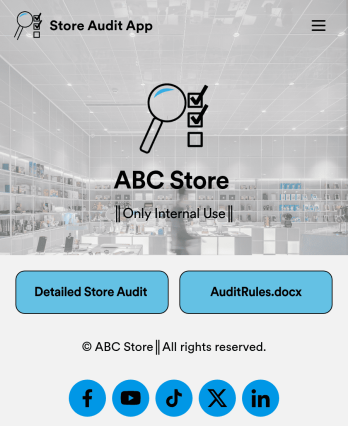
Store Audit App
A store audit app is used by store owners and managers for recording store audits. Jotform’s Store Audit App allows employees to create daily and monthly inspection audits by filling out a form detailing store standards, presentation, and security. Audits are automatically synced to an archive in your secure Jotform account, which you can access from any device for ease of use.Make this app template your own with our intuitive app builder. Drag and drop to add or change form elements, choose color schemes, upload images, and more — no coding required. You can also modify audit headers and textboxes to fit the needs of your store. Once you’re finished, simply download your app onto your store’s tablet or desktop, or share it with employees using a link. Ditch the paperwork and keep all your store audits in one place with this Store Audit App from Jotform.
Go to Category:Checklist Apps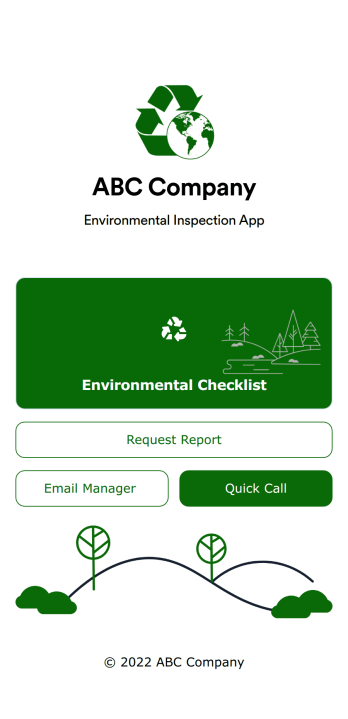
Environmental Inspection App
An environmental inspection app is used by government agencies and other environmental organizations to conduct inspections from their mobile devices. With Jotform’s free Environmental Inspection App, your agency can switch from paper forms to online forms to reduce messy paperwork and create a secure database of all your inspection information. Just customize and share the app to download it onto any device — no coding required!Customize the app design with our drag-and-drop no-code builder. Choose a new app icon and splash screen, add or remove forms, include your unique logo, and make other changes in seconds. You can then send your personalized Environmental Inspection App to your teammates with a copy-paste link that they can use to download the app onto their iOS or Android device.
Go to Category:Checklist Apps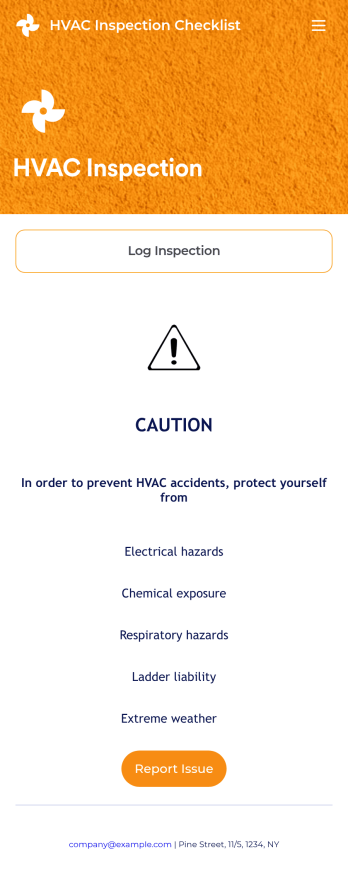
HVAC Inspection Checklist
An HVAC inspection app makes it easy for inspectors to inspect heating, ventilation, and air condition systems and log reports from any mobile device. If you’re a certified HVAC inspector or technician, create your own mobile app with our free HVAC Inspection Checklist App. This ready-to-use app template comes with an inspection report form where you can provide inspection details such as date and location, and check off inspection checklist items such as air intake, fans, and filters.Customizing your HVAC Inspection Checklist App for your specific needs will only take a few clicks. No coding required — simply drag and drop to update the checklist form, create and add new forms, embed links, include instructions or images, and change app settings such as name or icon. Once you’re satisfied with how your app looks, you can download and open it to any smartphone, tablet, or computer. Say goodbye to paper checklists with an efficient, easy-to-use HVAC Inspection Checklist App that keeps all your submitted reports in one secure place.
Go to Category:Checklist Apps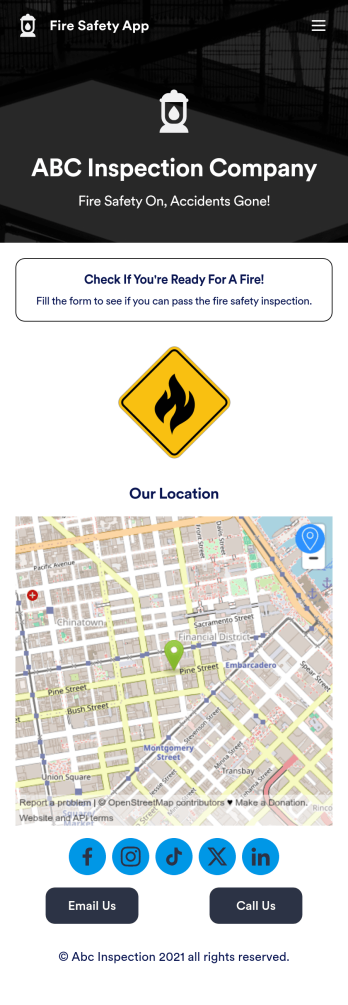
Fire Risk Assessment App
A Fire Risk Assessment App is used by fire safety inspection companies to perform inspections for homes, buildings, or businesses. With Jotform’s free Fire Risk Assessment App, members of your team can download the app onto their smartphone, tablet, or computer to submit safety inspection reports electronically. All information is stored securely and protected with Jotform’s advanced security protocols.Customizing this app is simple. Without coding, you can drag-and-drop fields to add your logo, update the splash screen, include more forms, or change fonts and colors. To get your app in front of team members, share it in seconds by copying and pasting the auto-generated app link. Make paper inspection forms a thing of the past and gets organized with a free Fire Risk Assessment App.
Go to Category:Inspection Apps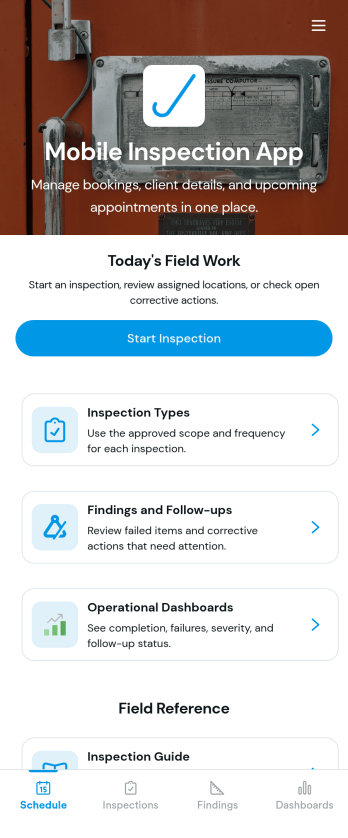
Custom Mobile Inspection App
A mobile inspection app allows inspectors to conduct inspections from any device. Whether you’re a home inspector, vehicle inspector, or building inspector, record and submit inspection reports on the go with our free Mobile Inspection App. This fully customizable app template includes a fillable mobile inspection form that allows you to check off items in your inspection list, upload photos, and provide your e-signature. Submissions will be sent to your Jotform account, where they can be viewed in a collaborative table or downloaded into secure PDFs automatically.Need to modify this Mobile Inspection App for your needs? No problem—without any coding, you can add forms, embed links to tables or other websites, update the provided text, upload images or logos, and change app settings such as name, icon, and splash page to better represent your inspection business. With Jotform’s Role-based feature, you can control access so tutors, admins, and other users see only the parts of the app relevant to them. Once it’s ready to use, download the app onto your mobile device or desktop computer for easy access. Make future inspections a breeze with an efficient Mobile Inspection App that works wherever you do.
Go to Category:Inspection Apps