Spice Inventory App helps kitchens and food businesses keep a clear, up-to-date view of spices across storage areas, so you can restock with confidence and avoid running out mid-service. Use it to browse your inventory list, open individual spice records, and quickly log replenishments through an Add Stock flow. It’s a practical fit for restaurants, catering teams, food trucks, test kitchens, and small retailers that want a simple way to spot low quantities early and keep purchasing and prep aligned.
With Jotform, you can turn this spice inventory app template into a mobile-friendly self-service experience that your team can actually use during busy shifts. Customize pages with Jotform’s no-code app builder and drag-and-drop interface, then connect the app to a form and data collection workflow that keeps records consistent in one place. Share a single link or QR code for staff access, and update the layout, fields, and branding as your inventory process evolves.
Related templates
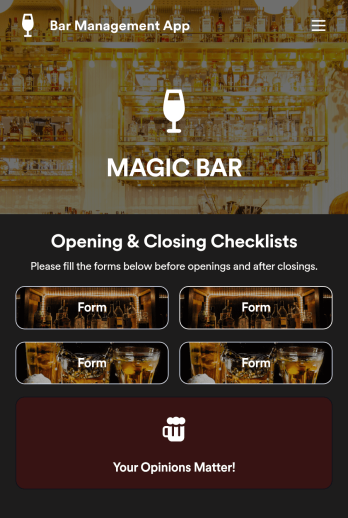
Bar Management App
Need an easy and efficient way to manage your bar’s employees? Look no further than this custom Bar Management App from Jotform. Create shift schedules, add opening and closing checklists, upload drink menus, and more. All of your bartenders will be able to use this handy app on their mobile, tablet, or desktop devices.Make this Bar Management App your own with our intuitive app builder. Simply drag and drop to upload training images and videos, add helpful integrations, create new pages, change fonts and colors, and more depending on your bar’s specific needs. Then simply share via direct link with your employees, or embed it directly into your work portal for easy access. Keep your bar running smoothly with this Bar Management App from Jotform.
Go to Category:Management Apps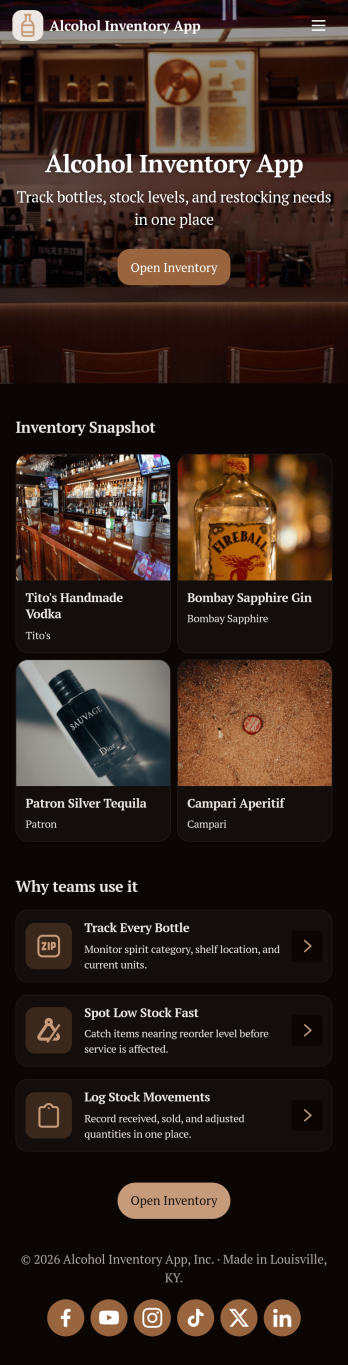
Alcohol Inventory App
Alcohol Inventory App helps bars, restaurants, tasting rooms, and retail beverage teams keep a clear, up-to-date view of what’s on hand and what needs attention. It brings your bottle list into one place for quick inventory browsing, provides a simple way to log stock changes, and highlights low-stock items so managers can act before service is impacted. Whether you’re tracking a busy back bar, a storeroom, or multiple shelving areas, this app supports tighter counts, fewer missed reorders, and smoother handoffs between shifts.With Jotform App Templates, you can turn your inventory workflow into a mobile-friendly, self-service experience without coding. Use Jotform’s no-code app builder and drag-and-drop interface to tailor pages, buttons, and lists to match your venue’s process, then connect your app to forms and tables for consistent data collection. Share a single link with staff, keep stock logs organized, and update the app as your menu or product mix changes.
Go to Category:Food & Beverage Apps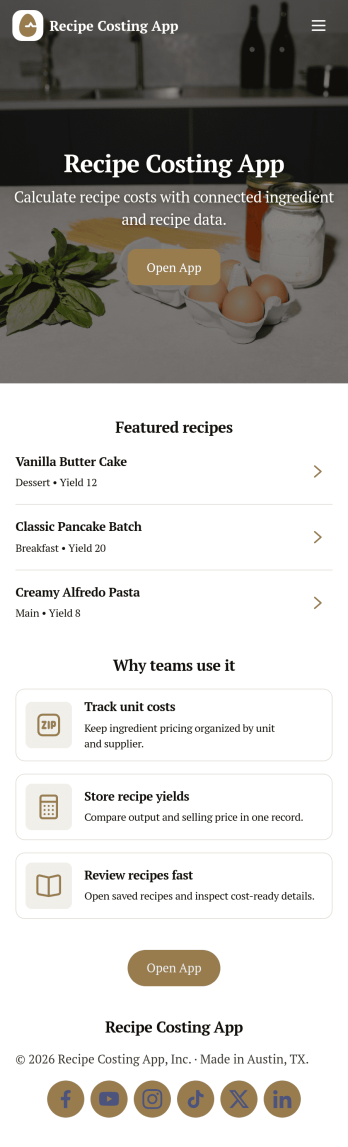
Recipe Costing App
Recipe Costing App helps food businesses calculate recipe costs using a simple, repeatable workflow. Use it to store ingredients with current prices, build recipes from those ingredients, and review costing details when menu planning or updating pricing. It’s a practical fit for restaurants, caterers, food trucks, bakeries, meal-prep brands, and culinary teams that need consistent numbers across locations or shifts without relying on scattered spreadsheets.With Jotform, you can turn this app template into a branded, shareable tool using a no-code app builder and a drag-and-drop interface. Connect forms to capture ingredient and recipe data collection, keep information organized for quick self-service browsing, and update costs as pricing changes. Publish your app in minutes, share it with your team, and keep your costing workflow moving with less manual follow-up.
Go to Category:Restaurant Inventory Apps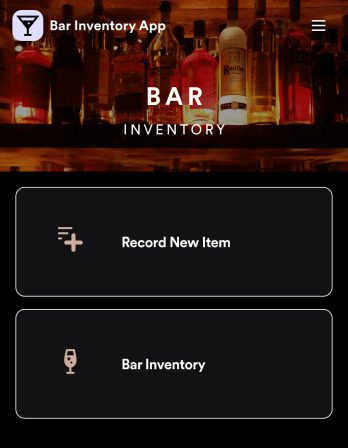
Bar Inventory App
A bar inventory app is used by bar staff to keep track of a bar’s equipment, ingredients, and other beverage information. Stop tracking inventory with pen and paper and enjoy an easier way to do it with a free Bar Inventory App from Jotform. Employees can download the app onto their iOS or Android device and fill it out as they go. All stock take submissions are stored securely in an inventory spreadsheet and viewable directly from the app.Customize this app template using our drag-and-drop app builder. With no coding required you can add your company logo, update forms or spreadsheets, change the background image, and make other design changes in seconds. Help your bar staff save time with a more efficient inventory process using this free Bar Inventory App that downloads onto any computer or mobile device.
Go to Category:Inventory Apps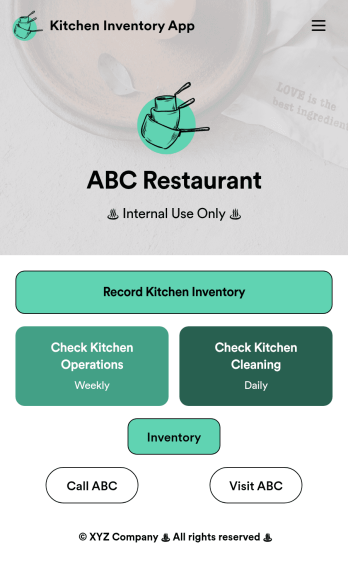
Kitchen Inventory App
Tracking inventory in your kitchen is the key to success for your restaurant. Make inventory a breeze with our free, customizable Kitchen Inventory App! It lets you bundle multiple forms in one app, so you can access our Restaurant Inventory Template and other kitchen forms from anywhere. Supervisors or employees can open the app on any smartphone, tablet, or computer to record stock inventory, report on kitchen operations, and track daily cleaning.This Kitchen Inventory App is ready to use as is, but feel free to make any modifications if necessary. Without any coding, you can add forms, text, images, links, and more. You can even change the name, icon, and splash page for your app for a fully-custom design! Monitor food usage and keep track of your inventory more efficiently with a custom Kitchen Inventory App for your restaurant.
Go to Category:Inventory Apps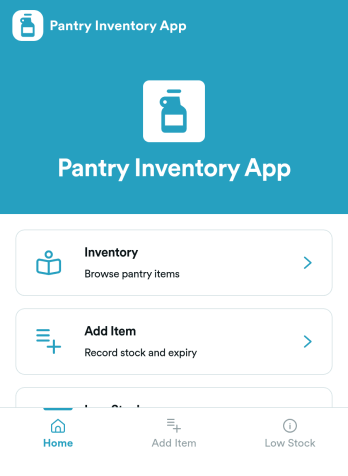
Pantry Inventory App
A pantry inventory app keeps your home or organization’s pantry items organized so you can see what you have, add new products as they come in, and avoid running out of essentials. This template supports day-to-day tracking with an inventory view, a simple add item flow, and a low stock area that makes it easier to spot what needs attention. It’s a great fit for busy households, shared apartments, meal-prep routines, small offices stocking a kitchenette, and community spaces that want a clear, up-to-date picture of pantry supplies.With Jotform App Templates, you can publish a pantry inventory experience that’s easy to navigate on any device and simple to maintain as items change. Use Jotform’s no-code app builder and drag-and-drop interface to adjust pages, buttons, and lists, then connect your app to the included form for fast data collection and restock updates. As your workflow grows, you can keep everything in one place for convenient self-service, from checking inventory to adding items and initiating restocks.
Go to Category:Inventory Apps