Teacher Attendance App helps schools and education programs track daily classroom attendance in one place, from taking attendance to reviewing past records. It’s a practical fit for teachers, substitute teachers, department leads, and school administrators who need a consistent routine for logging attendance, keeping a clean student roster, and reducing missed entries. With quick navigation to take attendance, view students, and check records, the app supports smoother mornings, more accurate reporting, and fewer manual spreadsheets.
Jotform offers app templates like this one you can tailor to your process using a no-code app builder and a drag-and-drop interface. Connect the app to forms and data collection so attendance logs and roster updates stay organized, searchable, and easy to manage over time. Share your Jotform app with staff through a link or QR code, keep workflows moving with simple actions and pages, and update the experience anytime without writing code.
Related templates
Class Roster App
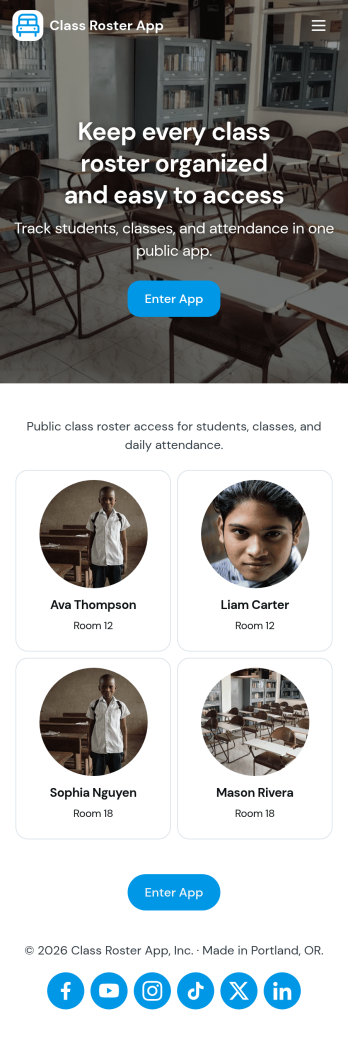
Class Roster App helps teachers and academic staff keep a clear, up-to-date view of who is in each class and what is happening day to day. Use it to browse a student list, open individual student details, add new students as enrollment changes, and record attendance without jumping between scattered spreadsheets or paper notes. It’s a practical fit for K–12 classrooms, tutoring centers, after-school programs, and small training groups where rosters shift and quick access matters.With Jotform, you can turn this class roster app template into a mobile-friendly hub that supports self-service data collection and simple workflows. Customize pages with a drag-and-drop interface, connect buttons to forms for adding students or attendance, and keep records organized in one place. Share the app by link or QR code, collaborate with other instructors, and update the layout and branding anytime using Jotform’s no-code app builder.
Go to Category:Classroom Management Apps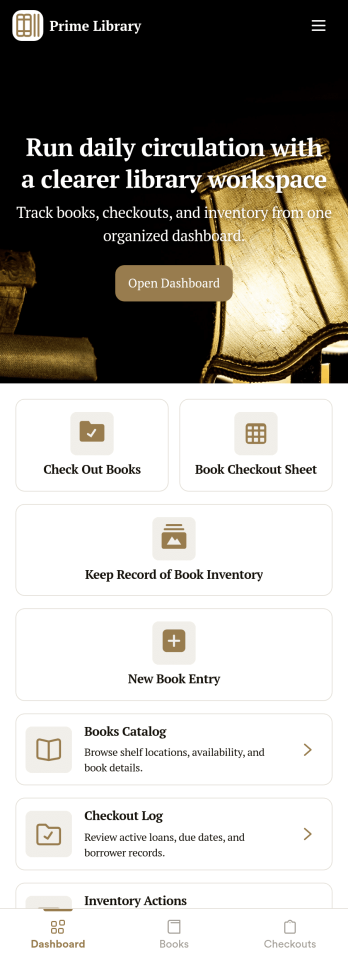
Library Management App
A library management app is used by libraries for library management and inventory purposes. Jotform’s Library Management App makes it easy to quickly fill out a form documenting book title, author, and serial number to keep an accurate record of books checked out by library patrons. A separate form allows librarians to enter incoming book orders into an inventory system. This app comes bundled with companion spreadsheets for each form, giving you an easy-to-understand overview to help you manage your library at a glance.Make this app template your own in seconds with Jotform’s no-code app builder. You don’t need to have any coding or design background — just drag and drop to add or change form elements, edit form text and fields, upload images, add documents, and more. Once you’re done customizing, download your app on any smartphone, tablet, or desktop in your library and start checking out books right away. Manage your library from any device using a single app with our readymade Library Management App.
Go to Category:Management Apps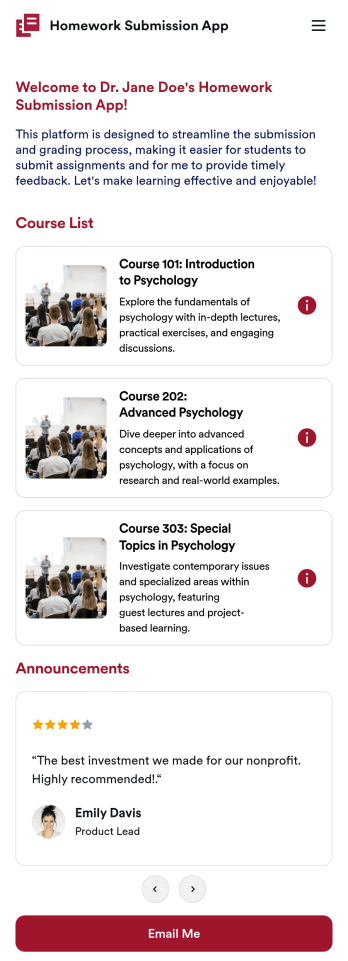
Customizable Homework Submission App
A homework submission app is a type of mobile application used by educators to collect student homework assignments. Build your own custom Homework Submission App with Jotform Apps. List your courses, add homework submission forms, set up automated responder emails, and streamline your own overall grading process.Customize the look and feel of your Homework Submission App by using our drag-and-drop app builder. Add or remove forms, change your app’s color scheme and font, select a unique app icon, include helpful form elements, add our Card element to organize your app, and so much more. Once you’re satisfied with your app, simply share it with your students to start collecting homework assignments on any device.
Go to Category:Classroom Management Apps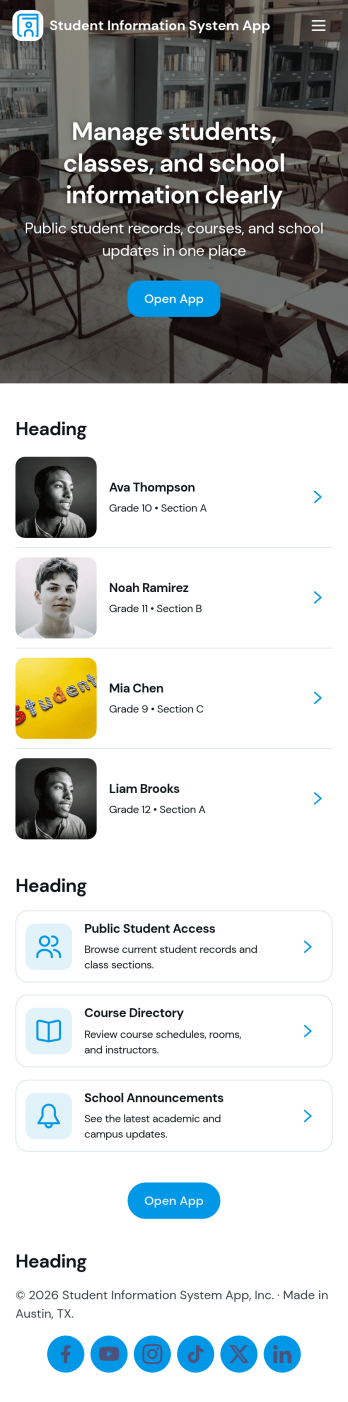
Student Information System App
Student Information System App brings key student records into one place so schools and education programs can keep day-to-day details organized without juggling spreadsheets. Use it to browse a student list, complete student registration, and capture ongoing updates like attendance and grades as the term progresses. It’s a practical fit for admins, registrars, coordinators, and teachers who need quick access to current information for classes, advising, and student support.Built with Jotform, this app template helps you turn data collection into a connected workflow using a no-code app builder and a drag-and-drop interface. Link your forms to lists so records stay easy to find, add navigation buttons for faster self-service across pages, and share the app with your team using a simple link. As needs change, you can adjust the layout, update fields, and keep information flowing to the right place with Jotform’s flexible app templates.
Go to Category:School Management Apps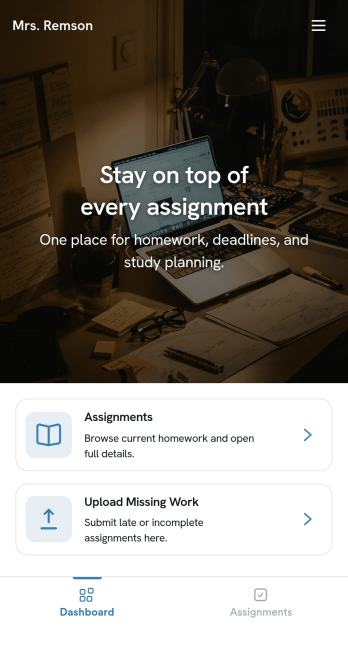
Homework Management App
A homework management app is used by teachers to collect homework assignments from their students. Give your students an easier way to submit homework for your remote or in-person classroom with a free Homework Management App from Jotform. Students can upload documents through the app’s homework or missing assignment forms, which you can view easily on any device from your secure online account.Need to make changes to this app template? Add or remove forms, update the app icon or background, include important information for your classroom, or add helpful links with no coding required. You can then copy and paste the app link to share your custom Homework Management App with your students, who can download it onto their computer, tablet, or smartphone to submit their homework instantly.
Go to Category:Classroom Management Apps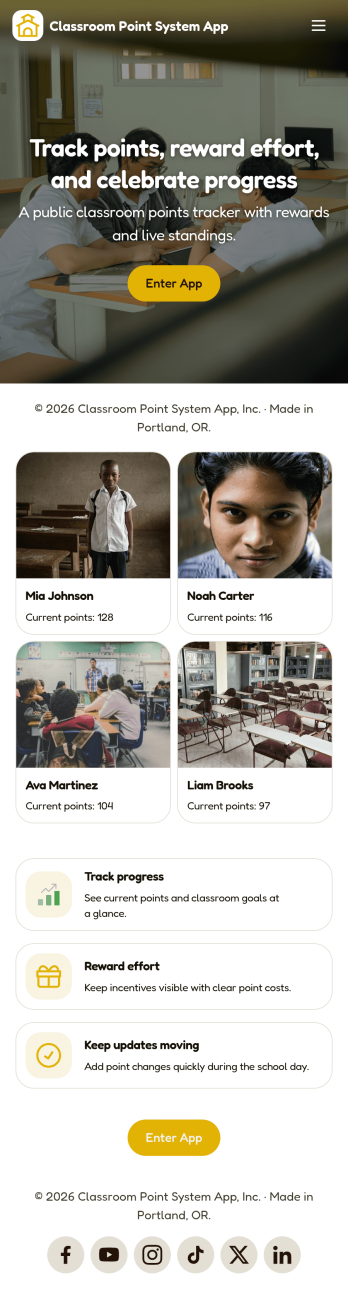
Classroom Point System App
Classroom Point System App helps teachers track student points for behavior, participation, and classroom goals in one place. Use it to keep a student list, quickly add points during lessons, and keep motivation high with a simple leaderboard students can understand. It works well for elementary classrooms, middle school teams, after-school programs, tutoring centers, and anyone using PBIS-style incentives or class rewards who wants a clear, consistent way to recognize positive actions.Built with Jotform, this app template is easy to tailor with a no-code app builder and a drag-and-drop interface, so you can match your rules and routines without technical work. Connect the app to your data collection forms for adding students and recording points, keep records organized, and share the self-service experience with co-teachers or support staff. Jotform makes it simple to publish updates fast and manage your classroom workflow from anywhere.
Go to Category:Classroom Management Apps