Jotform's Tenant Engagement App template is designed to help property managers, landlords, building managers, and housing associations build strong relationships with their tenants. With this no-code app builder, users can easily inform tenants about community announcements and events, collect maintenance requests, and showcase related contacts all in one customized app. Whether it's sharing important updates or gathering feedback from tenants, this app template streamlines the communication process and enhances tenant engagement.
Explore the top Jotform Apps features that make creating a Tenant Engagement App a breeze. With a drag-and-drop builder, powerful app elements, and 70+ app widgets, users can customize their app to fit their specific needs and branding. From online forms to e-signature documents and payment integrations, Jotform Apps offers a range of tools to enhance the tenant experience. Plus, with advanced sharing options, custom URLs, and compatibility across all devices, reaching and engaging tenants has never been easier. Elevate your tenant engagement strategy with Jotform Apps and see the difference it can make for your properties.
Related templates

Custom Time Tracker App
A time tracker app is used to keep track of employees’ hours and tasks. With Jotform’s free Time Tracker App, managers can keep a complete record of the times employees punch in or out, task details and the amount of time employees spend on them, and view all the information in a professional spreadsheet. All submissions are stored securely in your Jotform account and ready to access on any device.Need to make changes to this app template? Be sure to add your logo, change the background image, and choose new fonts and colors for a personalized touch. You can also customize the spreadsheet layouts and make changes to the app’s forms to collect other types of information — then share the app for your employees to download onto their devices. Better manage employee information with a free Time Tracker App from Jotform.
Go to Category:Management Apps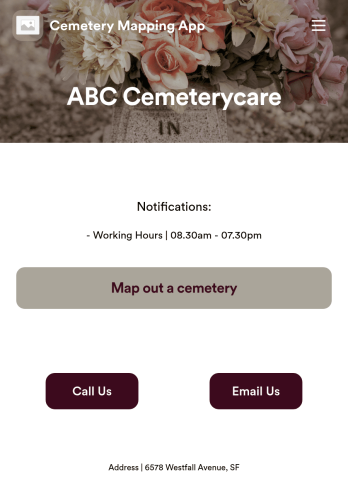
Customizable Cemetery Mapping App
A cemetery mapping app is used by funeral homes to keep track of existing or new plots in their cemetery. Using Jotform’s free Cemetery Mapping App, you can keep track of important information — like plot identification number, date of birth and death, and full name — from any device. App users can even take and upload photos of plots directly from their smartphone or tablet.Want to make changes to this free app template? Add more form fields to gather more information, include your logo and cemetery details, and add links, documents, and more with no coding required. Just drag and drop to get the look you want! Once your app is fully customized and ready to go, share it with a link or via email for members of your team or community to fill out on any device.
Go to Category:Management Apps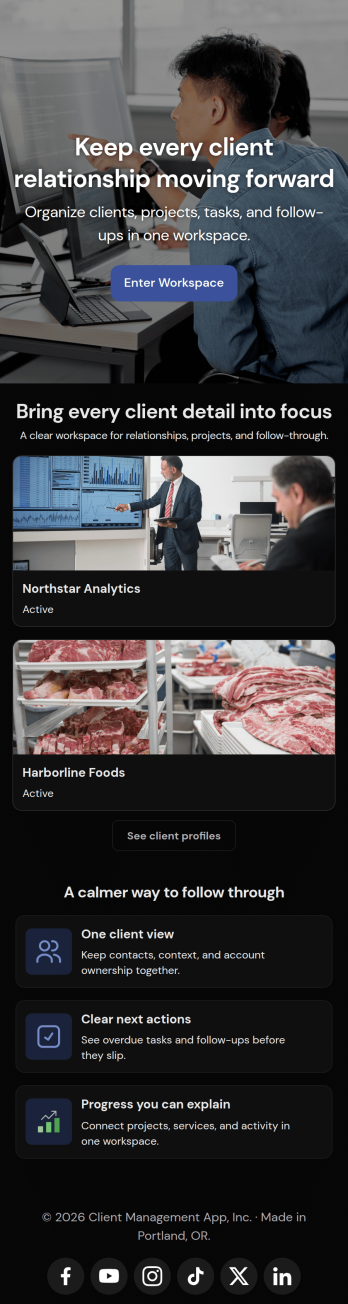
Client Management App
Looking for a way to manage clients without relying on expensive CRM software? Our free Client Management App is just the tool your team needs for tracking all your company’s relationships and interactions with clients. This customizable app shares all your forms at once, so you can register new clients, access your CRM database, log tasks, generate reports, and collect feedback all in one place.Customize your Client Management App to meet your company requirements. No coding necessary—just drag and drop to add or delete forms, embed links to your spreadsheets or other sites, change text and images, and even update your app icon and name to match your branding. Jotform’s List Element feature lets you connect Tables and Role-based features; you can control access so admins and other users see only the parts of the app relevant to them. When your app is ready to use, send the link to teammates to open and download on any smartphone, tablet, or computer. Increase customer loyalty and retention for your company with a custom Client Management App as your go-to CRM tool!
Go to Category:Management Apps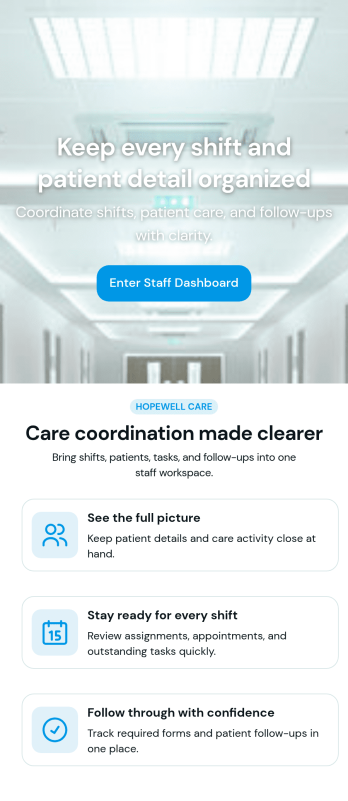
Custom Patient Management App
Patient Management App is an app template designed to streamline the workflows of healthcare providers, clinics, hospitals, and medical practices. By offering a centralized system that manages patient information, appointments, and care plans, the app helps improve operational efficiency. Suitable for healthcare administrators who are tasked with scheduling patients, updating medical records, tracking treatment plans, and facilitating communication throughout the patient care journey, it collects critical data in a structured and consistent manner. The app's value lies in its ability to simplify complex operational tasks, thus reducing the likelihood of errors and enhancing the quality of care provided.Jotform's intuitive design tools make it easy to customize the Patient Management App to match your healthcare practice's branding. Using Jotform's No-Code App Builder, you can quickly adjust forms, pick fonts and colors, and upload your logo without writing a single line of code. Once set up, your patients can access and download the app onto any device; be it a smartphone, tablet, or desktop, through a shareable link. This ease of access maximizes the app's adoption and use, further improving the efficiency of your healthcare practice. The Patient Management App from Jotform embodies the perfect blend of utility and usability, making patient management a breeze.
Go to Category:HIPAA Apps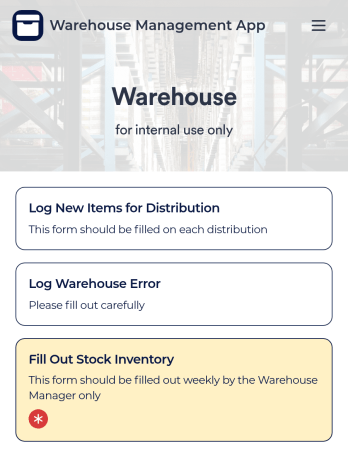
Warehouse Management App
A Warehouse Management App is used by businesses to keep track of new warehouse inventory. With this fully-customizable app, you can record item names, descriptions, quantities, model and serial numbers, as well as account and payment details from the distributor and receiving company. An easy-to-read stock inventory list is stored securely in your online account and can be accessed and downloaded on any device.Want to customize this Warehouse Management App to match your company’s branding? Our drag-and-drop interface makes it easy to add forms, upload your logo, change fonts and colors, create a custom app icon, and more — no coding necessary. When you’re done, employees can download your app on any smartphone, tablet, or desktop for future use. Keep a bird’s eye view on your warehouse inventory with this Warehouse Management App.
Go to Category:Management Apps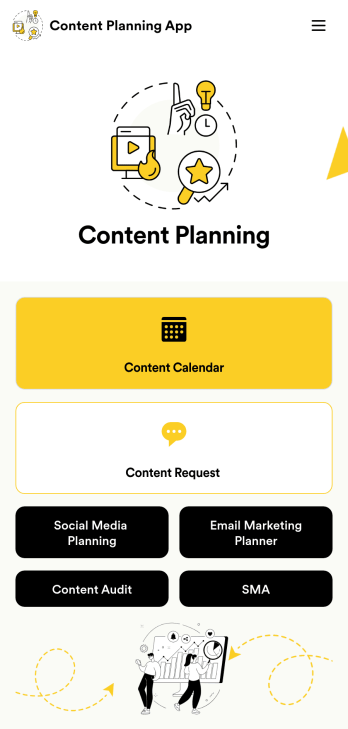
Content Planning App
A content planning app is commonly used by marketing teams to manage content calendars. With Jotform Apps, you can build your own Content Planning App for free. Add a content calendar, brainstorm notes, content audits, and so much more. You can even integrate your app with 250+ platforms to send data straight to your other marketing accounts — all with no coding required.Customizing your Content Planning App is easy and intuitive with Jotform’s drag-and-drop builder. Add or remove forms, switch up fonts and colors, choose a unique app icon, upload branding assets and images, and so much more. Once you’re happy with your app, all you need to do is share it with your team. Embed it in your online workspace or send it via link so your team members can download it to their mobile, tablet, or desktop device.
Go to Category:Company Portal Apps