Tip Tracking App helps you record tips as they come in, review past entries, and check a quick summary without digging through notes or multiple spreadsheets. It fits naturally into day-to-day work for servers, bartenders, baristas, delivery drivers, salon teams, and anyone who relies on gratuities and wants a simple way to keep numbers organized. With quick actions like logging a tip, viewing history, and opening a summary, it supports consistent tracking during busy shifts and makes it easier to spot patterns by day or pay period.
With Jotform, you can turn this app template into a self-service routine that matches your workflow using a no-code app builder and a drag-and-drop interface. Connect the app to a form for data collection, keep records organized, and share the app through a link or QR code so it’s easy to access on mobile. As your needs evolve, you can adjust pages, add fields, and build a connected workflow that keeps tip logging and reporting in one place.
Related templates
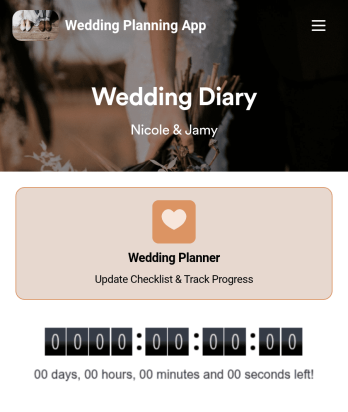
Wedding Planning App
Plan your wedding like a pro with a free Wedding Planning App from Jotform! Whether you’re a professional wedding planner or getting things ready for your own wedding, use this app to create a wedding checklist, track your progress, and view a countdown timer ticking off the seconds until the big day. You can also use the app to log expenses, manage your guestlist, and keep track of venue information.Make changes to this Wedding Planning App template in seconds with our drag-and-drop builder. Add new forms, pages, links, images, and personalize design elements like splash screen and app icon with no coding required. Your custom Wedding Planning App can then be downloaded instantly onto any device — including your computer or any iOS or Android device — so you can prepare for your event seamlessly on the go.
Go to Category:Checklist Apps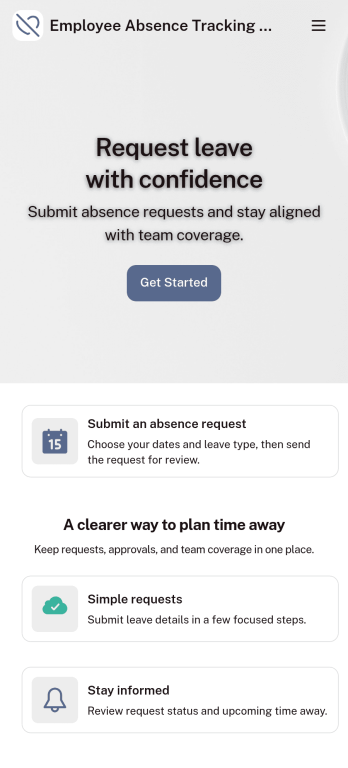
Customizable Employee Absence Tracking App
This Employee Absence Tracking App helps employees request time off and helps HR, managers, and employers track absences from any device. It includes submission tracking, with Admin-only access to view and manage requests and keep information organized and relevant based on the type of leave. All submissions are automatically available in Jotform Tables where admins can review them as a spreadsheet, calendar, or cards for faster follow-up and reporting.The app can be customized with multiple request forms for different leave types, a personalized splash screen or icon, and guidance text to support employees while submitting requests. With Jotform’s Role-based feature, you can control access so tutors, admins, and other users see only the parts of the app relevant to them. For privacy and compliance, sick leave request forms require employee login, ensuring only authenticated users can submit sensitive absence information. Save time and simplify leave management with a secure, streamlined way to handle employee absences.
Go to Category:Company Portal Apps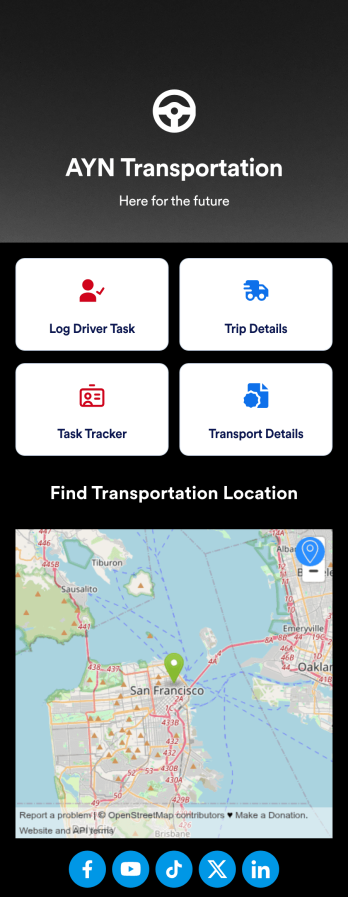
Customizable Driver Dispatch App
A driver dispatch app is used by taxi companies or other transportation services to keep track of trip details for their drivers. With this free Driver Dispatch App from Jotform, you can keep a complete record of trip details without the need for messy, disorganized paper forms. All form submissions through the app are stored in your secure Jotform account, ready to view in Jotform Tables as a spreadsheet or calendar.Customize this app template’s design without coding. Drag and drop to add or remove forms or change other design elements like app icon, logo, and background in a few easy clicks. Once your app is ready to go, download it onto your computer, tablet, or smartphone or copy-paste the app link so others can download it too! Upgrade the way you manage trip details with a powerful Driver Dispatch App.
Go to Category:Log Apps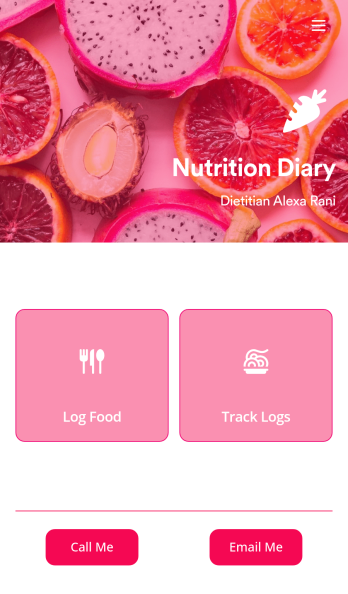
Track Nutrition App
A nutrition tracker app lets you track nutrition details from any device. Whether you need to track what you eat to meet your weight goals or for health reasons, get started with Jotform’s free Track Nutrition App. This readymade template comes with a log form and table as well as contact buttons, so you can use the app yourself or have your clients download it if you’re a dietician. Submissions will be automatically synced to your secure Jotform account.Customize this Track Nutrition App in just a few minutes with our intuitive app builder. Jotform’s drag-and-drop interface makes it easy to add forms, pages, links, buttons, and other app elements to the template. When it’s ready to use, share your app via link or email invite, or download it onto any smartphone, tablet, or computer for quick and easy access. Tracking what you eat has never been easier with a fully custom Track Nutrition App that works wherever you are!
Go to Category:Sports Apps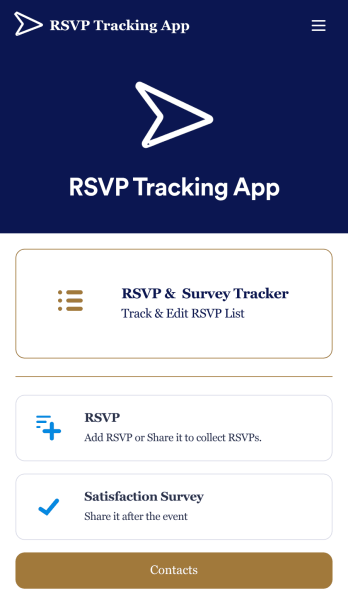
RSVP Tracking App
An RSVP tracking app is a type of mobile application used to track and manage RSVPs. This type of app is great for those planning events, parties, or other sorts of gatherings. Build your own with this free RSVP Tracking App from Jotform Apps. Add RSVP forms, post-event satisfaction surveys, and ticket payment forms to your app to manage all aspects of your event from one centralized app. Customize this RSVP Tracking App to match your needs with our no-code builder. Drag and drop to add or remove forms, upload images and videos, You can also opt to integrate the forms with 200+ platforms like Calendly, Square, and Google Drive for added convenience. Make your RSVP process seamless for everyone with this free RSVP Tracking App.
Go to Category:Event Planner Apps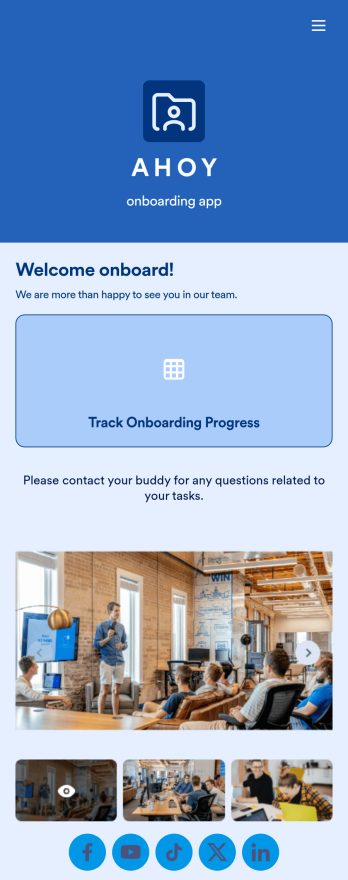
Custom Employee Onboarding App
An employee onboarding app makes it easier to integrate a new employee into your company by making important internal resources available on any device. Simplify the transitional period and successfully onboard new hires with a fully custom Employee Onboard App powered by Jotform. This ready-to-use mobile app includes a table for tracking onboarding progress, company photos and social links, and a separate page with team contact information. New hires can download the app onto their mobile device or computer for easy access at any time.Customize this Employee Onboarding App for your company in just a few clicks. Without coding, you can use our drag-and-drop builder to add forms and tables, embed links, upload documents and training videos, create new pages, update fonts and colors, and much more. When your app is ready to use, it can be sent directly to new hires via email invites or the app link. Successful employee onboarding can be the key to business success — so get started with an efficient, easy-to-use Employee Onboarding App tailored to your company.
Go to Category:Company Portal Apps