Workplace Reservation App is a streamlined app template designed to facilitate the efficient management of shared office spaces. Specifically, this app template is ideal for employees, office managers, and companies navigating hybrid or flexible work models who require a straightforward solution to coordinate workspace reservations. The app facilitates the reservation of desks, meeting rooms, or parking spots in advance, providing a clear snapshot of workspace availability. By managing office capacity and preventing conflicts in real-time, the app optimizes workspace usage and promotes a harmonious and productive work environment. The immediate value of this template lies in its ability to bring clarity, consistency, and a higher level of organizational efficiency, eliminating the potential confusion of ad-hoc workspace allocation.
By utilizing the no-code, drag-and-drop capabilities of the Jotform Apps builder, one can effortlessly tailor the Workplace Reservation App to match their company's branding. You can modify forms, choose fonts and colors, and upload your logo to ensure that the app aligns with your brand identity, all without the need to write a single line of code. Your employees will then be able to access and download your app onto any smartphone, tablet, or desktop via a shareable link, providing seamless cross-platform compatibility. With Jotform’s Workplace Reservation App, navigating the complexities of a hybrid or flexible work model becomes a streamlined and efficient process. Your team can now focus on what really matters—collaborating and achieving their goals.
Related templates
HR Management App
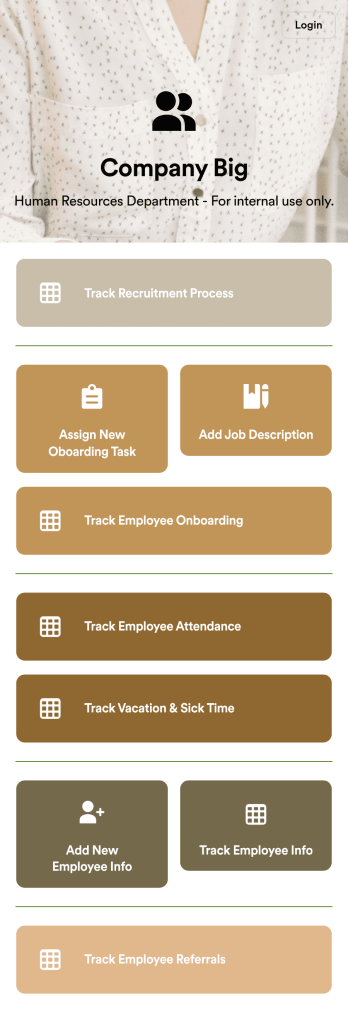
An HR management app keeps all your recruiting tools in one place that can be accessed from any device. Support your human resources team with a fully custom HR Management App powered by Jotform. This ready-to-use template includes multiple HR forms and tables to help you keep all of your data organized in one central location. You and your HR team can download the app onto any smartphone, tablet, or computer for easy access to your forms, tables, and other resources.Want to modify this app template for your company? You won’t need any coding knowledge – with our intuitive builder, all you need to do is drag and drop to add or update forms, tables, links, documents, pages, buttons, and other app elements. You can even change the app name, icon, fonts, colors, and splash screen to match your branding. When it’s ready to use, share it with your HR team by sending email invites or the app link. Manage new and existing employees effectively with a HR Management App built just for your HR team.
Go to Category:Company Portal Apps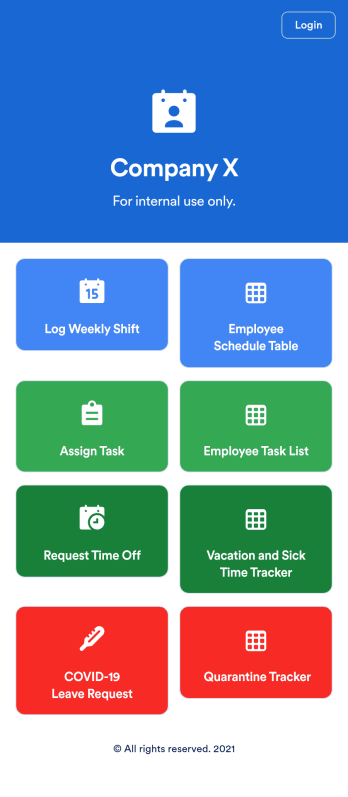
Employee Scheduling App
An employee scheduling app is used by company HR, department managers, and employees for keeping track of employee data. This Employee Scheduling App from Jotform comes bundled with four useful forms, allowing employees to log weekly shifts, view assigned tasks, manage leave requests easily with Leave Request Form, and take time off to quarantine from COVID-19 exposures. Each form includes a companion spreadsheet where employee data is stored — allowing managers to easily sort, filter, and search through entries from any smartphone, tablet, or desktop.Make this app template your own with Jotform’s intuitive app builder. Just drag and drop to add or change form elements, edit the content of individual forms, upload your company’s logo, and more — all without any coding. You can also use your app’s splash screen for things like company-wide announcements or listing HR contact information. Once you’re finished, share your app with employees by attaching a link to an onboarding email or embedding it in an employee portal. Streamline scheduling and time-off requests with this fully-customizable Employee Scheduling app that can be downloaded on any device.
Go to Category:Human Resources Apps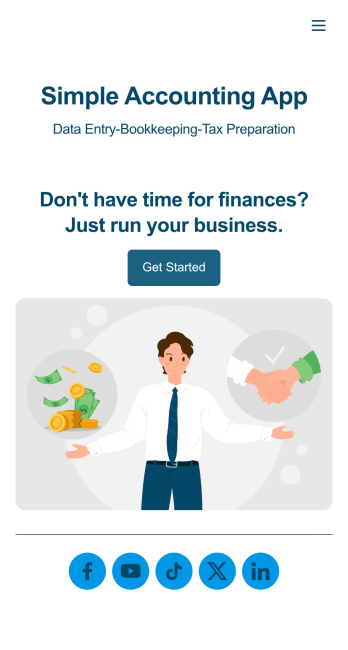
Simple Accounting App
Looking for an easy and convenient way to manage your accounting clients? With Jotform’s Simple Accounting App, you can create a bookkeeping app that works seamlessly for both you and your clients. Build your app from scratch or pick one of our ready-made app templates to spark your creativity. Add pricing information, contact forms, showcase past client reviews, and more.Customize your Simple Account App with Jotform’s easy-to-use app builder. Use our drag-and-drop app builder to change up the look and feel of your app, add powerful app elements, install helpful app widgets, and integrate with one of our 30+ payment processors, including Stripe and Square to collect fees and payments. Share your customized app via email or embed it directly into your own website. Help your clients reach their finance goals with your very own Simple Accounting App.
Go to Category:Company Portal Apps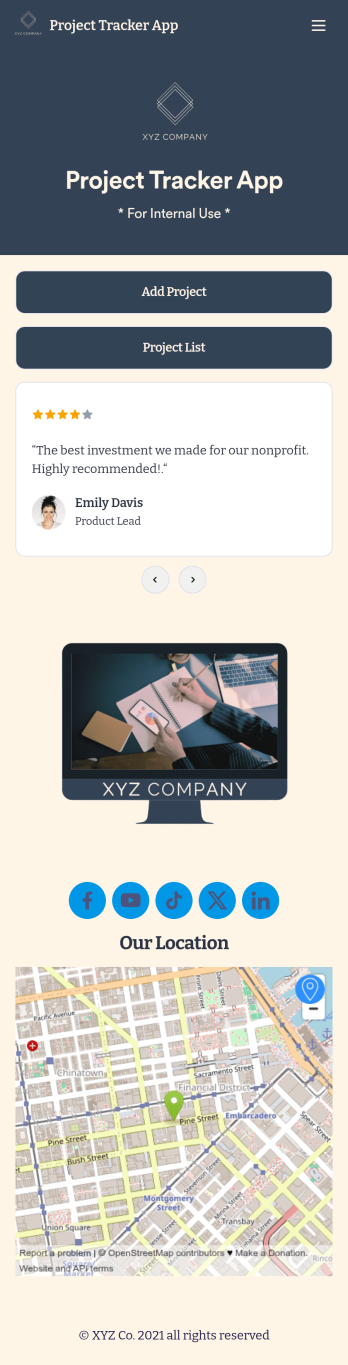
Project Tracker App
A project tracker app is used to keep track of projects on any device. Whether you’re working on personal projects or managing an entire team, use this Project Tracker App to get organized fast! You can add new project details and view all of your projects directly from the app, which is easy to share with a link and download onto your smartphone, tablet, or computer. You can even view projects as a spreadsheet, calendar, or cards with Jotform Tables’ Project Tracker Template.Need to make changes to this app template? Add your logo, choose a new icon, update the background, or include more forms to track other types of information. Once you’ve got your app looking perfect, send it to members of your team so they can start submitting and tracking projects too. Streamline your workflow with a free Project Tracker App for any industry.
Go to Category:Tracker Apps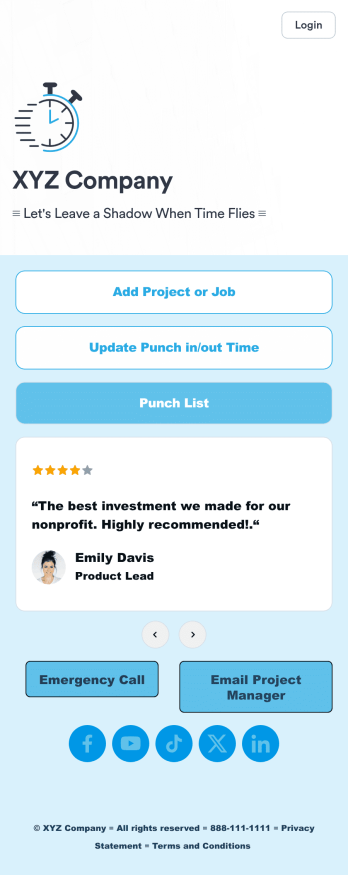
Customizable Punch In Out Timesheet App
Ditch paper timesheets with our free Punch In/Out Timesheet App! Employees can clock in or out for their shifts using the app on a company tablet or computer. As account owner, you’ll receive instant notifications for each new form submission, so you’ll know if any employee is late or leaving before their scheduled time. You can see all entries in spreadsheet, calendar, or card view using the attached Punch List Template for Jotform Tables.Customize your Punch In/Out Timesheet App in just a few minutes. Without any coding, you can use our drag-and-drop interface to add new forms, include a link to your timesheet, update the app text and design, embed links, and more. When your app is ready to use, keep it open on a company device for employees to use as they start their shift. Make employee management a breeze with a Punch In/Out Timesheet App for your company.
Go to Category:Company Portal Apps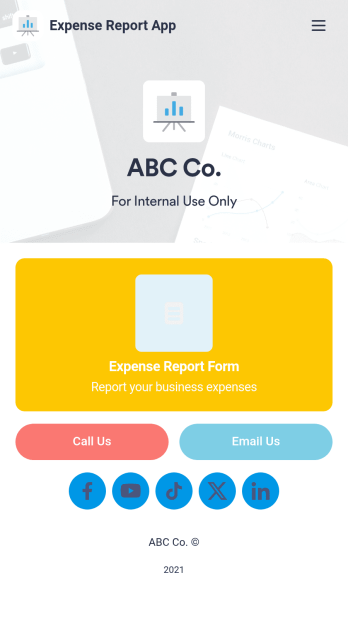
Expense Report App
An expense report app is used by companies for keeping track of employee expenses. This free Expense Report App allows employees to log business expenses by filling out a form with general contact information, cost, description, date and time, and payment and expense type. There is also an upload form for employees to attach any relevant documents and receipts. Expense reports are immediately synced and stored securely in your account, and can be sorted, filtered, and exported from any device.Customize this app template in no time using Jotform’s drag-and-drop form builder. You can easily add or swap out form elements, change text, customize your app icon and splash page, and more — no coding necessary. Share a link to your app in an email or embed it in your website, and employees can access and download it on any smartphone, tablet, or computer for future use. Keep track of all your employees’ business expenses with this Expense Report App.
Go to Category:Company Portal Apps