Form Themes
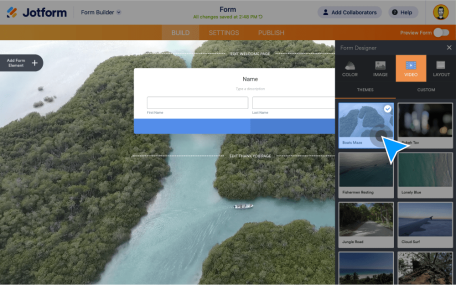
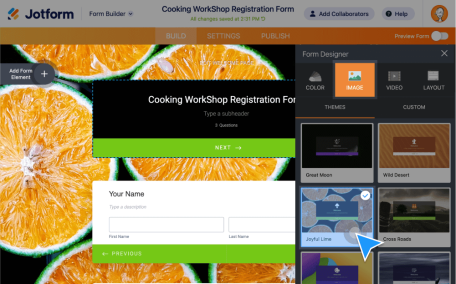
Want people to fill out your forms? They need to make a good first impression. Make your online forms stand out with ready made form themes that will give your forms a unique look in just one click!
Form Styling
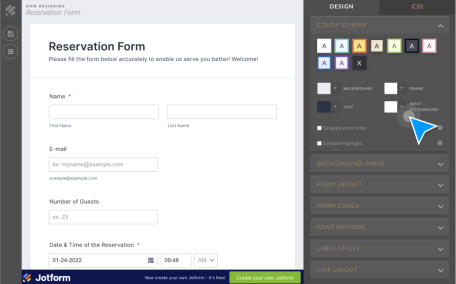
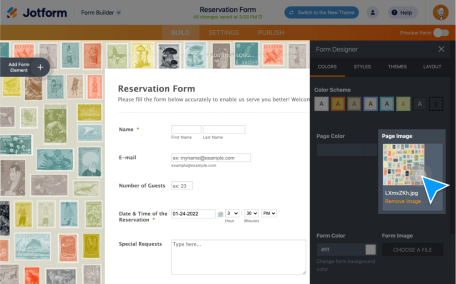
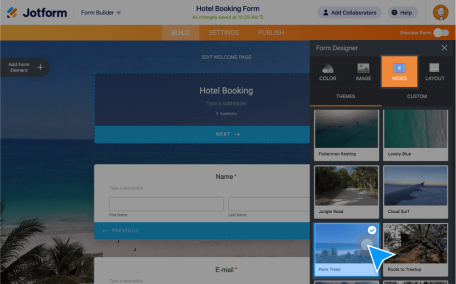
Customize the look and feel of your forms in seconds with Jotform's intuitive Form Builder. Create custom themes, attach images and videos, choose fonts and colors, add your own custom CSS, and more — no coding required.
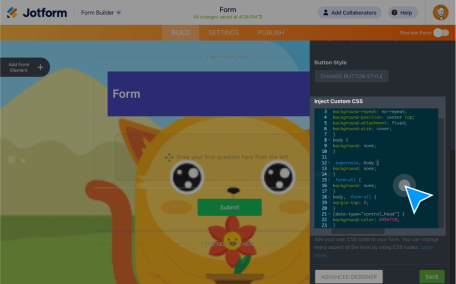
Inject custom CSS into your form with Jotform. Add CSS code to customize your form’s layout, widgets, titles, product fields, spacing, positioning, highlights, and background.
Add custom CSS in seconds. Jotform’s Form Builder includes a field where you can quickly paste your CSS code.
Personalize every aspect of your form design — from background images, to field positioning, to unique fonts and colors.
Jotform widgets can be customized with CSS too! Add CSS code to your form to change the color and layout of 300+ widgets.
Give your Feedback or Lightbox title a personal touch. Use CSS to change the font, alignment, and background color.
Increase conversion rates by customizing your form’s submit button with custom CSS code.
Apply custom CSS code to product form fields to show off your company’s products even better.
Add custom CSS code to increase or decrease the spacing between form fields.
Rearrange the order of fields on your form. Click on a form field in our Form Designer to reveal parent classes and CSS properties you can use.
Use CSS code to make your form’s background transparent and blend in seamlessly with your website design.
Within our Form Designer, customize or disable form validation effects like highlighting and error warnings.
Learn how to inject custom CSS codes into the form and customize it as you wish!