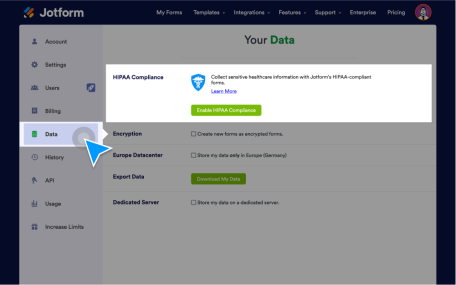
HIPAA Compliance
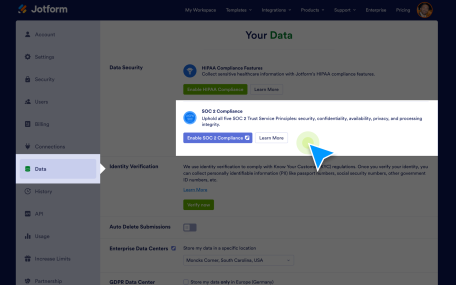
Collect patient data securely by using HIPAA-enabled forms.
Security
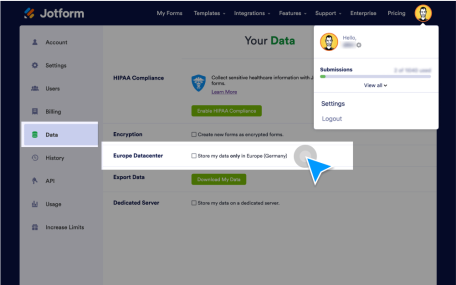
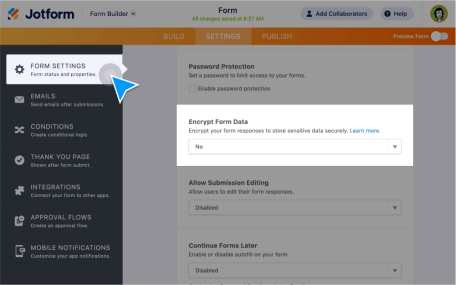
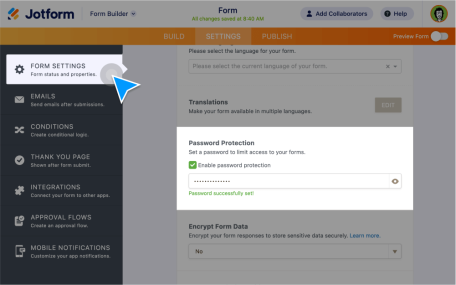
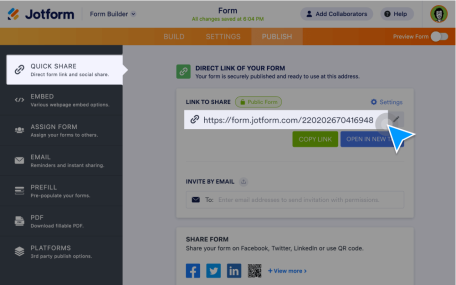
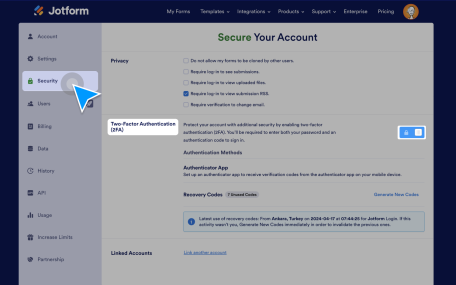
Keep your data protected with Jotform's powerful security features. Discover how to encrypt and password-protect your forms to prevent spam and third-party risks.
Learn how to enable Google reCAPTCHA and other CAPTCHA widgets to prevent submissions from spammers and bots.
Ensure that you’re receiving form submissions from real people with Jotform’s CAPTCHA and reCAPTCHA form fields.
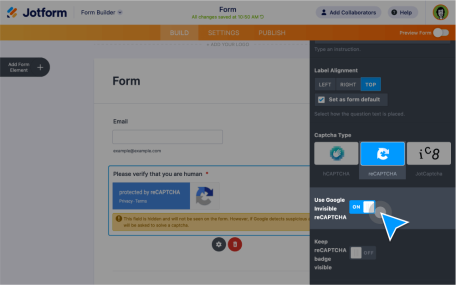
Protect your forms against unwanted submissions using Jotform’s CAPTCHA widgets. You can add a math CAPTCHA that requires form users to complete a simple math problem, add a drawing CAPTCHA, or use Google’s invisible reCAPTCHA field.
Enable Google reCAPTCHA on your Jotform forms so form users can verify that they’re not a robot in a single click. Just drag and drop to add the reCAPTCHA form element to your form using the Jotform Form Builder.
Learn how to add a CAPTCHA field to your custom online form in just a few clicks with this one-minute video tutorial.