-
HHarmonyPlace
This doesn’t work if the form is accessible via the app. Such as the form is viewable from a page in your app. How can you set that up
To work correctly
-
 Aravir Enterprise Support
Hi HarmonyPlace,
Thanks for reaching out to Jotform Support. When a form is opened through the Jotform Mobile App while you're logged in, Jotform recognizes that the user is already authenticated. In these cases, access is controlled by the user’s authentication or access permissions rather than the form password, so the password prompt may be skipped.
Let us know if there’s anything else we can help out with.
-
Aravir Enterprise Support
Hi HarmonyPlace,
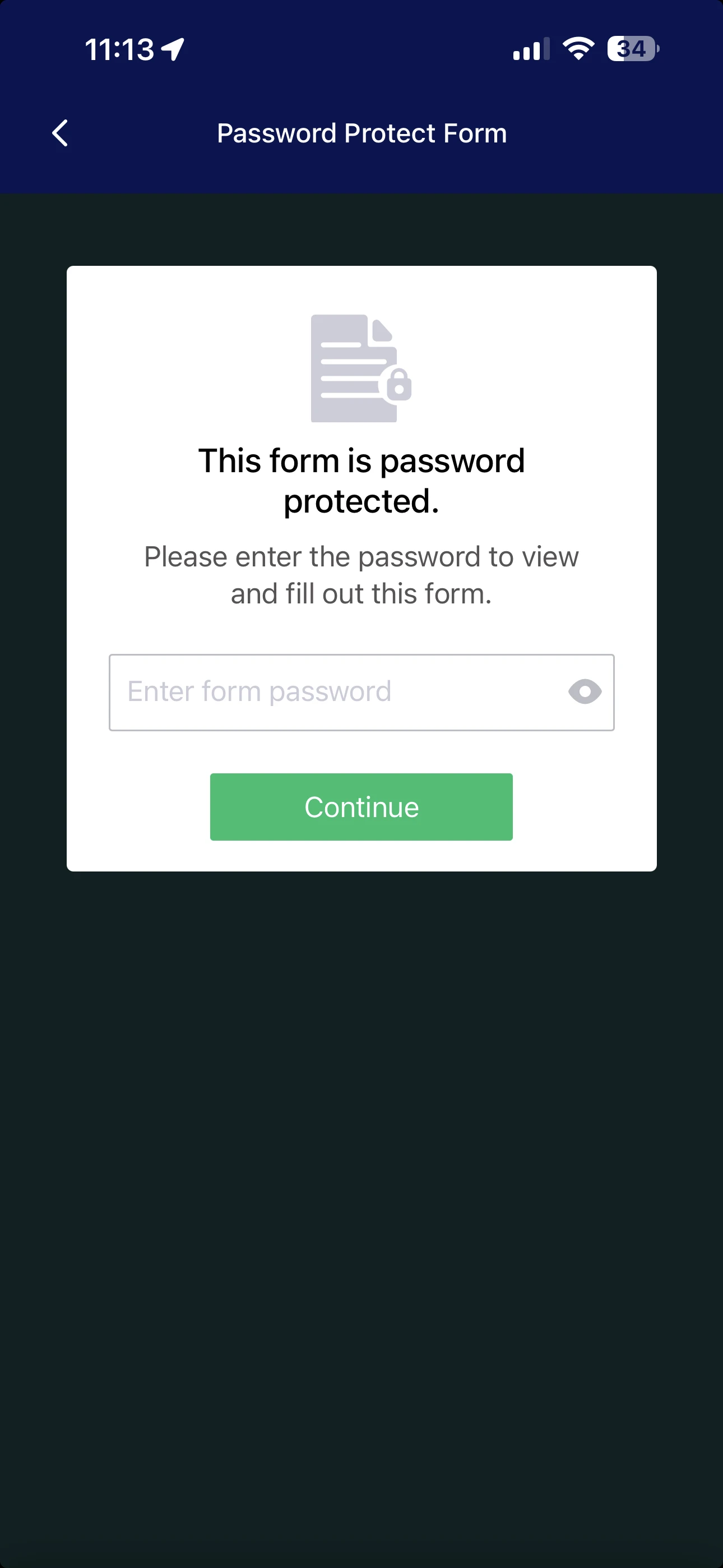
I just tested the Password Protection feature in the Jotform Mobile app, and it is asking for a password to fill out the form. Check out the screenshot below.

Could you let us know how users are accessing the form in the app? For example, are they opening it through the Jotform Mobile Forms app, the Jotform App, or another method?Once we hear back from you, we'll be able to help you with this.