-
 Torresan
Hi Jotform team,
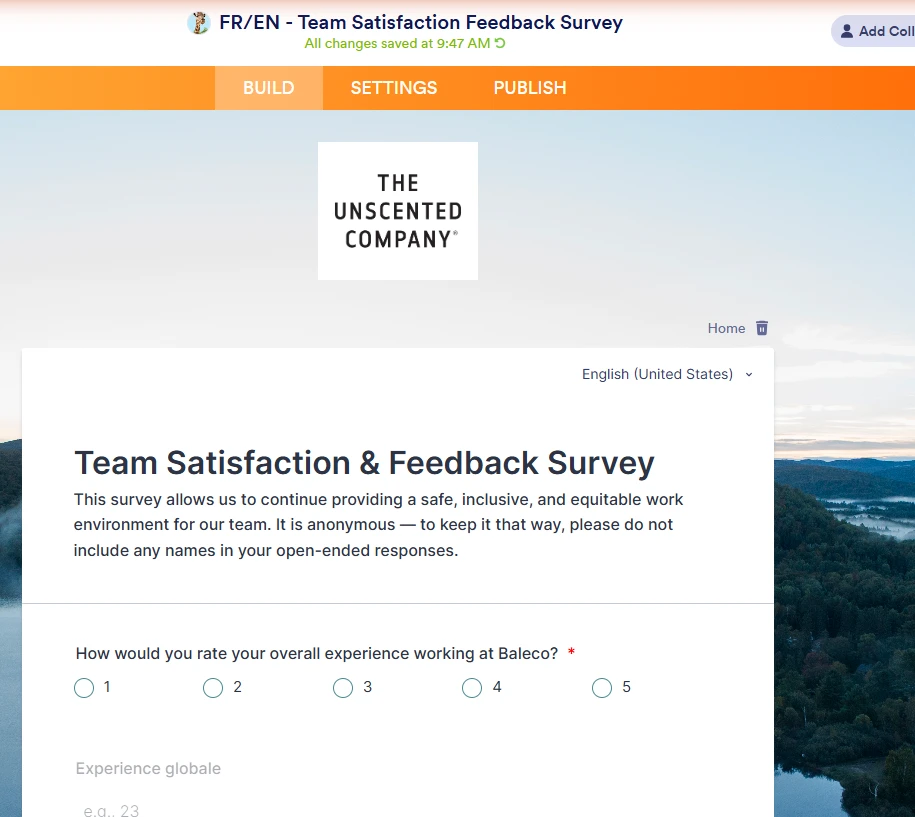
My published form's language switcher isn't working. The form is set up bilingual (French primary, English added), but on the live published link the switcher displays "English (United States)" as selected while every field on the page still renders in French — and clicking either language option in the dropdown does nothing.
Form: https://form.jotform.com/261936596880070
Builder: https://www.jotform.com/build/261936596880070
Checking the browser console on the published page shows this error firing on every load, before the translation can apply:
TypeError: Cannot read properties of undefined (reading 'split')
    at Object.setBrowserLanguage (formTranslation.v2.js:869:36)
    at formTranslation.v2.js:818:14
    at translationRequest (formTranslation.v2.js:779:11)
    at Object.getTranslations (formTranslation.v2.js:808:5)
    at Object.init (formTranslation.v2.js:1118:10)
 Page URL: https://form.jotform.com/261936596880070
 -
 Royce JotForm Support
Hi Halina,
Thanks for reaching out to Jotform Support. I tested it and had the same issue, so I created a ticket and escalated this to our Developers. We’ll follow up as soon as we have any news.
Your Reply
Something Went Wrong
An error occurred while generating the AI response. Please try again!