
The Accounting Journal Study App is an educational app template for accounting students, instructors, tutors, trainees, and independent learners who want a focused place to study journal-entry concepts. It brings together key rules, worked examples, account references, and practice entry forms in a clear learning experience. Users can review debit and credit guidance, record entry dates, and submit practice or study notes without switching between scattered resources. It is well suited to classroom assignments, tutoring sessions, exam preparation, introductory bookkeeping courses, and workplace training where learners need repeated practice and quick access to reference material.
Jotform Apps makes this template easy to adapt with a no-code app builder and a flexible drag-and-drop interface. Educators can revise study content, reorganize navigation, add forms, and connect data collection to tables or related workflows. The finished app can be shared by link or QR code, giving learners mobile-friendly self-service access wherever they study. Start with this app template to create a branded learning resource without coding, then update its pages and connected tools as lessons or training needs change.
Related templates
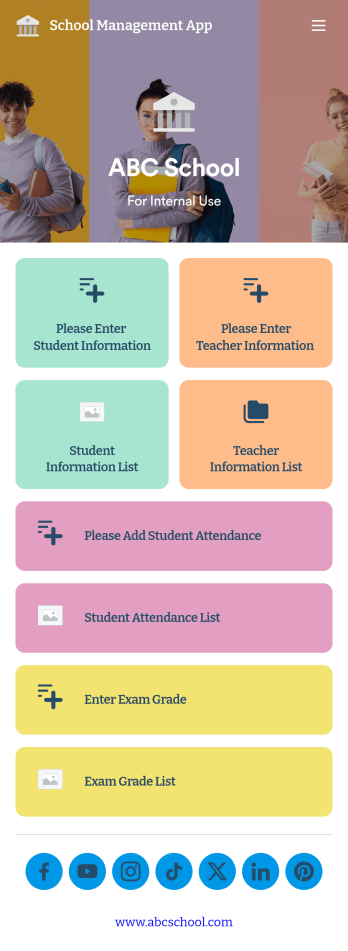
School Management App
A school management app is used by schools and educational institutions to record and compile student information. Our School Management App bundles together four useful forms, allowing school administrators and teachers to easily add school and teacher contact information, log attendance, and record exam scores from any device. Each form automatically feeds data into an easy-to-understand companion spreadsheet, which you can sort, filter, and search from your secure Jotform account.Make this School Management App template your own in seconds with Jotform’s no-code app builder. Just drag and drop to add or change form elements, edit form text and fields, change the color scheme to match your school’s colors, upload your ensignia, attach documents and external links, and more. When you’re finished customizing, you can share your app by sending the app link, attaching it to an email invitation, or embedding it in an internal-use school website. Teachers and staff can then download it onto any smartphone, tablet, or desktop and begin using it right away. Create an all-in-one app for managing student data with just a few clicks with this free School Management App from Jotform.
Go to Category:Education Apps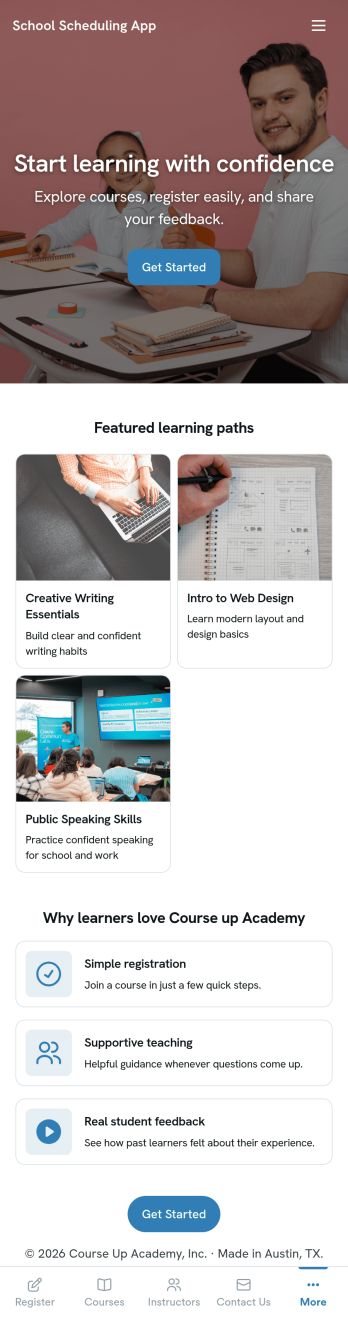
School Scheduling App
School Scheduling App is an app template designed to systemize and optimize the complex process of academic scheduling. Its primary function is to simplify and expedite the creation and management of class schedules for both small and large academic institutions. In its operational context, the app provides a systematic approach to allocating classrooms and teachers, reducing potential conflicts and inefficiencies in timetable planning. This holds immense value for school administrators, academic coordinators, and teachers who are tasked with harmonizing multiple variables in the scheduling process. The app collects relevant information about class timings, rooms, teachers, and subjects and presents it in a structured manner, aiding in the efficient distribution of resources. It brings clarity and consistency to the timetabling process, offering a superior alternative to ad hoc collection methods. Commonly used in primary, secondary, and higher education institutions, the School Scheduling App is best for those seeking a centralized platform to manage and monitor academic scheduling.With Jotform's No-Code App Builder, customizing the School Scheduling App is an intuitive process that requires no coding skills. The drag-and-drop interface allows alterations to forms and layouts to suit institutional brand requirements. The app offers cross-platform compatibility, so users can access and download the app onto any smartphone, tablet, or desktop via a shareable link. This seamless experience extends to the app's publishing options and sharing methods, providing flexibility in access controls and distribution. Users can choose to keep the app public or private and share it via direct link, email, QR code, or social media. With Jotform, creating a cohesive, user-friendly academic scheduling solution is made simple and efficient with the School Scheduling App.
Go to Category:Education Apps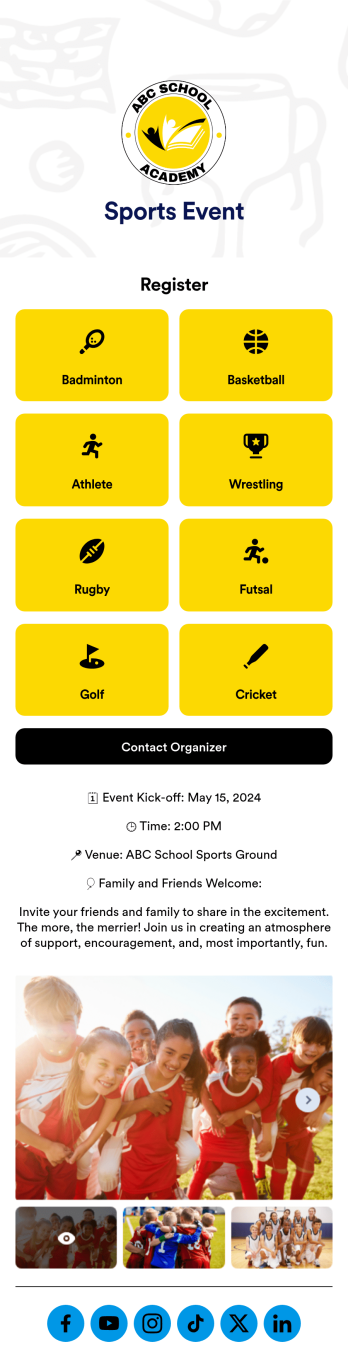
Sports Event App
A sports event app template is a tool for athletic organizations to support their teams, register new players, and promote upcoming games. Whether it’s for school sports, a recreational league, or a sports club, this free Sports Events App template makes it easy to organize everything you need in one place. This template features links to player registration forms, plus space to provide details about the season, special events, organizer contact information, and links to your social media pages. Update the app to include information about your teams for anyone who may want to join, gather signatures on waivers, collect email addresses for your mailing lists, and more.Jotform’s drag-and-drop builder makes it easy to customize this Sports Events App template to fit your team colors and branding without any coding. Change the background image, create new pages, upload photos and videos of games, and add your team logo to the splash page for a professional look other teams will envy. You can even connect to Jotform’s 30+ payment gateway integrations to collect registration payments and sell tickets to games without any additional fees. When you’re done, share your app with players, coaches, parents, and fans to give them quick access to everything they may need right from their mobile device.
Go to Category:Education Apps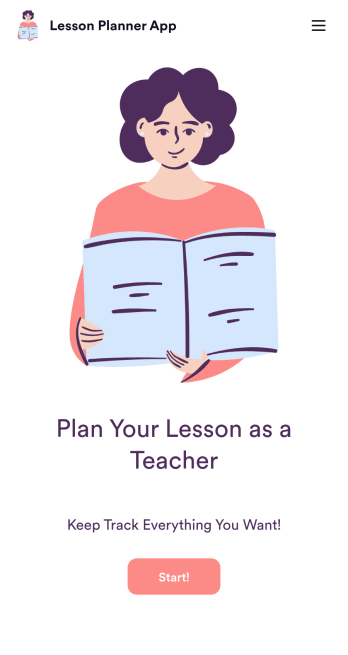
Lesson Planner App
Create and manage your classroom lesson plan with this free Lesson Planner app from Jotform. Download this app onto any device and start adding courses, start and end dates, lesson titles and objectives, tasks, resources, and more. There are also separate forms for entering student information and creating daily assignment checklists. Submissions are aggregated and stored in a color-coded and easy-to-understand spreadsheet using Jotform Tables.Want to make changes to this Lesson Planner App? No problem! With Jotform’s no-code app builder, you can build a custom app that meets your classroom’s needs in seconds. Simply drag and drop to add or change form elements, edit text fields and checklist items, install integrations and widgets, change fonts and colors, and more. When you’re done, you can access and download your app onto any smartphone, tablet, or desktop and start using it right away. Manage all your lesson plans and assignments from a single location with this mobile-friendly Lesson Planner App.
Go to Category:Daily Planner Apps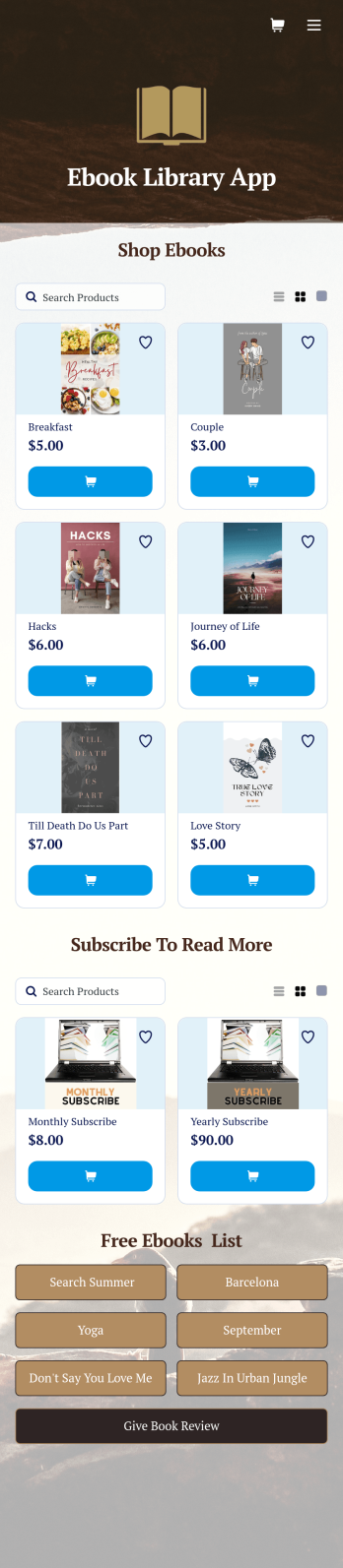
Ebook Library App
An e-book library app is used by teachers, schools, and small libraries for sharing free e-books with others. Need to know how to sell e-books online? With Jotform’s E-book Library App, you can upload multiple e-books as PDF documents to the app, and display them in a list of available titles on the main page. Users can browse and read e-books directly through the app’s interface, or download them onto their device with the tap of a button. This app template can also be used by individuals who wish to create a private library for storing their e-books in one convenient location.Want to make changes to this app template? Jotform's intuitive app builder makes it easy for anyone to customize the look and feel of their app with just a few clicks. No coding required — just drag and drop to add or change form elements, choose custom color schemes and backgrounds, add widgets, upload images, and more. Once you’re satisfied, share your app with others by sending email invites or the app link, and they can then access and download your app on any smartphone, tablet, or computer right away. Create a digital library of downloadable e-books with Jotform’s E-book Library App that works anywhere.
Go to Category:Education Apps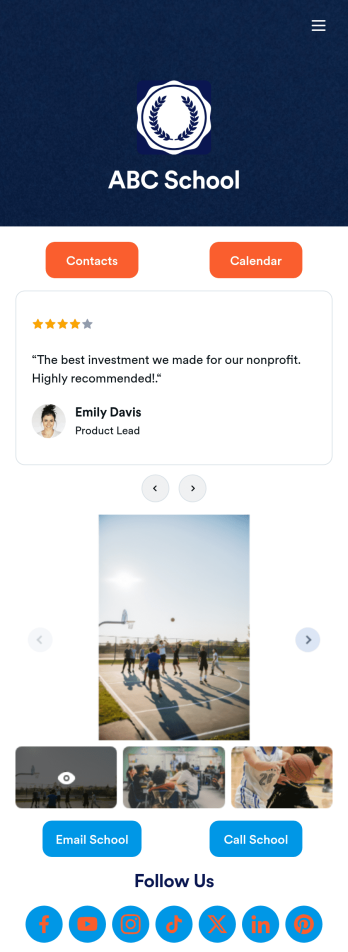
Our School App
A school app keeps important school forms, documents, links, and other resources in one central location that can be accessed on any device. Whether you run a public high school or private university, create an app for your educational institution with Jotform’s free Our School App. This customizable app template includes a calendar page, contact information, event posters, and school photos that students and their guardians can access from any smartphone, tablet, or computer for easy access.Want to customize this Our School App for your school? You won’t need to take a class — simply use our drag-and-drop builder to add forms and tables, embed links, upload documents or media files, create pages, and much more. When your app is ready to share, post the app link on your school website or send email invites to students, guardians, and teachers directly. Keep students informed about upcoming events and deadlines with an Our School App customized for your school.
Go to Category:Education Apps