An Approval Workflow App helps teams route requests to the right reviewers, track decisions, and keep work moving without losing context in email threads. Use it for purchase requests, policy exceptions, creative reviews, time-off approvals, access requests, vendor onboarding steps, and any situation where a requester needs a clear outcome from an approver. With entry points for New Request and a centralized Review Queue, reviewers can quickly open items, check key details, and move each request from submit to review to decide while maintaining consistency across departments.
Jotform makes it easy to publish this type of self-service experience using App Templates built with a no-code app builder. With a drag-and-drop interface, you can tailor the app’s pages, connect the request form to your workflow, and keep a searchable Decision History for visibility. Share the app with a link or QR code, control who can access the queue, and connect the process to the rest of your operations so request handling stays organized from start to finish.
Related templates
Priority List App
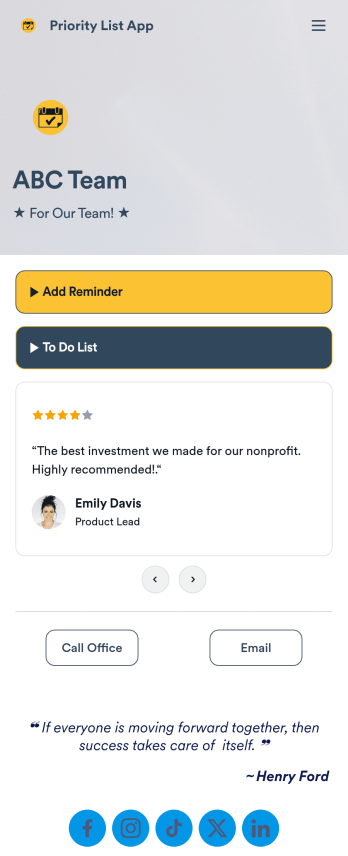
A priority list app is used by employees who work in a team to prioritize tasks. With Jotform’s free Priority List App, team members can easily add tasks with priority levels and deadlines, as well as set reminders. Tasks are compiled in a searchable and easy-to-understand task list table, which can be accessed by team members on any device.Customizing this Priority List App is easy. With our drag-and-drop form builder, you can add new forms, upload images, change fonts and colors, and more — all with no coding. After you’re done, you can share your app with other team members via link, or even embed it in an internal website. Your app can be downloaded on any smartphone, tablet, or desktop for future use. Keep your team on track with this fully customizable Priority List App!
Go to Category:Management Apps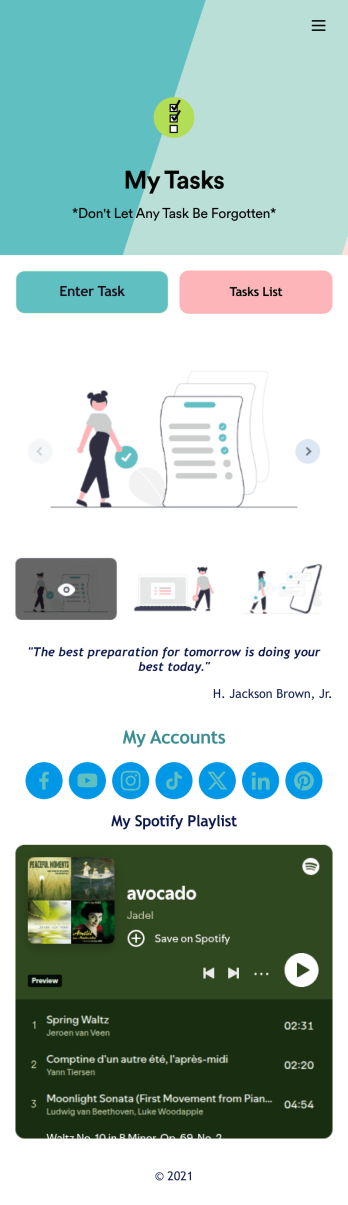
Recurring Tasks App
A recurring tasks app is used to track and manage daily tasks. Whether you’re organizing tasks for school, work, or at home, do it directly from your desktop or mobile device with a free Recurring Tasks App from Jotform! All tasks are stored securely in your Jotform account and easily accessible on any device — including as a spreadsheet, calendar, or individual cards with Jotform Tables’ Daily Task List!Feel free to update the design by adding other forms, changing colors, uploading your logo, and making other changes for a personalized touch with our no-code builder. You can even copy and paste the app link to send it to members of your team, so they can download it onto their devices too! Organize your tasks more efficiently with this Recurring Tasks App.
Go to Category:Management Apps
Task Tracker App
A task tracker app is used to keep track of tasks on any device. No matter which industry you work in, Jotform’s free Task Tracker App lets you log and manage task details and even assign tasks to employees or teammates! The app is downloadable onto any smartphone, tablet, or computer, and all submissions are stored securely in your Jotform account — ready to access whenever you need them.Want to make changes to this free app? Add or remove forms, include your company logo, change fonts and colors, and personalize other elements with our drag-and-drop builder. No coding is necessary! Once you’ve got your app looking perfect, share it with a link for others to download directly onto their devices. Track tasks more efficiently with the help of a free Task Tracker App from Jotform.
Go to Category:Organization Apps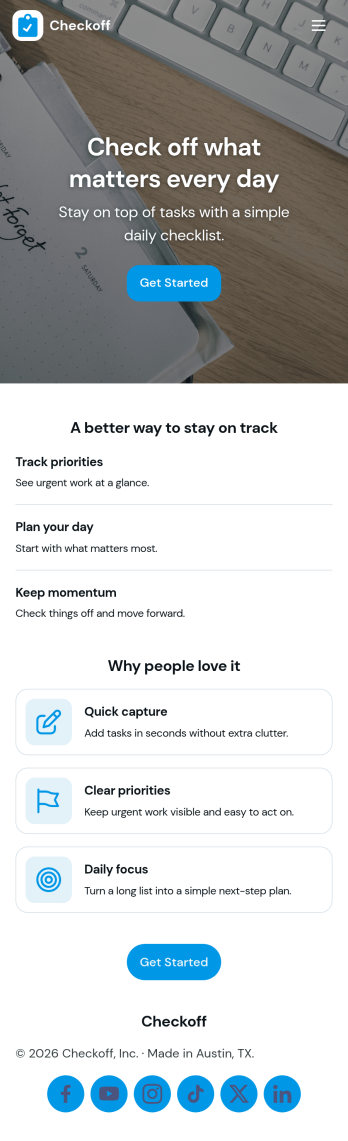
Check Off List App
Check Off List App helps you keep a simple, actionable checklist you can open, add to, and work through as tasks change throughout the day. Use it for personal to-dos, shift checklists, packing lists, cleaning routines, or quick project punch lists where finishing an item matters more than writing long notes. The layout makes it easy to jump into an open list, add a new item in seconds, and view tasks in a clear list so nothing gets missed.With Jotform, you can turn a basic checklist into a shareable, self-service app experience using an intuitive no-code app builder and drag-and-drop interface. Connect the app to a form for consistent data collection, keep task entries organized, and update your workflow as your needs evolve. Publish with a link for fast access on desktop or mobile, and adjust pages, buttons, and branding to fit how you manage tasks.
Go to Category:Checklist Apps
Customizable Goal Tracker App
Need an easier way for your clients to track their goals? With Jotform’s Goal Tracker App, you can build an online goal tracking app in minutes. Start creating your app from scratch or choose one of our ready-made app templates to get your creativity flowing. Add a contact form, let your customers create a schedule that works for them, showcase past client reviews, and more. Once you’ve customized your app to your liking, share with clients — downloadable onto any computer or iOS or Android device.Personalize your Goal Tracker App with Jotform’s easy-to-use app builder. Just drag and drop to change the look and feel of your app, add powerful app elements, install helpful app widgets, and integrate with one of our 25+ payment processors, including Stripe and Square. Share your customized app via email or embed it directly into your own website for easy access. Help your clients reach their goals with your very own Goal Tracker App — free on Jotform.
Go to Category:Activity Tracking Apps
Assignment Tracking App
An assignment tracking app is used by teachers as an all-in-one classroom app for keeping track of students’ assignments and assessments. With Jotform’s Assignment Tracking App, teachers can record student information, completed assignments, test scores, and performance evaluations. Form submissions are automatically compiled in a companion spreadsheet, where teachers can sort, filter, and search through grades and test scores in an easy-to-understand format from any device.This app template works right out of the box, but you can easily customize it to meet your classroom’s needs with our intuitive app builder. No coding necessary — just drag and drop to add or swap out form elements, edit individual forms, upload images and documents, choose a custom app icon and splash screen, and more. When you’re done, you can access and download your very own app on any smartphone, tablet, or desktop for ease of use. Ditch the paperwork and manage your classroom from a single app with this fully-customizable Assignment Tracking App from Jotform!
Go to Category:Education Apps