Automatic Check In App helps organizations record arrivals quickly and consistently without relying on manual logs. From front desks and lobbies to events, classrooms, clinics, and shared workspaces, it gives staff a clear flow to start a check in, view arrivals as they happen, and keep a searchable history for follow-ups. Teams can capture repeat visits with a fast New Check In action, reduce lines during busy periods, and maintain a dependable record of who came in and when.
Jotform makes it easy to turn this experience into a branded, mobile-friendly tool using customizable app templates and a no-code app builder. With a drag-and-drop interface, you can adjust pages, buttons, and lists to match your process, then connect the app to the included form and table views for ongoing data collection and simple workflow handoffs. Share it by link or QR code so staff can use it on-site and managers can review activity from anywhere.
Related templates
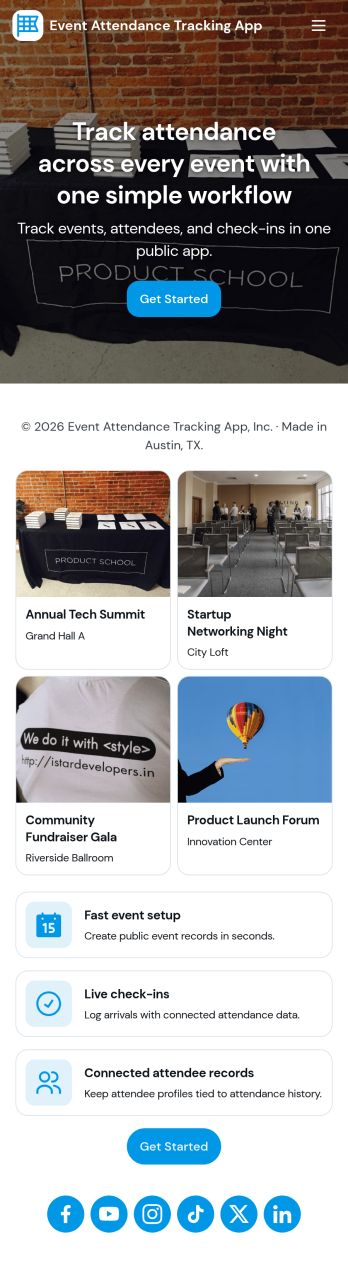
Event Attendance Tracking App
Event Attendance Tracking App helps organizers keep an accurate record of who registered and who actually showed up, without juggling paper lists or scattered spreadsheets. Use it to register attendees ahead of time, add walk-ins at the door, and log check-ins as guests arrive. It’s a strong fit for event teams running conferences, workshops, campus events, community meetups, trainings, and internal company sessions where headcounts, attendance history, and quick lookups matter throughout the day.With Jotform, you can turn attendance tracking into a simple self-service experience using App Templates and a no-code app builder. Build the flow with a drag-and-drop interface, connect registration and check-in forms, and keep records organized in linked tables for fast searching and reporting. Share the app with staff using a link or QR code so everyone works from the same up-to-date attendee list while your workflow stays consistent from registration to check-in.
Go to Category:Event Planner Apps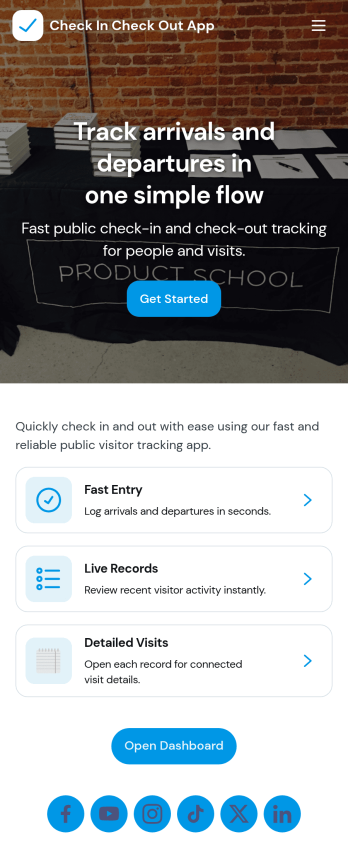
Check In Check Out App
Check In Check Out App helps organizations record arrivals and departures across multiple locations and shifts without relying on paper logs or scattered messages. With quick access to check-in and check-out actions, a location list for navigating between sites, and a visit history view, teams can keep attendance and on-site presence consistent from day to day. It works well for offices, warehouses, schools, events, job sites, clinics, and any workplace that needs a simple way to confirm who is currently on site and when they came and went.Jotform makes it easy to turn this app template into a branded, self-service experience using a no-code app builder and a drag-and-drop interface. Connect the app to your forms and tables to support reliable data collection, reduce manual follow-ups, and keep records organized for managers and staff. You can tailor the pages, navigation, and connected workflows to match your locations, shift window rules, and internal processes, then share the app with a link or QR code for fast access.
Go to Category:Sign In Apps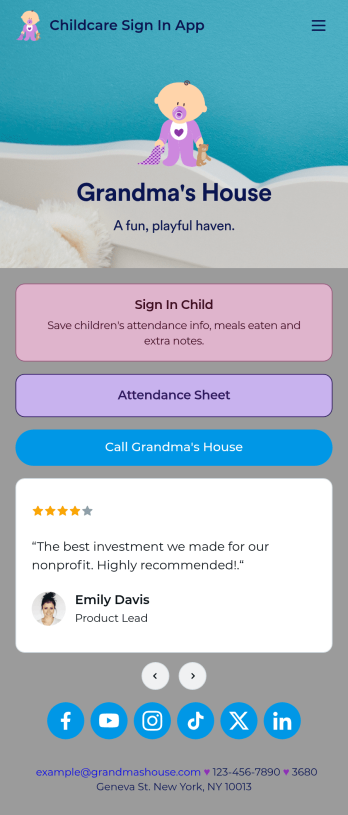
Childcare Sign In App
Need a better way to collect information for your daycare center? Do it with Jotform’s free Childcare Sign In App! Employees at your daycare can enter important details like each child’s attendance, time in and out, meals eaten, and more. All information is securely stored in your Jotform account and easy to view in Jotform Tables as spreadsheet, calendar, or individual cards.Make this free app match your daycare by adding your logo, updating the icon or splash screen, including extra forms to track other information, and making other changes to make it work better for you — all without coding! The app can then be shared with a link and saved to each employee’s device for easy access. Make paper forms a thing of the past and track data with a Childcare Sign In App.
Go to Category:Sign In Apps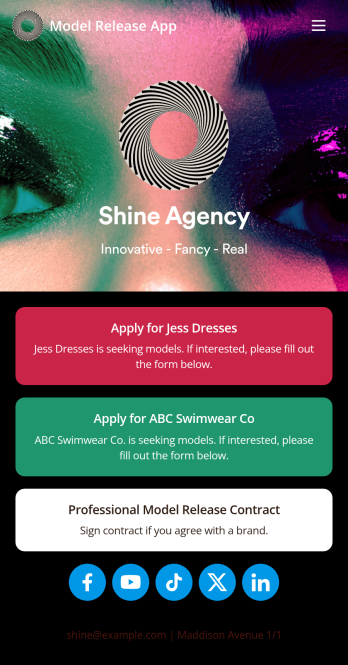
Model Release App
A model release form ensures that a photographer has permission to take and use a model’s image for commercial use. Find models for your agency easily with our free and customizable Model Release App! Prospective models can use the app to submit their applications and sign your Professional Model Release Contract from any device. Submissions will be received instantly and stored in your secure account, which you can manage on the go with the Jotform Mobile Forms app.Customize your Model Release App in just a few clicks. Our drag-and-drop interface makes it easy to create and add new forms, include links and images, and update the app design to match your branding. When it’s ready, share your app by embedding the link in your website or sending it to models directly. Get the e-signatures you need and manage models more efficiently with a custom Model Release App for your agency.
Go to Category:Sign In Apps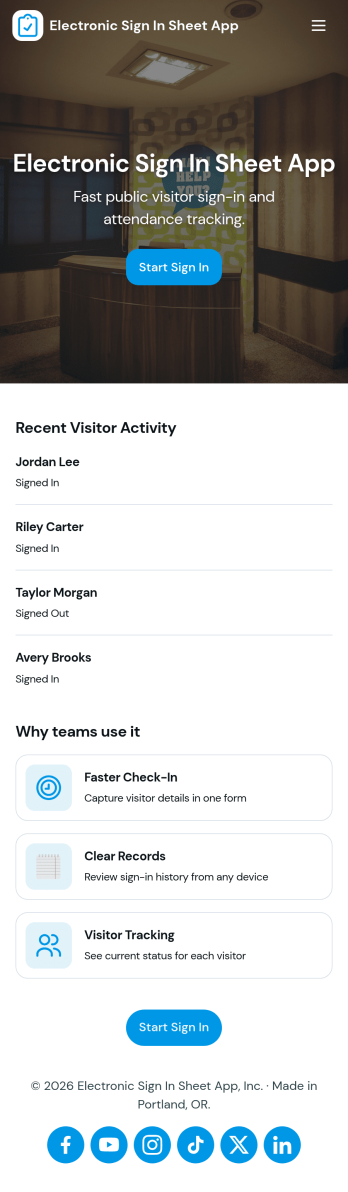
Electronic Sign in Sheet App
An electronic sign in sheet app helps you capture visitor arrivals in a clean, searchable format while keeping a simple record you can reference later. Use it at front desks, events, schools, coworking spaces, clinics, warehouses, or any workplace that needs a quick way to log who came in and when. With a dedicated My Sign Ins area for personal entries and an All Sign Ins view for broader oversight, teams can reduce paper clutter, avoid illegible handwriting, and stay organized during busy check-in periods.Built with Jotform, this app template pairs self-service check-ins with connected data collection so records stay consistent and easy to review. Customize pages with a drag-and-drop interface, tailor the form to match your visitor log requirements, and share the app with a link or QR code for fast access. As your workflow evolves, you can update fields, manage entries, and keep your sign-in process running smoothly without coding.
Go to Category:Sign In Apps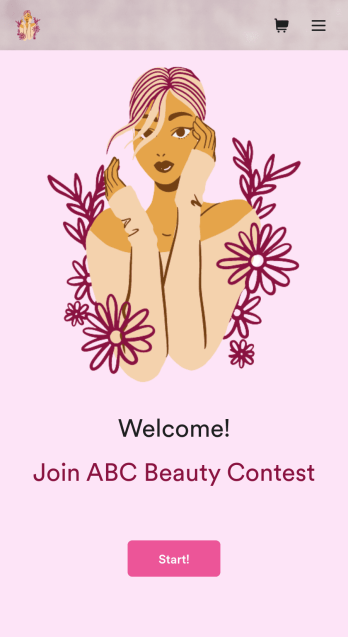
Customizable Beauty Contest App
Manage all your future beauty contests from one easy to use space with Jotform’s free Beauty Contest App. Both management and contestants can utilize your app for viewing and submitting applications as well as sending and receiving contest information. Set up payment forms, send schedules out, and more – all from one centralized place. All contestant submissions and payments will be kept in your Jotform account so all judges and managers can access the data from any device.Make your app as unique as your contestants with our free drag-and-drop app builder. Change up the fonts and colors, upload your own app image, change your layout, and more – no coding knowledge required. You can even integrate with hundreds of widgets and payment processors to make your next beauty contest a breeze. Embed your app’s link in your website or send a direct download link via email or a QR code. Everyone’s a winner with Jotform’s free Beauty Contest App.
Go to Category:Entertainment Apps