A barcode check-in app gives event teams and front-desk staff a fast, reliable way to verify entry and record attendance by scanning barcodes at the door. Use it for conferences, classes, workshops, ticketed gatherings, or any in-person session where you need to confirm who arrived, reduce lines, and keep an accurate check-in log. With quick navigation to scan entry, view open sessions, and review recent activity, the app supports smoother arrivals and fewer manual errors for organizers managing single or multiple sessions.
Jotform makes it easy to publish this app template and adapt it to your workflow using a no-code app builder with a drag-and-drop interface. Connect check-ins to your Jotform form and table so data collection stays organized, searchable, and ready for follow-up. Share the app with staff through a link or QR code, control what each person can access, and keep your check-in workflow consistent across devices.
Related templates
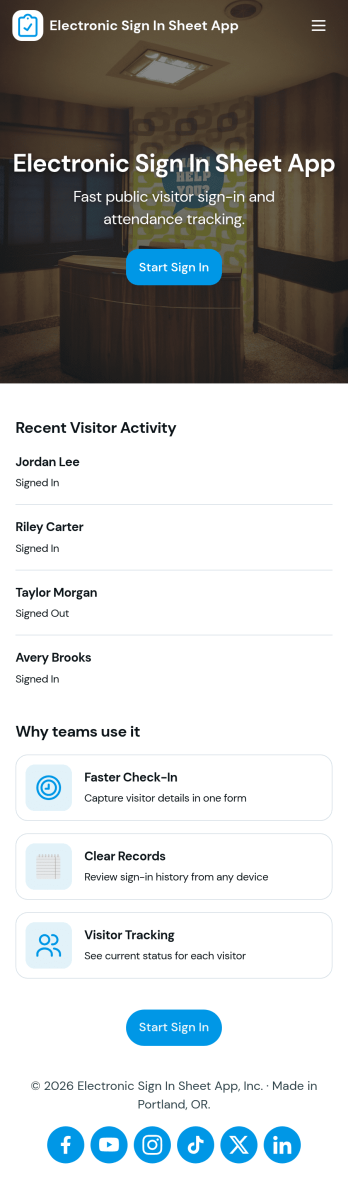
Electronic Sign in Sheet App
An electronic sign in sheet app helps you capture visitor arrivals in a clean, searchable format while keeping a simple record you can reference later. Use it at front desks, events, schools, coworking spaces, clinics, warehouses, or any workplace that needs a quick way to log who came in and when. With a dedicated My Sign Ins area for personal entries and an All Sign Ins view for broader oversight, teams can reduce paper clutter, avoid illegible handwriting, and stay organized during busy check-in periods.Built with Jotform, this app template pairs self-service check-ins with connected data collection so records stay consistent and easy to review. Customize pages with a drag-and-drop interface, tailor the form to match your visitor log requirements, and share the app with a link or QR code for fast access. As your workflow evolves, you can update fields, manage entries, and keep your sign-in process running smoothly without coding.
Go to Category:Sign In Apps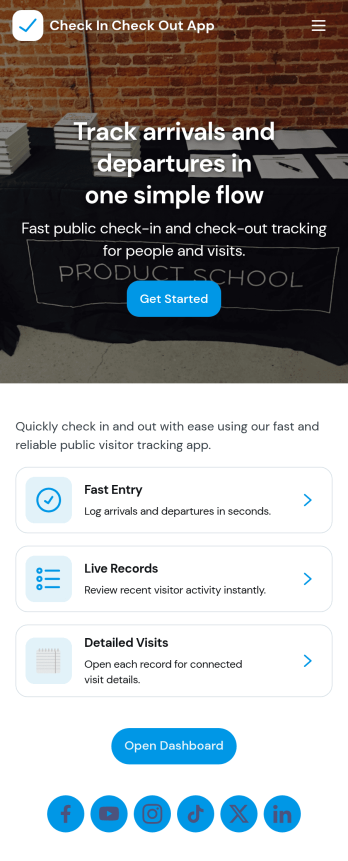
Check In Check Out App
Check In Check Out App helps organizations record arrivals and departures across multiple locations and shifts without relying on paper logs or scattered messages. With quick access to check-in and check-out actions, a location list for navigating between sites, and a visit history view, teams can keep attendance and on-site presence consistent from day to day. It works well for offices, warehouses, schools, events, job sites, clinics, and any workplace that needs a simple way to confirm who is currently on site and when they came and went.Jotform makes it easy to turn this app template into a branded, self-service experience using a no-code app builder and a drag-and-drop interface. Connect the app to your forms and tables to support reliable data collection, reduce manual follow-ups, and keep records organized for managers and staff. You can tailor the pages, navigation, and connected workflows to match your locations, shift window rules, and internal processes, then share the app with a link or QR code for fast access.
Go to Category:Sign In Apps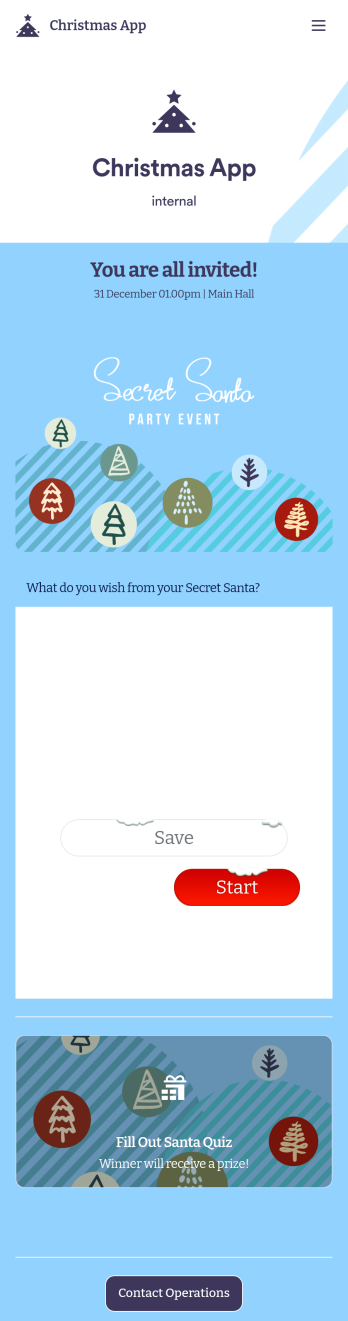
Christmas App
Planning holiday events for your company or organization? Get started with Jotform’s free Christmas App for internal use! This premade app template includes an event invitation and Secret Santa form that your employees or coworkers can fill out using any device. Submissions will be received instantly and automatically synced to your secure Jotform account, where you can view responses in a spreadsheet, calendar, or as cards. Get into the holiday spirit by customizing this Christmas App for your company! In just a few clicks, our drag-and-drop builder lets you add forms, pages, links, photos, and other app elements to the template. You can even change the app fonts, colors, name, icon, and splash page to better represent your branding or event. When your app is ready to be shared, send it to others via app link or email invite. Make event planning a breeze this holiday season with a fully-featured Christmas App made just for your company!
Go to Category:Entertainment Apps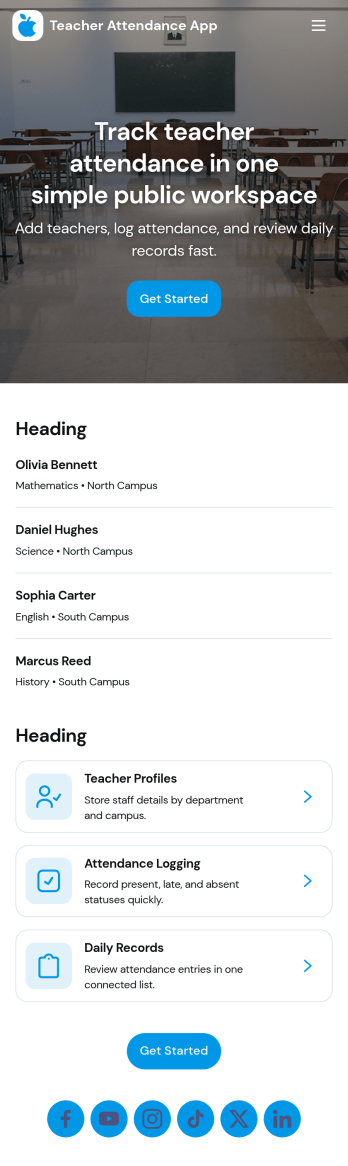
Teacher Attendance App
Teacher Attendance App helps schools and education programs track daily classroom attendance in one place, from taking attendance to reviewing past records. It’s a practical fit for teachers, substitute teachers, department leads, and school administrators who need a consistent routine for logging attendance, keeping a clean student roster, and reducing missed entries. With quick navigation to take attendance, view students, and check records, the app supports smoother mornings, more accurate reporting, and fewer manual spreadsheets.Jotform offers app templates like this one you can tailor to your process using a no-code app builder and a drag-and-drop interface. Connect the app to forms and data collection so attendance logs and roster updates stay organized, searchable, and easy to manage over time. Share your Jotform app with staff through a link or QR code, keep workflows moving with simple actions and pages, and update the experience anytime without writing code.
Go to Category:School Management Apps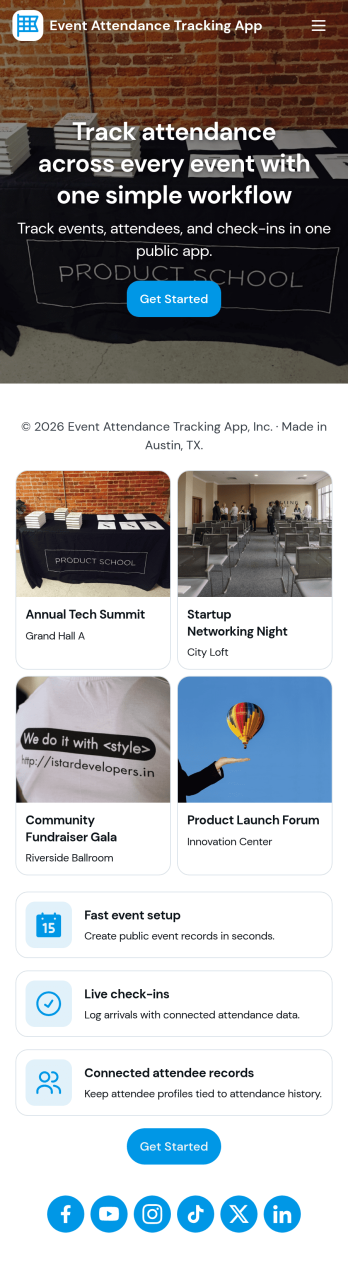
Event Attendance Tracking App
Event Attendance Tracking App helps organizers keep an accurate record of who registered and who actually showed up, without juggling paper lists or scattered spreadsheets. Use it to register attendees ahead of time, add walk-ins at the door, and log check-ins as guests arrive. It’s a strong fit for event teams running conferences, workshops, campus events, community meetups, trainings, and internal company sessions where headcounts, attendance history, and quick lookups matter throughout the day.With Jotform, you can turn attendance tracking into a simple self-service experience using App Templates and a no-code app builder. Build the flow with a drag-and-drop interface, connect registration and check-in forms, and keep records organized in linked tables for fast searching and reporting. Share the app with staff using a link or QR code so everyone works from the same up-to-date attendee list while your workflow stays consistent from registration to check-in.
Go to Category:Event Planner Apps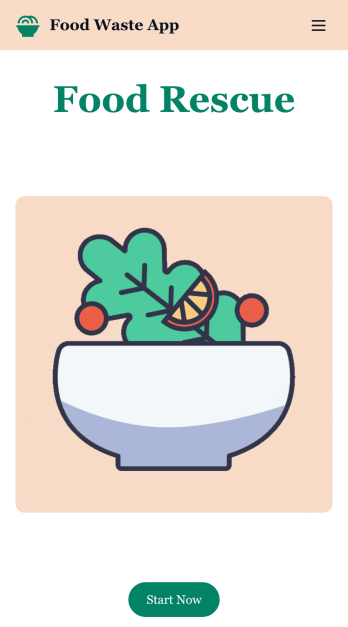
Customizable Food Waste App
Run a nonprofit organization that deals with food waste? Take action to prevent food waste and donate food to charitable organizations with this free Food Waste App from Jotform. Send food requests and schedule pickup times and locations with restaurants, airports, and catering companies by filling out online forms. Responses are stored in your secure Jotform account to be viewed and shared within your organization.Make this Food Waste App your own without any coding knowledge. Drag and drop to add or change form fields and checklist items, create new pages, choose fonts and colors, upload your organization’s unique branding, install helpful widgets and integrations, and much more. After you’re finished, share your app by sending email invites or the app link to businesses. Prevent food waste and help those in need with a fully-customizable Food Waste App that works on any device.
Go to Category:Booking Apps