Barcode Expiration Date App helps teams track product expiration dates by scanning items, adding new products, and reviewing what is due soon. It’s ideal for restaurants, cafés, bars, catering teams, groceries, small retailers, clinics with stocked supplies, and storerooms that need a simple way to reduce waste and avoid missed expiry dates. Staff can move faster on receiving and shelf checks, keep inventory more reliable, and prioritize what to use first without relying on spreadsheets or memory.
Built with Jotform, this app template can be customized in a no-code app builder with a drag-and-drop interface, so you can match it to your workflow and self-service needs. Connect the app to a form for consistent data collection when you register or add products, then organize records so your team can view inventory and open alerts from one place. Share it by link or QR code to make expiration tracking easier for every shift and location.
Related templates
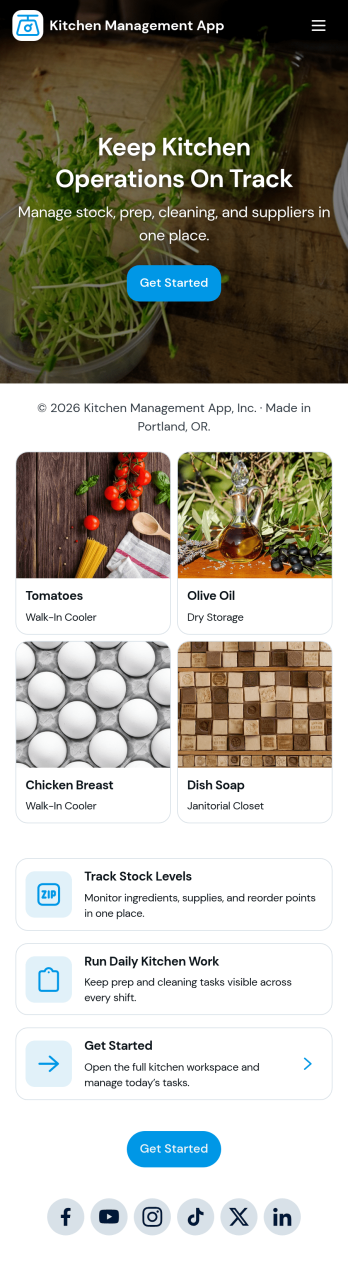
Kitchen Management App
Kitchen Management App brings daily kitchen operations into one place so teams can stay organized during busy shifts. Use it to track inventory items, assign and follow prep tasks, run cleaning checks by area, and log issues as they come up. It’s a practical fit for restaurants, cafés, catering teams, and food trucks that need clearer handoffs between managers, cooks, and opening or closing staff without relying on scattered notes or messages.Jotform makes it easy to turn this kitchen workflow into a shareable, mobile-friendly experience with a no-code app builder and a drag-and-drop interface. Connect the app to forms for fast data collection, keep records organized for your team, and build simple workflow steps around restocking, prep planning, sanitation routines, and issue reporting. With Jotform App Templates, you can customize pages, branding, and navigation, then publish and share the app with the people who need it most.
Go to Category:Restaurant Management Apps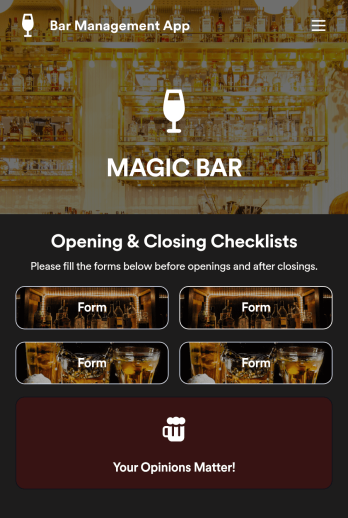
Bar Management App
Need an easy and efficient way to manage your bar’s employees? Look no further than this custom Bar Management App from Jotform. Create shift schedules, add opening and closing checklists, upload drink menus, and more. All of your bartenders will be able to use this handy app on their mobile, tablet, or desktop devices.Make this Bar Management App your own with our intuitive app builder. Simply drag and drop to upload training images and videos, add helpful integrations, create new pages, change fonts and colors, and more depending on your bar’s specific needs. Then simply share via direct link with your employees, or embed it directly into your work portal for easy access. Keep your bar running smoothly with this Bar Management App from Jotform.
Go to Category:Management Apps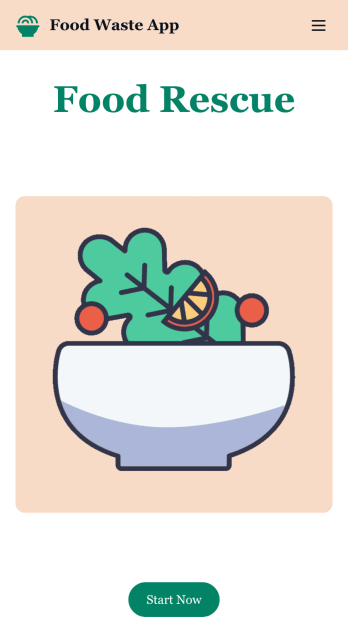
Customizable Food Waste App
Run a nonprofit organization that deals with food waste? Take action to prevent food waste and donate food to charitable organizations with this free Food Waste App from Jotform. Send food requests and schedule pickup times and locations with restaurants, airports, and catering companies by filling out online forms. Responses are stored in your secure Jotform account to be viewed and shared within your organization.Make this Food Waste App your own without any coding knowledge. Drag and drop to add or change form fields and checklist items, create new pages, choose fonts and colors, upload your organization’s unique branding, install helpful widgets and integrations, and much more. After you’re finished, share your app by sending email invites or the app link to businesses. Prevent food waste and help those in need with a fully-customizable Food Waste App that works on any device.
Go to Category:Booking Apps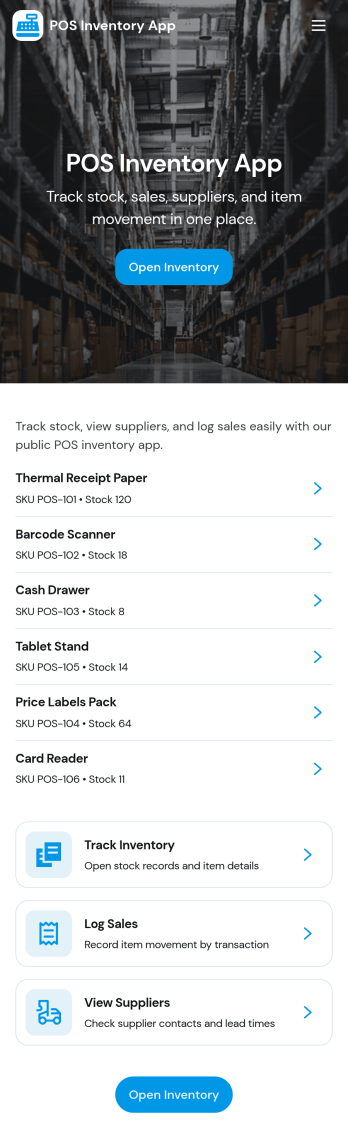
Pos Inventory App
Pos Inventory App helps retail and food service teams keep inventory control close to the register, so staff can quickly find items, review stock position, and spot what needs reordering. With an inventory list and item detail views, it’s useful for tracking inventory items, monitoring stock movement, and keeping a low stock watchlist visible for day-to-day operations. Store owners, shift leads, and back-of-house teams can use it to reduce missed restocks, avoid selling unavailable items, and maintain cleaner records across locations or departments.Built with Jotform App Templates, this app template can be customized in minutes using Jotform’s no-code app builder and drag-and-drop interface. Connect your inventory forms and data collection to keep records updated, then share the app through a link or QR code for fast staff access on mobile devices. As your workflow evolves, you can adjust pages, add steps for internal reviews, and keep sales and inventory logs organized in one place.
Go to Category:Inventory Apps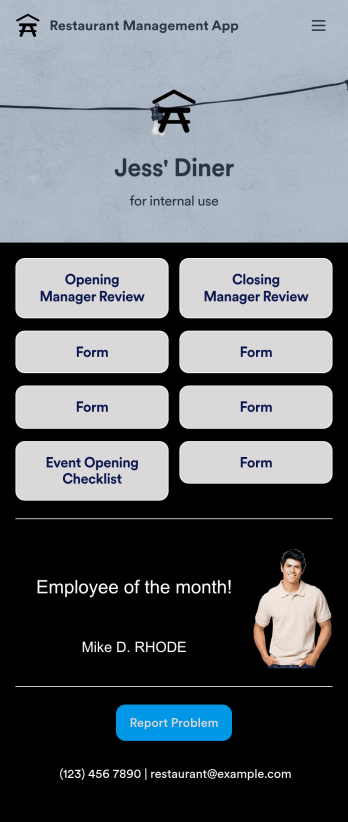
Restaurant Management App
A restaurant management app for internal use makes it easier to track inventory, manage staff, and keep your restaurant running smoothly. No matter what type of cuisine your restaurant serves, build your own app with our free Restaurant Management App template. This pre-made template keeps opening and closing checklists and manager review forms in one place. Members of your staff will be able to open and download the app onto any smartphone, tablet, or computer.Customize this Restaurant Management App for your restaurant in just a few clicks. No coding necessary — simply drag and drop to add or delete forms, text, images, links, and much more. When it’s ready, you can download the app onto any device or share it with members of your staff to save onto their own devices. You’ll receive form entries instantly in your secure Jotform account. Manage all restaurant operations from one place with a fully-custom Restaurant Management App.
Go to Category:Management Apps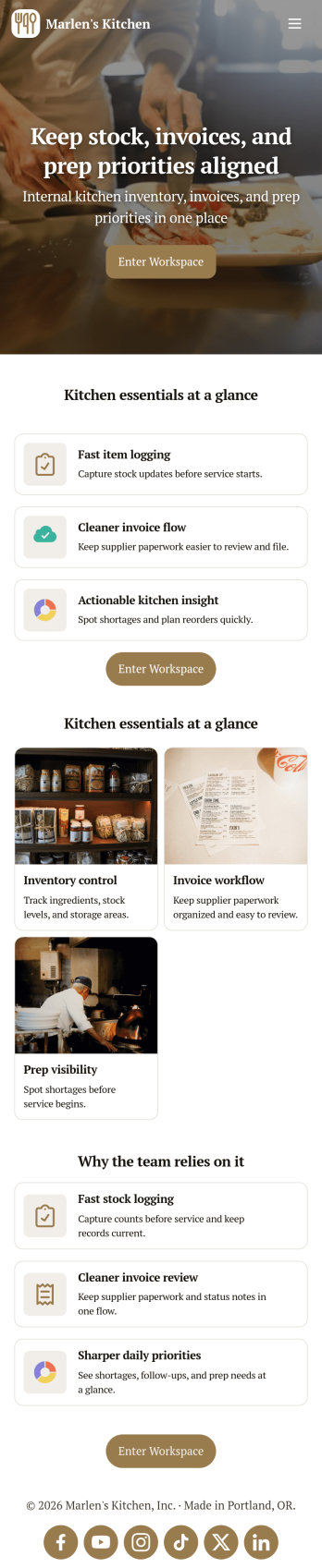
Restaurant Food Inventory App
Restaurant Food Inventory App is an app template designed to optimize the operational workflow of restaurants. It serves as a one-stop solution for restaurant owners, chefs, and kitchen managers to monitor ingredient inventory levels, track usage and expiry dates, manage supplier orders, and optimize food costs through real-time stock visibility. With this app, keeping an eye on food stocks and minimizing waste becomes a hassle-free process. By offering a comprehensive overview of all culinary inventory in one place, it replaces ad-hoc record-keeping practices, leading to more consistent and complete data collection. This app is best suited for those in the food industry who prioritize efficiency, accuracy, and waste reduction in their inventory management.With Jotform's no-code app builder, customizing the Restaurant Food Inventory App to fit your unique requirements is a breeze. The intuitive drag-and-drop interface allows for effortless modifications such as form swapping, font selection, color adjustment, and logo uploading. The result is a tailor-made app that aligns with your restaurant’s branding, without requiring any coding skills. Your app can then be accessed and downloaded onto any smartphone, tablet, or desktop via a shareable link, offering convenient cross-platform compatibility. Furthermore, Jotform Apps provide several publishing options, allowing you to control the accessibility of your app. With Restaurant Food Inventory App from Jotform, streamline your food inventory management and focus on what truly matters: delivering exceptional culinary experiences.
Go to Category:Company Portal Apps