Classroom Feedback App helps teachers and schools gather student input in one place and turn it into actionable next steps. Use it to invite learners to share what’s working, what’s confusing, and what they want more of, then organize responses by topic or urgency for faster follow-up. Students can quickly submit feedback through a dedicated entry point, while educators can review a running feedback feed, scan recent topics, and focus on high-priority items that may need attention first.
Jotform makes it easy to publish this kind of self-service experience with a no-code app template and a drag-and-drop interface that adapts to your classroom routines. Connect the app to a feedback form for consistent data collection, view and manage entries in linked tables, and share the app with a simple link or QR code for quick access during class, after lessons, or at the end of a unit. As needs change, you can update pages, navigation, and review flows without rebuilding your workflow from scratch.
Related templates
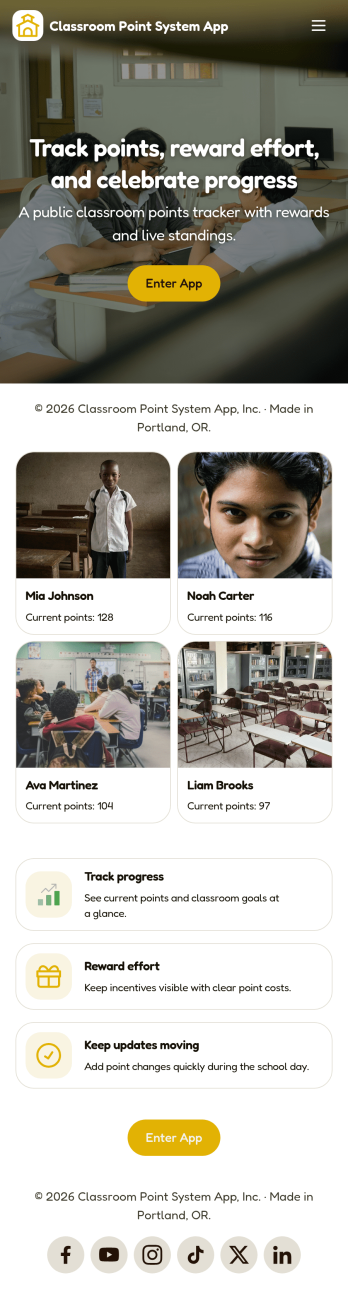
Classroom Point System App
Classroom Point System App helps teachers track student points for behavior, participation, and classroom goals in one place. Use it to keep a student list, quickly add points during lessons, and keep motivation high with a simple leaderboard students can understand. It works well for elementary classrooms, middle school teams, after-school programs, tutoring centers, and anyone using PBIS-style incentives or class rewards who wants a clear, consistent way to recognize positive actions.Built with Jotform, this app template is easy to tailor with a no-code app builder and a drag-and-drop interface, so you can match your rules and routines without technical work. Connect the app to your data collection forms for adding students and recording points, keep records organized, and share the self-service experience with co-teachers or support staff. Jotform makes it simple to publish updates fast and manage your classroom workflow from anywhere.
Go to Category:Classroom Management Apps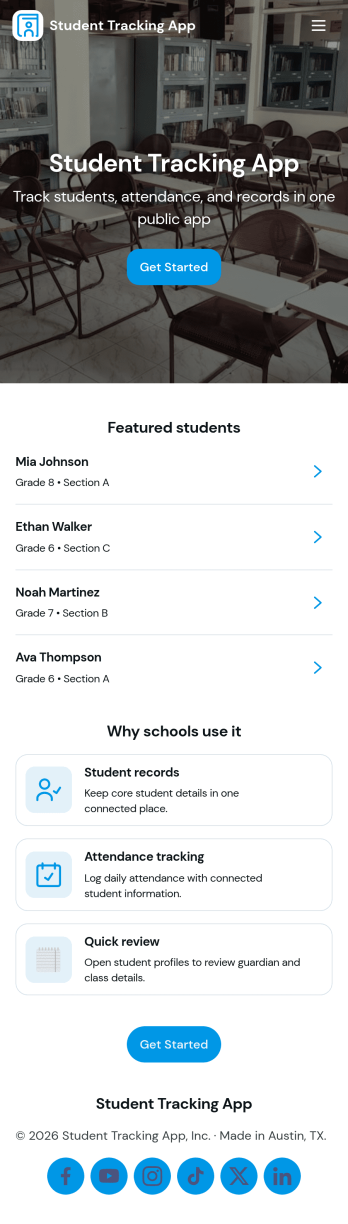
Student Tracking App
A student tracking app brings key classroom details into one place so educators can keep up with who is enrolled, who is attending, and what progress notes have been recorded. This template organizes a student roster you can browse into individual student details, then connects that view to an attendance log and academic notes so patterns are easier to spot over time. It fits K–12 classrooms, tutoring centers, after-school programs, and small academic teams that need a simple way to stay consistent with recordkeeping without digging through scattered spreadsheets or paper binders.Jotform makes it easy to turn this Student Tracking App into a working, shareable experience using App Templates and a no-code app builder. With a drag-and-drop interface, you can adjust navigation, add or remove pages, and connect the app to forms and tables for ongoing data collection and workflow needs. Share the app as a self-service hub for staff, keep attendance entries organized, and maintain up-to-date student information as your program changes throughout the year.
Go to Category:School Management Apps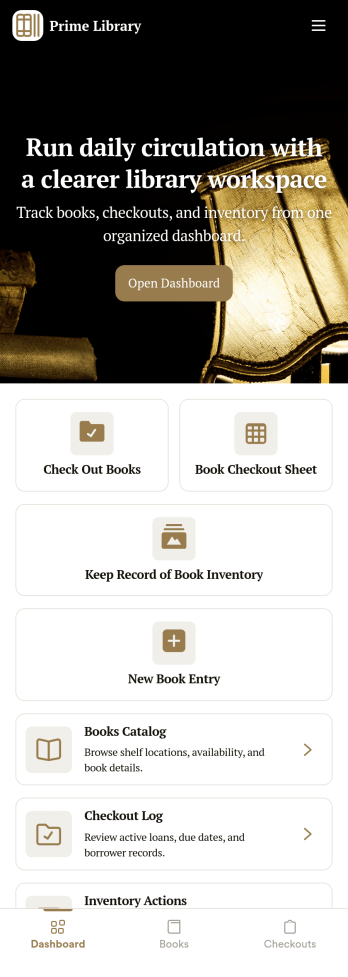
Library Management App
A library management app is used by libraries for library management and inventory purposes. Jotform’s Library Management App makes it easy to quickly fill out a form documenting book title, author, and serial number to keep an accurate record of books checked out by library patrons. A separate form allows librarians to enter incoming book orders into an inventory system. This app comes bundled with companion spreadsheets for each form, giving you an easy-to-understand overview to help you manage your library at a glance.Make this app template your own in seconds with Jotform’s no-code app builder. You don’t need to have any coding or design background — just drag and drop to add or change form elements, edit form text and fields, upload images, add documents, and more. Once you’re done customizing, download your app on any smartphone, tablet, or desktop in your library and start checking out books right away. Manage your library from any device using a single app with our readymade Library Management App.
Go to Category:Management Apps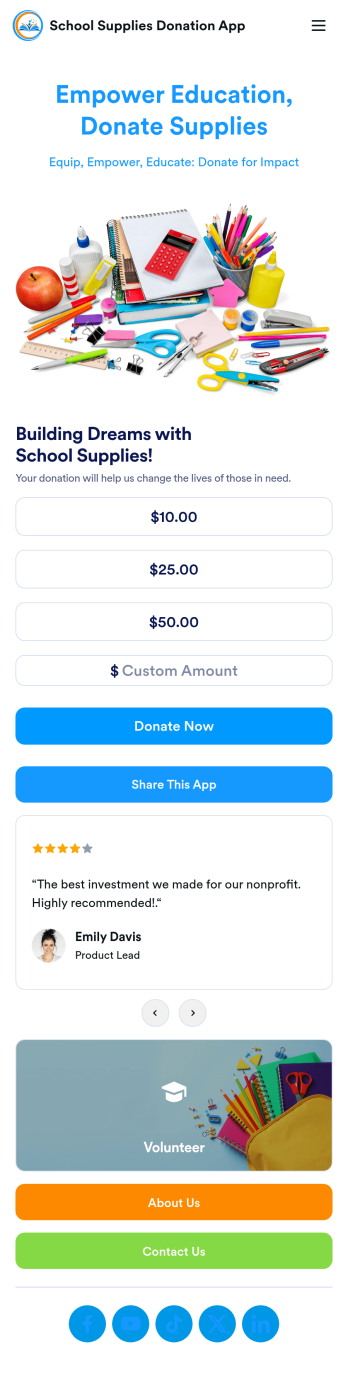
School Supplies Donation App
Empower your educators and their students with this free School Supplies Donation App from Jotform — fully customizable with no coding knowledge needed. Collect donations for much needed school supplies with our handy Donation Box element, gather volunteer signups for your next school wide event, and so much more with this handy app.Feel free to customize your app by uploading your school’s mascot or logo, switching up colors and fonts, editing letter text, and more. You can even include a progress bar to track donations and see how far you are from your goal. After you’ve finalized your School Supplies Donation App, simply share it with your audience via QR code, direct link, or by embedding it into your online school portal or website.
Go to Category:Community & Engagement Portal Apps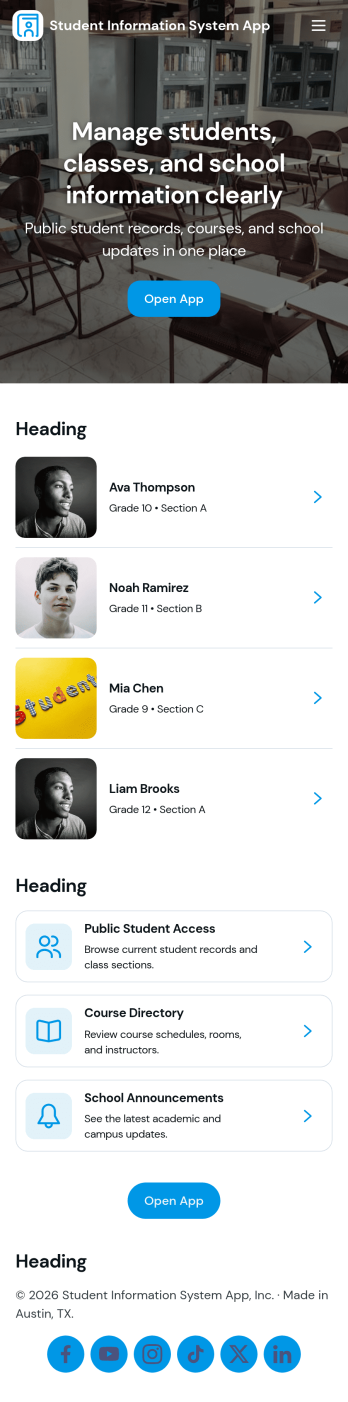
Student Information System App
Student Information System App brings key student records into one place so schools and education programs can keep day-to-day details organized without juggling spreadsheets. Use it to browse a student list, complete student registration, and capture ongoing updates like attendance and grades as the term progresses. It’s a practical fit for admins, registrars, coordinators, and teachers who need quick access to current information for classes, advising, and student support.Built with Jotform, this app template helps you turn data collection into a connected workflow using a no-code app builder and a drag-and-drop interface. Link your forms to lists so records stay easy to find, add navigation buttons for faster self-service across pages, and share the app with your team using a simple link. As needs change, you can adjust the layout, update fields, and keep information flowing to the right place with Jotform’s flexible app templates.
Go to Category:School Management Apps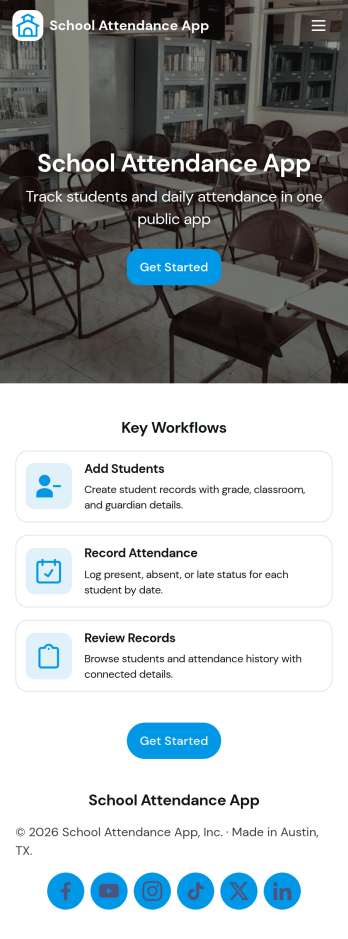
School Attendance App
School Attendance App helps schools take daily attendance, keep organized records, and follow up on absences without juggling paper rosters or scattered spreadsheets. Use it to quickly mark attendance, review individual student entries, and keep absence notes in one place, making it easier to spot patterns like frequent tardiness or repeat absences. It’s a practical fit for teachers, homeroom advisors, front offices, and school administrators who need a consistent routine for tracking presence across classes, dates, or student groups.Built with Jotform, this app template can be customized with a no-code app builder and a drag-and-drop interface so your team can match the layout to your attendance process. Connect it to forms for data collection, route updates through a simple workflow, and share a self-service link with staff who need access. As your needs change throughout the school year, you can update pages, add fields, and keep attendance information easy to find and manage from anywhere.
Go to Category:School Management Apps