A classroom walkthrough app helps school leaders and instructional coaches document quick classroom observations, keep classroom information organized, and build a consistent record of what they see across learning spaces. Use it to maintain a simple classroom list, log walkthrough notes as you move between rooms, and review a history of prior visits so follow-ups feel informed and timely. It’s a practical fit for principals, assistant principals, department heads, and coaching teams who need a lightweight way to capture evidence during walkthroughs without relying on scattered paper notes.
With Jotform, you can turn this classroom walkthrough app template into a polished self-service experience using a no-code app builder and a drag-and-drop interface. Connect the app to forms for fast data collection, organize records for each classroom and walkthrough entry, and keep your workflow consistent from one observer to the next. Share the app with your team, update it as your observation focus changes, and keep everything accessible on any device for smoother walkthrough routines.
Related templates
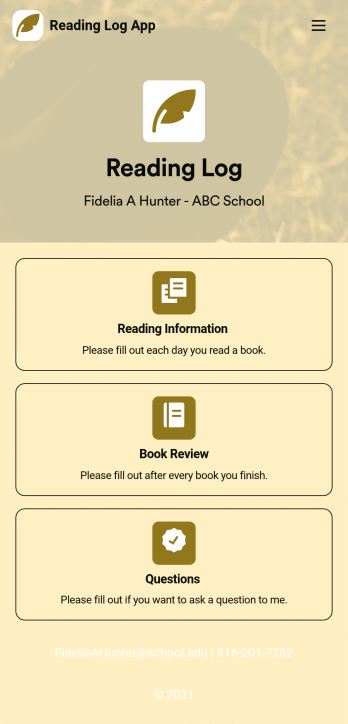
Reading Log App
As a teacher, staying on top of your students’ reading habits can be a headache. So why not create one central place to keep track of it all? With this Reading Log App, teachers can easily track, monitor, and review students’ assigned reading progress. This ready-to-use template also comes with a place for your students to send questions, and a digital signature form for parents to sign off on readings. This app works in tandem with our Reading Log Template, which allows you to easily sort through entries in a searchable spreadsheet.Want to customize this Reading Log App and make it your own? With our simple drag-and-drop interface, you can add or change forms, choose fonts and colors, update the app name or text, and more — all with zero coding. Once you’re satisfied with the look and feel of your app, simply share the link through email and have your students start filling out their assigned readings from any smartphone, tablet, or desktop. Make your job outside of the classroom easier with this customizable Reading Log App!
Go to Category:Classroom Management Apps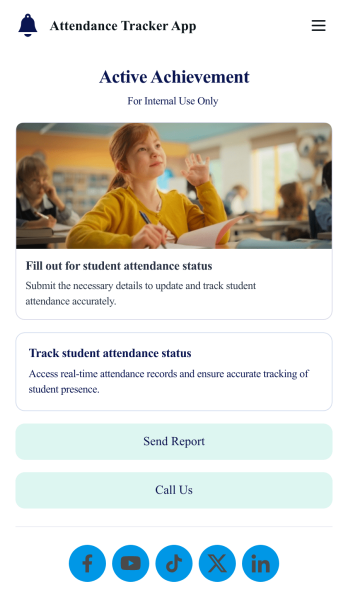
Custom Attendance Tracker App
An attendance tracker app is used by teachers or managers to track attendance for their classroom or company. With Jotform’s free Attendance Tracker App, you can download the app onto your computer, smartphone, or tablet to easily track attendance online. Just fill out the forms to log attendance details, and access your records in a spreadsheet or calendar using Jotform Tables.Need to change elements of this app template? Upload your logo, add or remove forms, include helpful links, and change the app background or icon to get the exact design you need — with no coding knowledge required. Once you’ve used our drag-and-drop builder to customize your app, share it with a link to be downloaded onto any device. Track attendance more efficiently with a free Attendance Tracker App!
Go to Category:Classroom Management Apps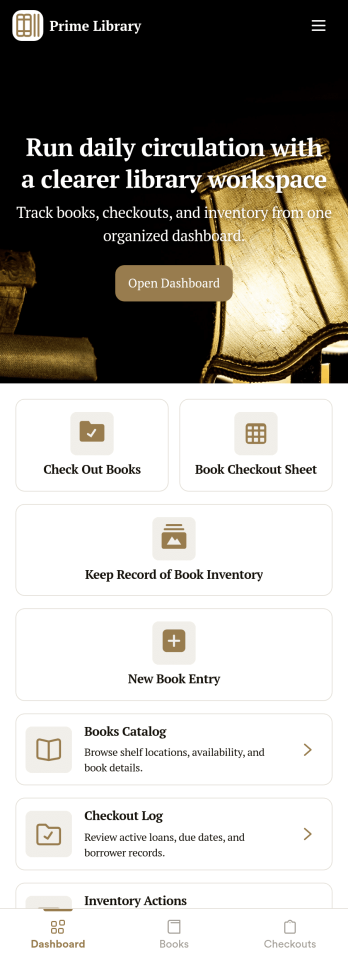
Library Management App
A library management app is used by libraries for library management and inventory purposes. Jotform’s Library Management App makes it easy to quickly fill out a form documenting book title, author, and serial number to keep an accurate record of books checked out by library patrons. A separate form allows librarians to enter incoming book orders into an inventory system. This app comes bundled with companion spreadsheets for each form, giving you an easy-to-understand overview to help you manage your library at a glance.Make this app template your own in seconds with Jotform’s no-code app builder. You don’t need to have any coding or design background — just drag and drop to add or change form elements, edit form text and fields, upload images, add documents, and more. Once you’re done customizing, download your app on any smartphone, tablet, or desktop in your library and start checking out books right away. Manage your library from any device using a single app with our readymade Library Management App.
Go to Category:Management Apps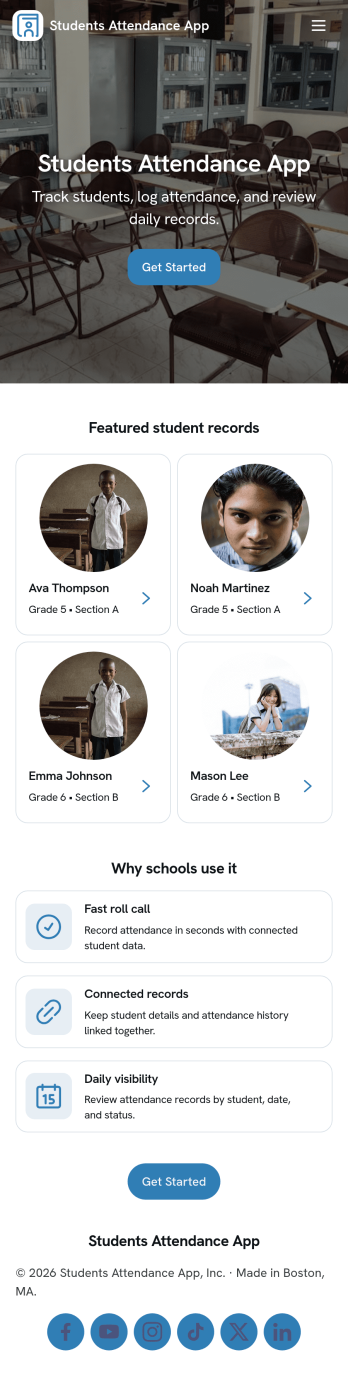
Students Attendance App
Students Attendance App helps teachers and school staff record daily attendance, keep student details organized, and review participation over time from one place. Use it to register students, quickly mark attendance during class, and open attendance records when you need to check patterns for a specific learner. It fits homerooms, after-school programs, tutoring centers, and training groups where consistent tracking matters and paper rosters slow everyone down.Jotform makes it easy to turn this app template into a polished workflow with a no-code app builder and a drag-and-drop interface. Connect the app to your forms and data tables so new registrations and attendance entries stay structured, searchable, and ready for reporting. Share the app with staff for fast self-service updates, customize the pages to match your process, and keep your attendance workflow simple from any device.
Go to Category:School Management Apps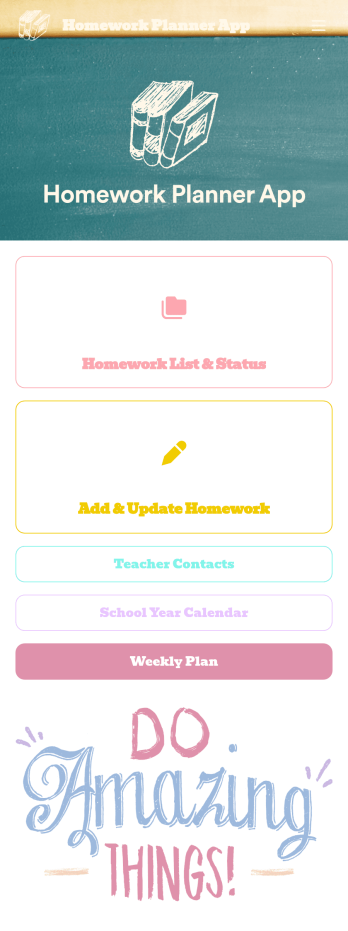
Homework Planner App
A homework planning app is a mobile application created by teachers and educators to help their students keep track of assignments and due dates. Use this ready-made Homework Planner App template from Jotform Apps to create your own in just a few easy clicks. Keep students updated on upcoming assignments, collect homework, list your office hours, and more.Want to make changes to how this Homework Planner App looks? No problem. With Jotform’s drag-and drop builder, you can add or remove forms, pick a background image, change font types, upload images and videos, select a unique app icon, and more. After you’re done customizing your app, simply embed it in your website or online portal for students to download.
Go to Category:Planner Apps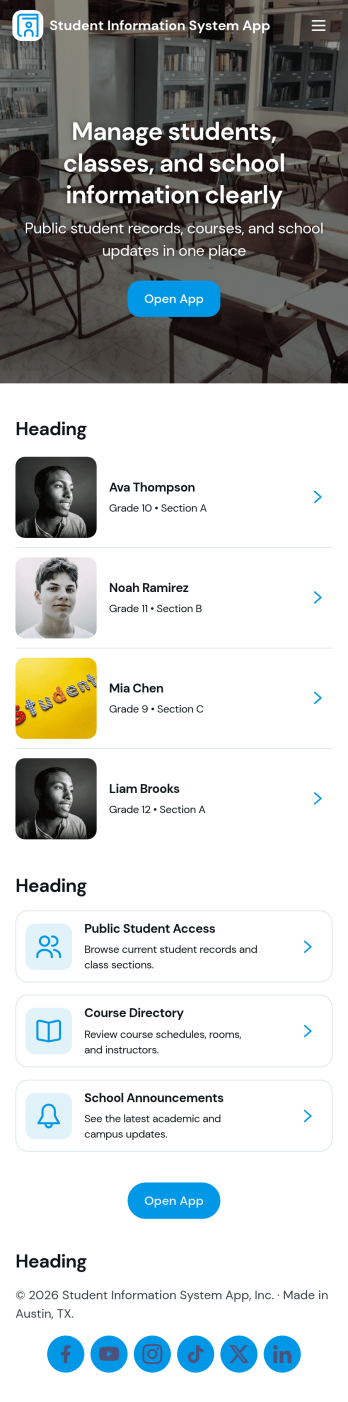
Student Information System App
Student Information System App brings key student records into one place so schools and education programs can keep day-to-day details organized without juggling spreadsheets. Use it to browse a student list, complete student registration, and capture ongoing updates like attendance and grades as the term progresses. It’s a practical fit for admins, registrars, coordinators, and teachers who need quick access to current information for classes, advising, and student support.Built with Jotform, this app template helps you turn data collection into a connected workflow using a no-code app builder and a drag-and-drop interface. Link your forms to lists so records stay easy to find, add navigation buttons for faster self-service across pages, and share the app with your team using a simple link. As needs change, you can adjust the layout, update fields, and keep information flowing to the right place with Jotform’s flexible app templates.
Go to Category:School Management Apps