
Company Vehicle Usage App is a ready-to-use app template for businesses that need a consistent way to document shared vehicle activity and maintenance concerns. Fleet coordinators, operations teams, office managers, field service companies, and employees can use it to submit vehicle usage, review mileage and fuel details, and report maintenance needs from one organized location. Centralizing driver, trip, odometer, fuel, and priority information improves record accuracy, gives managers clearer visibility into vehicle activity, and helps teams identify service needs before they disrupt daily operations.
Jotform App Templates make it easy to adapt this experience to your company without writing code. With Jotform’s no-code app builder and drag-and-drop interface, you can update pages, branding, buttons, and navigation to match internal workflows. Connect forms and tables for data collection, send notifications when new reports arrive, and organize records for easier follow-up. Once the Company Vehicle Usage App is ready, publish it with a direct link or QR code so drivers and authorized staff can access a mobile-friendly self-service tool wherever work takes them.
Related templates
Courier Delivery App
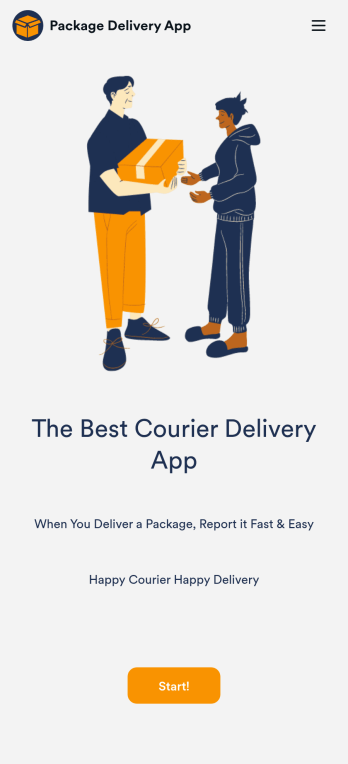
A Courier Delivery App is used by delivery companies to record delivery statuses. With this Courier Delivery App, drivers can fill out the recipient name, reference number, delivery status, and item details, and include any additional notes. Drivers can sign off on deliveries at the bottom using a digital signature box. Delivery reports are stored securely in your account and can be accessed from any device. There is also a separate form for new driver applications, which you can view and manage through our Driver Application Tracking Sheet.It’s easy to customize this Courier Delivery App with our drag-and-drop interface. With just a couple of clicks, you can add or change forms, choose fonts and colors, upload your delivery company’s logo, update the app name, text, and splash page, and more — no coding required. Your app can be shared internally with a link and then downloaded by your drivers on any smartphone, tablet, or desktop. Never lose track of a package again with this Courier Delivery App!
Go to Category:Retail Apps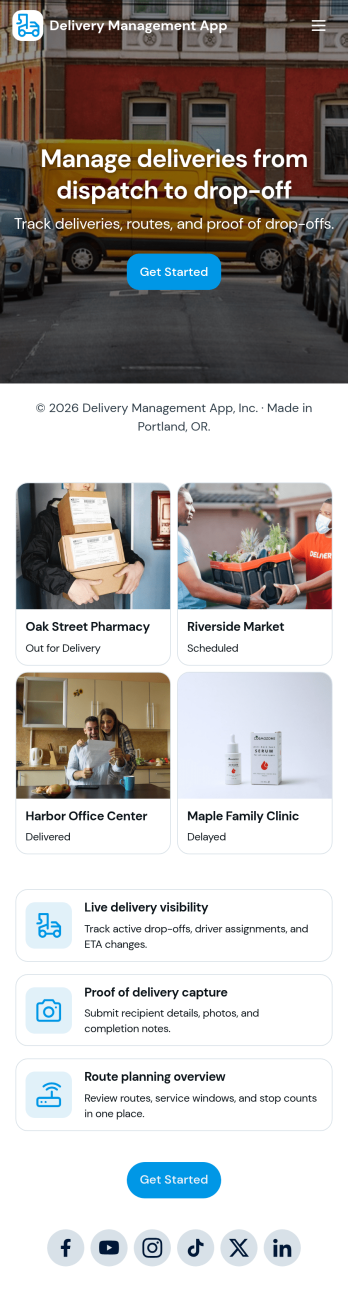
Delivery Management App
Delivery Management App helps teams organize deliveries from intake to assignment and issue reporting in one place. Use it to create new deliveries, browse active orders, assign drivers, and give staff a simple way to report delivery issues as they happen. It’s a practical fit for local couriers, restaurants, retail shops, e-commerce sellers, and service businesses that run their own drivers and need a clear view of what’s going out today, who’s handling it, and what needs attention.With Jotform, you can turn this app template into a branded, mobile-friendly workflow without coding. Use the no-code app builder and drag-and-drop interface to tailor pages, buttons, and lists to match your delivery process, then connect the app to forms and tables for reliable data collection and ongoing updates. Share the app by link or QR code so dispatchers and drivers can access self-service tools, keep information current, and reduce missed handoffs across your operations.
Go to Category:Delivery Apps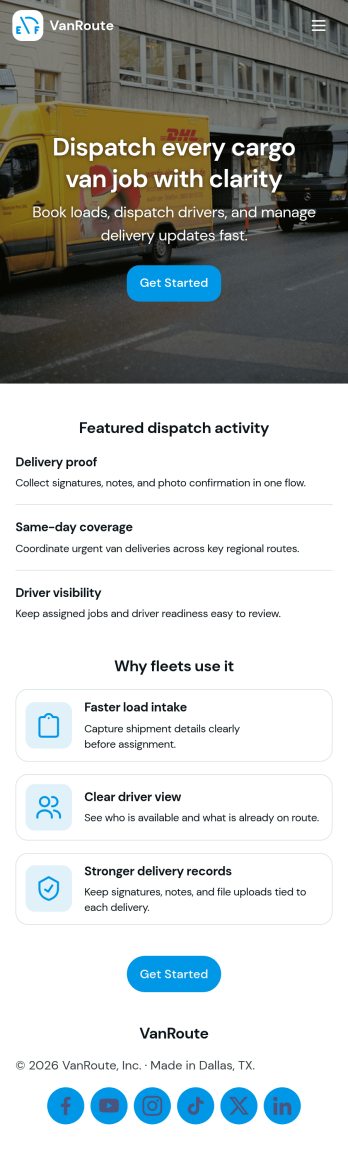
Cargo Van Dispatch App
Cargo Van Dispatch App helps dispatchers and operations teams organize daily loads, assign drivers, and keep deliveries moving without losing track of what’s open, in progress, or completed. Use it to review open dispatches, confirm pickup and dropoff details for each customer, and quickly route work to the right driver. It’s a practical fit for cargo van carriers, courier services, local delivery businesses, and logistics coordinators who need a clear view of jobs, drivers, and vehicles across a busy shift.Built with Jotform, this app template turns dispatch coordination into a mobile-friendly self-service experience your team can access from a single link. Customize pages with a drag-and-drop interface, connect an Assign Driver form to your workflow, and keep dispatch activity organized in one place for reliable data collection and smoother handoffs. With Jotform’s no-code app builder, you can adapt the layout and fields as your routes, fleet, and operating process evolve.
Go to Category:Delivery Apps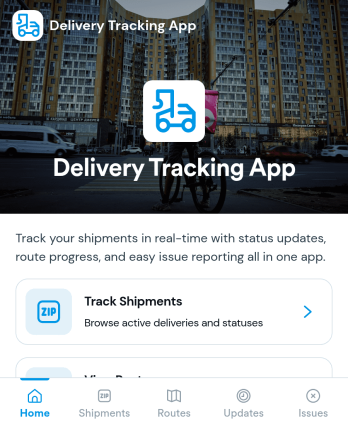
Delivery Tracking App
Delivery Tracking App helps teams monitor shipments and keep delivery information up to date in one place. It’s a practical fit for couriers, local delivery services, field operations, and logistics teams that need a clear view of what’s in transit, what’s delivered, and what needs attention. With a shipment list organized by tracking ID, a summary view for quick oversight, and a simple path to update status, the app supports consistent communication across dispatchers, drivers, and customer-facing staff.Built with Jotform, this app template can be tailored with a no-code app builder and a drag-and-drop interface so your workflow matches how your operation runs. Connect the app to your shipment records table to centralize data collection, reduce manual follow-ups, and keep statuses current as changes happen. Share it as a self-service experience for internal teams, set up role-based pages for day-to-day updates, and publish a mobile-friendly tracking hub that stays easy to navigate as volumes grow.
Go to Category:Delivery Apps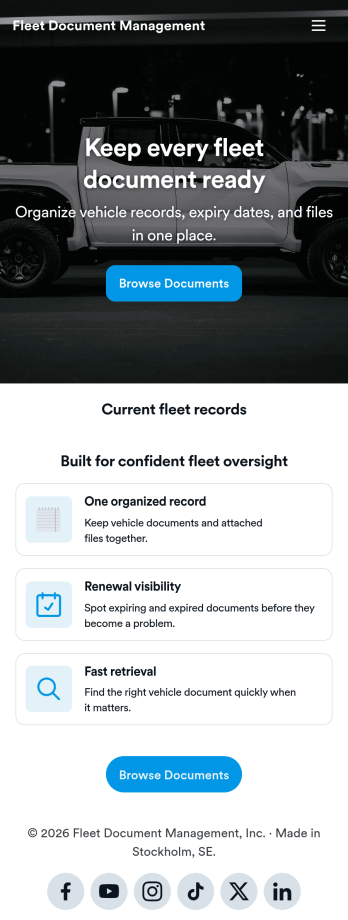
Fleet Document Management App
Fleet Document Management App helps teams organize, find, and share essential fleet paperwork in one place so drivers and operations staff can stay ready for day-to-day work. Use it to keep vehicle documents, policy references, and internal resources accessible when teams are on the road, at a yard, or handling a service stop. It fits transportation companies, delivery fleets, field service teams, and any organization that manages multiple vehicles and needs a simple way to keep documentation consistent.With Jotform, you can turn this app template into a branded, mobile-friendly document hub using a no-code app builder and a drag-and-drop interface. Publish updates quickly, control how information is presented, and support self-service access for employees or partners. As your workflow evolves, you can expand the app beyond a single page by connecting it to data collection and other processes inside Jotform.
Go to Category:Fleet Tracker Apps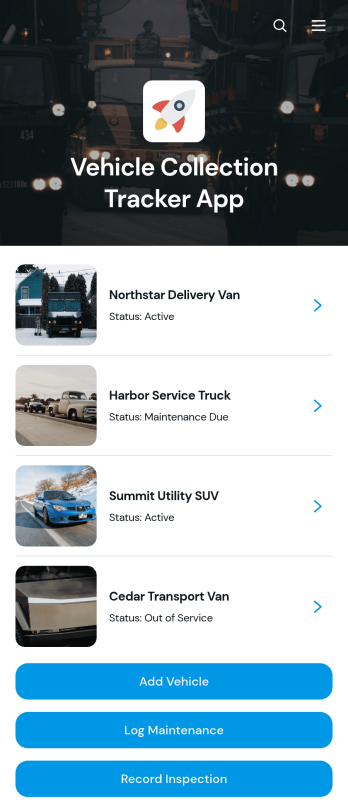
Vehicle Collection Tracker App
The Vehicle Collection Tracker App is an app template for businesses, collectors, fleet managers, transport teams, and automotive organizations that need one place to organize multiple vehicles. Users can browse a vehicle collection, open individual records, and review essential details such as registration, vehicle type, year, mileage, and current status. Built-in actions support adding vehicles, logging maintenance, and recording inspections, helping teams replace scattered spreadsheets and paper records with a more consistent workflow. It is well suited to company fleets, dealership inventory, rental operations, private collections, service garages, and organizations responsible for monitoring vehicle condition and upkeep.Jotform Apps makes this template easy to adapt through a no-code app builder and an intuitive drag-and-drop interface. Customize pages, cards, buttons, images, and branding to match your operation, then connect forms and tables for organized data collection. Maintenance updates and inspection records can flow into related workflows, giving staff a convenient self-service experience from desktop or mobile devices. Share the finished Vehicle Collection Tracker App through a direct link, personalized URL, embedded experience, or QR code so authorized drivers, technicians, and managers can access the resources they need.
Go to Category:Fleet Tracker Apps