Contractor Scheduling App helps teams coordinate contractors, projects, and day-to-day assignments in one organized place. Use it to keep a clear roster of who you work with, capture project details as they come in, and connect each job to the right people and dates. It’s a practical fit for construction companies, home service businesses, property managers, and operations teams that need quick visibility into upcoming work without relying on scattered messages or spreadsheets.
With Jotform’s app templates, you can turn your scheduling process into a mobile-friendly experience powered by a no-code app builder and a drag-and-drop interface. Connect forms for adding contractors and projects, display assignment lists for easy self-service access, and keep data collection consistent across your workflow. Customize pages, branding, and navigation so everyone knows where to go to view schedules, update job information, and stay aligned.
Related templates
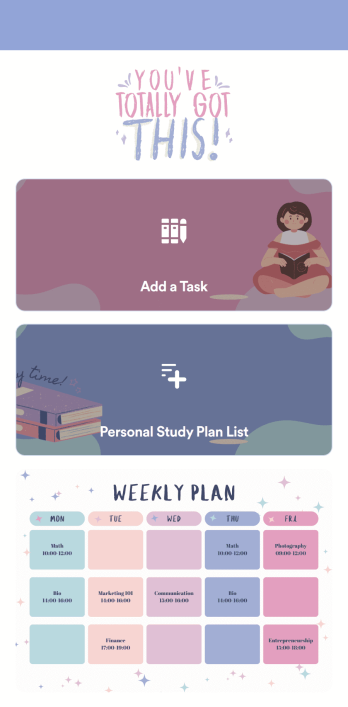
Customizable Study Planning App
A study planning app lets students create a student plan and track it on their mobile device. With this ready-made Study Planning App from Jotform, you can quickly and efficiently start tracking tasks, schedules, and study plans no matter where you are. Just customize the app to meet your study needs and download it for iOS, Android, or onto your computer for easy access.Need to make changes to this Study Planning App template? No problem — just drag and drop to get the design you want. Split your app into multiple pages, add more forms or tables, and make other changes in seconds with no coding knowledge required. You can even connect your app to 250+ other platforms like Trello, Asana, and more to monitor your study plans in your other accounts!
Go to Category:Organization Apps
Consultation App
A consultation app is used by clients to request consultation services from a consulting firm. With this free Consultation App from Jotform, your agency can create its own custom app in minutes! Just add photos and descriptions of your consultants, include links to your portfolio, and input location and contact details. Your clients can then download the app onto their mobile device to request a consultation fast.Want to make changes to this app template? Update the design by choosing a new background or app icon, including specific information about your services, splitting the app into different pages, and making other changes with our drag-and-drop app builder. No coding needed! You can then share the app with a link or send it to clients via email. All submissions through your custom Consultation App are ready to view instantly, so you can schedule consultations and respond to clients with ease.
Go to Category:Management Apps
Work Schedule App
A work schedule app is used by employees for logging work shifts and completed tasks. With this Work Schedule App, employees can log their shifts by filling out a form with their name, scheduled hours, and hourly wage. A separate task tracking form allows employees to log individual tasks they’ve completed throughout the week. Submissions are stored in two easy-to-read spreadsheets in your Jotform account, which you can sort, filter, and search from any smartphone, tablet, or computer.Want to customize this app template to match your company’s branding? No problem — just use our drag-and-drop builder to add or change form elements, choose fonts and colors, change your app icon or splash screen, and more. Once you’re finished, share your app by sending email invites to employees, or by embedding a link in your company’s HR portal. Employees will be able to access and download your app on any device, making it easy to log shifts and tasks from anywhere. Streamline employee scheduling with this Work Schedule App from Jotform.
Go to Category:Human Resources Apps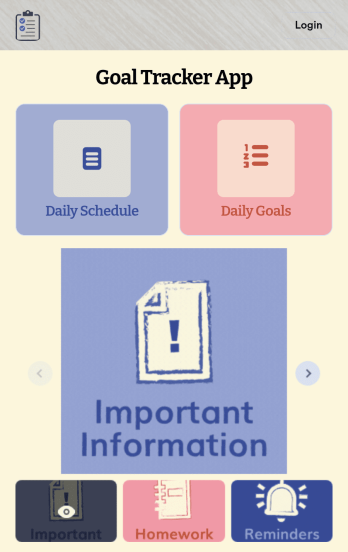
Customizable Goal Tracker App
Need an easier way for your clients to track their goals? With Jotform’s Goal Tracker App, you can build an online goal tracking app in minutes. Start creating your app from scratch or choose one of our ready-made app templates to get your creativity flowing. Add a contact form, let your customers create a schedule that works for them, showcase past client reviews, and more. Once you’ve customized your app to your liking, share with clients — downloadable onto any computer or iOS or Android device.Personalize your Goal Tracker App with Jotform’s easy-to-use app builder. Just drag and drop to change the look and feel of your app, add powerful app elements, install helpful app widgets, and integrate with one of our 25+ payment processors, including Stripe and Square. Share your customized app via email or embed it directly into your own website for easy access. Help your clients reach their goals with your very own Goal Tracker App — free on Jotform.
Go to Category:Activity Tracking Apps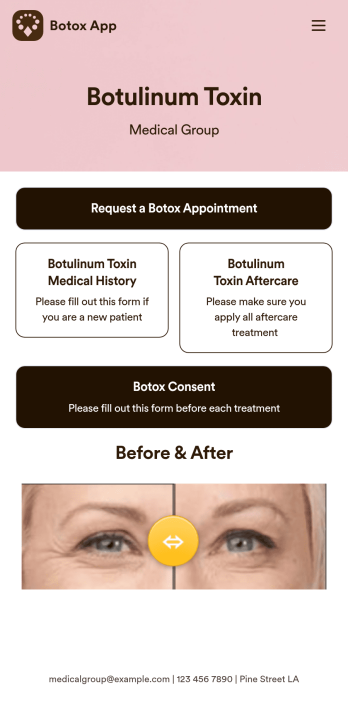
Botox App
Whether you’re running a medical clinic or a salon, a botox app is a great way to keep all of your clients’ records in one convenient location. With this free app template, clients can fill out an intake form with their general contact information and medical history, and digitally sign a terms and conditions consent form. There is also an aftercare form where you can post aftercare treatment and post-botox precautions for clients to sign off on. Entries are stored securely in your online account, which you can view and manage from any smartphone, tablet, or desktop.Want to customize this Botox App to match your branding? Our drag-and-drop form builder makes it easy to add or change forms, choose fonts and colors, upload images, update the app name, text and splash page, and more — all with no coding. Once you’re finished, just share a link on your website or directly with your clients, and your app can then be downloaded and filled out on any device. Smooth out the process of getting botox treatments with this customizable Botox App!
Go to Category:Customizable Beauty Salon Apps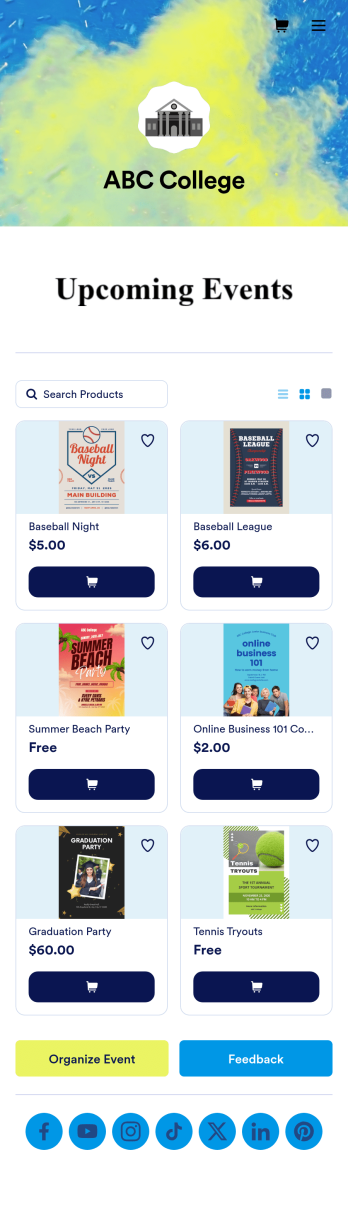
Custom College Events App
A college events app connects students to university events from any device. No matter what school you plan events for, let students know what’s coming soon with Jotform’s free College Events App. This customizable app template includes event posters, guest registration forms, and links to social media accounts that students can access from their smartphone, tablet, laptop, or computer. All submitted responses will be instantly synced to your secure Jotform account to be viewed or approved by you and other event staff.Make this College Events App stand out by using our drag-and-drop builder to customize it for your school. Without coding, you can add or remove forms, upload promotional images and videos, include tables and links, create buttons and pages, change the color scheme and fonts, and update the app name and icon to better represent your school. When it’s ready, your app can be shared on social media, your school website, or via the app link. Inform and excite students about upcoming events — and boost school pride — with a custom College Events App for your school!
Go to Category:Booking Apps