Creative Writing Portfolio App brings your writing samples into one place so readers can browse, discover, and reach out without digging through scattered links. It works well for writers, students, MFA candidates, freelancers, writing groups, and small publications that want a simple way to present pieces by author and genre, invite new submissions, and answer common writing questions in a polished, mobile-friendly format. Visitors can explore the portfolio through a browsable list, open individual entries to read more, and use clear calls to action to submit a writing sample or contact the curator.
With Jotform, you can turn this app template into a branded portfolio experience using a no-code app builder and a drag-and-drop interface. Connect the submission forms to your workflow, route new entries to the right person, and keep data collection organized in one system for review and follow-up. Publish and share your app in minutes, then refine pages, buttons, and content as your portfolio grows, giving audiences an easy self-service way to engage with your work.
Related templates
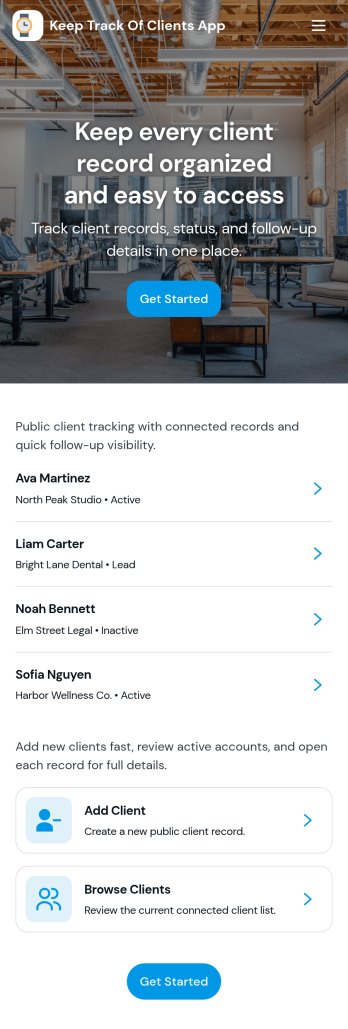
Keep Track of Clients App
Keep Track of Clients App gives you a simple way to organize client records and stay on top of relationship history in one place. Use it to view a client list, open individual client profiles for contact details, and log interactions so your team always has the latest context before a call, meeting, or follow-up. It’s a practical fit for consultants, agencies, service providers, and small teams that need a clear view of who their clients are, what’s been discussed, and what needs to happen next.With Jotform App Templates, you can launch a client-tracking experience fast and tailor it to your workflow using Jotform’s no-code app builder and drag-and-drop interface. Connect your Add Client form to keep data collection consistent, use lists to display records, and share the app as a self-service internal tool for your team. As your process evolves, you can adjust pages, navigation, and connected workflows without starting over.
Go to Category:Customer Engagement Apps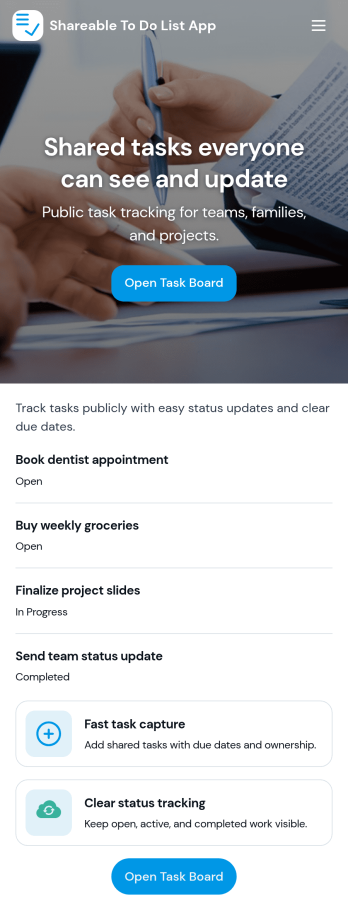
Sharable To Do List App
Sharable To Do List App helps teams, households, and small organizations keep everyday work visible and moving without relying on scattered messages. Use it to publish open tasks, add new items as they come up, and give everyone a simple place to check what needs attention. It fits group projects, volunteer coordination, event prep, and internal admin work where priorities change quickly and people need a shared view of what is still open.Built with Jotform, this app template turns a connected task form into a simple self-service experience you can share with a link. Use Jotform’s no-code app builder and drag-and-drop interface to tailor pages, labels, and navigation, then track updates in one workflow with real-time data collection. Add your branding, control who can access the app, and keep tasks organized so contributors can focus on getting work done.
Go to Category:Checklist Apps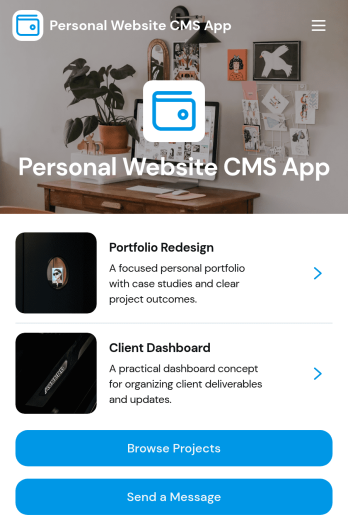
Personal Website CMS App
Personal Website CMS App helps freelancers, creators, and small businesses manage a personal site experience where visitors can browse projects, explore services, and reach out from one place. Use it to present a portfolio in a clean, mobile-friendly format, guide prospects to the right work samples, and capture new inquiries through a built-in message flow. It’s especially useful for designers, developers, consultants, and influencers who want a single hub that highlights offerings and makes it easy for people to start a conversation or share a project brief.With Jotform, you can turn this app template into a polished, self-service destination without coding. Customize pages and navigation with a drag-and-drop interface, connect forms for data collection, and keep your content organized so updates are simple. Share your app through a link or QR code, route incoming requests into a workflow for follow-up, and tailor the look and feel to match your brand as your personal website grows.
Go to Category:Freelancer Apps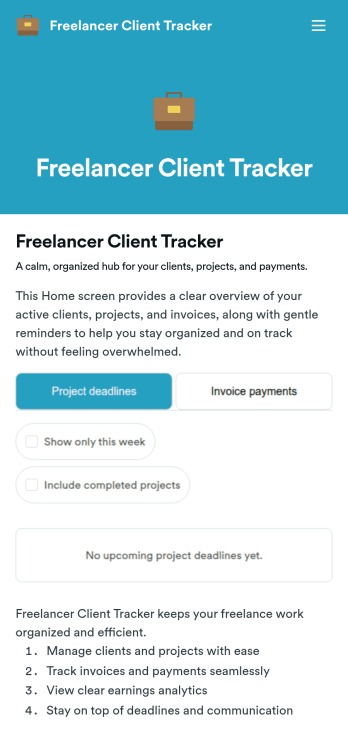
Freelancer Client Tracker
Freelancer Client Tracker is an app template designed to streamline the management of multiple client projects for independent professionals. This robust template simplifies the complexities of client relationship management, centralizing all relevant information into one accessible interface. It is specifically tailored to freelancers and small teams — designers, developers, writers, marketers, consultants — who need a structured yet straightforward approach to manage their client projects. The app captures essential client details, project statuses, files, and communication history, making it a trusted ally in the freelancer’s workflow. It also assists in tracking deadlines, sending invoices, and monitoring payments. Freelancers will find it to be a valuable asset in assessing their business performance, understanding their most profitable clients, and identifying where their time is most effectively spent.With Jotform, creating your own customized Freelancer Client Tracker is a breeze. Our No-Code App Builder, with its intuitive drag-and-drop interface, allows you to personalize the app to your liking. Tweak the app, add elements, customize layouts, all without writing a single line of code. The cross-platform compatibility of Jotform Apps means your clients and team can access the app seamlessly on any device — smartphones, tablets, or desktops. For enhanced user experience, the app can be downloaded directly to the device's home screen for instant access. Jotform's Freelancer Client Tracker provides the structure and simplicity you need to manage your clients effectively and grow your freelance business with confidence.
Go to Category:Activity Tracking Apps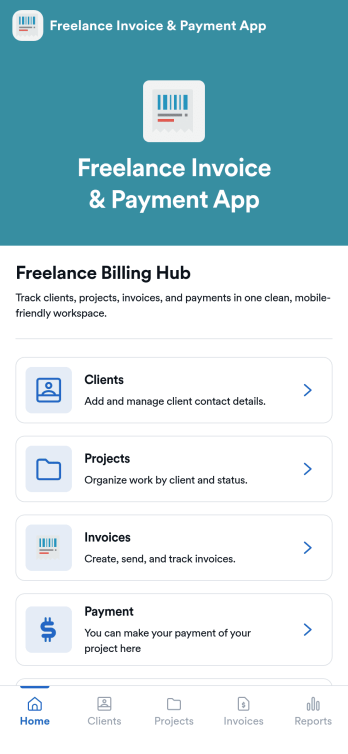
Freelance Invoice & Payment App
Freelance Invoice & Payment App is an app template designed to simplify the billing process for freelancers, independent contractors, and small service-based businesses. It is an ideal solution for remote workers and digital professionals looking for an easy-to-use, professional, and flexible billing system. This robust application allows these professionals to generate, send, and manage invoices smoothly while accepting payments online. It is an efficient platform that streamlines billing operations, tracks income, and automates reminders to receive payments promptly. This app provides a unified interface for capturing client details, project specifics, payment terms, and transaction history, offering a comprehensive view of your financial health. It's best suited for those seeking to professionalize their billing process, increase payment speed, and improve cash flow.With Jotform's robust no-code app builder, the Freelance Invoice & Payment App can be easily tailored to reflect your brand, industry, and specific billing requirements. The intuitive drag-and-drop interface enables you to effortlessly modify forms, choose suitable fonts and colors, and upload your logo, offering a personalized touch to your billing system. Jotform's cross-platform compatibility ensures that your custom app functions seamlessly on any device, be it a smartphone, tablet, or desktop. You can share your app with clients via a direct link, email, or social media, facilitating quick access to your invoicing and payment portal. With this app template from Jotform, you can manage your invoicing and payment process efficiently, saving time and focusing more on your core business activities.
Go to Category:Company Portal Apps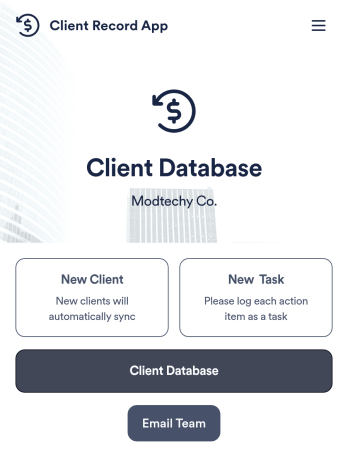
Client Record App
A client record app is used by companies to keep track of clients in a Jotform Tables database. With our Client Record App, you can add general contact information for new clients and view a list of existing clients. There is also a separate task form for employees to log projects. Submissions are stored securely in your online account and can be accessed directly through your app from any smartphone, tablet or computer.This Client Record App can be easily customized without any coding. Our drag-and-drop builder allows you to add and change forms, upload your logo, choose fonts and colors, create a custom app icon and splash screen, and more. When you’re finished, your team can access and download your app on any device with a share link. Keep all your business contacts in one convenient location with this Client Record App!
Go to Category:Freelancer Apps