
The Custom Sculpture Workshop Management App brings project intake, workshop scheduling, and progress visibility into one accessible workspace for sculpture studios, independent artists, fabrication teams, instructors, and creative service businesses. Clients can submit custom project requests, while staff can review project briefs, monitor status and target dates, and browse upcoming workshops with participant and material information. This organized experience reduces scattered messages, keeps commissions moving, and helps teams coordinate resources for private sessions, group classes, and commissioned artwork. It also gives clients and participants convenient self-service access to relevant updates.
Jotform helps creative teams turn these processes into a polished app without writing code. Start with this app template, then use the no-code app builder and drag-and-drop interface to adjust pages, branding, navigation, and connected workflows. Forms and organized records support consistent data collection, while notifications can help staff respond to new requests and operational changes. Jotform App Templates are mobile-friendly and easy to share through a direct link or QR code, making the app useful in the studio, office, classroom, or on-site workspace.
Related templates
Production Management App
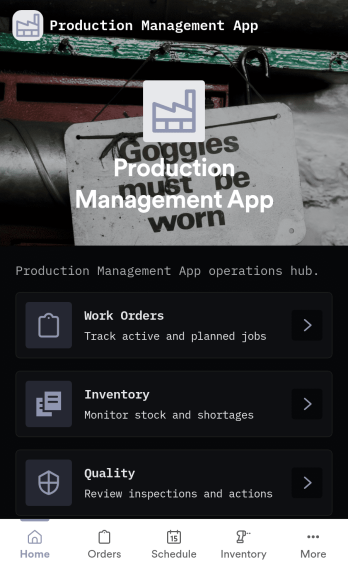
Production Management App brings day-to-day shop floor coordination into one place so teams can keep orders moving, materials available, and quality checks visible. Use it to create new orders, review work orders, and follow progress across production without chasing updates across spreadsheets or messages. It fits manufacturers, job shops, fabrication teams, print and packaging operations, and operations leads who need a simple way to keep work organized while staying on top of low stock and QC holds.Built with Jotform App Templates, this app template can be tailored to your process with a no-code app builder and a drag-and-drop interface. Connect order intake, inventory updates, and QC check logging to the same workflow, route information to the right people, and support self-service access for operators and supervisors. With Jotform, you can publish a mobile-friendly experience, keep records in sync with connected data collection, and iterate quickly as production requirements change.
Go to Category:Inventory Apps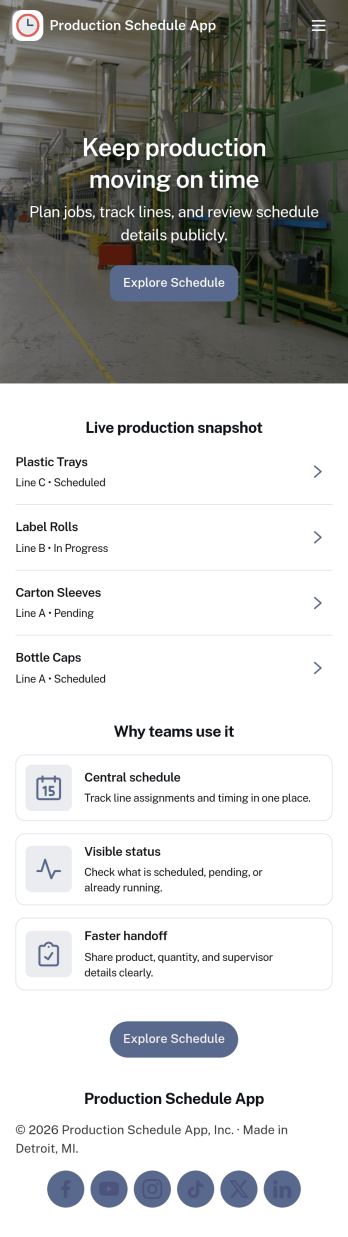
Production Schedule App
A production schedule app brings visibility to what’s planned, what’s in progress, and what’s coming next so teams can coordinate work without relying on scattered spreadsheets. Use it to review scheduled work orders, capture intake for new jobs, and keep a clear view of capacity needs across shifts or work centers. It’s especially helpful for production managers, schedulers, operations leads, and shop-floor supervisors who need a single place to spot bottlenecks, prioritize orders, and keep everyone aligned on job timing.With Jotform, you can turn your production schedule into a mobile-friendly, self-service experience that’s easy to share with the right stakeholders. Using Jotform App Templates and the no-code app builder, you can adjust pages and navigation with a drag-and-drop interface, connect the app to your data collection workflows, and keep scheduling information organized as operations change. Publish with a link so teams can check the schedule, add new work requests, and stay on top of production planning in real time.
Go to Category:Operations & Logistics Portal Apps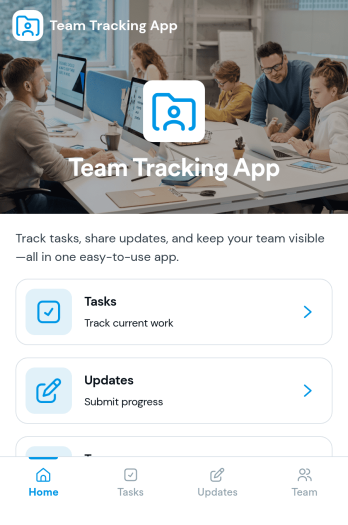
Team Tracking App
Team Tracking App brings day-to-day visibility to who’s working on what, what’s changed, and where help is needed. Use it to organize tasks, post progress updates, and keep a simple directory of team members in one place, so managers and contributors can stay aligned without digging through long message threads. It’s a practical fit for departments, project teams, agencies, and growing businesses that need lightweight tracking for assignments, ownership, and ongoing status.Built with Jotform App Templates, this app template can be customized in minutes using Jotform’s no-code app builder and drag-and-drop interface. Connect task and update forms to your workflow for reliable data collection, then share the app as a self-service destination for your team to review tasks, add updates, and find contact details. With flexible layout options and connected tools across Jotform, you can adapt the experience as your processes evolve.
Go to Category:Management Apps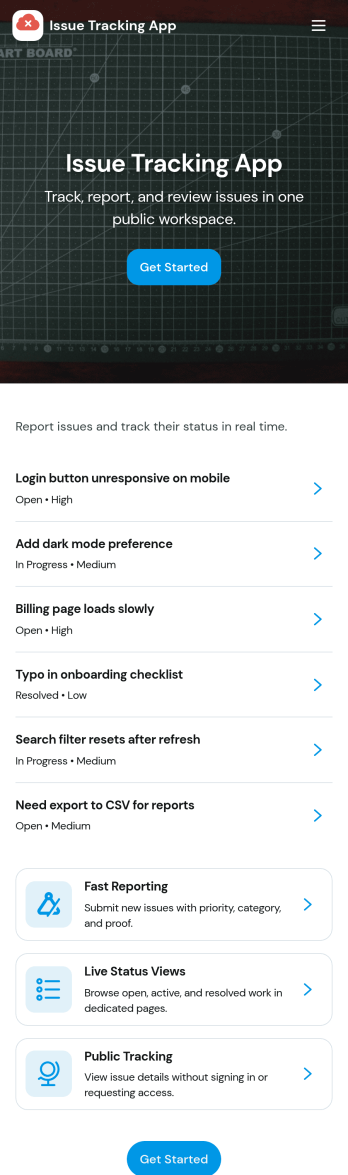
Issue Tracking App
Issue Tracking App helps teams capture, organize, and follow up on problems without losing context. Use it to report new issues as they come up, submit a new ticket in seconds, and keep a personal view of what you’ve raised through My Issues and My Submissions. It fits IT support, engineering, operations, and internal service teams that need a clear place for employees or customers to flag bugs, service interruptions, and process blockers, then monitor what’s still pending review.Built with Jotform App Templates, this app template turns everyday issue reporting into a simple self-service experience you can share as a link or QR code. Customize pages with a drag-and-drop interface, connect the report form to your data collection workflow in Jotform, and keep issue records organized for faster triage and better visibility across the team.
Go to Category:Information Technology Apps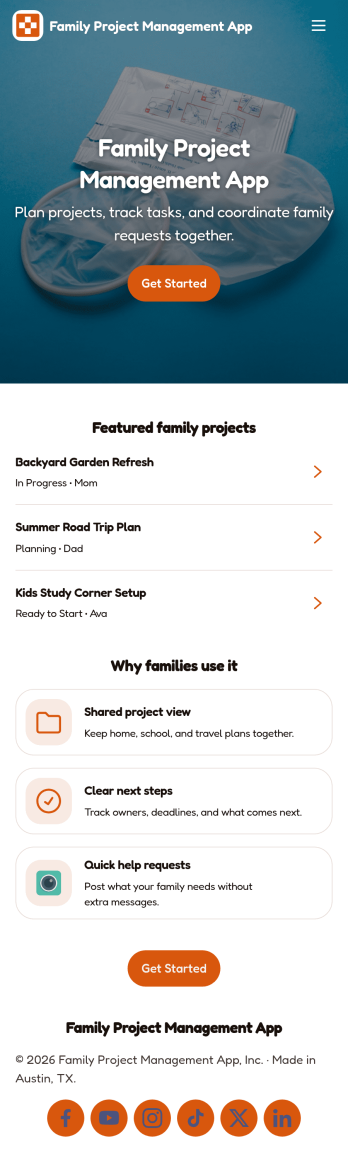
Family Project Management App
Family Project Management App helps households organize shared projects, coordinate tasks, and keep everyone aligned on what needs to happen next. Use it to manage everything from home improvement plans and holiday prep to school activities and recurring routines, with a simple way to browse projects, review open tasks, and maintain a quick family directory for who is involved. Built-in update forms make it easy for anyone to post progress notes as things change, so busy parents, caregivers, teens, and multi-home families can stay on the same page without long message threads.Jotform makes it easy to tailor this app template to your family’s workflow with a no-code app builder and a drag-and-drop interface. Connect the app to forms and tables for ongoing data collection, set up simple workflow steps for updates and follow-ups, and share access with a link so everyone can use it on the go. With Jotform App Templates, you can adjust pages, labels, and structure in minutes to fit how your household plans, tracks, and completes projects through self-service.
Go to Category:Organization Apps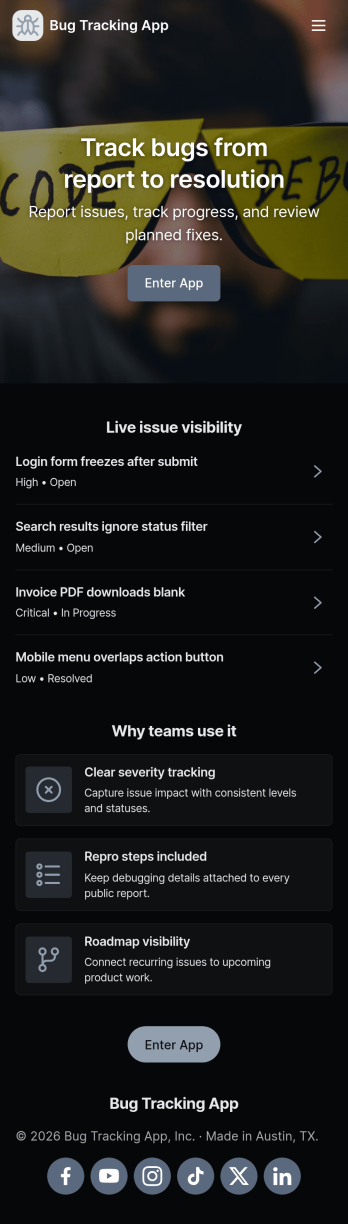
Bug Tracking App
A bug tracking app gives teams one place to report issues, review what’s already been logged, and keep work moving as fixes progress. This template fits software teams, QA groups, IT departments, and agencies that need a simple way to capture new bug reports, browse a growing list of bugs, and check status views without chasing updates across chats and spreadsheets. It’s especially useful for triage workflows where many people can submit problems while a smaller group reviews, prioritizes, and follows up with clear ownership.Jotform makes it easy to turn this Bug Tracking App into a self-service, shareable workflow using App Templates and a no-code app builder. With a drag-and-drop interface, you can tailor pages, buttons, and navigation, connect the app to your form and tables for reliable data collection, and keep your workflow organized as reports come in. Publish the app in minutes, share it with a link, and keep everyone aligned with a centralized view of reported bugs.
Go to Category:Engineering Apps