English Speaking Practice App gives learners a simple place to build confidence through guided speaking prompts, focused practice sets, and quick reflection after each session. Use it in tutoring programs, classroom conversation labs, corporate language support, or self-study routines where learners need structure and consistency. Learners can browse prompts by level and speaking focus, start a practice submission when they’re ready, and return to keep momentum over time. It’s also useful for teachers and coaches who want a repeatable way to assign speaking work, encourage follow-up answers, and collect reflections without chasing messages across multiple channels.
With Jotform, you can turn this app template into a branded self-service experience using a no-code app builder and a drag-and-drop interface. Connect the app to forms for practice submissions, reflections, and feedback, then route responses into a workflow that fits your program. Share the app through a link or QR code, update prompts anytime, and keep data collection organized so learners and instructors always know where to go next.
Related templates
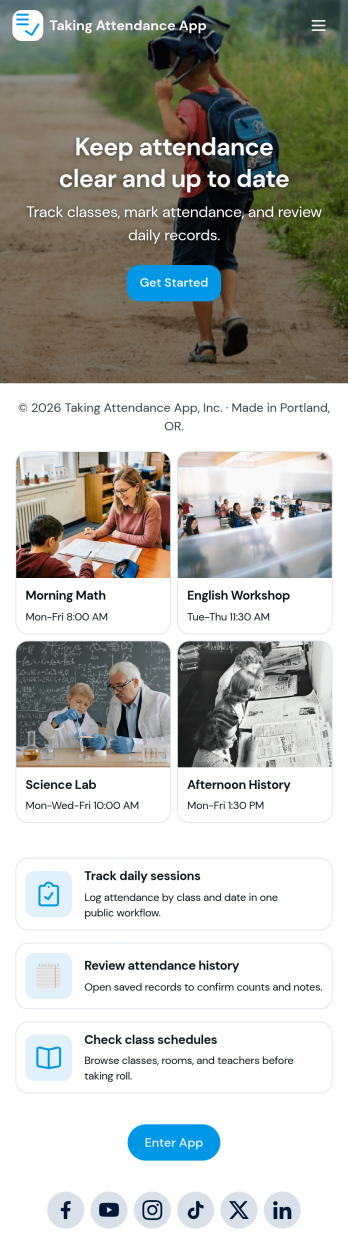
Taking Attendance App
Taking Attendance App helps teachers and staff capture daily attendance without juggling paper sheets or scattered messages. Use it to open a roster, add students as they enroll, and quickly record who’s present, absent, or late during homeroom, club meetings, tutoring sessions, or training days. A daily attendance snapshot makes it easy to spot patterns at a glance, while student profiles keep key context like class and guardian details close by when you need it.Built with Jotform, this app template combines self-service navigation with connected forms and records so attendance stays organized over time. Customize pages, buttons, and lists with a drag-and-drop interface, then share the app with your team for consistent data collection. As your workflow grows, you can route updates through approvals, centralize records in tables, and keep everyone aligned with a single link they can access on any device.
Go to Category:Education Apps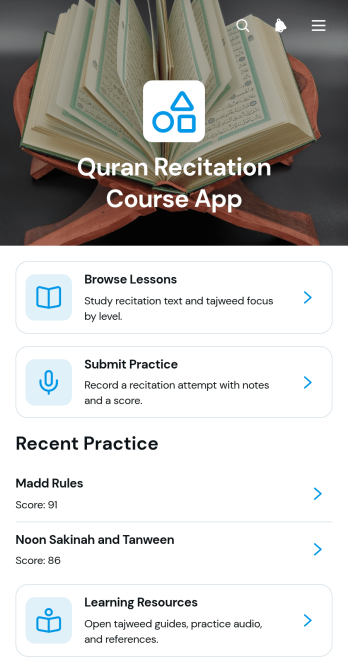
Quran Recitation Course App
Quran Recitation Course App provides a focused learning space for students to browse recitation lessons, open audio practice materials, submit practice work, and review progress. It is suited to tutors, educators, learning centers, community groups, and independent instructors offering guided Quran recitation courses. Lesson pages can present recitation text, study time, learner level, and Tajweed focus without scattering materials across separate channels. Students gain a clear path from study to practice, while instructors can organize reflections, scores, and supporting resources for easier course delivery and learner follow-up.Jotform helps educators turn this app template into a personalized course experience using a no-code app builder and an intuitive drag-and-drop interface. Pages, cards, buttons, forms, and resource links can be adjusted to reflect different teaching methods, lesson plans, and visual styles. Connected forms support data collection for practice submissions, while tables and workflows can help instructors organize responses and act on learner updates. Start from Jotform App Templates, customize the layout, and publish a mobile-friendly self-service learning app that students can reach through a direct link or QR code.
Go to Category:Education Apps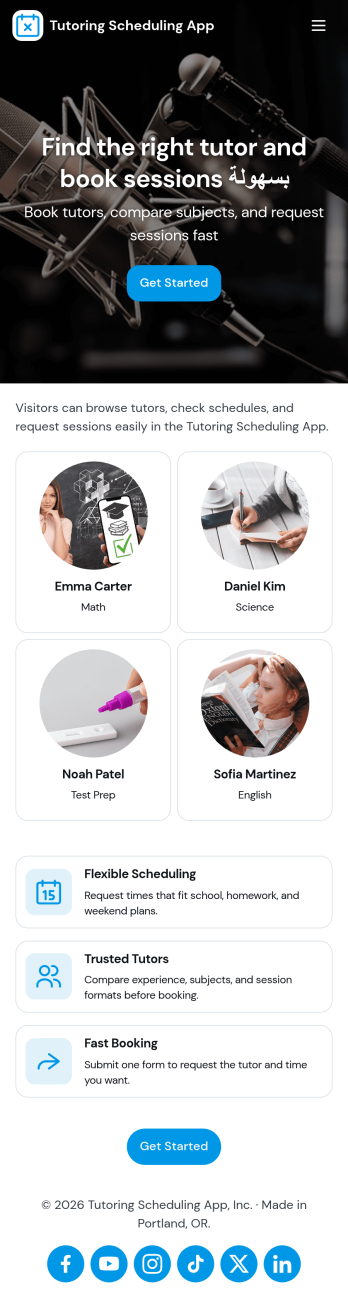
Tutoring Scheduling App
Tutoring Scheduling App helps tutoring businesses and independent educators organize session requests and connect students with the right tutor in one place. Learners can browse a tutor list, open tutor details, and send a session request, while returning users can check My Requests to stay on top of upcoming and past needs. It’s a practical fit for after-school programs, test prep providers, online tutoring teams, and school support centers that want a clearer way to manage demand, reduce missed messages, and keep scheduling details easy to find.Jotform makes it simple to turn this use case into a polished self-service experience with app templates and a no-code app builder. Customize pages with a drag-and-drop interface, connect the app to your forms for data collection, and keep requests organized for follow-up. Share your Tutoring Scheduling App through a link or QR code, update content anytime, and create a consistent workflow that works well on mobile for students and tutors alike.
Go to Category:Appointment & Booking Apps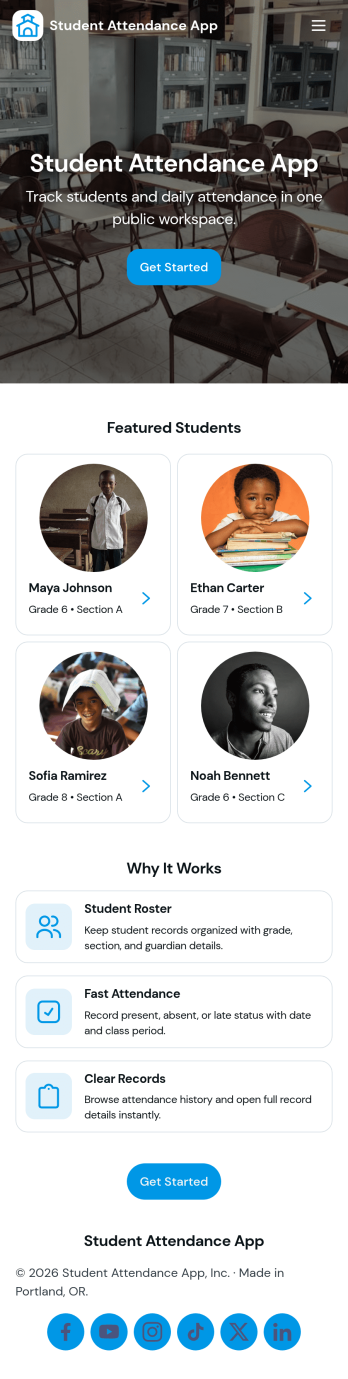
Student Attendance App
Student Attendance App helps schools and instructors track who is present each day without relying on paper rosters or scattered spreadsheets. Use it to register students, take attendance during class, and pull up records when you need a quick answer for participation checks, follow-ups, or internal reporting. It’s a practical fit for K–12 classrooms, tutoring centers, after-school programs, and small academies that want a consistent routine for student check-ins and easy access to guardian contact details.With Jotform, you can turn attendance tracking into a simple self-service workflow using App Templates and a no-code app builder. Customize pages with a drag-and-drop interface, connect the app to forms and tables for data collection, and keep your workflow organized from registration through record viewing. Share the app with staff through a link or QR code so attendance can be recorded from any device, whether you’re in a classroom, hallway, or on a field trip.
Go to Category:Classroom Management Apps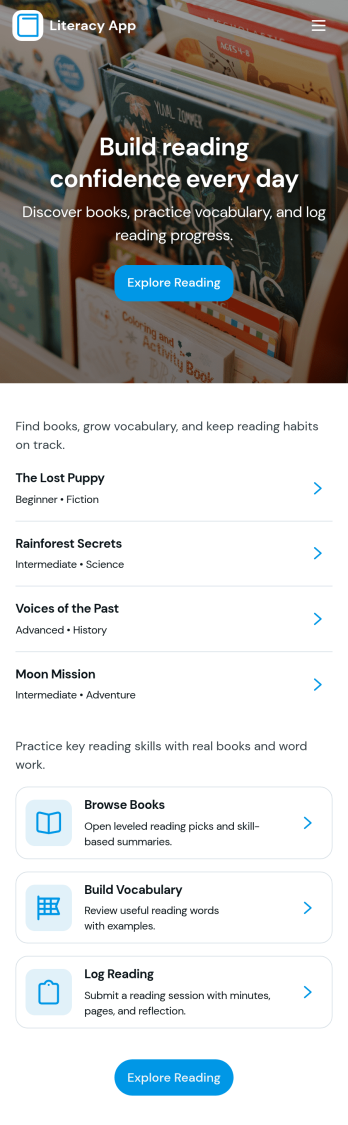
Literacy App
Literacy App brings reading practice and reflection into one simple experience for classrooms, tutoring programs, libraries, and at-home learning. Learners can browse reading passages, study targeted vocabulary words, and keep momentum with quick navigation between activities. It also supports ongoing practice by letting readers log what they’ve read and write short reflections, making it easier for educators and program leaders to encourage consistent habits and see progress over time.Jotform helps you turn these literacy routines into a shareable, mobile-friendly experience using App Templates and a no-code app builder. Customize pages with a drag-and-drop interface, connect forms and tables for data collection, and keep your workflow organized from reading logs to reflection entries. Share your Literacy App with a link so students, families, or participants can access the right resources and submit updates from anywhere.
Go to Category:Classroom Management Apps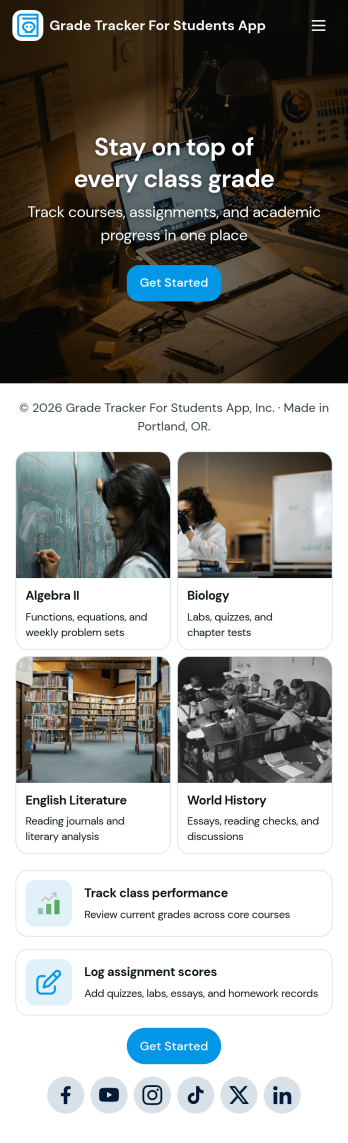
Grade Tracker for Students App
Grade Tracker for Students App helps students and educators keep academic records organized in one place. Use it to add students, log grade entries by subject, and review grade records over time, making it easier to stay on top of progress across classes. It’s a practical fit for middle school, high school, and college students, as well as tutors, homeroom teachers, and academic support teams who want a simple way to track performance without juggling scattered notes or spreadsheets.Built with Jotform, this app template pairs a clear, page-based layout with forms and connected tables so you can collect data consistently and view it whenever you need it. Customize pages with a drag-and-drop interface, update fields to match your grading system, and share the app as a self-service experience for personal tracking or classroom use. With Jotform’s no-code app builder, you can expand the workflow as needs grow while keeping grade data easy to enter and easy to review.
Go to Category:Education Apps