
Event Merchandise Order App is a mobile-friendly storefront for selling branded products connected to conferences, festivals, concerts, fundraisers, sports events, and community gatherings. Event organizers, merchandise teams, vendors, venues, and nonprofits can use it to give attendees one convenient place to browse available products and submit orders. Built-in access to merchandise shopping, order assistance, and contact options helps customers find items and resolve common questions without searching across separate channels. It also supports pre-event sales, on-site ordering, and post-event merchandise campaigns while giving teams a more organized approach to data collection and customer self-service.
This app template can be personalized with Jotform Apps, a no-code app builder featuring a flexible drag-and-drop interface. Teams can update product content, add branded pages, connect order forms, and link workflows for payments, notifications, approvals, or fulfillment follow-up. Jotform App Templates make it easier to launch polished experiences without writing code, while sharing options such as direct links and QR codes help customers reach the store from event websites, signs, emails, or social posts. The layout can also be adapted as merchandise offerings and event needs change.
Related templates
Tournament Schedule App
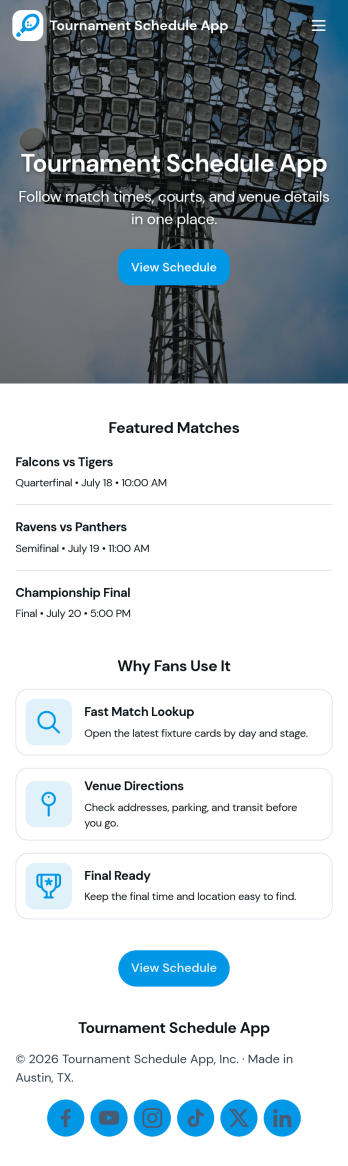
A tournament schedule app brings teams, matchups, and key game details into one place so organizers and participants can stay aligned throughout an event. This template helps you collect team registrations, schedule matches, and browse upcoming games in an easy, mobile-friendly layout. It’s a strong fit for sports leagues, school athletics, esports organizers, community rec centers, and clubs running single-day tournaments or multi-week brackets where last-minute changes can quickly cause confusion.Built with Jotform, this app template combines self-service access with structured data collection and an organized workflow. Use the no-code app builder and drag-and-drop interface to adjust pages, update navigation, and connect your team and match forms to Jotform Tables for clearer oversight. Share the app link with players and staff, keep schedules accessible, and manage tournament information without juggling spreadsheets, group chats, or scattered updates.
Go to Category:Event Planner Apps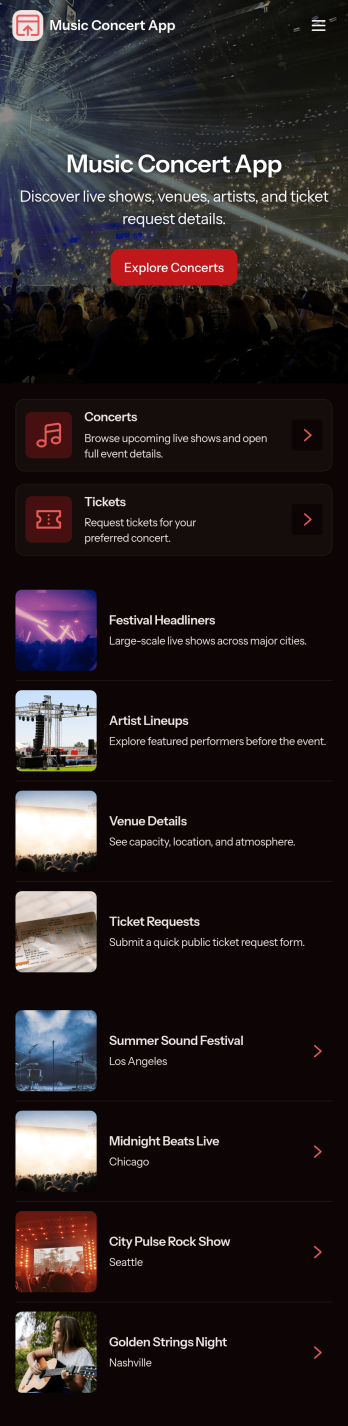
Music Concert App
Music Concert App brings upcoming shows into one place so fans can browse concerts, view key details, and quickly navigate to booking. It’s a practical fit for concert promoters, venues, artist teams, and event coordinators who want a simple, mobile-friendly way to showcase a lineup and guide attendees from discovery to reservation without relying on scattered posts or long email threads. With dedicated pages for exploring concerts and a clear path to book tickets, the app helps reduce missed inquiries, improves the attendee experience, and keeps event information easy to find and share.Built with Jotform App Templates, this app template is easy to tailor using Jotform’s no-code app builder and drag-and-drop interface. Connect the app to your booking form to support consistent data collection, route information to the right workflow, and keep your concert list and booking history organized. Share your Music Concert App with a link or QR code, update content anytime, and deliver a polished self-service experience for your audience.
Go to Category:Entertainment Apps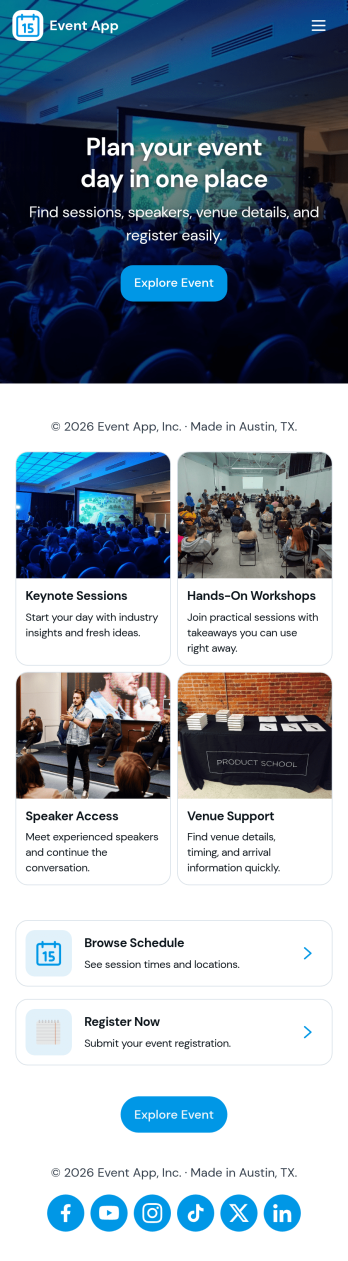
Event App
Event App brings your event listings, registration, and attendee follow-ups into one place so people can browse what’s happening and sign up in minutes. Use it to publish multiple events with key details, route visitors to a Register Now form, and give attendees a simple My Registrations view they can reference later. It’s a practical fit for event planners, marketing teams, community organizers, schools, and internal teams running trainings or company meetups who want a clear, shareable way to promote events and reduce day-of confusion.With Jotform App Templates, you can build this kind of self-service experience quickly using a no-code app builder and a drag-and-drop interface. Connect your app to Jotform forms and data collection flows to capture registrations, keep event information updated, and route responses into the workflow your team already uses. Publish with a link or QR code so attendees can access schedules and registration details from their phone, while your team stays organized behind the scenes.
Go to Category:Event Planner Apps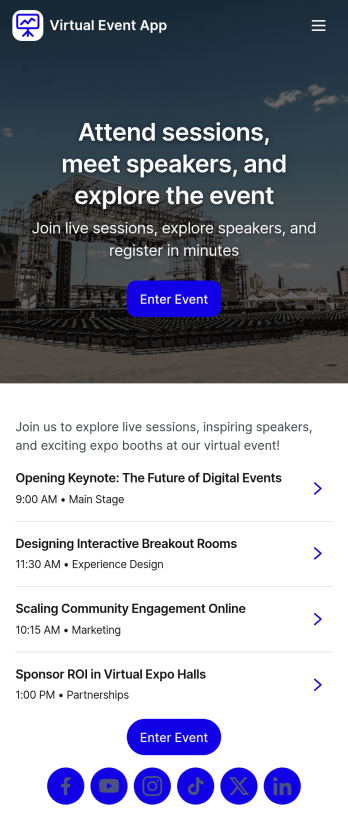
Virtual Event App
A Virtual Event App brings your online event experience into one easy-to-share place so attendees can join the event, browse sessions, and explore speaker details without hunting through emails or scattered links. It’s a practical fit for conferences, product launches, trainings, webinars, and community events that run on a schedule and need a clear path from registration to participation. With built-in navigation for session pages, a registration entry point, and feedback options, organizers can guide guests through the event flow while keeping information consistent and accessible.Jotform makes it simple to turn this Virtual Event App into a branded self-service experience using a no-code app builder and a drag-and-drop interface. Connect the app to your registration form, keep session and speaker lists organized, and collect session feedback that can be reviewed by the team. As your agenda changes, you can update pages and publish instantly, helping you maintain a polished event hub that works well on desktop and mobile.
Go to Category:Entertainment Apps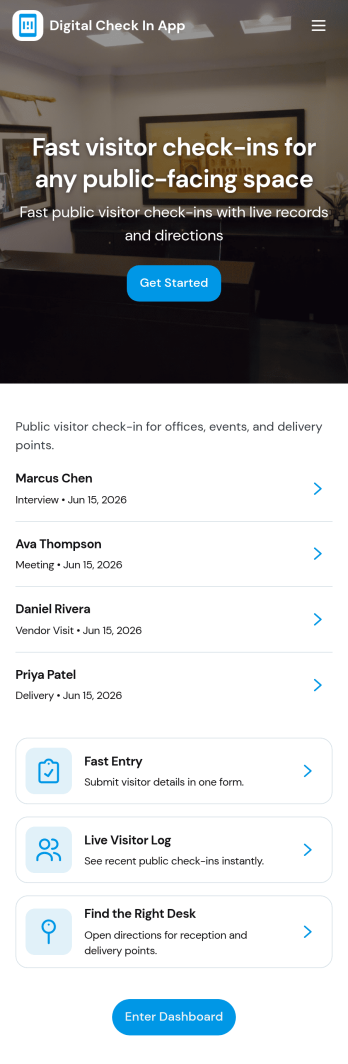
Digital Check in App
Digital Check in App helps you welcome and track visitors without paper sign-in sheets. It gives guests a simple way to start check in and complete a visitor check in form, while your team can quickly view visitors in one place. This works well for offices, coworking spaces, schools, clinics, warehouses, and event venues that need a clear record of who arrived and when, especially during busy periods with frequent walk-ins.Jotform makes it easy to turn this experience into a polished, shareable check-in flow using its app templates and no-code app builder. With a drag-and-drop interface, you can tailor pages, buttons, and navigation to match your front-desk process, then connect the app to your broader workflow for data collection and follow-up. Share the app link or QR code so visitors can check in from a phone or a kiosk-style device, and keep visitor information organized for your team.
Go to Category:Customer Portal Apps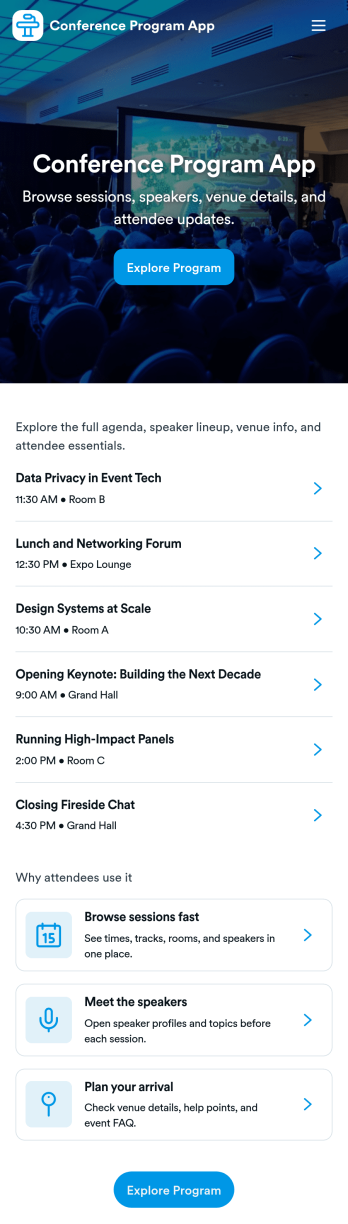
Conference Program App
Conference Program App helps event organizers publish a clear, mobile-friendly program that attendees can use before and during the conference. Share the schedule, highlight sessions, and introduce speakers in one place, with simple navigation to view the full agenda, browse speaker bios, and jump into registration when someone is ready to attend. It’s a practical fit for conferences, summits, multi-track meetups, and internal company events where participants need quick answers without hunting through emails or PDFs.With Jotform, you can build and personalize app templates like this using a no-code app builder and a drag-and-drop interface. Connect the experience to your existing workflow by linking to a registration form, organizing session and speaker details for easy browsing, and updating content as plans evolve. When you’re ready, share the app through a link or QR code so attendees can self-service key event information on any device.
Go to Category:Event Planner Apps