
The Field Installation Management App gives contractors, field service companies, construction teams, and installation coordinators a central place to manage on-site work. Teams can maintain an installation register, record site visits and inspections, and track materials through completion reporting. It is well suited to equipment fitting, infrastructure projects, property upgrades, system deployment, and other jobs that require technicians to work across customer locations. Clear records of customers, site addresses, assigned technicians, and schedules help office staff and field crews stay aligned while reducing missing updates, scattered paperwork, and delays in confirming completed work.
With Jotform, this app template can be adapted to match each organization’s processes and branding without coding. The drag-and-drop app builder makes it easy to adjust pages, navigation, buttons, and visual elements while connecting forms, tables, notifications, approvals, and other workflow steps. Teams can organize data collection in one mobile-friendly experience and give technicians convenient self-service access from the field. Once customized, the Field Installation Management App can be published quickly and shared by direct link or QR code, helping businesses create a consistent installation process as workloads and service areas grow.
Related templates

TV Repair Tracking App
The TV Repair Tracking App gives television repair shops, independent technicians, electronics service teams, and field service managers a central place to manage repair work from intake through completion. Staff can log a repair, review open jobs, and generate repair reports without relying on scattered notes or spreadsheets. Each request can preserve essential service context such as the television model, customer details, preferred contact method, reported issue, diagnosis, required parts, estimated cost, and completion notes. This clearer view of repair progress helps teams prioritize active work, prepare customer updates, coordinate parts, and maintain consistent service records across workshop and on-site jobs.Jotform makes this app template easy to adapt with a no-code app builder and drag-and-drop interface. Teams can adjust pages, navigation, branding, and connected workflows to reflect their repair process, then organize data collection and self-service access in one mobile-friendly experience. The app can connect with forms, tables, notifications, approvals, and other operational tools so repair information stays accessible as work advances. Publish it with a shareable link or QR code to give authorized technicians and service staff convenient access from a phone, tablet, or computer.
Go to Category:Equipment Maintenance Software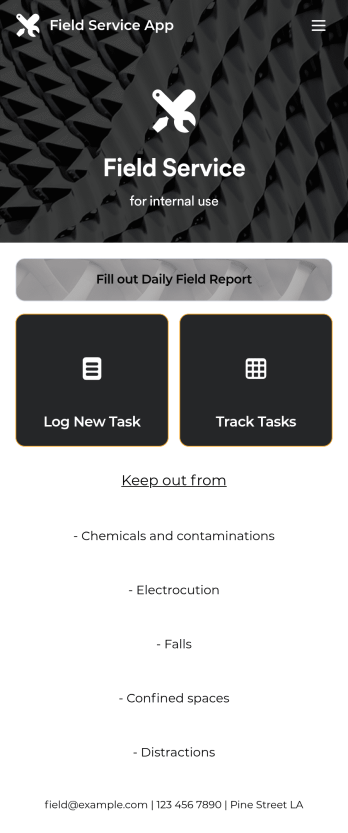
Custom Field Service App
A field service app makes it easier for technicians and other employees who work offsite to submit reports while in the field. Instead of using paper forms or waiting until you’re back at your office computer to submit reports, use this free Field Service App powered by Jotform to work anywhere, anytime. This customizable app template includes forms for submitting daily reports, logging new tasks, and tracking completed tasks. All submissions are instantly synced to your secure Jotform account.Need to modify this Field Service App to meet your needs? Just use our drag-and-drop builder to add forms, links, documents, buttons, pages, text, images, videos, tables, data grids, and much more. When it’s ready to use, download your app onto your smartphone, tablet, laptop, or computer for easy access. You can also share it with others via the app link or email invites. Get work done wherever you are with a custom, easy-to-use Field Service App.
Go to Category:Company Portal Apps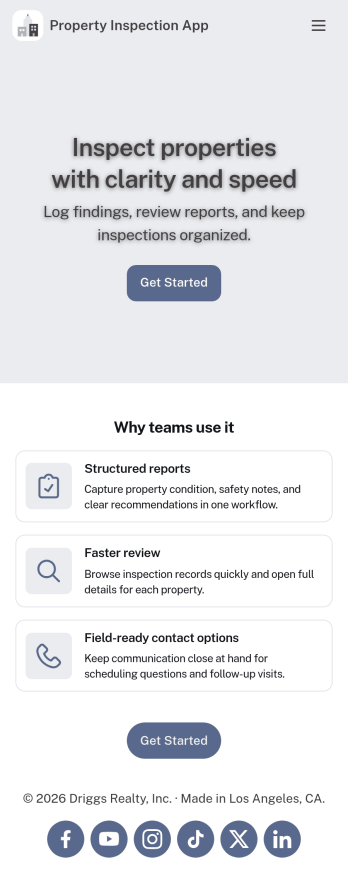
Property Inspection App
A property inspection app makes it easy for property inspectors and contractors to record and submit reports from any device. Build your own Property Inspection App without any coding using our free, fully-customizable template. This ready-to-use app comes with an online Rental Inspection Report Form that can be easily filled out from your smartphone or tablet. Submitted inspection reports and repair requests will be stored in your secure Jotform account, ready to view, download, and share.Customize your Property Inspection App without any coding. Simply drag and drop to add other report forms, embed links to other websites, upload branding elements, and change app settings such as name and icon. When it’s ready to use, you can download it onto your favorite device for easy access and share it with others via app link. Make it easier to identify, record, and solve issues in a rental property or building with an easy-to-use and fully-customizable Property Inspection App in hand.
Go to Category:Home Inspection Apps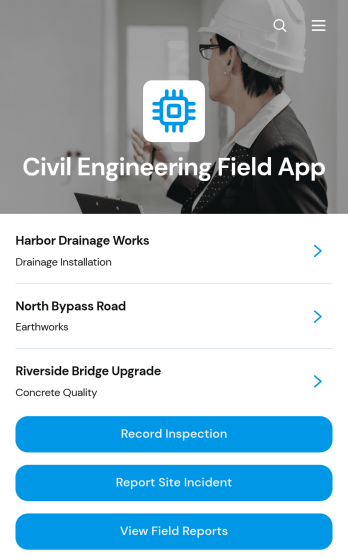
Civil Engineering Field App
Civil Engineering Field App is an app template for civil engineers, site inspectors, project managers, contractors, and construction teams that need a reliable way to document activity across active project sites. It brings inspection recording, incident reporting, field report access, and maintenance requests into one mobile-friendly experience. Teams can capture findings while conditions are fresh, review project-specific information, assign context such as location and inspector, and document follow-up needs. This shared field resource reduces fragmented records, helps office and site teams stay informed, and supports consistent oversight of infrastructure, land development, and construction work.Jotform makes this Civil Engineering Field App easy to adapt with a no-code app builder and an intuitive drag-and-drop interface. Customize pages, navigation, buttons, colors, and branding, then connect forms, tables, approvals, notifications, and other workflow tools as needed. Collected data can remain organized for faster review and follow-up, while direct links and QR codes give field personnel convenient self-service access from phones, tablets, or computers. Start with this ready-made option from Jotform App Templates and publish a tailored app without writing code.
Go to Category:Engineering Apps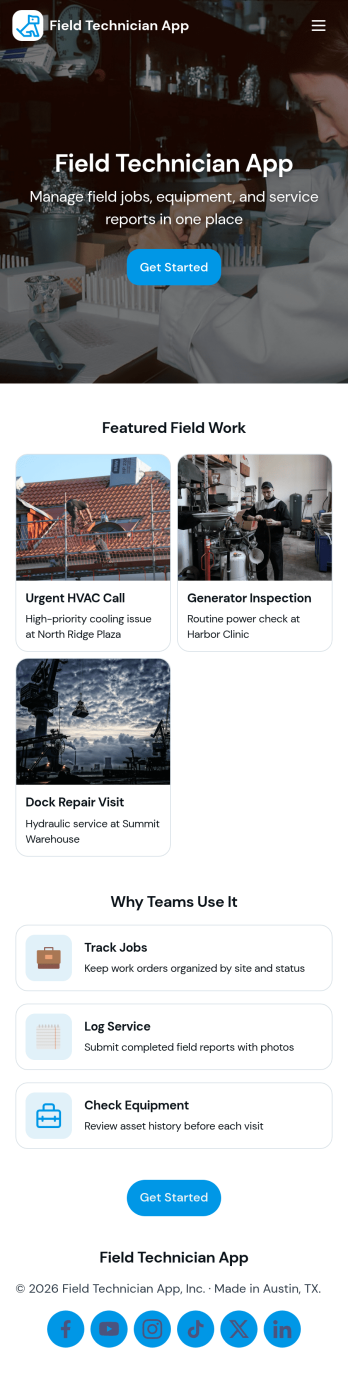
Field Technician App
Field Technician App brings open jobs, job details, and on-site visit logging into one mobile-friendly place for teams that work in the field. It’s built for service managers and coordinators who need technicians to see assigned work, review customer and asset information, and record what happened on a visit without chasing updates through calls or scattered notes. With pages for Open Jobs and job records, plus a simple Log Visit action, this app helps keep day-to-day service work organized while technicians move from site to site.Jotform makes it easy to publish this kind of self-service experience using App Templates and a no-code app builder with a drag-and-drop interface. Connect the app to your existing workflow for data collection, route field updates into the same records your office team relies on, and keep information current with quick refresh actions. You can customize navigation, add your branding, and share the app with your team using a link or QR code so everyone stays aligned from dispatch to completion.
Go to Category:Home Services Apps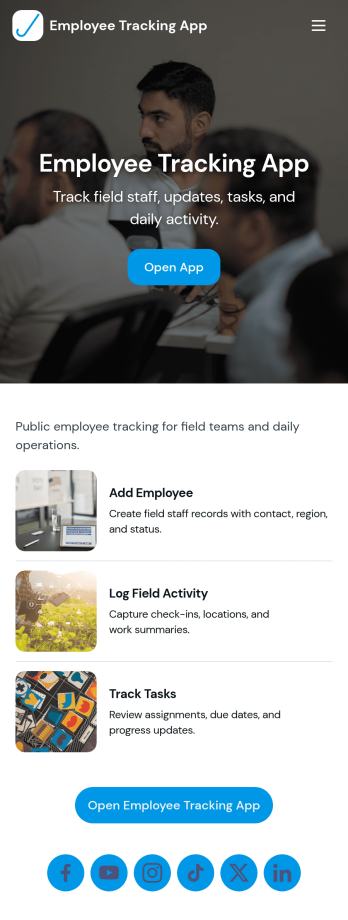
Field Employee Tracking App
Field Employee Tracking App helps teams monitor and coordinate employees who work off-site by keeping key details, check-ins, and daily activity in one place. Use it to maintain an employee list, capture new check-ins from the field, and review activity records without relying on scattered messages or spreadsheets. It fits supervisors managing mobile crews, operations teams overseeing routes or service calls, and HR or admin staff who need a clear view of who is working where and when.With Jotform, you can turn this app template into a branded self-service experience using a no-code app builder and a drag-and-drop interface. Connect the app to forms and tables for ongoing data collection, keep records organized for fast lookup, and share access with the right people through a simple link. As your workflow evolves, you can adjust pages, buttons, and navigation so the app matches how your field team actually works.
Go to Category:Activity Tracking Apps