Fillable Form App gives teams a simple way to publish a fill-in form experience that people can open on any device and complete in minutes. It’s a practical fit for businesses and organizations that need a consistent way to collect requests, registrations, feedback, internal updates, or basic intake details without sending scattered links or documents. With a clear page layout and an embedded form, you can guide users to the right place to enter information, reduce incomplete entries, and keep processes moving for offices, schools, nonprofits, and service teams.
Built with Jotform, this app template helps you turn everyday data collection into an organized self-service experience using a no-code app builder and a drag-and-drop interface. Connect the app to your form and keep records centralized for follow-ups and reporting, then share it as a link or QR code so people can access it wherever they are. You can also adjust the look and flow as your workflow changes, making it easier to maintain a polished, branded experience over time.
Related templates
Support Ticket App
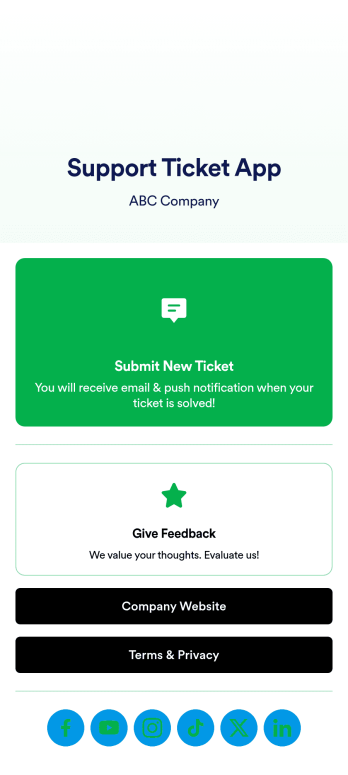
Jotform's Support Ticket App template allows customer support teams and IT departments to efficiently manage customer inquiries and issues without any coding. This free, no-code app builder enables users to create a fully customized app with forms, widgets, products, and branding that can be downloaded onto any device. With this template, support teams can collect tickets and feedback to streamline their ticketing system and provide timely assistance to customers.Are you looking for a way to simplify your customer support process? Jotform's Support Ticket App template is the solution you need. With features like a drag-and-drop builder, powerful app elements, and 70+ app widgets, you can create a seamless experience for your customers. Improve user engagement with push notifications and give users access to their submission history. Experience the ease of use and customization that Jotform Apps offer, making it the perfect choice for customer support teams and IT departments.
Go to Category:Customer Portal Apps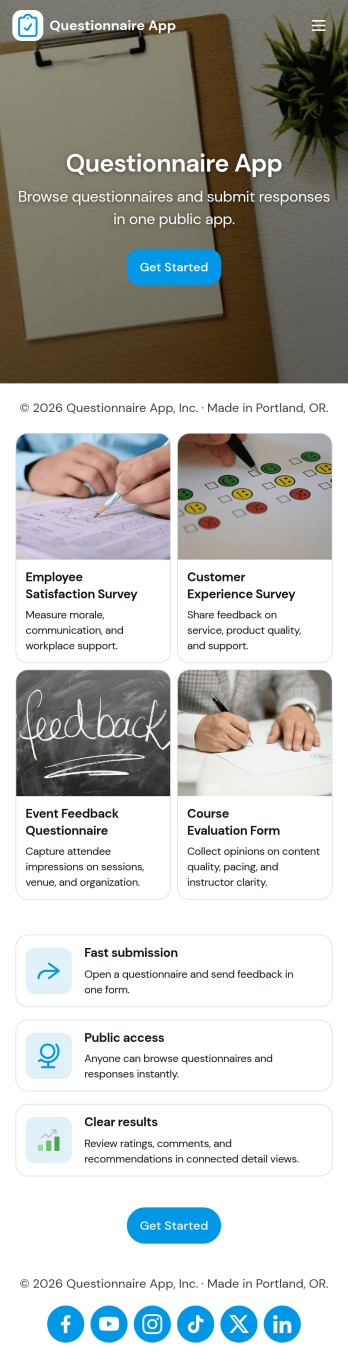
Questionnaire App
A questionnaire app brings your questions, response collection, and follow-up into one place so you can gather consistent input without juggling links or spreadsheets. Use it to create and share questionnaires for customer discovery, employee feedback, student check-ins, intake and screening, research, or post-event evaluation. With clear paths to build a questionnaire, submit a response, and review responses, this app suits teams that need repeatable data collection and an easy way to look back on what people said.Jotform makes it simple to publish this Questionnaire App using app templates and a no-code app builder with a drag-and-drop interface. Connect your questionnaires to forms for fast data collection, organize responses in connected tables, and route information through automated workflow steps when needed. Share the app with a link so people can complete questionnaires from anywhere, while your team manages updates and response review in a single self-service experience.
Go to Category:Quiz Apps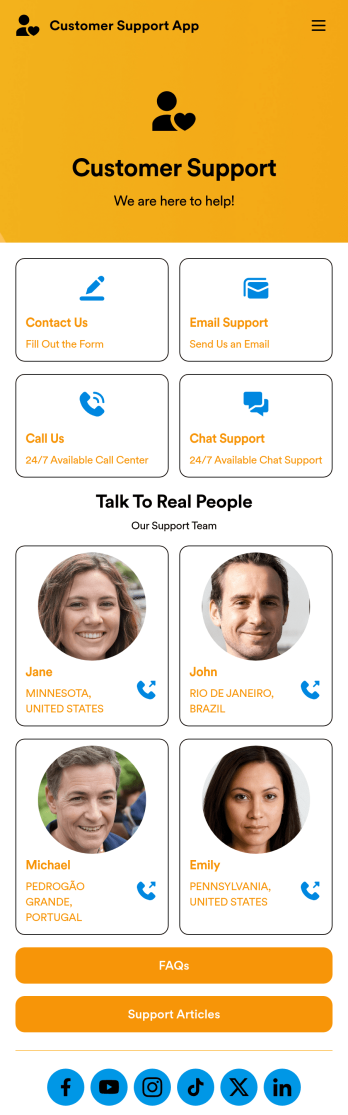
Customer Support App
A customer support app is a type of mobile application used by customer support teams to respond to customer tickets and support requests. Use this free Customer Support App to build a central hub for your support operations. Collect support tickets, link to your chat support, list FAQs, and more. To get started, use this ready-made template and customize it to your liking.Drag and drop to make any changes to this Customer Support App. Upload branding assets and logos, select a custom app icon, add or remove support forms, change your app’s backsplash, and more. You can even integrate your app with 200+ platforms to add an extra layer of customization. Streamline your support process with Jotform Apps.
Go to Category:Customer Portal Apps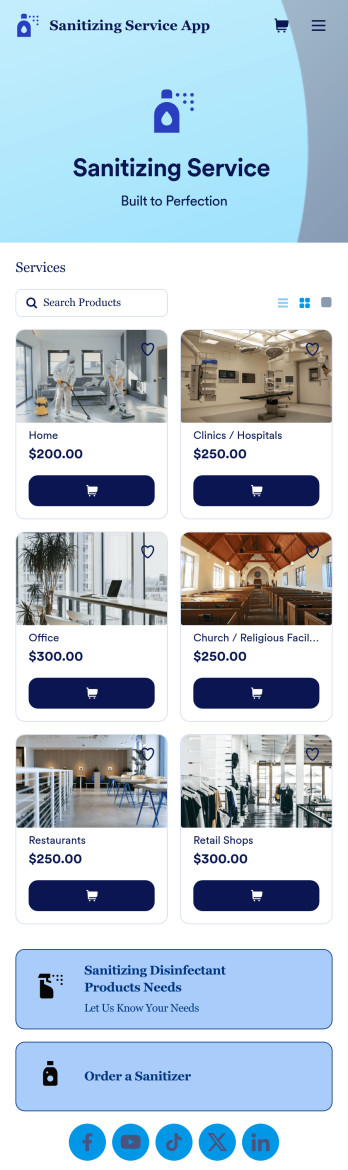
Sanitizing Service App
Sanitizing service apps are used by clients to book services from companies that offer sanitization and cleaning services. If you’re looking to build a professional app for your sanitization business, look no further than this ready-made Sanitizing Service App from Jotform. Upload available booking times, detail your different services, link to company reviews, add product descriptions, and more!Customize the look and feel of your Sanitizing Service App with Jotform’s easy-to-use online app building tool. Pick colors and fonts you like, integrate with payment services to collect fees up front, upload branding assets, pick a backsplash, and more. Create the perfect app for your services with Jotform Apps today.
Go to Category:Customer Portal Apps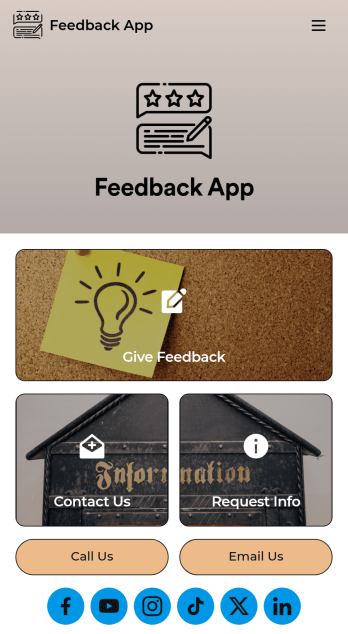
Feedback App
A feedback app is useful for capturing customer feedback to help improve your business’ products or services. This app template allows customers to fill out a form with basic contact information, as well as space to leave comments, questions, or suggestions. There is a separate form for requesting additional information, and a contact form for submitting questions to your business via email. Customer feedback is instantly synced to your secure Jotform account, where you can search, filter, and sort through entries with ease.Make this feedback app your own in seconds with Jotform’s intuitive app builder. No coding required — just drag and drop to add form elements and widgets, edit text fields, choose fonts and colors, change your app’s icon and splash screen, upload your own branding, and more. After you’re satisfied with your app’s look and feel, you can share it with customers by including a link in a follow-up email or text, or by generating a QR code to place on your business’ front desk or in a window. Customers can then download your app on their favorite device and leave feedback right away. Collect feedback from your customers to help you improve your business with this free Feedback App from Jotform.
Go to Category:Management Apps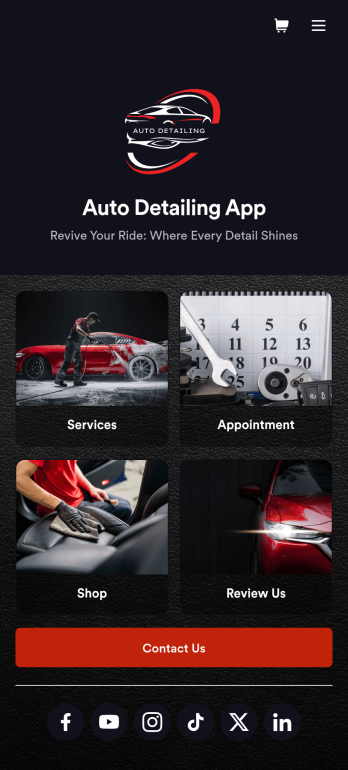
Auto Detailing App
An auto detailing app is a mobile application used by auto detailing businesses to list their services, book appointments, collect feedback, and more. Need an app for your business? This free Auto Detailing App is the perfect place to start. Use the app as-is or customize it in seconds with our drag-and-drop app builder — then share the app with your customers via social media or email so they can access or download it seamlessly on any device.Drag and drop elements to get the design you want with no coding required. Add your company logo, upload photos, include your auto services and pricing, and integrate with one of 30+ payment processors to accept payments through your custom Auto Detailing App while paying no extra transaction fees to Jotform.
Go to Category:Appointment & Booking Apps