Hvac Troubleshooting App helps HVAC technicians, property managers, and service teams diagnose common heating and cooling problems in the field and decide what to do next. It brings together an issue library for browsing known problems, quick checks for fast on-site verification, and a simple way to log symptoms so patterns are easier to spot across repeat visits. When a fix is not straightforward, the app also guides users to request service so the right follow-up can be scheduled without losing context.
Built with Jotform, this app template can be tailored with a no-code app builder and a drag-and-drop interface so you can match your workflow, terminology, and brand. Connect buttons to forms for data collection, keep records organized for faster handoffs, and share the app as a self-service resource for teams or customers who need basic troubleshooting steps before a service call.
Related templates
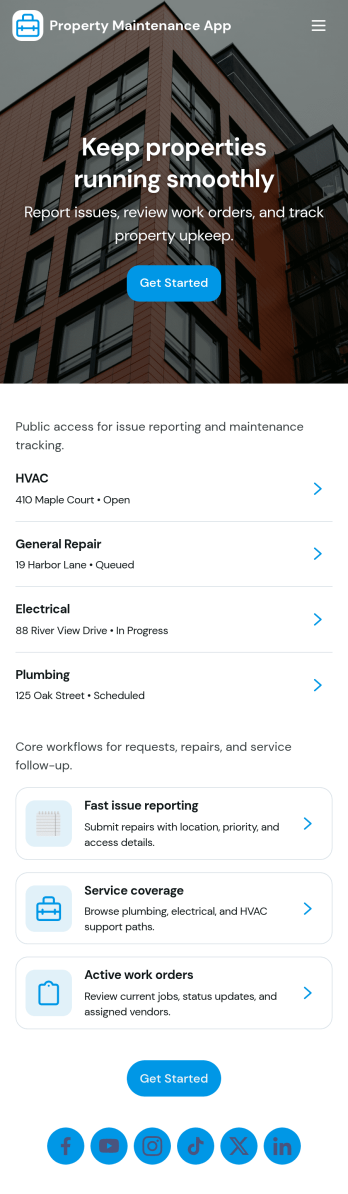
Property Maintenance App
Property Maintenance App gives teams a clear place to log maintenance issues, route them to the right property, and keep work moving without losing context. It’s a practical fit for property managers, landlords, HOAs, and service coordinators who handle recurring repairs across multiple locations and need an easy way to capture new requests, review properties, and follow what’s already been reported.Built with Jotform, this app template brings together self-service request intake and ongoing request visibility in one mobile-friendly experience. Using Jotform’s no-code app builder and drag-and-drop interface, you can tailor pages for your process, connect requests to your data collection, and centralize updates so your maintenance workflow stays organized as volume grows.
Go to Category:Equipment Maintenance Software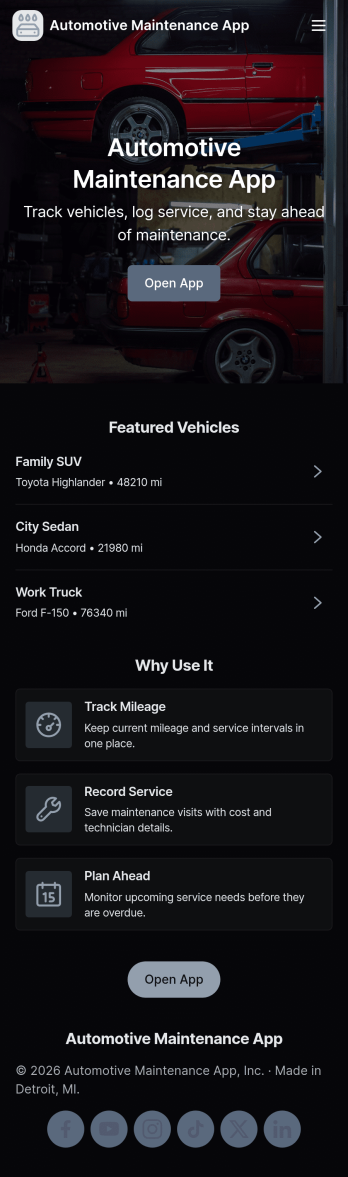
Automotive Maintenance App
An automotive maintenance app brings your vehicle details and service history into one place so you can stay on top of routine care and avoid missed maintenance. Use it to add vehicles, log service visits, and review insights that help you understand what’s been done and what may be coming up next. It’s a practical fit for individual drivers, families with multiple cars, small fleets, and auto shops that want a simple way to keep records organized and easy to access.With Jotform, you can turn this automotive maintenance app into a branded self-service experience without coding. Customize pages with a drag-and-drop interface, connect forms for data collection like adding a vehicle or logging a service, and keep everything organized in a single workflow that’s easy to share and use on the go. Update the layout as your process evolves, then publish and distribute your app with a link or QR code.
Go to Category:Automotive Apps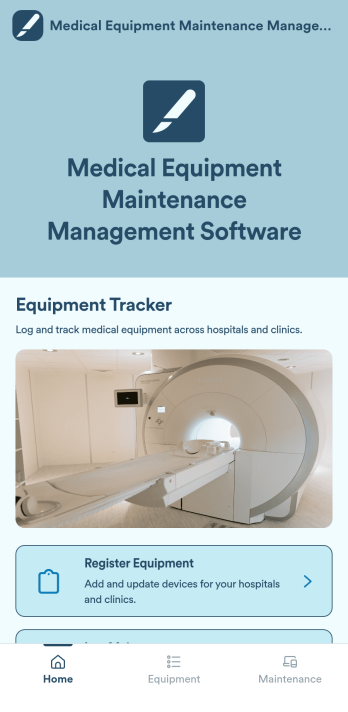
Medical Equipment Maintenance Management Software
Medical Equipment Maintenance Management Software is a versatile app template designed to systematize administrative tasks within healthcare settings. This app facilitates the logging of maintenance activities, registration of new medical equipment, and maintenance of a comprehensive record of all assets in a centralized system. By consolidating these critical tasks, the app promotes accurate tracking of service history and eases the process of equipment registration. The app is tailored to healthcare facilities, maintenance teams, and equipment managers who are tasked with managing medical devices. It is also advantageous for administrators aiming to uphold precise equipment records and align with industry standards. Additionally, the app is a go-to solution for organizations that require a systematic approach to overall maintenance organization.Jotform's No-Code App Builder, integral to the Medical Equipment Maintenance Management Software, empowers healthcare professionals to create a fully personalized, streamlined mobile solution without writing a single line of code. Leveraging the intuitive drag-and-drop interface, users can effortlessly adapt the app to their facility's branding, modifying colours, and integrating necessary forms. Jotform enables a seamless user experience, bundling multiple forms, links, and resources into one accessible package. The app's cross-platform compatibility ensures its seamless functionality across smartphones, tablets, or desktops. This means they can be installed directly to the device's home screen, ensuring instant access without requiring an App Store download. With Jotform, managing medical equipment maintenance has never been easier or more efficient.
Go to Category:Inspection Apps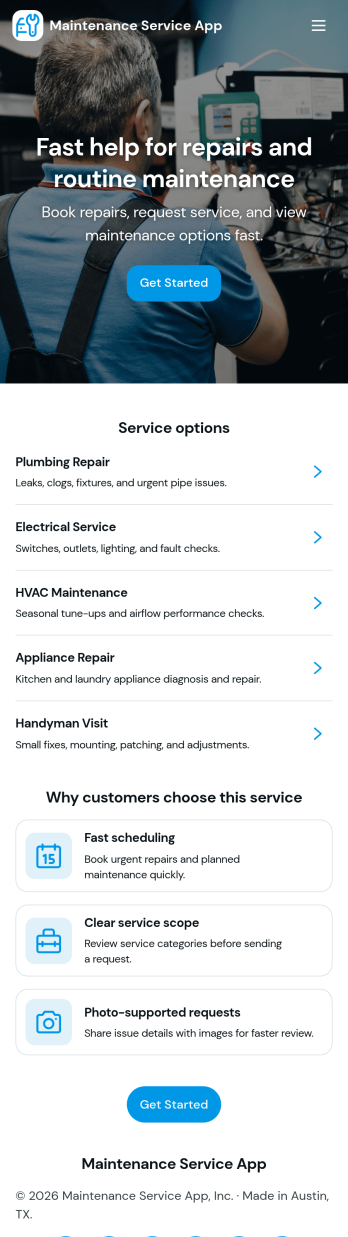
Maintenance Service App
Maintenance Service App brings maintenance requests and work orders into one place so teams can capture new issues, monitor active jobs, and reference completed work without hunting through emails or spreadsheets. It works well for home service providers, property managers, facilities teams, and small operations groups that need a simple way to accept incoming requests and keep technicians aligned on what is open, in progress, or finished. With quick navigation for creating a new request, viewing open work orders, and checking job history, the app supports faster response times and clearer handoffs from intake to completion.Built with Jotform App Templates, this app template can be customized in minutes using Jotform’s no-code app builder and drag-and-drop interface. Connect the request flow to your existing forms and tables for consistent data collection, keep records organized for day-to-day workflow tracking, and share a self-service link with staff or customers to reduce manual follow-ups. As your process evolves, you can update pages, buttons, and lists to match how your maintenance operation actually runs.
Go to Category:Equipment Maintenance Software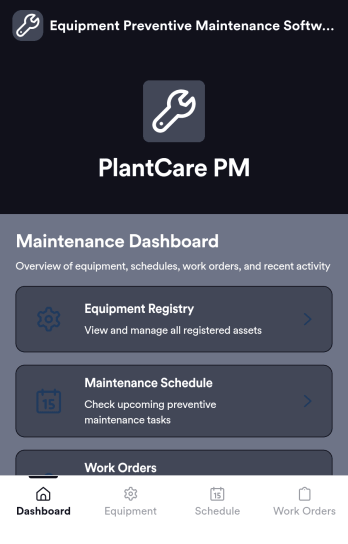
Equipment Preventive Maintenance Software
Equipment Preventive Maintenance Software is an app template designed to streamline the planning, scheduling, and tracking of preventive maintenance activities. This robust platform directly supports organizations, maintenance teams, facility managers, and equipment operators in their pursuit of consistent equipment upkeep, reducing downtime, and extending asset lifespan. With the primary task of data collection, this application collects and organizes necessary information related to equipment maintenance, such as maintenance schedules, equipment details, and maintenance tasks details. As it's ready to use, this software aids in the reduction of overhead associated with ad-hoc collection processes, providing a level of clarity and consistency that is unmatched. Commonly used by maintenance teams and facility managers, this template is best for organizations that seek an efficient way to manage preventive maintenance processes.Jotform's Equipment Preventive Maintenance Software offers an effortless user experience, allowing users to efficiently collect electronic signatures and customize their software to fit their unique needs. The software's user-friendly design enables it to be easily implemented without any steep learning curve. The built-in capability for collecting electronic signatures simplifies the verification of completed maintenance tasks, ensuring accountability and transparency. Moreover, the software provides the ease of customizing according to your operational needs, letting you adjust the data fields, create customized reports, and even change the aesthetic design to match your brand. Operating as a comprehensive solution, Jotform's Equipment Preventive Maintenance Software truly revolutionizes the way organizations manage their equipment maintenance.
Go to Category:Organization Apps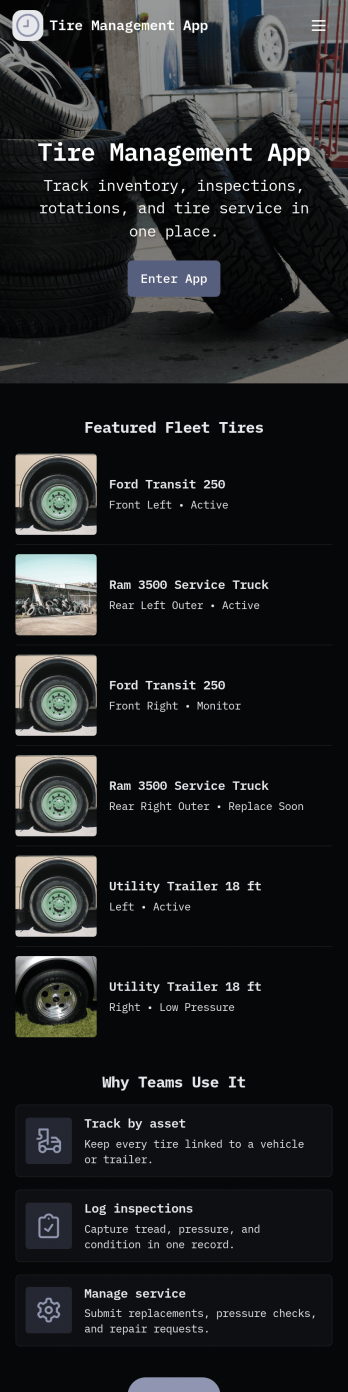
Tire Management App
Tire Management App helps teams track tire inventory, document service history, and spot maintenance needs before they turn into costly downtime. It’s a practical fit for fleet operators, logistics teams, rental businesses, tire shops, and service departments that need a clear view of what tires are in use, where they are, and what condition they’re in. With sections for Inventory and a Service Log, plus quick actions to add a tire or add a service record, staff can keep records consistent and easy to find. Built-in cues like a low tread alert view and a service queue help prioritize what needs attention next, while insights support better planning across multiple vehicles or locations.Jotform makes it easy to turn this Tire Management App into a working, shareable experience without coding. Using Jotform’s no-code app builder and drag-and-drop interface, you can adjust pages, navigation cards, and the details captured in connected forms to match your process. Connect the app to tables for organized data collection, route updates through approvals when needed, and share the finished app with your team through a link or QR code for faster self-service updates in the field.
Go to Category:Automotive Apps