
The Initial Intake App gives service teams, consultants, support staff, and growing businesses a central place to receive and review new client or customer inquiries. Users can start a new intake, browse previous submissions, and review essential contact information, request details, follow-up preferences, request types, and current statuses. This app template works well for consultations, service requests, prospective client screening, project inquiries, and other early-stage interactions. By keeping intake records accessible in one organized experience, teams can reduce missed information, prepare for follow-up conversations, and move each request to the appropriate next step.
Jotform App Templates help organizations create accessible digital experiences without writing code. With Jotform’s no-code app builder and drag-and-drop interface, teams can adapt the Initial Intake App to their branding, intake process, and workflow. Connected forms support data collection, while organized pages make submitted information easier to browse from a phone, tablet, or computer. Add helpful content, adjust navigation, connect approvals or other workflows, and share the finished app through a direct link or QR code. This flexible approach supports both customer self-service and internal record review as intake needs evolve.
Related templates
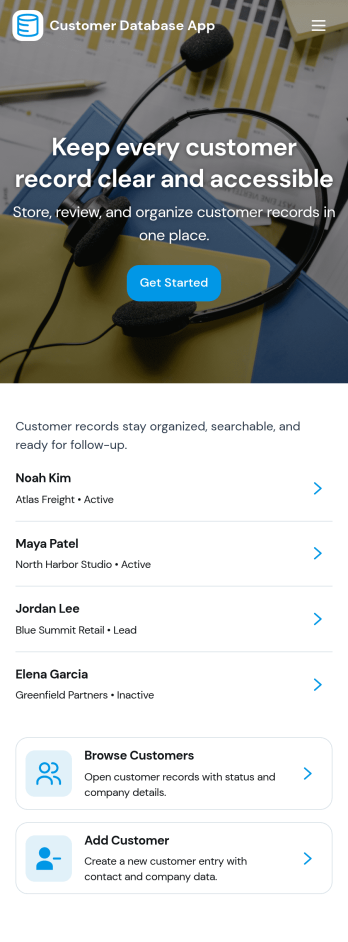
Customer Database App
Customer Database App brings your customer information into one organized place so you can add new customers, browse profiles, and keep a reliable record of every relationship. It fits teams that need quick access to names and details across sales, support, operations, and account management, especially when information is scattered across spreadsheets, inboxes, or individual devices. With an in-app option to add customers and a browse view for customer profiles, staff can find the right record faster and reduce duplicate entries as the list grows.Built with Jotform, this app template can be tailored in a no-code app builder with a drag-and-drop interface, making it easy to adjust pages, navigation, and the customer intake flow as your process evolves. Connect the add-customer form to a central record list, share the app through a link for self-service access, and keep work moving with a clear workflow for capturing and reviewing customer data collection. You can also provide a personal view like My Submissions so team members can quickly revisit the profiles they created or updated.
Go to Category:Customer Portal Apps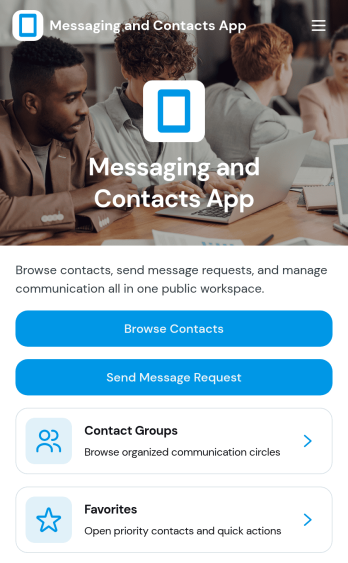
Messaging and Contacts App
Messaging and Contacts App helps teams organize contact details and send message requests from one central, easy-to-share workspace. It’s a practical fit for customer support, sales, community managers, and internal departments that need a simple way to browse contacts, group people by purpose, and quickly reach out when a follow-up is needed. With built-in navigation for browsing contacts, viewing favorites, and working with contact groups, this app keeps communication tasks moving without digging through spreadsheets or scattered tools.Jotform makes it easy to build and publish app templates like Messaging and Contacts App using a no-code app builder with a drag-and-drop interface. Connect buttons to forms for data collection, keep contact records organized, and support a smoother workflow for self-service updates and requests. Share your app through a link or QR code, tailor the branding to match your organization, and update the experience as your contact list and communication needs grow.
Go to Category:CRM Apps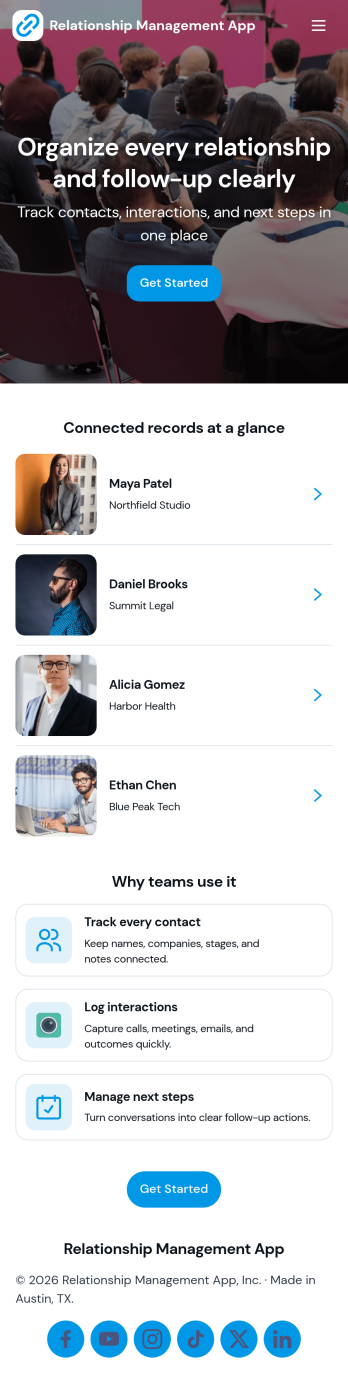
Relationship Management App
Relationship Management App helps teams keep important connections organized and easy to follow up on, whether you’re managing customers, leads, partners, donors, or community members. It brings key contact details into a simple contacts view and supports consistent outreach with interaction logging and reminders, so nothing gets missed after a call, meeting, or email. This works well for small businesses, sales and marketing teams, agencies, consultants, and nonprofits that need a lightweight way to track relationship history without juggling scattered notes or separate spreadsheets.With Jotform, you can turn relationship tracking into a shareable self-service experience using app templates and a no-code app builder. Customize pages with a drag-and-drop interface, connect your app to forms and tables for reliable data collection, and keep your workflow moving with quick updates and centralized records. Publish the app for your team, align on the same source of truth, and expand it as your process evolves.
Go to Category:Customer Engagement Apps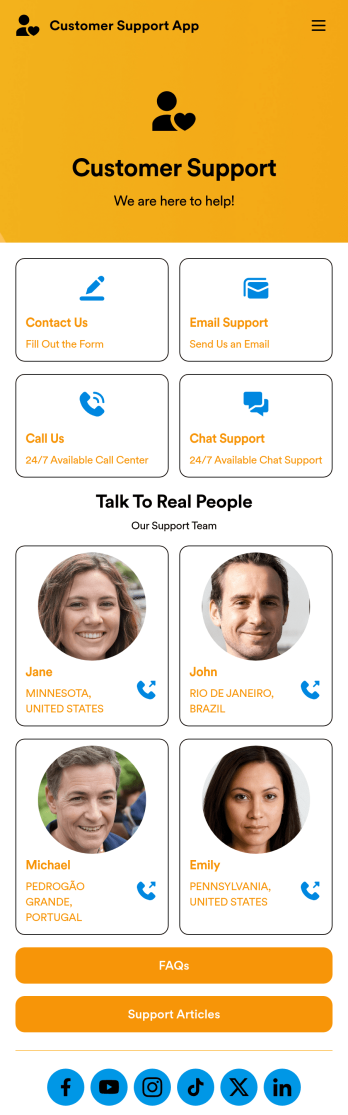
Customer Support App
A customer support app is a type of mobile application used by customer support teams to respond to customer tickets and support requests. Use this free Customer Support App to build a central hub for your support operations. Collect support tickets, link to your chat support, list FAQs, and more. To get started, use this ready-made template and customize it to your liking.Drag and drop to make any changes to this Customer Support App. Upload branding assets and logos, select a custom app icon, add or remove support forms, change your app’s backsplash, and more. You can even integrate your app with 200+ platforms to add an extra layer of customization. Streamline your support process with Jotform Apps.
Go to Category:Customer Portal Apps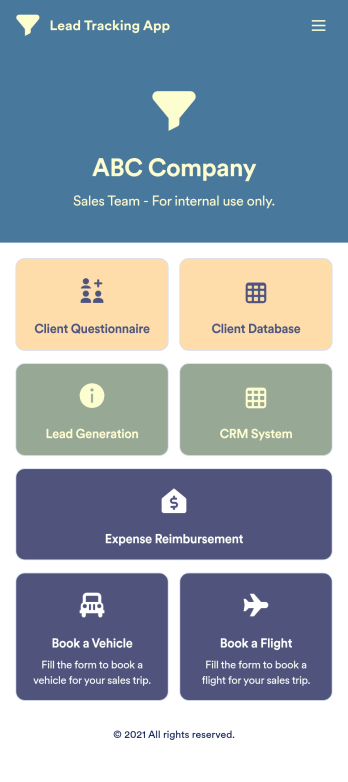
Lead Tracking App
A lead tracking app lets sales teams track and follow up with new and existing leads from any device. Make it easier for your sales team to capture, nurture, and manage your leads with a fully-customizable Lead Tracking App powered by Jotform. This ready-to-use app template includes multiple tools to help you keep track of your leads and sales pipeline, including a client database, CRM system, client questionnaire, lead-gen form, expense reimbursement form, and more. You and your team can download the app onto any mobile device or computer for easy access to your leads at any time.This Lead Tracking App has everything you need to successfully manage your leads — but if you’re looking for even more, customize the template to meet your each and every need. Our drag-and-drop builder lets you add forms, pages, links, documents, buttons, images, photos, data grids, and other app elements without any coding. When it’s ready to use, your app can be saved onto any device and shared with teammates via email invite or the app link. Turn leads into returning customers with a powerful and easily-accessible Lead Tracking App in your sales toolkit.
Go to Category:Management Apps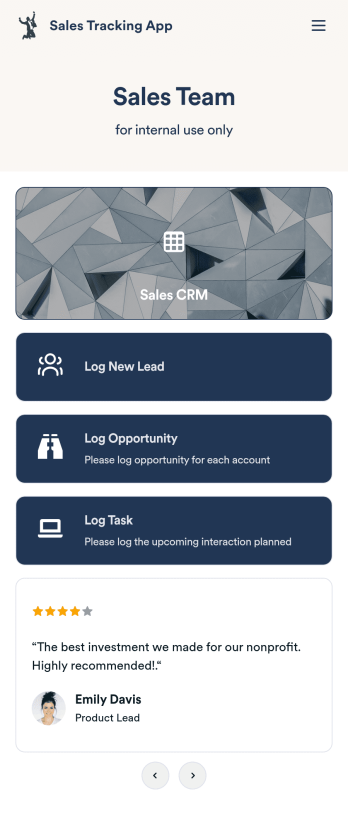
Customizable Sales Tracking App
A sales tracking app enables you to track your sales from any device. Get started with our free Sales Tracking App for businesses of all sizes. This ready-to-use app bundles multiple forms that you can sync to your CRM, so you can create a seamless workflow for generating leads and logging tasks. To get started, customize the template for your company using our drag-and-drop app builder. When you’re satisfied with the look and feel of your app, download it on your smartphone, tablet, or desktop computer, or share it with other members of your sales team to save onto their own devices.Customizing this Sales Tracking App for your sales team won’t require any coding. In just a few clicks, you can create new forms, integrate them with your CRM, embed links, add images and buttons, and change app settings such as name, icon, and splash screen for a fully-custom experience. To share it, just copy and paste the app link in emails or messages to your sales team members. Your Sales Tracking App will be easy to pull up on any device, so you can track and grow sales no matter where you are — even on the go.
Go to Category:Company Portal Apps