
Invoice And Quotation App is a ready-to-use workspace for preparing and organizing client billing documents from one accessible location. Independent professionals, consultants, contractors, service providers, and small finance teams can create invoices and quotations through connected forms, browse existing records, and review document details such as client information, totals, line items, notes, and quotation validity. It helps users keep sales estimates and billing records together, reduce manual document handling, and find the information needed for client follow-up. Teams can use the app throughout the sales and billing cycle, from presenting a quotation to reviewing the related invoice.
With Jotform Apps, users can adapt this app template to their own processes without writing code. The no-code app builder features a drag-and-drop interface for updating pages, buttons, navigation, colors, and branding. Connected forms support consistent data collection, while organized record views make ongoing work easier to manage. Users can also link the app to tables, approvals, notifications, and other workflow steps as their needs grow. Like other Jotform App Templates, it can be published for mobile-friendly access and shared by direct link or QR code, giving authorized team members a convenient way to handle invoice and quotation tasks wherever they work.
Related templates
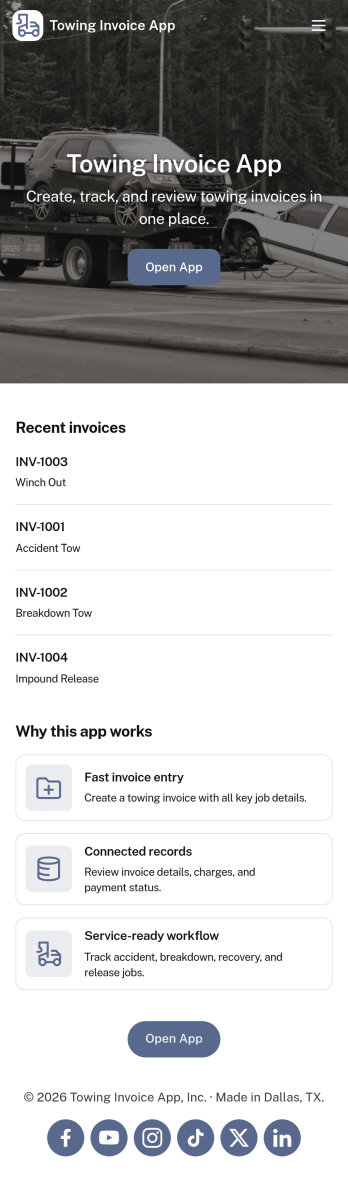
Towing Invoice App
Towing Invoice App helps towing operators create new invoices and keep tow jobs organized from one central place. It’s a practical fit for small towing companies, roadside assistance providers, and owner-operators who need a clear job queue, quick access to invoice details, and an easy way to review invoices and payments without juggling paperwork. With simple navigation for starting a new invoice and browsing job records, teams can stay focused in the field while keeping billing consistent.Jotform makes it easy to turn your billing process into a polished self-service experience with customizable app templates built in a no-code app builder. Using a drag-and-drop interface, you can tailor pages for your workflow, connect forms for data collection, and keep records organized in connected tables. Share the app by link so dispatchers and drivers can access the right info fast, while your workflow stays reliable as volume grows.
Go to Category:Automotive Apps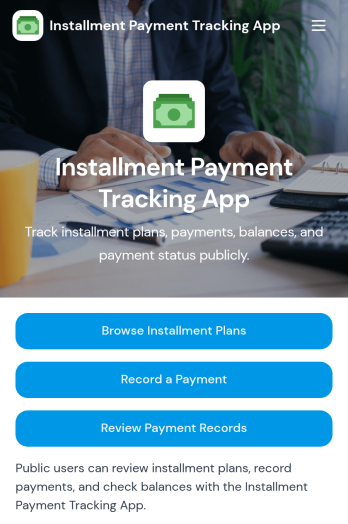
Installment Payment Tracking App
Installment Payment Tracking App helps teams manage installment plans and keep payment history organized in one place. Use it to browse active plans, record a payment as it comes in, review past payment records, and check payment status when customers ask for updates. It fits retail and service businesses offering payment plans, finance teams tracking receivables, and small business owners who need a clear view of who has paid, how much, and what is still outstanding.With Jotform, you can turn this app template into a branded, mobile-friendly self-service experience using a no-code app builder and a drag-and-drop interface. Connect the app to your data collection workflow so payment details and notes stay consistent, searchable, and easy to share with the right people. Publish in minutes, customize navigation and pages to match your process, and keep installment tracking moving without extra tools.
Go to Category:Payment Collection Apps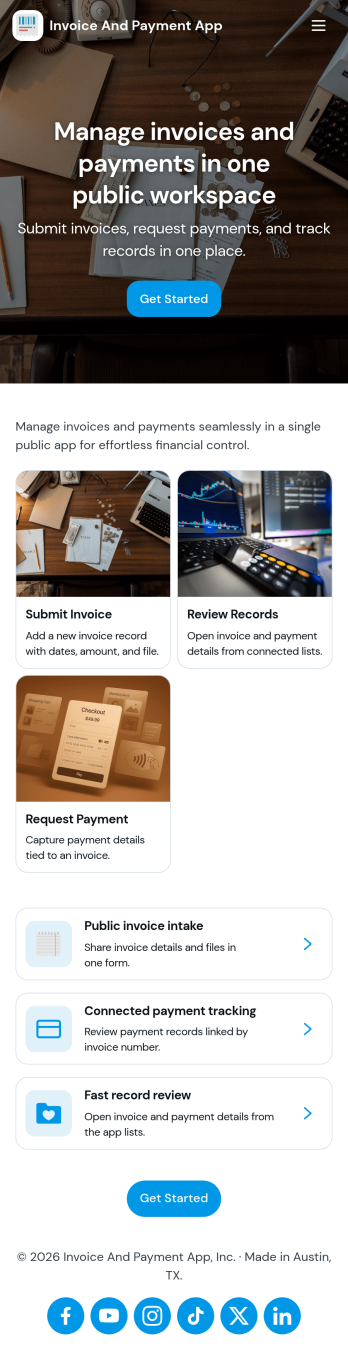
Invoice and Payment App
Invoice and Payment App helps small businesses and teams create invoices, record payments, and keep a clear view of what’s been billed versus what’s been paid. It’s a practical fit for freelancers, agencies, consultants, contractors, and service providers who need a consistent way to issue invoices and log incoming payments without digging through spreadsheets or scattered emails. With quick navigation for creating a new invoice and recording a payment, you can keep billing tasks moving and reduce missed follow-ups when multiple people handle finance admin.Built with Jotform App Templates, this app template can be customized in minutes using Jotform’s no-code app builder and drag-and-drop interface. Connect it to your existing Jotform forms to support reliable data collection, then publish a self-service experience your team can access from anywhere to manage invoicing and payment workflows. As your process grows, you can adjust pages, add steps, and keep all records organized in one place while staying aligned with how your business actually bills clients.
Go to Category:Finance & Accounting Portal Apps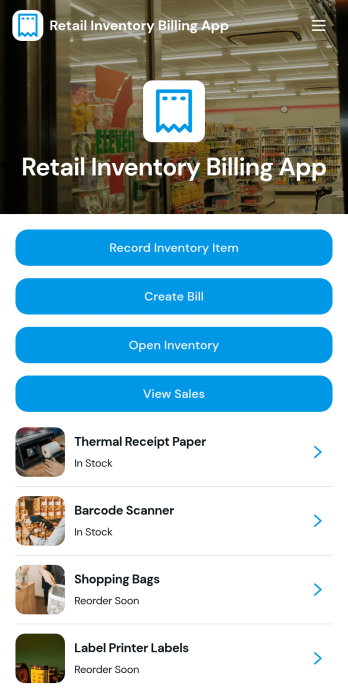
Retail Inventory Billing App
Retail Inventory Billing App helps retail teams track stock and create customer bills from one place, so daily selling stays organized even during busy shifts. Use it to record new inventory items, browse current products, and monitor quantities alongside key details like reorder levels and unit prices. When it’s time to close a sale, staff can quickly open the billing form, generate a bill, and keep sales records easy to find later. It’s a practical fit for shop owners, cashiers, stockroom staff, and small retail chains that want clearer inventory visibility without switching between tools.Jotform makes it simple to turn this app template into a branded, mobile-friendly experience using a no-code app builder and a drag-and-drop interface. Connect your inventory and billing forms to your workflow, centralize data collection in one secure place, and share the app by link or QR code for fast in-store access. As your operations grow, you can adjust pages, navigation, and records to match how your team sells and restocks, keeping self-service tasks and internal processes running smoothly.
Go to Category:Inventory Management Apps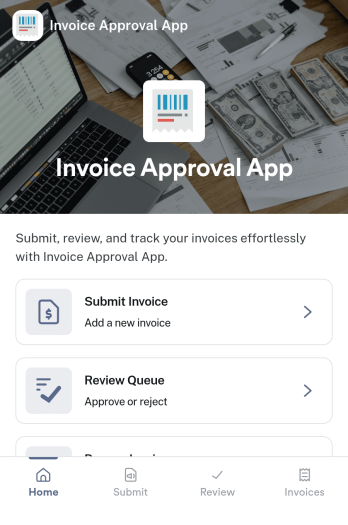
Invoice Approval App
An invoice approval app helps teams submit invoices for review, route them to the right approvers, and keep a clear record of what was approved and when. This template supports day-to-day accounts payable work with a simple flow for invoice submission, an approval area for reviewers, and a personal records section so requesters can revisit their own invoice history. It’s a strong fit for finance teams, operations managers, department heads, and small businesses that need more control than email-based approvals, especially when multiple people submit invoices and approvals must be tracked consistently.Jotform makes it easy to launch and adapt invoice workflows with App Templates that you can tailor to your process. Using Jotform’s no-code app builder and drag-and-drop interface, you can connect forms and tables to centralize data collection, reduce manual follow-ups, and keep approvals moving through a clear workflow. Share the app with your organization, collect invoices from any device, and manage approvals and records in one place.
Go to Category:Finance & Accounting Portal Apps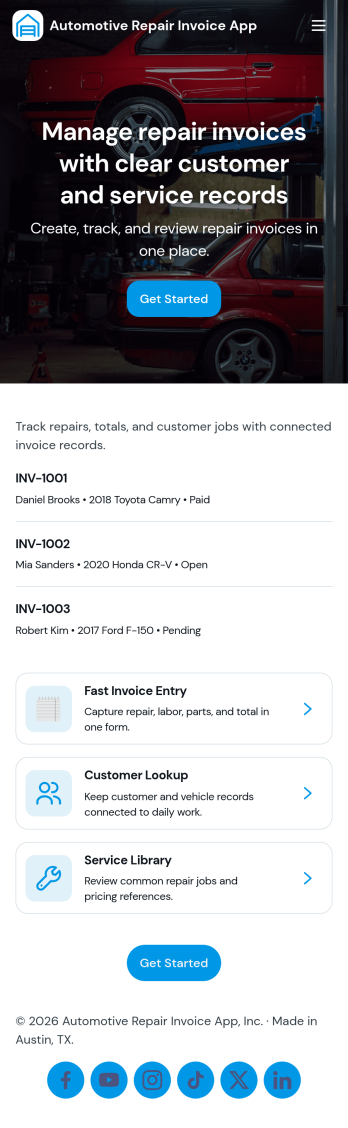
Automotive Repair Invoice App
Automotive Repair Invoice App helps auto repair shops, mobile mechanics, and service centers create professional repair invoices and keep them organized in one place. Use it to start a new repair invoice, capture customer and vehicle details, and generate a clear invoice summary your team can reference during and after the job. It’s a practical fit for busy front desks and small teams that need a consistent way to document repairs, reduce missed line items, and quickly pull up past invoices when customers call with questions.Jotform makes it easy to turn this workflow into a polished self-service experience with customizable app templates and a no-code app builder. With a drag-and-drop interface, you can adjust pages and navigation, connect your invoice form to organized records, and share the app with your staff using a simple link or QR code. As your volume grows, Jotform helps you maintain reliable data collection and keep day-to-day invoicing workflows moving without extra admin work.
Go to Category:Automotive Apps