It Support App helps teams centralize everyday IT help desk requests so employees can report issues, check service status, and find answers without guessing who to contact. It works well for internal IT departments, MSPs supporting multiple clients, and operations teams that need a simple front door for support. With clear entry points for creating a new ticket, browsing a knowledge base, and viewing service status updates, the app reduces repeated questions and keeps requests organized from the start.
Built with Jotform App Templates, this app template can be tailored in a no-code app builder with a drag-and-drop interface, so you can adjust pages, labels, and navigation to match your support process. Connect ticket intake to Jotform forms and route responses into workflows your team already follows, then share the app via link or QR code for easy self-service on any device. As requests grow, Jotform helps you keep data collection consistent and make support interactions faster for both employees and IT staff.
Related templates
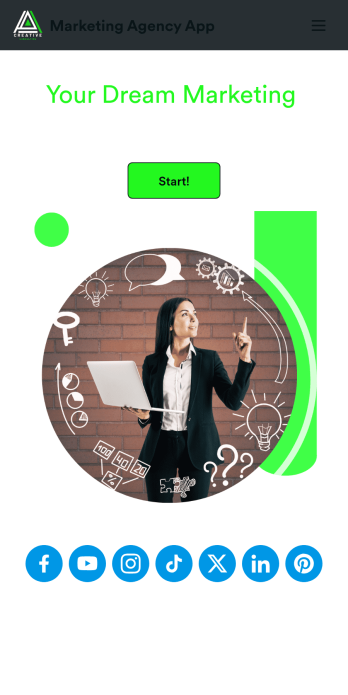
Marketing Agency App
Reach a wider audience and take your marketing agency online with a branded app from Jotform Apps. With this ready-made Marketing Agency App, you can showcase your offered services, marketing portfolio, and link to your social media accounts. Clients can access and download your app onto any smartphone, tablet, or desktop computer in seconds.Want to personalize this Marketing Agency App to suit your needs? No problem! Jotform’s drag-and-drop builder makes it easy to add form elements, install helpful widgets and integrations, change fonts and colors, upload your agency’s unique branding, and much more without any coding or design knowledge. Share your app by sending email invitations, including the app link in social media accounts and posts, or by seamlessly embedding it in your company website with a simple copy-paste code.
Go to Category:Consulting Apps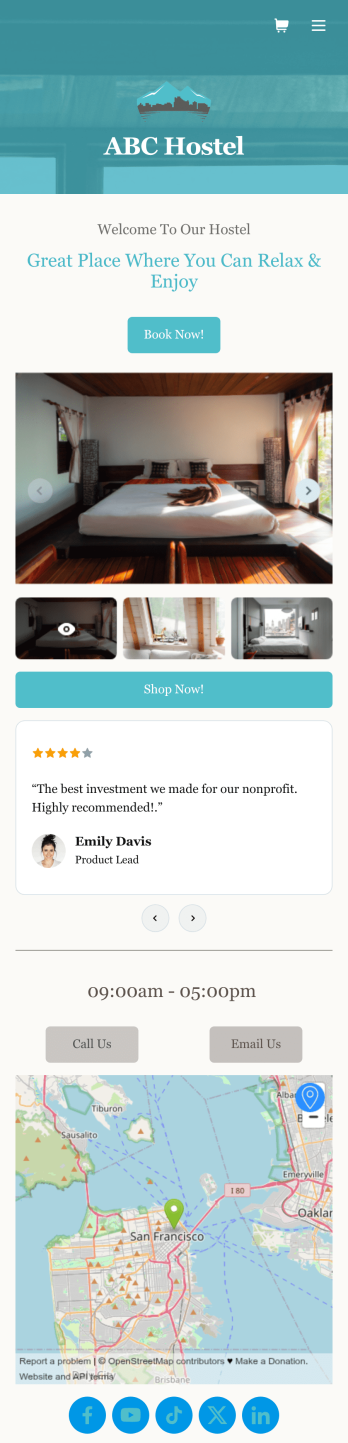
Hostel App
Discover how to sell hostel bookings online, collect breakfast requests, and gather feedback from your guests with a free Hostel App from Jotform. Instead of spending your time on phone calls and emails, customers can submit their information directly from any computer, tablet, or smartphone — including iOS and Android devices. All submissions are stored in your Jotform account, ready to be viewed, managed, and responded to by you and your team.Need to update this Hostel App template? Drag and drop to change the app icon or background, change booking options to match your hostel, choose new fonts and colors, and make other updates with no coding required. You can even connect your forms with 100+ apps like Google Calendar and Google Drive or multiple payment gateways including Square and PayPal. Save time and sell hostel bookings online with a powerful Hostel App, personalized to perfectly match your needs.
Go to Category:Appointment & Booking Apps
Customizable Auto Repair Shop App
Want to create an easy way for customers to book repair services at your auto repair shop? With Jotform’s Auto Repair Shop App, you can build your very own app in minutes without any coding knowledge. Start from scratch or customize one of our ready-made app templates to make an app that matches your branding. Add repair services, a contact form, an interactive map, customer reviews, and much more. Customers can then download and use your app from any device.Make this Auto Repair Shop App your own in seconds with Jotform’s easy-to-use app builder. Simply drag and drop to get the look you want. You can include powerful app elements, install helpful widgets, choose fonts and colors, upload your own logo, and collect payments with one of our 25+ payment processors, including PayPal, Stripe, and Square. Share your app with customers via email, by including the link in your social media bios, or by embedding it directly into your website with a simple copy-paste code. Give your customers a quick and convenient way to reschedule repairs with this free Auto Repair Shop App.
Go to Category:Automotive Apps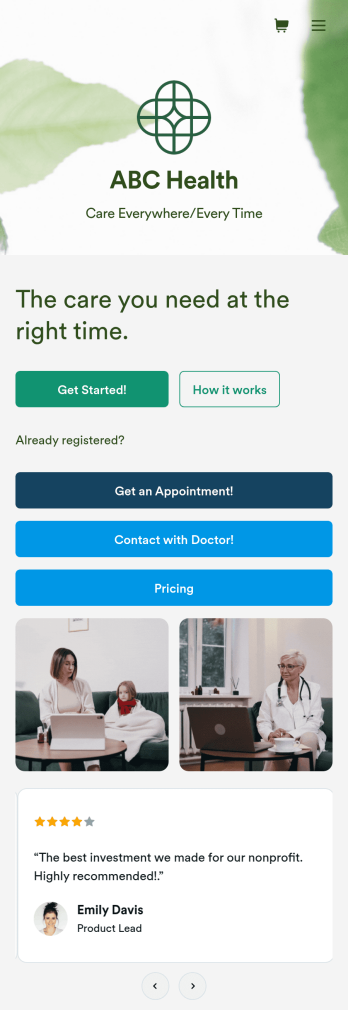
Telehealth App
Gather appointment bookings and patient information with ease using this Telehealth App from Jotform. Simple customize the app to match your needs, share it with patients using a link, and have them download it onto their computer, tablet, or smartphone for easy access. The app includes a Zoom Scheduler that lets patients select a time slot that works for them and generates a new Zoom meeting for each new booking.Need to customize this Telehealth App template? Drag and drop to rearrange the design, add your logo and branding, update existing forms, or connect them to 100+ popular app integrations. Jotform protects form data with a 256-bit SSL connection, GDPR and CCPA friendly features, but you can also optionally upgrade your forms to be HIPAA friendly. Save time with a free Telehealth App that your patients can use on any device.
Go to Category:Appointment & Booking Apps
Beauty Salon Appointment App
A beauty salon appointment app helps clients book appointments, order beauty products, and find professionals who can help them look and feel their best. Create a mobile app for your beauty salon without any coding using our free Beauty Salon Appointment App Template. This ready-made template bundles multiple forms — including a client information form, COVID-19 consent form and an appointment form — all in one place. Clients will be able to fill out your forms from their smartphone, tablet, or computer with ease.Customizing your Beauty Salon Appointment App won’t take up any time with our drag-and-drop builder. You can easily add new forms to sell beauty supplies online, as well as add surveys, links, text, images, and even your branding for a more professional and personalized look. Once it’s ready to use, share your app by embedding the link in your website or posting it on social media. Stop wondering how to sell beauty supplies online and gather appointment bookings — create a contactless way for clients to book services and pay for products at your beauty salon with a fully-custom Beauty Salon Appointment App that works on any device.
Go to Category:Appointment & Booking Apps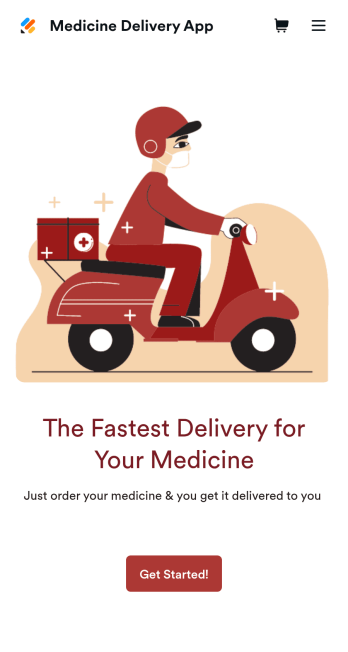
Medicine Delivery App
If your pharmacy offers medicine delivery services and is wondering how to sell medicine deliveries online, collect orders and payments from any device with Jotform’s free Medicine Delivery App. This customizable app includes a medicine order form as well as a feedback form that patients can fill out using any computer, tablet, or smartphone. Submitted orders will be received instantly, so you and your pharmaceutical staff can begin filling prescriptions without any delay.Customize this Medicine Delivery App for your pharmacy without coding. Simply drag and drop to add forms, tables, links, documents, text, images, logos, and other app elements. Then share your app with patients by sending them email invites to download it onto their own devices, or by posting the app link on your website. With a fully-custom Medicine Delivery App that works anywhere, you can sell medicine deliveries online and ensure that patients can refill their prescriptions with ease.
Go to Category:Delivery Apps