The Key Sign Out App is an app template for recording who has borrowed a key, when it was checked out, and when it was returned. It gives facilities teams, office administrators, property managers, schools, hospitality businesses, warehouses, and service departments a central place to oversee shared keys. Users can browse available keys and review their locations and current status before signing one out. They can also record returns and check recent activity, helping teams maintain clear custody records, resolve questions about missing keys, and replace paper logs or scattered messages. Built-in procedure access can reinforce consistent handoff practices for employees, contractors, and other authorized borrowers.
Jotform makes this Key Sign Out App easy to adapt without writing code. Use the no-code app builder and drag-and-drop interface to adjust pages, navigation, colors, fonts, and branding for your organization. You can connect forms and tables to support data collection, organize key records, and create a workflow that fits daily operations. As one of Jotform’s customizable App Templates, it can be shared through a direct link or QR code for convenient mobile access. Teams can publish a polished self-service experience that keeps sign-outs, returns, status checks, procedures, and activity records accessible from one location.
Related templates
Logbook App
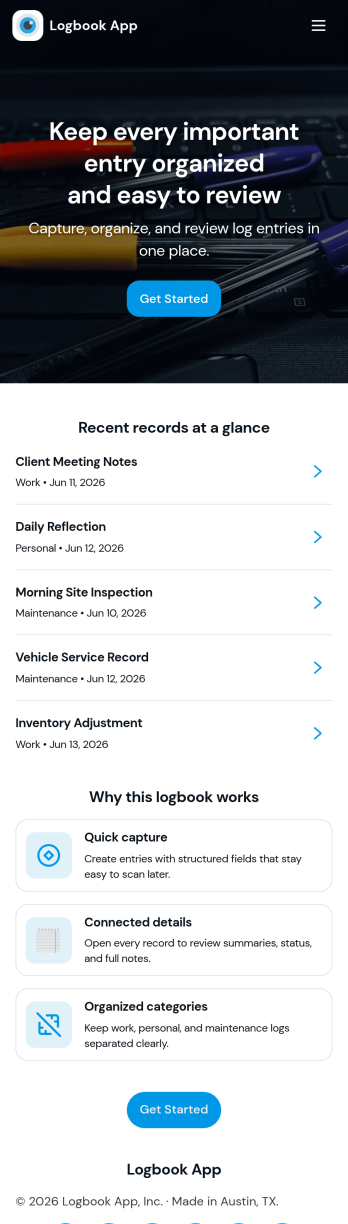
Logbook App gives teams and individuals a simple way to record activity, keep notes, and look back on past entries without digging through scattered documents. It fits day-to-day logging for field services, operations, labs, vehicle and equipment usage, shift handovers, or personal tracking where consistency matters. With quick actions to add a new entry and browse the log, the app supports fast record creation and easy review, helping you capture what happened, when it happened, and any context your workflow needs.Jotform makes it easy to turn this logbook app template into a polished self-service experience using a no-code app builder and a drag-and-drop interface. Connect your entry form to a live log list, link to tables for viewing all entries, and give each person a “My Entries” view for cleaner follow-ups. As your workflow changes, you can adjust pages, navigation, and data collection in minutes, then share the app by link or QR code so logging stays accessible on any device.
Go to Category:Activity Tracking Apps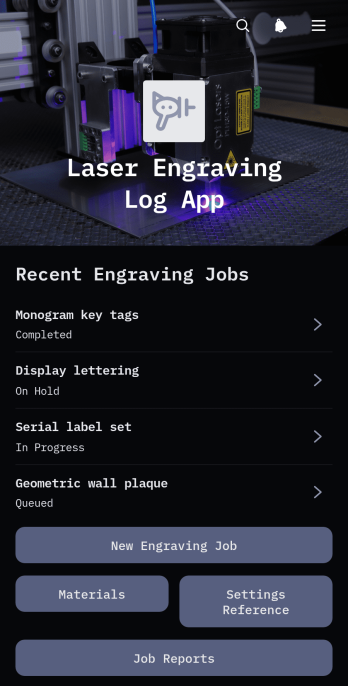
Laser Engraving Log App
Laser Engraving Log App gives engraving workshops, fabrication teams, independent makers, and production managers a central place to document engraving jobs from setup through completion. Teams can record new jobs, review essential customer and production details, consult material and machine setting references, and access job reports without relying on scattered notes. It supports repeatable workshop processes by preserving useful information about quantities, production observations, and past engraving work. This app template is especially helpful for small and medium-sized operations that need clearer job histories, faster setup decisions, and better visibility into daily engraving activity.Jotform App Templates make it easy to adapt this app to the way your workshop operates. With Jotform’s no-code app builder and drag-and-drop interface, you can update pages, navigation, buttons, colors, fonts, and branding without programming. Connect forms for data collection, organize records with related workflows, and give team members mobile-friendly access to job and material information. Once customized, the app can be published and shared through a direct link or QR code, creating a convenient self-service resource for authorized workshop staff.
Go to Category:Logbook Apps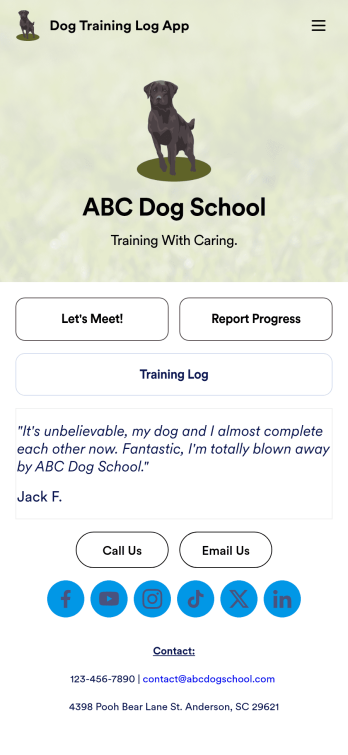
Dog Training Log App
You’ve already got your hands full training dogs all day long — so streamline the paperwork with our Dog Training Log App! With this free app template, customers can fill out an intake form with general contact information, as well as some information about their dog’s weight, breed, training goals, and more. There is also a progress form for individual training sessions so you can record whatever training commands or activities were practiced that day. Submissions are stored securely in Jotform Tables, and compiled into a single easy-to-understand progress spreadsheet. You and your customers can use this app on any smartphone, tablet, or desktop.Want to customize this Dog Training Log App to match your own branding? No problem — simply use our drag and drop interface to add more forms, upload your logo, change the background or splash screen, choose fonts and colors, update the app name or text, and more. Once you like the look and feel of it, just share the link on your website or social media and you’re good to go. Help your customers reach their dog training goals with this customizable Dog Training Log App.
Go to Category:Log Apps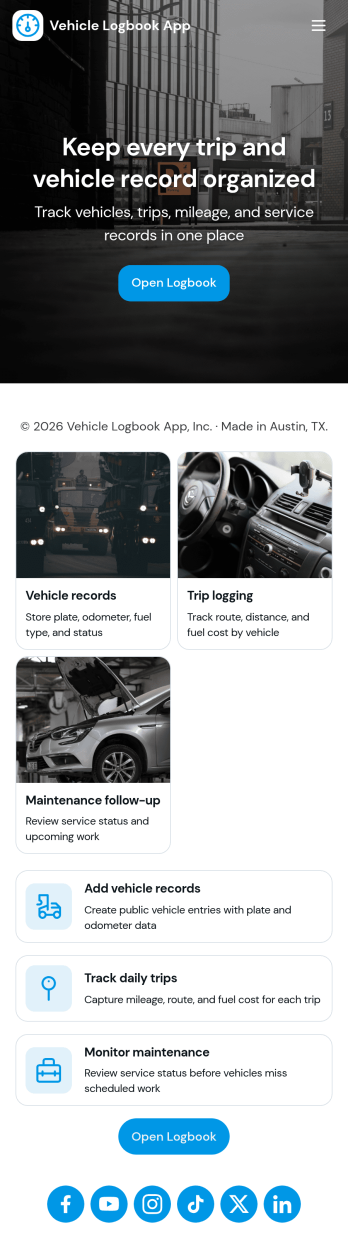
Vehicle Logbook App
Vehicle Logbook App helps individuals and teams keep accurate records of company or personal vehicle activity in one place. Use it to manage vehicle details, log trips as they happen, and capture expenses tied to each vehicle so you can stay organized across day-to-day driving. It fits fleet managers, field service crews, delivery teams, real estate agents, and anyone who needs a reliable driving history for reporting, reimbursements, or internal tracking.With Jotform, you can turn this vehicle logbook app template into a branded, mobile-friendly experience using a no-code app builder and a drag-and-drop interface. Connect the app to forms for adding vehicles, trips, and expenses, then keep entries consistent in a single workflow you can review anytime. Share the app by link or QR code, collaborate with your team, and keep data collection simple whether you’re on the road or at the office.
Go to Category:Automotive Apps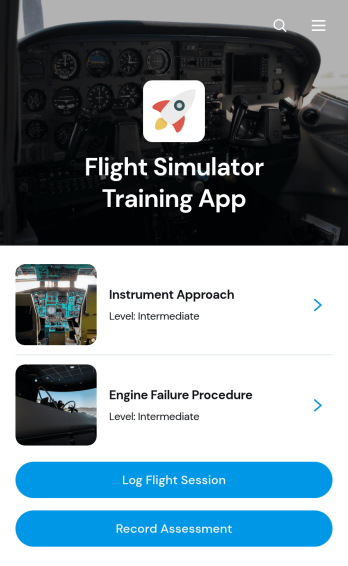
Flight Simulator Training App
Flight Simulator Training App is an app template for flight schools, aviation academies, independent instructors, and simulation centers that need one place to organize simulator practice and document trainee progress. Instructors and learners can browse training modules, review each session’s category, skill focus, and expected length, and submit flight logs after practice. Assessment recording also helps instructors capture performance outcomes and maintain a consistent training history. This focused setup reduces scattered paperwork, gives trainees clearer access to learning activities, and supports recurring instruction across foundational exercises, procedural practice, and advanced simulation scenarios.Jotform Apps makes it easy to adapt this Flight Simulator Training App without coding. Use the drag-and-drop interface to update pages, cards, buttons, imagery, and navigation while matching your program’s branding. Connected forms support data collection for session logs and assessments, while Jotform Tables and workflows can help teams organize records and respond to new entries. Like other Jotform App Templates, this app template can be shared by direct link or QR code, giving instructors and trainees mobile-friendly self-service access wherever training takes place.
Go to Category:Education Apps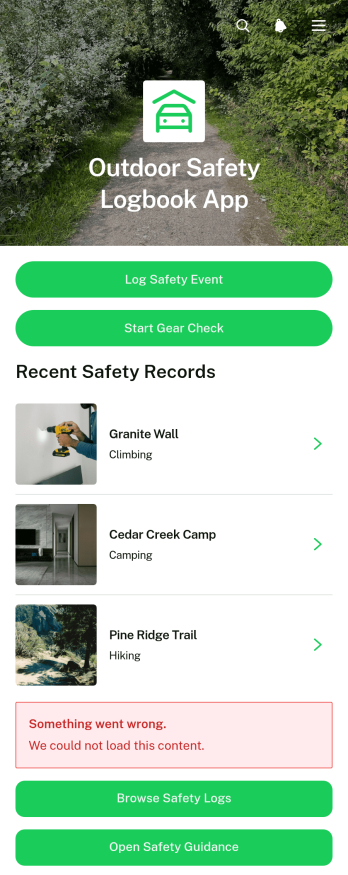
Outdoor Safety Logbook App
Outdoor Safety Logbook App is a central recordkeeping tool for outdoor crews, trip leaders, field service teams, contractors, recreation groups, and organizations that manage activities away from a fixed workplace. It supports safety event reporting, gear checks, log browsing, and quick access to safety guidance. Teams can document site conditions, identified hazards, actions taken, incidents, equipment inspected, and follow-up status while details are still fresh. By keeping these records in one accessible experience, the app improves visibility across locations, helps coordinators identify unresolved concerns, and gives field personnel a consistent way to share updates before, during, or after outdoor work and activities.Jotform makes this app template easy to adapt without writing code. Use the drag-and-drop app builder to update pages, buttons, colors, fonts, and navigation, then connect forms and tables to support data collection and related workflows. Logs can be organized for convenient self-service access, while notifications help the appropriate team members respond to new entries or pending follow-up. Like other Jotform App Templates, the finished app can be published with a shareable link or QR code and opened from phones, tablets, or computers, giving distributed teams a practical resource wherever their activities take place.
Go to Category:Logbook Apps