Landscape Maintenance App helps lawn care and landscaping teams stay on top of recurring property upkeep by keeping daily work in one place. Use it to create and track work orders for mowing, edging, pruning, mulching, irrigation checks, or seasonal cleanups, log site inspections with notes and photos, and coordinate who is assigned to each job. With pages for work orders, inspections, schedules, crew, and reports, it fits owner-operators, field supervisors, and multi-crew businesses that manage several sites and need consistent service documentation across visits.
Jotform makes it easy to turn this Landscape Maintenance App into a branded, mobile-friendly self-service experience using its App Templates and no-code app builder. Customize pages with a drag-and-drop interface, connect forms and tables for fast data collection, and keep your workflow moving with shared views like My Work Orders and My Inspections. Publish with a shareable link so crews can update job details on the go while managers monitor progress and reporting from a central hub.
Related templates
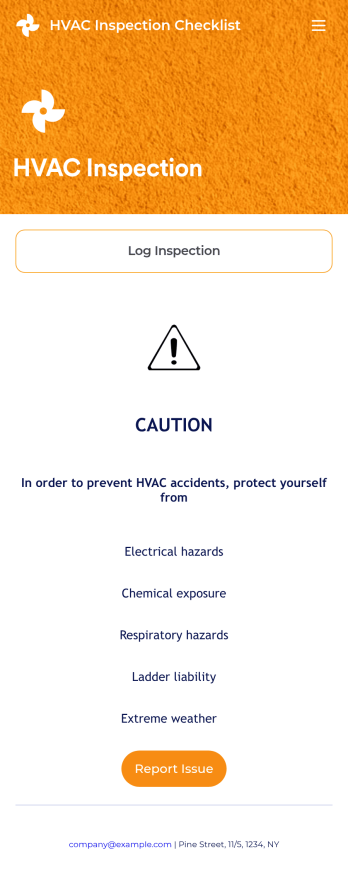
HVAC Inspection Checklist
An HVAC inspection app makes it easy for inspectors to inspect heating, ventilation, and air condition systems and log reports from any mobile device. If you’re a certified HVAC inspector or technician, create your own mobile app with our free HVAC Inspection Checklist App. This ready-to-use app template comes with an inspection report form where you can provide inspection details such as date and location, and check off inspection checklist items such as air intake, fans, and filters.Customizing your HVAC Inspection Checklist App for your specific needs will only take a few clicks. No coding required — simply drag and drop to update the checklist form, create and add new forms, embed links, include instructions or images, and change app settings such as name or icon. Once you’re satisfied with how your app looks, you can download and open it to any smartphone, tablet, or computer. Say goodbye to paper checklists with an efficient, easy-to-use HVAC Inspection Checklist App that keeps all your submitted reports in one secure place.
Go to Category:Checklist Apps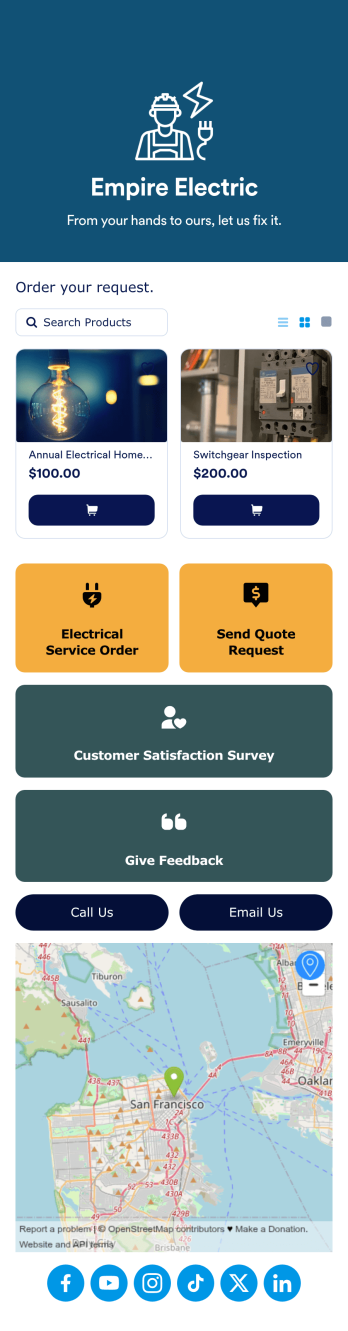
Electrician App
Create a one-stop shop for your electrician business with Jotform’s free Electrician App. Build an app from scratch or get started right away with one of our ready-made app templates — then customize it to match your business’s branding in seconds without any coding. Customers can download your app onto any device and put in electrical service orders, request quotes, give feedback, and take a customer satisfaction survey. You can even collect payments directly from your app with one of our 30+ payment gateways, including PayPal, Square, and Stripe — with no additional processing fees to Jotform.Personalize this Electrician App to fit your needs with Jotform’s powerful no-code app builder. Simply drag and drop to add new forms and pages, install widgets and integrations, choose fonts and colors, upload your branding, create a custom splash screen and app icon, and more. Share your custom app with customers by including the link in a text or email, generating a scannable QR code, or by seamlessly embedding it in your business’s website. Give your customers a convenient way to request quotes and electrical service orders with this fully customizable Electrician App.
Go to Category:Online Service Apps
Home Buying Checklist App
When renting or selling a house, it is important to know the preferences of potential buyers and sellers. How about collecting the necessary information with the Home Buying Checklist App? The Home Buying Checklist App includes forms used by real estate agents to collect information about home buyers' preferences, show their portfolios to potential buyers, and inform them about contact and location information through maps where customers can easily find the home addresses. Use the Home Buying Checklist App to better serve customers and find solutions for their needs!Would you like to make this app your own with Jotform’s easy-to-use drag-and-drop form builder? You can add or switch form elements' places, choose fonts and colors, and upload your logo. Moreover you can customize the splash page. After you’re done with the look, you can embed it in your website or share it with a link so your customers can download it on any smart devices. No coding is necessary.
Go to Category:Checklist Apps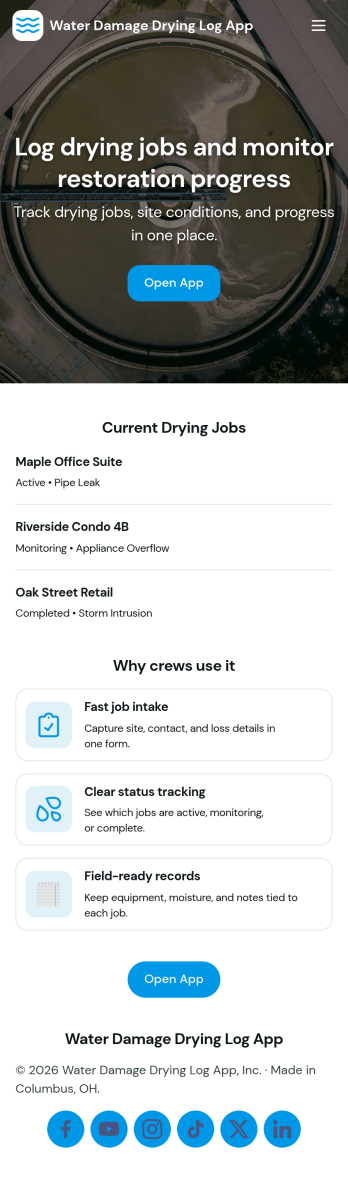
Water Damage Drying Log App
Water Damage Drying Log App helps restoration crews document drying progress across jobs and sites in a consistent, field-ready format. Use it to add drying logs on the spot, review job entries by job ID and site name, and keep notes organized for supervisors, project managers, and office staff who need quick visibility into what happened and when. It’s a practical fit for water mitigation teams, property services companies, and contractors managing multiple active locations, where missed details can slow down decisions and follow-ups.With Jotform, you can turn this app template into a branded, self-service experience using a no-code app builder and a drag-and-drop interface. Connect the app to forms and tables to support ongoing data collection, route updates through your workflow, and keep information easy to browse from a phone or tablet. Share the app by link or QR code so teams can log updates, check equipment, and stay aligned without switching between scattered tools.
Go to Category:Home Services Apps
House Selling App
Wondering how to sell your house online? With Jotform’s easy House Selling App you’ll be able to list properties and communicate with potential buyers. Buyers can download your app for free on any iOS or Android device to view your listings. Every submission and appointment your clients make will be stored securely in your very own Jotform account.Customize the look and feel of your app and with our easy-to-use app builder. Our drag-and-drop feature lets you give your app a look authentic to your business — no coding knowledge required. You can add your logo, list your amazing one-of-a-kind properties, and integrate with 30+ payment integrations to receive online payments — while paying no extra transaction fees to Jotform. Help your buyers find their home sweet homes and try Jotform’s free House Selling App.
Go to Category:Online Service Apps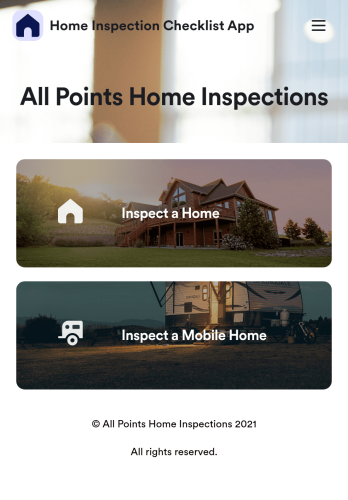
Home Inspection Checklist App
A home inspection checklist app is used by home inspectors to perform inspections from their mobile device. Whether you run a home inspection company or are inspecting your own home, use this free Home Inspection Checklist App to complete inspections on the go! You can record information like dimensions, property condition, the date of the inspection, and sign off your inspection report with an e-signature.Customize this app template in minutes with our drag-and-drop app builder. Add forms, spreadsheets, links, images, and more with no coding required — or customize visual elements like font type, app icon, and splash screen. Then download the app onto your mobile device or share it with members of your team to download onto theirs. Ditch messy paper forms and complete your inspections with a Home Inspection Checklist App from Jotform.
Go to Category:Checklist Apps