An office check-in app is a contactless way for employees and visitors to sign in when they arrive at an office building or work facility. Modernize your check-in system and skip the front desk with a digital tracking tool that eliminates the need for traditional paper sign-in sheets. This free Office Check In App template helps you create a custom app that’s more efficient and secure than physical logs — providing real-time information about the date and time an individual arrived and the reason for their visit. It features designated forms for employee check in and check out, as well as a separate form to capture visitor information and another for deliveries. The user-friendly interface makes check-ins faster and keeps sign-ins private so personal data remains confidential and secure. Just share the link, QR code, or embed the app on your company website for instant access from any device.
Creating a custom Office Check In App that looks professional and meets your security requirements is easy with Jotform Apps. You can use the drag-and-drop builder to change the theme, add or remove elements, link to your contact information, make your company logo the app icon, and more — no coding required. Set up automatic email notifications to alert authorized employees of new form submissions so they can stay updated on who has checked in, and easily review entries in Jotform Tables for more reliable tracking. The app is easy to share and accessible from all desktops, tablets, and smartphones. Employees can even download the app to the home screen of their mobile device for quick access whenever they need to check in or out.
Related templates

Expense Report App
An expense report app is used by companies for keeping track of employee expenses. This free Expense Report App allows employees to log business expenses by filling out a form with general contact information, cost, description, date and time, and payment and expense type. There is also an upload form for employees to attach any relevant documents and receipts. Expense reports are immediately synced and stored securely in your account, and can be sorted, filtered, and exported from any device.Customize this app template in no time using Jotform’s drag-and-drop form builder. You can easily add or swap out form elements, change text, customize your app icon and splash page, and more — no coding necessary. Share a link to your app in an email or embed it in your website, and employees can access and download it on any smartphone, tablet, or computer for future use. Keep track of all your employees’ business expenses with this Expense Report App.
Go to Category:Company Portal Apps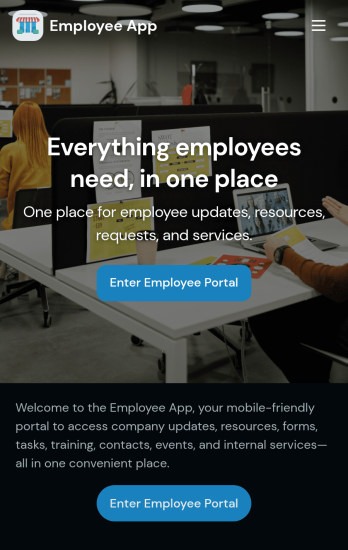
Custom Employee App
An employee app allows employees to access important company information and submit their own data from any device. Create an employee portal for your company with Jotform’s free Employee App. This ready-to-use template includes multiple forms such as employee referral forms, leave request forms, meeting reservation forms, COVID-19 screening forms, expense reimbursement forms, and more. Thanks to the role-based visibility condition, only selected admin users can see certain forms, such as department rotation. Using the app, employees can access and fill out any of the included forms from any smartphone, tablet, laptop, or desktop.Customize your Employee App to match your company in just a few clicks. With our drag-and-drop builder, you can easily add as many forms, links, documents, buttons, pages, and other app elements as you need. Plus, you can update fonts and colors, upload logos, and change the app icon and name to better represent your company. With Jotform’s Role-based feature, you can control access so tutors, admins, and other users see only the parts of the app relevant to them. Share your app with employees to download onto their own devices by sending email invites or the app link. Keep important company forms all in one secure, easily accessible Employee App!
Go to Category:Company Portal Apps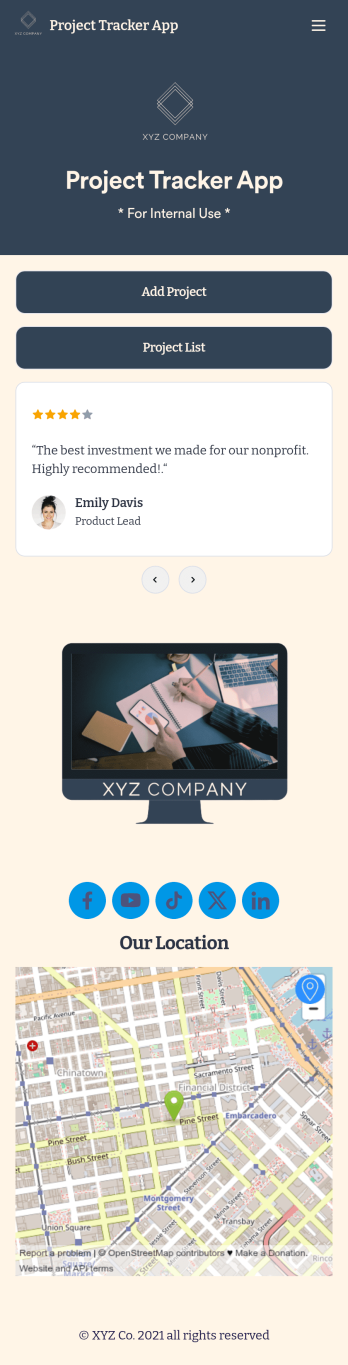
Project Tracker App
A project tracker app is used to keep track of projects on any device. Whether you’re working on personal projects or managing an entire team, use this Project Tracker App to get organized fast! You can add new project details and view all of your projects directly from the app, which is easy to share with a link and download onto your smartphone, tablet, or computer. You can even view projects as a spreadsheet, calendar, or cards with Jotform Tables’ Project Tracker Template.Need to make changes to this app template? Add your logo, choose a new icon, update the background, or include more forms to track other types of information. Once you’ve got your app looking perfect, send it to members of your team so they can start submitting and tracking projects too. Streamline your workflow with a free Project Tracker App for any industry.
Go to Category:Tracker Apps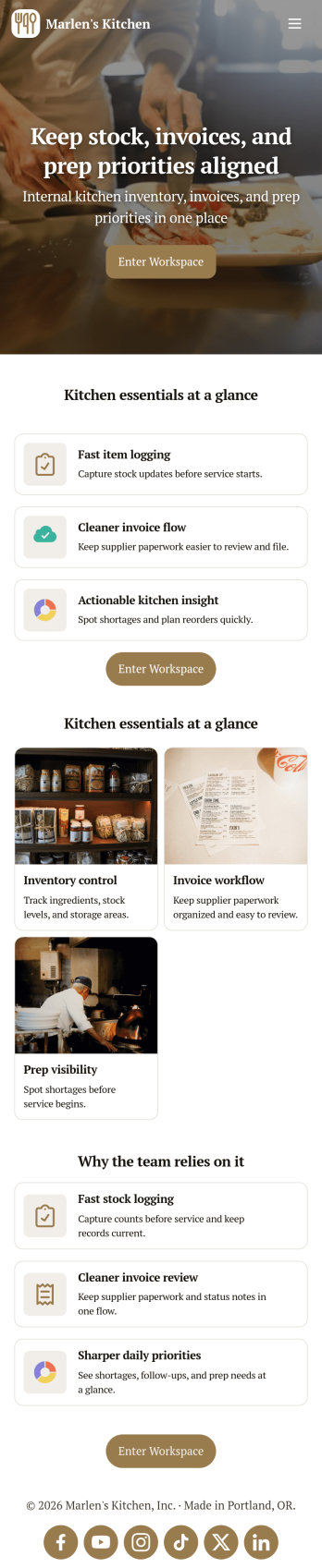
Restaurant Food Inventory App
Restaurant Food Inventory App is an app template designed to optimize the operational workflow of restaurants. It serves as a one-stop solution for restaurant owners, chefs, and kitchen managers to monitor ingredient inventory levels, track usage and expiry dates, manage supplier orders, and optimize food costs through real-time stock visibility. With this app, keeping an eye on food stocks and minimizing waste becomes a hassle-free process. By offering a comprehensive overview of all culinary inventory in one place, it replaces ad-hoc record-keeping practices, leading to more consistent and complete data collection. This app is best suited for those in the food industry who prioritize efficiency, accuracy, and waste reduction in their inventory management.With Jotform's no-code app builder, customizing the Restaurant Food Inventory App to fit your unique requirements is a breeze. The intuitive drag-and-drop interface allows for effortless modifications such as form swapping, font selection, color adjustment, and logo uploading. The result is a tailor-made app that aligns with your restaurant’s branding, without requiring any coding skills. Your app can then be accessed and downloaded onto any smartphone, tablet, or desktop via a shareable link, offering convenient cross-platform compatibility. Furthermore, Jotform Apps provide several publishing options, allowing you to control the accessibility of your app. With Restaurant Food Inventory App from Jotform, streamline your food inventory management and focus on what truly matters: delivering exceptional culinary experiences.
Go to Category:Company Portal Apps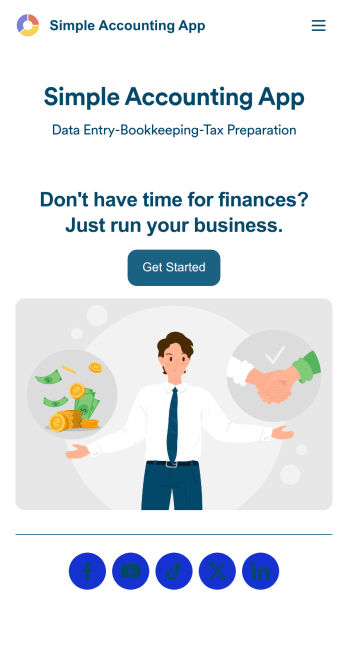
Simple Accounting App
Looking for an easy and convenient way to manage your accounting clients? With Jotform’s Simple Accounting App, you can create a bookkeeping app that works seamlessly for both you and your clients. Build your app from scratch or pick one of our ready-made app templates to spark your creativity. Add pricing information, contact forms, showcase past client reviews, and more.Customize your Simple Account App with Jotform’s easy-to-use app builder. Use our drag-and-drop app builder to change up the look and feel of your app, add powerful app elements, install helpful app widgets, and integrate with one of our 30+ payment processors, including Stripe and Square to collect fees and payments. Share your customized app via email or embed it directly into your own website. Help your clients reach their finance goals with your very own Simple Accounting App.
Go to Category:Company Portal Apps
Custom Employee Onboarding App
An employee onboarding app makes it easier to integrate a new employee into your company by making important internal resources available on any device. Simplify the transitional period and successfully onboard new hires with a fully custom Employee Onboard App powered by Jotform. This ready-to-use mobile app includes a table for tracking onboarding progress, company photos and social links, and a separate page with team contact information. New hires can download the app onto their mobile device or computer for easy access at any time.Customize this Employee Onboarding App for your company in just a few clicks. Without coding, you can use our drag-and-drop builder to add forms and tables, embed links, upload documents and training videos, create new pages, update fonts and colors, and much more. When your app is ready to use, it can be sent directly to new hires via email invites or the app link. Successful employee onboarding can be the key to business success — so get started with an efficient, easy-to-use Employee Onboarding App tailored to your company.
Go to Category:Company Portal Apps