
Prayer Journal App is an app template for individuals, prayer groups, faith communities, and ministry teams that want one organized place to document spiritual reflections and ongoing needs. Users can write prayers, add gratitude entries, and record prayer requests while reviewing answer statuses, open requests, dates, and follow-up notes. This format helps people maintain a consistent reflection practice, recognize meaningful developments over time, and avoid losing important requests in scattered notebooks or messages. It can support personal devotion, small-group check-ins, pastoral care, retreats, and community prayer initiatives.
Jotform App Templates make it easy to turn this journal experience into a personalized, mobile-friendly resource without coding. Use the no-code app builder and drag-and-drop interface to adjust pages, navigation, colors, fonts, and visual elements for individual or group use. Connected forms simplify data collection, while tables and workflows can help organize entries and trigger relevant updates. Once customized, the Prayer Journal App can be published with a direct link or QR code, giving users convenient self-service access from phones, tablets, or computers.
Related templates
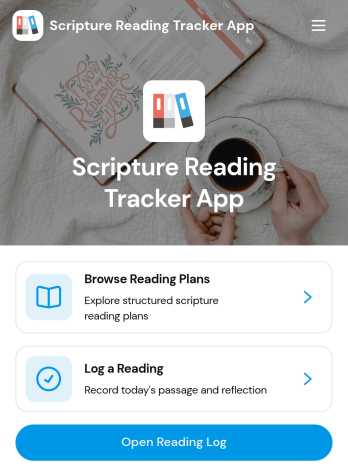
Scripture Reading Tracker App
The Scripture Reading Tracker App is an app template for individuals, faith communities, ministry groups, and educators who want to encourage consistent scripture reading. Users can browse reading plans, record completed readings, and review their progress from one organized location. Each entry can preserve useful context such as the passage, reading date, time spent, selected plan, and a personal reflection. This makes it easier to maintain a meaningful reading habit, revisit previous thoughts, and monitor participation over time. Group leaders can also use the app to support reading challenges, guided studies, classes, or community programs without relying on scattered notes and spreadsheets.Jotform App Templates help organizations and individuals create polished digital experiences without coding. Using Jotform’s no-code app builder and drag-and-drop interface, you can customize the Scripture Reading Tracker App with your own colors, typography, pages, and navigation. Connect forms and tables to simplify data collection, organize reading records, and support a dependable workflow. You can also add resources, create self-service access, and share the finished app through a direct link or QR code. The mobile-friendly layout lets participants log readings and view relevant information wherever their routine takes them.
Go to Category:Activity Tracking Apps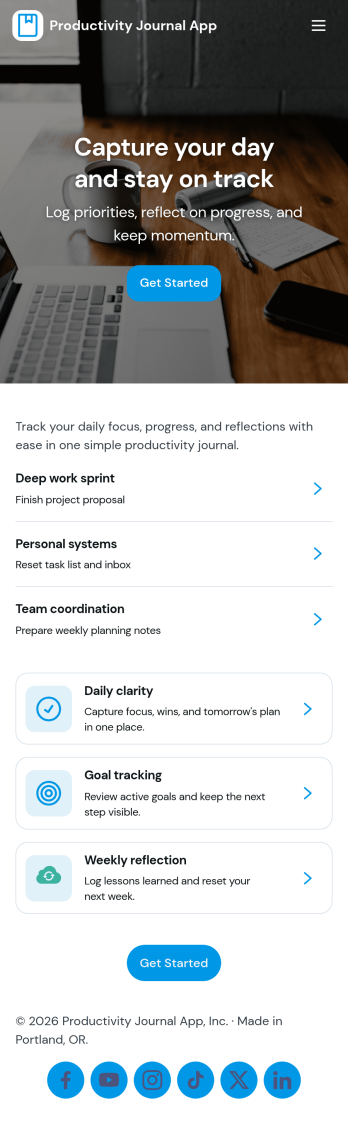
Productivity Journal App
Productivity Journal App helps individuals and teams build consistent routines by combining quick journaling with simple habit check-ins. Use it to capture a new journal entry in seconds, log daily habits, and review past entries when you need clarity on what’s working. It’s a strong fit for busy professionals, students, creators, and anyone who wants a lightweight system for staying focused without juggling multiple tools. Whether you’re reflecting on priorities at the start of the day or doing a weekly review, the app keeps your notes and check-ins organized so you can spot patterns and improve how you spend your time.Jotform makes it easy to customize this app template with a no-code app builder and a drag-and-drop interface. Connect the app to your existing Jotform forms for data collection, then publish a self-service experience people can use from anywhere. Update prompts, adjust the layout, and share a single link so journaling and habit tracking stay simple, consistent, and easy to maintain.
Go to Category:Daily Planner Apps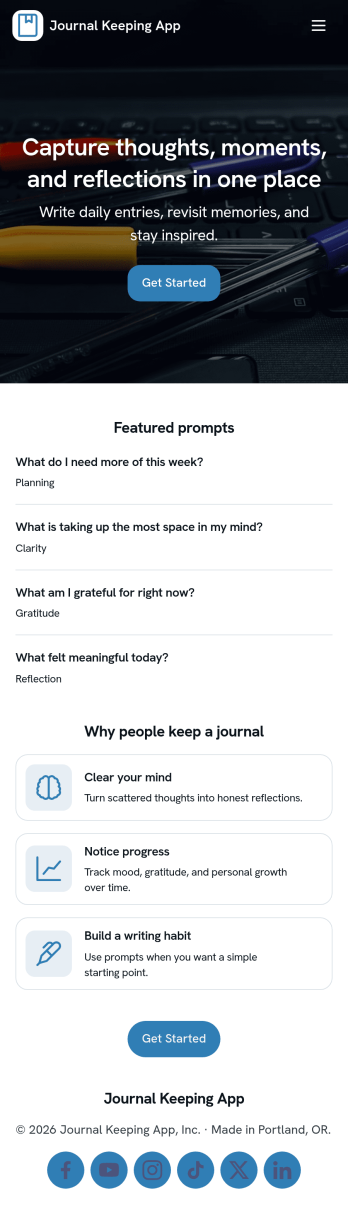
Journal Keeping App
Journal Keeping App helps you capture thoughts, routines, and personal milestones in one place, whether you’re writing a quick note on a busy day or reflecting in depth at night. Use it to create new entries as they happen, review your journal over time, and keep a consistent writing habit without hunting for notebooks or scattered files. It’s a great fit for individuals building a daily reflection practice, students tracking learning and goals, and wellness-focused teams running journaling challenges or self-guided prompts.With Jotform, you can turn this app template into a focused self-service experience that’s easy to update and share. Use the no-code app builder and drag-and-drop interface to adjust pages, add prompts, and connect the entry form to your workflow so writing a new entry feels effortless. As entries come in, Jotform supports reliable data collection and organization, helping you maintain a clear record you can revisit anytime.
Go to Category:Self Care Apps
Family History Research App
Family History Research App is an app template for genealogists, family historians, historical societies, students, and relatives who want to organize ancestry research in one accessible place. Users can browse ancestor profiles, add family members, record research findings, and maintain source information without relying on scattered notes or disconnected files. Dedicated records for documents, references, repositories, research dates, confidence levels, and next steps help researchers preserve the context behind each discovery. It is useful for independent investigations, shared family projects, local history initiatives, and educational assignments where clear documentation matters.Jotform makes this Family History Research App easy to adapt with a no-code app builder and a flexible drag-and-drop interface. Add branded pages, revise navigation, connect data collection forms, and organize research workflows without writing code. The app template can bring ancestor records, supporting sources, external research links, and uploaded documents into a mobile-friendly experience. Researchers can publish and share the finished resource through a direct link or code, making ongoing contributions and self-service access more convenient for relatives, project partners, or study groups.
Go to Category:Organization Apps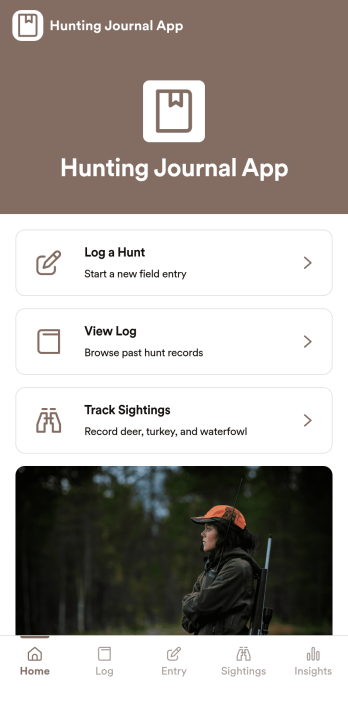
Hunting Journal App
A hunting journal app gives hunters a simple way to record each outing, review past hunts, and spot patterns over time without digging through notebooks or scattered notes. Use it to log a hunt right after you get back to camp, add a new entry with key details, and then view your log by date when you want to recall what worked. It’s also useful for tracking sightings across locations and dates, helping you build a clearer picture of animal movement and conditions throughout the season.With Jotform, you can turn this Hunting Journal App into a shareable self-service experience that fits your routine. Start from ready-made app templates, customize pages with a drag-and-drop interface, and connect entries to your data collection form so new logs appear in your app as they come in. Whether you’re organizing season notes, keeping a field checklist and core kit list handy, or maintaining a trip plan, Jotform’s no-code app builder helps you keep everything in one place and accessible from any device.
Go to Category:Log Apps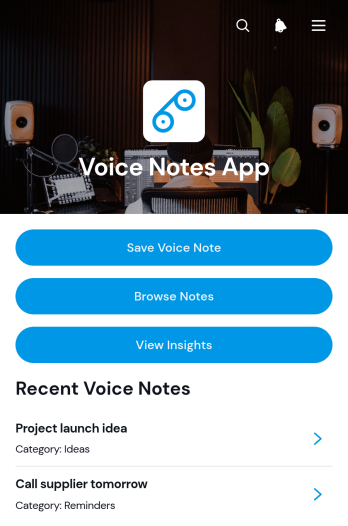
Voice Notes App
Voice Notes App is an app template for capturing spoken ideas, reminders, observations, and meeting takeaways before important details are forgotten. It suits professionals, students, researchers, field teams, creatives, and individuals who prefer speaking to typing. Users can save voice notes, browse previous entries, organize records with tags and categories, add supporting note text, and review insights from one accessible location. This organized approach makes it easier to maintain a personal journal, document work in progress, collect thoughts while traveling, or create an ongoing reference library without relying on scattered recordings.Jotform Apps helps teams and individuals turn this Voice Notes App into a tailored digital experience without coding. The drag-and-drop interface makes it simple to adjust pages, navigation, visual styling, and connected forms using an intuitive app builder. Users can expand the app template with data collection, workflow, and self-service options or choose other App Templates as a starting point. Once ready, the app can be shared by direct link or QR code for convenient mobile access, while connected information can be organized through Jotform tools. This flexibility supports quick setup today and ongoing changes as note-taking needs develop.
Go to Category:Journal Apps