
Remote Teaching Recruitment App gives schools, tutoring providers, education programs, and recruitment teams a central place to connect qualified educators with remote teaching roles. Candidates can browse teaching opportunities, review essential role information, and submit an application from one convenient experience. Application guidance helps applicants understand the process before they apply. By bringing opportunity discovery and candidate intake together, this app template reduces scattered inquiries, gives recruiters a consistent recruitment journey, and makes openings easier to access across locations and devices.
Jotform Apps helps organizations turn recruitment processes into interactive, mobile-friendly experiences without coding. Start with this Remote Teaching Recruitment App from Jotform App Templates, then use the no-code app builder and drag-and-drop interface to update pages, branding, navigation, and content. Teams can connect forms, tables, notifications, approvals, and other workflow tools to support data collection and application review. Once customized, the app can be published and shared by direct link or QR code, giving candidates convenient self-service access while helping recruiters manage hiring activity from one organized destination.
Related templates
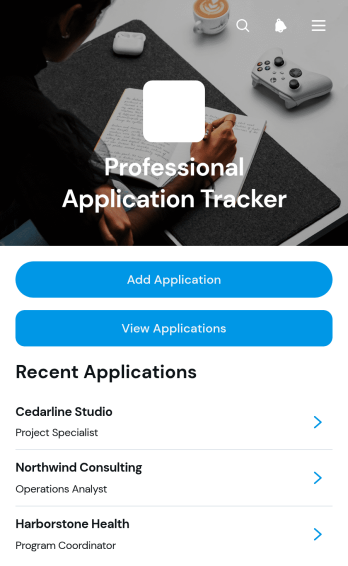
Professional Application Tracker App
Professional Application Tracker App gives job seekers, career changers, students, freelancers, and career advisers a central place to organize professional applications. Users can add an application, browse existing records, and review essential details such as the company, role, status, application date, follow-up date, notes, and outcome. This app template replaces scattered documents and reminders with a clear tracking experience, helping users monitor progress, plan timely follow-ups, compare opportunities, and maintain an accurate history throughout an active search. It is equally useful for individuals managing their own applications and advisers supporting multiple candidates.With Jotform Apps, this Professional Application Tracker App can be adapted through a no-code app builder and an intuitive drag-and-drop interface. Customize its pages, visual style, navigation, and connected data collection workflow without writing code. Jotform App Templates also make it easy to connect forms and tables, organize records for self-service access, and share the finished app through a direct link or QR code. The mobile-friendly experience keeps application information accessible wherever users prepare for interviews, contact prospective employers, or update an opportunity’s outcome.
Go to Category:Job Apps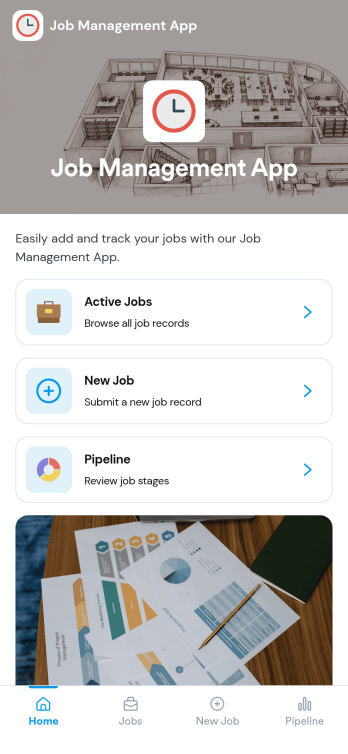
Job Management App
Job Management App brings your hiring workflow into one place so teams can post open roles, route candidates to the right listings, and keep applications organized as they come in. Use it to share a clear set of Open Jobs, publish role details, and guide candidates to Apply Now with a simple in-app application form. It’s a practical fit for growing businesses, HR departments, and operations leaders who need an easy way to keep recruiting moving without losing track of who applied to what.With Jotform, you can build and tailor app templates like this using a no-code app builder and a drag-and-drop interface, then connect your app experience to forms and tables for reliable data collection. Keep your workflow consistent by linking job listings to an application form, giving internal users a view of all applications, and offering candidates a self-service way to review their own applications. Share the app through a link or QR code, update content as roles change, and collaborate across teams as hiring needs evolve.
Go to Category:HR Portal Apps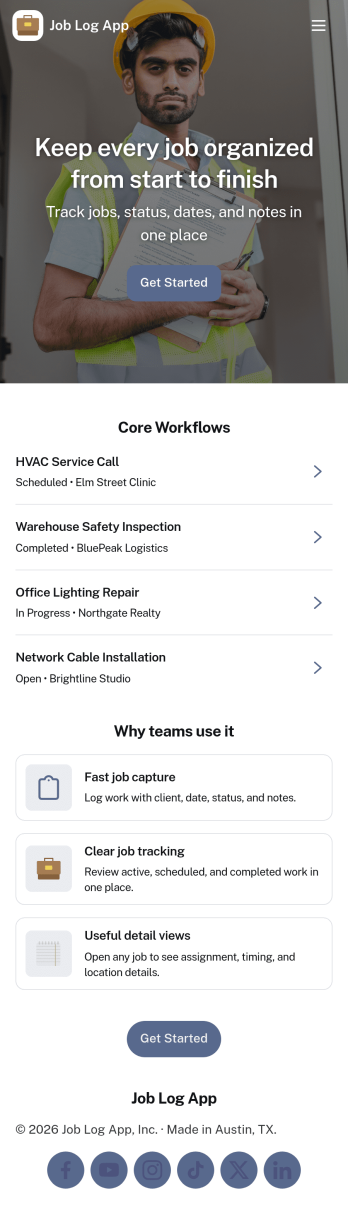
Job Log App
Job Log App helps teams and independent professionals capture work details as they happen and keep a clear record of jobs over time. Use it to add a new entry in seconds, review log history when questions come up, and pull up a client-specific view for context before the next visit. It fits field service businesses, contractors, consultants, and operations teams that need consistent job documentation for handoffs, billing support, or internal reporting without relying on scattered notes.Built with Jotform, this app template works as a practical self-service log hub that connects a simple form to organized, easy-to-browse pages. Customize the layout with a drag-and-drop interface, publish updates fast with a no-code app builder, and keep work information centralized so your workflow stays clear from first entry to quick stats and follow-ups.
Go to Category:Log Apps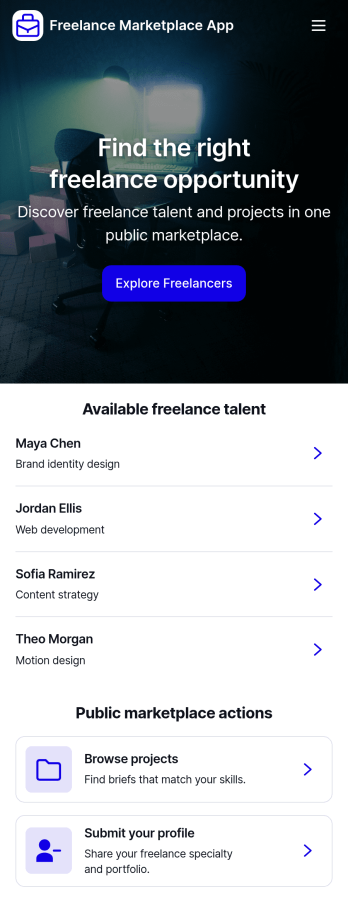
Freelance Marketplace App
Freelance Marketplace App provides a central place where independent professionals and clients can discover opportunities, compare expertise, and make useful connections. Freelancers can publish profiles featuring their specialties, skills, experience, hourly rates, availability, and portfolios, while clients can post projects with budgets and required skills. Visitors can browse available talent, explore project listings, open detailed profiles, and submit applications without navigating disconnected tools. This app template is well suited to staffing agencies, professional communities, creative networks, consulting groups, and small to medium-sized businesses that want to operate a focused marketplace. It supports clearer project discovery and data collection while giving both sides a convenient self-service experience.Jotform makes the Freelance Marketplace App easy to adapt with a no-code app builder and an intuitive drag-and-drop interface. Customize pages, cards, buttons, colors, fonts, and branding to suit your audience, then connect forms and tables to organize profile submissions, project posts, and applications within one workflow. Jotform App Templates help teams launch polished digital experiences quickly without programming knowledge. Publish your marketplace with a direct link, custom app URL, QR code, or embedded experience so freelancers and clients can access it from computers, tablets, or mobile devices.
Go to Category:Freelancer Apps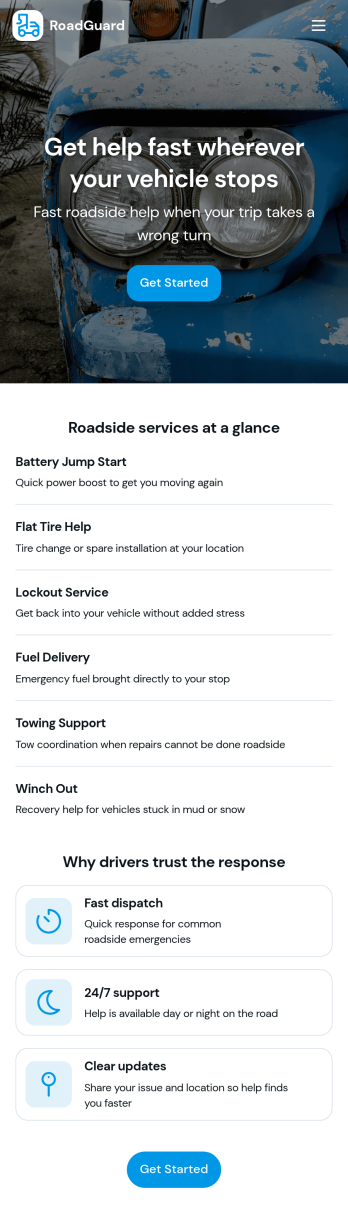
Roadside Assistance Job App
Roadside Assistance Job App helps towing and roadside teams handle active service calls from one place, from dispatch to completion. Use it to view open jobs, keep a dispatch queue organized, and review job details like status, assignment, and priority guidance so technicians know what to do next. It’s a practical fit for roadside assistance companies, fleet operators, and on-call service providers who need clear visibility into what’s in progress and who’s handling each request.Built with Jotform, this app template can be tailored with a no-code app builder and a drag-and-drop interface so you can match your workflow without development work. Connect your job records to tables for consistent data collection, let staff submit a new report when needed, and share a single self-service workspace with dispatchers and drivers through a link or QR code. As your operation grows, you can update pages, layouts, and connected resources to keep day-to-day coordination simple and reliable.
Go to Category:Automotive Apps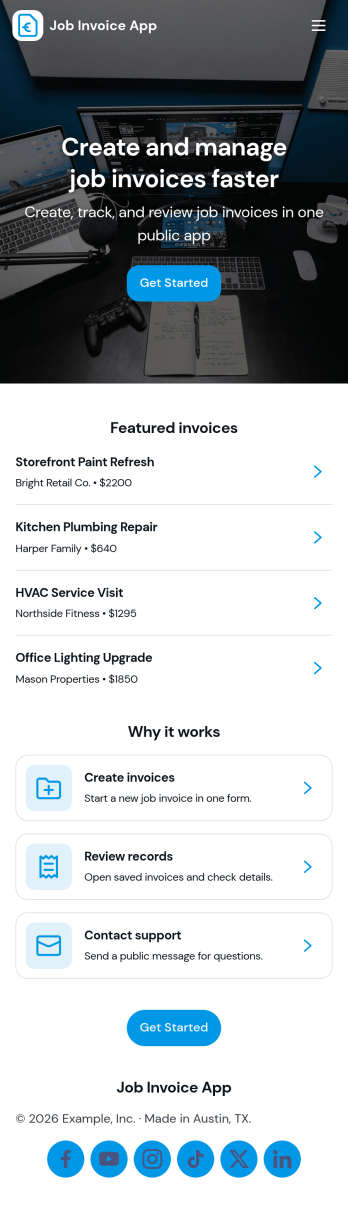
Job Invoice App
Job Invoice App helps service teams turn completed work into clear, consistent invoices while keeping job details organized in one place. It’s a practical fit for contractors, field service providers, repair businesses, and freelancers who need a simple way to add jobs, monitor job progress, and create invoices tied to specific job numbers without juggling scattered notes.Built with Jotform, this app template supports self-service data collection through connected forms and organized records, so your team can capture job information, generate new invoices, and review invoice history from an easy-to-navigate interface. Customize the pages with Jotform’s no-code app builder and drag-and-drop interface, then share the app with your staff to keep invoicing workflows consistent and easier to manage as work orders grow.
Go to Category:Finance Apps